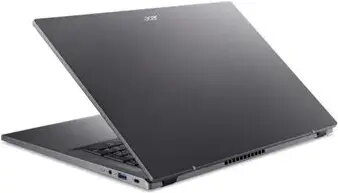
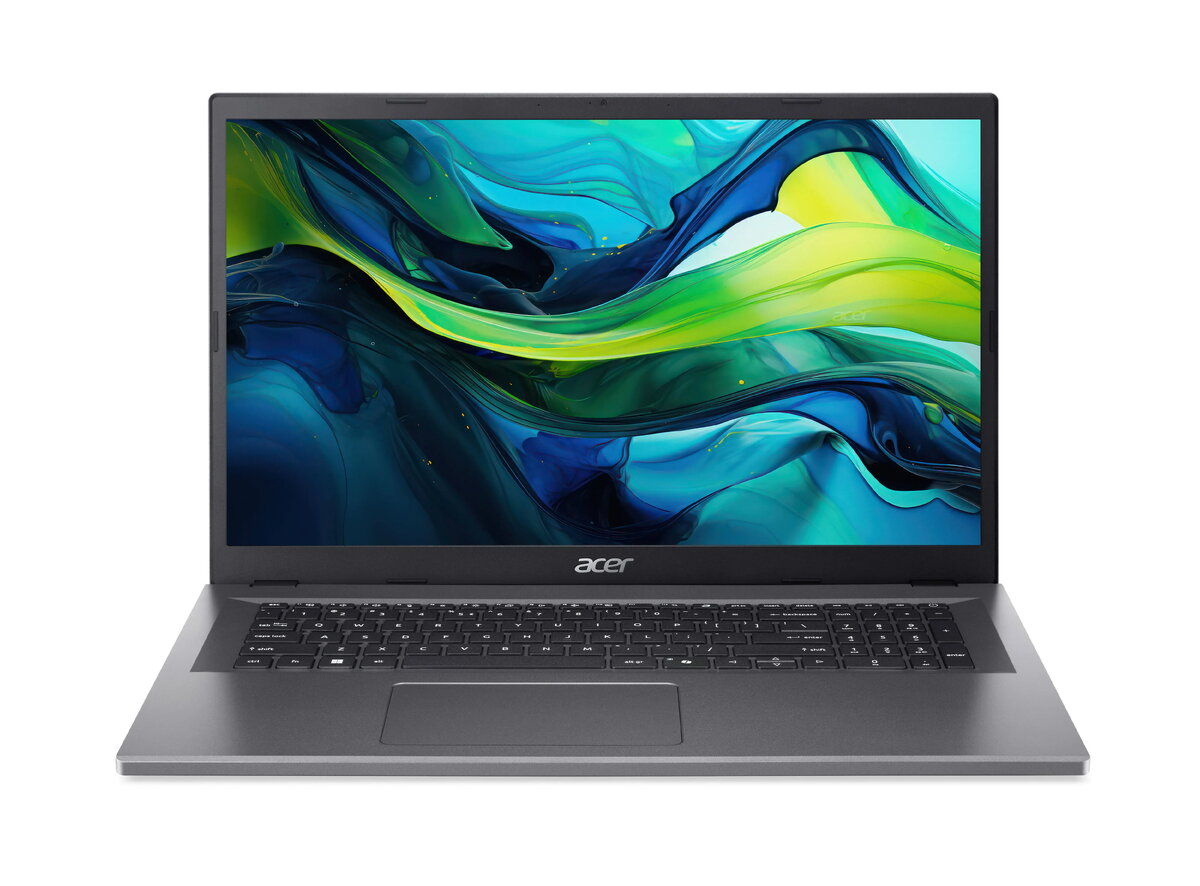
Laptop Acer Aspire Go 17 AG17-31P 17.3″ Intel N-series N355 1.9 GHz 8 GB RAM 512 GB SSD Intel Graphics Win 11 Home

SKU: 11549177

Apple Shopping Event

Hurry and get discounts on all Apple devices up to 20%

Sale_coupon_20

Original price was: 641,99 €.Current price is: 532,99 €.

  • Free shipping €100
  • 30 day return
  • Warranty 1 year

Description

The Acer Aspire Go 17 AG17-31P is a 17.3″ laptop designed for everyday computing. It is powered by an Intel N-series N355 processor running at up to 1.9 GHz, paired with 8 GB of system memory and a 512 GB solid-state drive. The laptop uses integrated Intel Graphics and ships with Windows 11 Home, providing a familiar environment for productivity, web browsing and media playback on a large display.

Advantages

The combination of a 17.3″ screen and a 512 GB SSD gives a balance of visual workspace and fast storage access without mechanical drive noise. The 8 GB of RAM supports multitasking for common applications, while the energy-efficient N-series processor offers low power consumption for longer battery operation. Integrated Intel Graphics allows basic photo and video playback as well as casual multimedia use. Factory-installed Windows 11 Home ensures compatibility with current software and security updates.

Suitable for

  • Office applications and document editing
  • Web browsing, email and video conferencing
  • Media playback of movies and streaming content
  • Light photo editing and casual multitasking

Key specifications

  • Display size: 17.3 inches
  • Processor: Intel N-series N355, up to 1.9 GHz
  • Memory: 8 GB RAM
  • Storage: 512 GB solid-state drive (SSD)
  • Graphics: Integrated Intel Graphics
  • Operating system: Windows 11 Home

How to use

Set up the laptop by connecting the power adapter and following the on-screen Windows 11 Home setup prompts. Use the large 17.3″ screen for document work, spreadsheets and side-by-side windows to increase productivity. Store files and applications on the 512 GB SSD for quicker access and faster boot times. For video calls and web meetings, use the built-in webcam and microphone with the preferred conferencing software. Keep system drivers and Windows updates current to maintain performance and security.

Usage recommendations

For best results, install only required applications to preserve SSD free space, use power-saving settings when mobile to extend battery life, and perform regular Windows updates. For heavier multitasking or demanding creative tasks consider upgrading memory or using an external drive for additional storage.

Overview