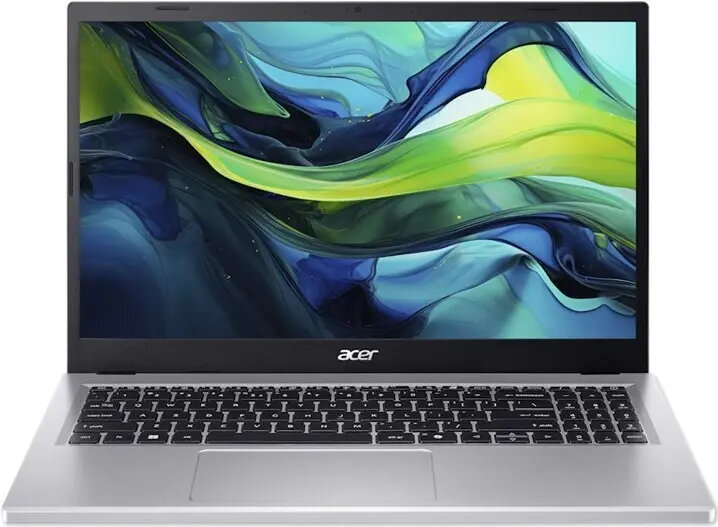
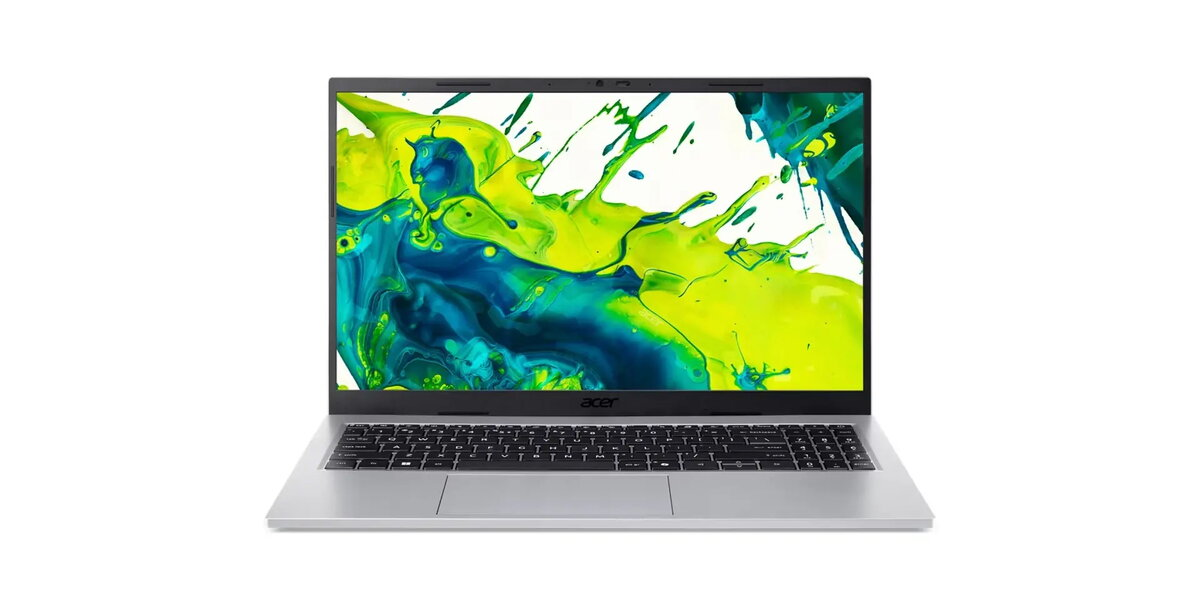
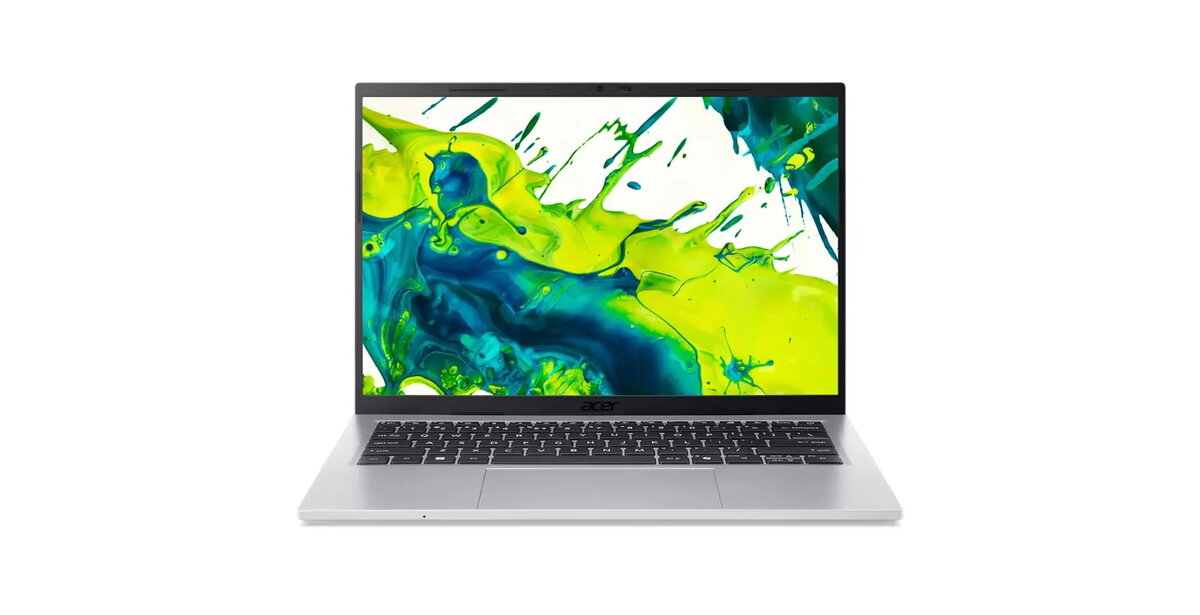
The Acer Aspire Go 14 AG14-72P is a 14-inch portable laptop with a 1920×1200 WUXGA (16:10) IPS display running at up to 120 Hz. It is powered by an Intel Core 5-120U processor (10 cores, 12 threads) and comes configured with 16 GB DDR4 SODIMM memory and a 512 GB PCIe NVMe SSD. The unit is offered without a preinstalled desktop operating system (boot-up ESHELL Linux only), includes integrated Intel Iris/UHD graphics, a Precision Touchpad and an FHD USB camera. The chassis is finished in Pure Silver and the laptop weighs approximately 1.4 kg, making it suitable for users who need a responsive, lightweight machine for everyday productivity and content consumption.
Advantages
The combination of a 10-core Intel Core 5-120U processor and 16 GB of RAM delivers responsive performance for office applications, web browsing and light multitasking. The 512 GB NVMe SSD provides fast system startup and application load times. A 14″ 1920×1200 IPS panel with anti-reflective coating and 120 Hz refresh rate offers a clear, smooth image for document work, video playback and web content. Built-in Wi‑Fi 6 and Bluetooth 5.2 enable modern wireless connectivity, while multiple USB-C and USB-A ports plus HDMI 2.1 allow straightforward external display and peripheral connections. The 53 Wh battery and 65 W USB-C charging support help maintain mobility during a typical workday.
Suitable for
- Office work: document editing, email, spreadsheets and presentations
- Web browsing, video streaming and online meetings
- Light multitasking and productivity workflows with multiple browser tabs and apps
- Portable use for students and professionals who need a compact 14″ laptop
- Connecting to external monitors, projectors and peripherals via USB-C or HDMI
When it may not be suitable
This model does not include a full desktop operating system out of the box (only ESHELL Linux for boot), so users who require Windows or a preinstalled OS will need to install their preferred operating system separately. The integrated Intel graphics are appropriate for everyday multimedia and light photo editing but are not designed for demanding 3D gaming or heavy GPU-accelerated workloads. There is no built-in optical drive, card reader or wired network (Ethernet) port, which may be a limitation for some specialized workflows.
Key specifications
- Display: 14″ WUXGA (1920×1200), IPS, anti-reflective, 120 Hz, 300 nits
- Processor: Intel Core 5-120U (10 cores, 12 threads; P-core 1.4–5.0 GHz; E-core 0.9–3.8 GHz)
- Memory: 16 GB DDR4 SODIMM
- Storage: 512 GB PCIe NVMe SSD
- Graphics: Integrated Intel Iris / Intel UHD Graphics
- Webcam: FHD USB TNR
- Audio: 2× speakers, 2× microphones
- Wireless: Wi‑Fi 6 (802.11ax) 2×2 MU‑MIMO, Bluetooth 5.2
- Ports: 2× USB-C (USB 3.2 Gen2 with DisplayPort and charging), 2× USB 3.2 Gen1, HDMI 2.1, 3.5 mm combo jack, Kensington slot
- Battery: 53 Wh Li‑ion; Power adapter: 65 W USB‑C
- Weight: ~1.4 kg; Color: Pure Silver; Warranty: 2 years
How to use
Unpack the laptop and connect the 65 W USB‑C adapter for initial charging. Install your preferred operating system if required, then update firmware and drivers from the manufacturer’s support site. Use the Precision Touchpad and full keyboard for everyday navigation and productivity. Connect to wireless networks using the built‑in Wi‑Fi 6 and pair peripherals through Bluetooth 5.2. For external displays, use the USB‑C DisplayPort output or the HDMI 2.1 port. Store files on the internal 512 GB SSD or add external storage via USB if more capacity is needed.
What to consider before purchase
- No preinstalled desktop OS — plan to install Windows or another operating system if required
- Integrated graphics limit suitability for demanding 3D or GPU‑intensive applications
- No Ethernet port, optical drive or card reader — check peripheral and connectivity needs
- Memory is 16 GB DDR4 SODIMM — verify upgradeability if larger RAM is needed
- Weight and battery capacity suit mobile use but evaluate runtime for your workload
Usage recommendations
For best day‑to‑day performance, keep the system firmware and drivers up to date, use the SSD for primary storage and enable Wi‑Fi 6 on compatible routers. Install a supported operating system and adjust power profiles to balance battery life and performance according to your usage patterns. When connecting multiple external displays or high‑bandwidth peripherals, prefer the USB‑C ports rated for DisplayPort and USB 3.2 Gen2.




 Free shipping €100
 30 day return
 Warranty 1 year

 Overview