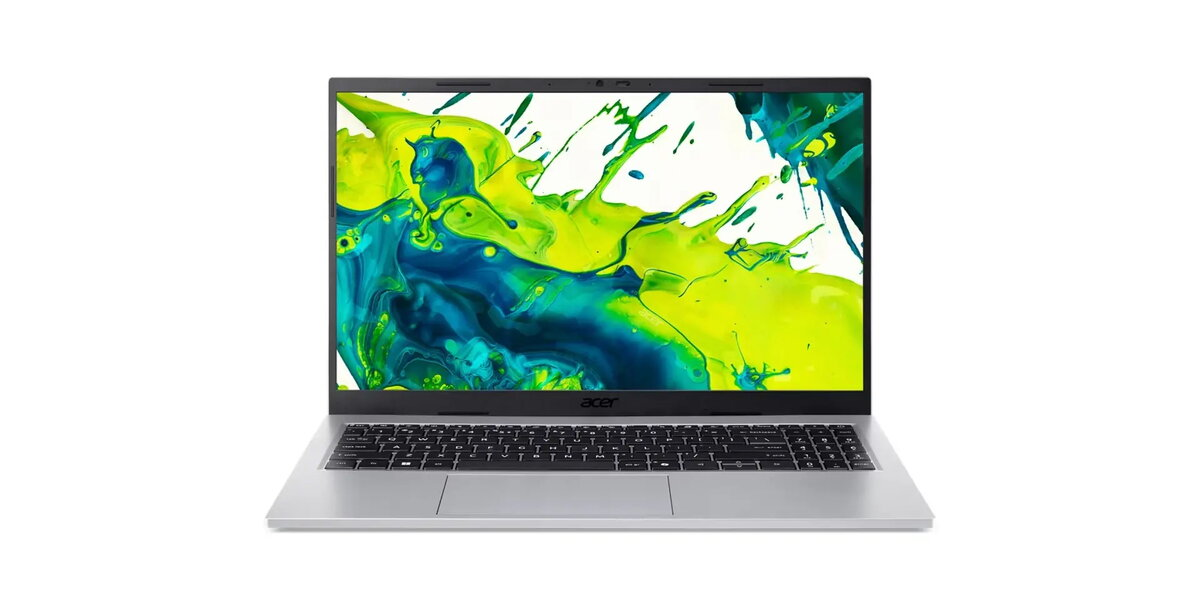
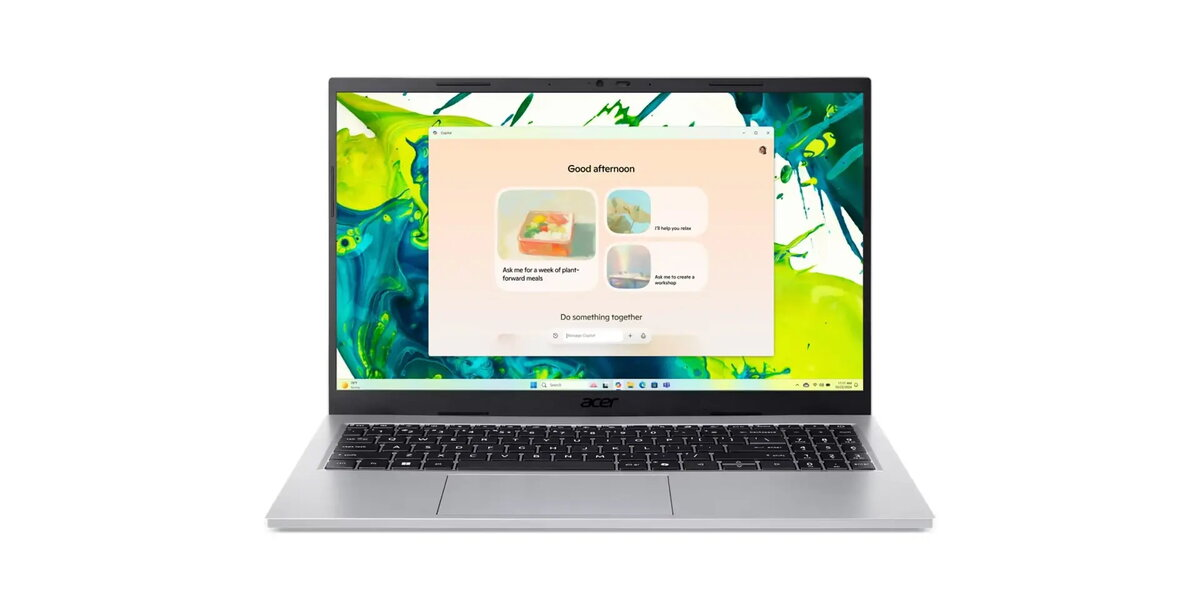
The Acer Aspire Go 15 (AG15-44P-R9RH) is a 15.6″ laptop preinstalled with Windows 11 Home and powered by an AMD Ryzen 3 5400U processor with four cores and eight threads. It includes 16GB DDR4 memory and a 512GB PCIe NVMe SSD for storage. The display is a 15.6″ Full HD (1920×1080) anti-glare TN panel at 60Hz, and graphics are handled by integrated AMD Radeon RX Vega 6. The chassis in Pure Silver measures 357.7 x 234.4 x 17.9 mm and the laptop weighs 1.51 kg. The system features WLAN with Wi-Fi 6 (802.11ax 2×2 MU-MIMO) and Bluetooth 5.3, an FHD USB TNR webcam, dual speakers, dual microphones and a precision touchpad. Battery capacity is 53Wh and power is supplied via a 65W USB-C AC adapter.
Advantages
The laptop offers a balance of performance and portability with a modern Ryzen 3 CPU, 16GB of RAM and a fast 512GB NVMe SSD, enabling responsive multitasking and storage performance. Connectivity includes Wi‑Fi 6 and USB‑C with DisplayPort and charging support, while the Full HD anti‑glare display reduces reflections for everyday use. The compact, lightweight metal-colour chassis and 53Wh battery make it suitable for mobile work.
Suitable for
- Office and productivity tasks (documents, spreadsheets, email)
- Web browsing, video calls and streaming
- Light photo editing and casual creative work
- Students and mobile professionals needing a portable 15.6″ laptop
When it may not be suitable
This model uses a TN panel at 60Hz, which offers more limited viewing angles and colour reproduction compared with IPS or higher refresh panels; it may not meet needs for professional colour-critical work or high-refresh gaming. The integrated Radeon RX Vega 6 is suitable for basic graphics tasks but is not intended for demanding modern games at high settings.
Key specifications
- Operating system: Windows 11 Home
- Processor: AMD Ryzen 3 5400U (4 cores, 8 threads, 2.6–4.0 GHz)
- Memory: 16GB DDR4
- Storage: 512GB PCIe NVMe SSD
- Display: 15.6″ Full HD (1920×1080) anti-glare TN, 60Hz
- Graphics: Integrated AMD Radeon RX Vega 6
- Webcam: FHD USB TNR
- Audio: 2x speakers, 2x microphones
- Wireless: Wi‑Fi 6 (802.11ax 2×2 MU‑MIMO), Bluetooth 5.3
- Ports: 2x USB-C (USB 3.2 Gen 2 with DisplayPort and charging), 2x USB-A (USB 3.2 Gen 1), HDMI 2.1, combo audio jack, Kensington slot
- Battery: 53Wh Li‑ion
- Power adapter: 65W USB‑C
- Dimensions: 357.7 x 234.4 x 17.9 mm
- Weight: 1.51 kg
- Colour: Pure Silver
How to use
Unpack the laptop, connect the 65W USB‑C adapter and perform initial Windows 11 setup following on‑screen instructions. Use the Precision Touchpad and included keyboard with numeric keypad for daily input. Connect external displays via HDMI or USB‑C DisplayPort, and pair wireless peripherals using Bluetooth. Keep the system updated through Windows Update and Acer Sense App for driver and firmware updates. For longer unplugged use, manage power profiles in Windows to extend battery life.
What to consider before purchase
- Display type: TN panel with limited viewing angles compared to IPS
- GPU performance: integrated Vega 6 is for basic graphics, not high-end gaming
- Expandable storage or memory options depending on your upgrade needs
- Port selection meets common needs but check for any required adapters (e.g., for legacy ports)
Usage recommendations
For general productivity and everyday multimedia, use balanced power mode and keep firmware/drivers updated via Acer Sense App. If you need improved colour accuracy or gaming performance, consider an external monitor or a model with an IPS panel and dedicated GPU.




 Free shipping €100
 30 day return
 Warranty 1 year

 Overview