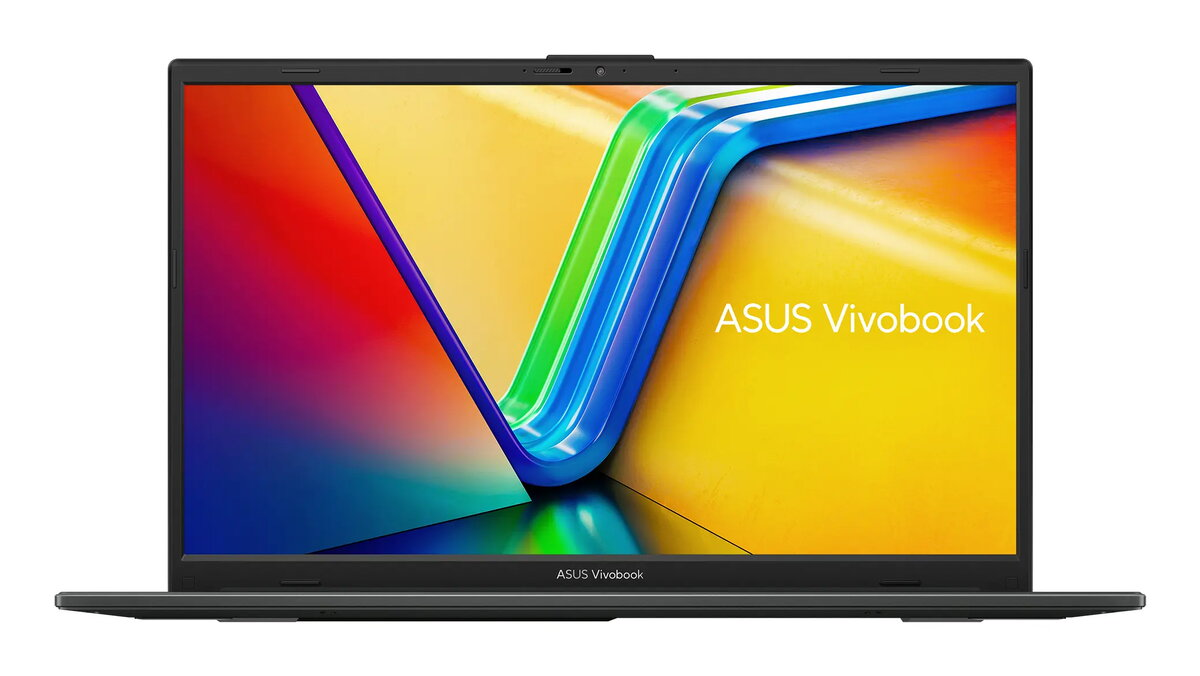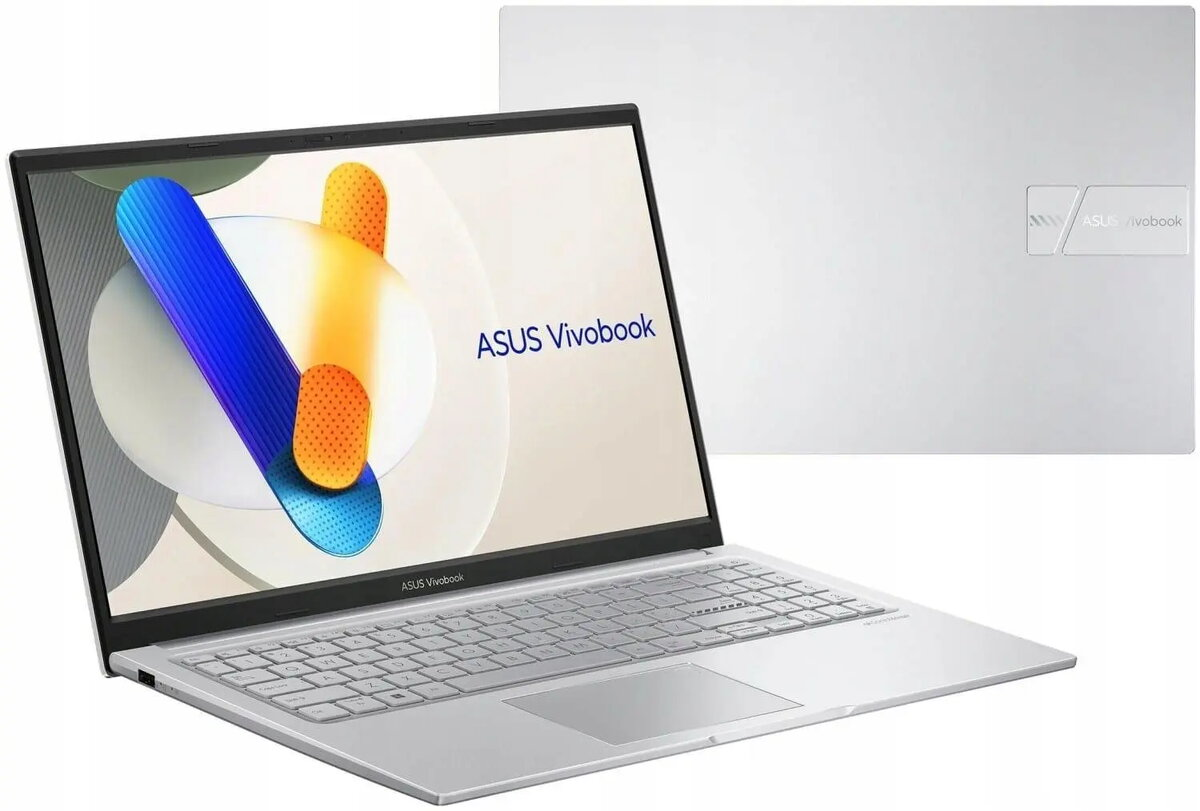
Laptop Asus VivoBook 15 X1504VA-BQ4292 — Intel Core i5-120U, 15.6″ FHD IPS, 16GB RAM, 512GB SSD, No OS

SKU: 12010770

Apple-Shopping-Event

Hurry and get discounts on all Apple devices up to 20%

Sale_coupon_20

578,99 

  • Free shipping €100
  • 30 day return
  • Warranty 1 year

Beschreibung

Asus VivoBook 15 X1504VA-BQ4292 is a 15.6-inch laptop designed for everyday productivity and light multitasking. It combines an Intel Core i5-120U processor with 16 GB of DDR memory and a 512 GB M.2 PCIe SSD to provide responsive performance for web browsing, office applications and media playback. The full HD IPS display delivers wide viewing angles and clear text, while the compact chassis supports easy transport between home and work. The laptop is supplied without an operating system, allowing users to install their preferred OS or use it in specialized environments.

Vorteile

The Intel Core i5-120U CPU balances power efficiency and multi-core performance for common productivity tasks. A dual-channel 16 GB memory configuration supports smoother multitasking and faster application switching compared with single-module setups. The 512 GB M.2 PCIe SSD offers fast boot times and quick file access, and the FHD IPS panel provides consistent color reproduction and readable contrast for extended use. The lightweight design and standard connectivity make the device convenient for daily commuting and remote work setups.

Geeignet für

  • Office work and document editing
  • Web browsing, video calls and online collaboration
  • Media playback and streaming
  • Students and remote learning
  • Light photo editing and multitasking

Wichtige technische Daten

  • Display: 15.6″ Full HD (1920×1080) IPS panel
  • Processor: Intel Core i5-120U (low-power mobile CPU)
  • Memory: 16 GB DDR in dual-channel configuration (2×8 GB)
  • Storage: 512 GB M.2 PCIe solid-state drive
  • Operating system: supplied without an OS (user-installed)
  • Form factor: 15.6-inch laptop, compact and portable chassis
  • Connectivity: standard ports for everyday peripherals and networking

Anleitung

Unpack the laptop and connect the power adapter before first boot. Install an operating system of your choice following the vendor or OS provider instructions, or connect to an existing network for image-based provisioning. Use the built-in display, keyboard and touchpad for typical workflows such as document editing, spreadsheets and browser-based applications. For improved performance in multitasking scenarios, keep background applications to a minimum and ensure the SSD has free space for temporary files and virtual memory.

Anwendungsempfehlungen

For reliable daily use, install the latest firmware and drivers from the manufacturer, enable energy-saving profiles when on battery, and maintain at least 10–20% free storage space on the SSD to preserve write performance. When transporting the laptop, use a padded sleeve or case to protect the screen and chassis.

Overview