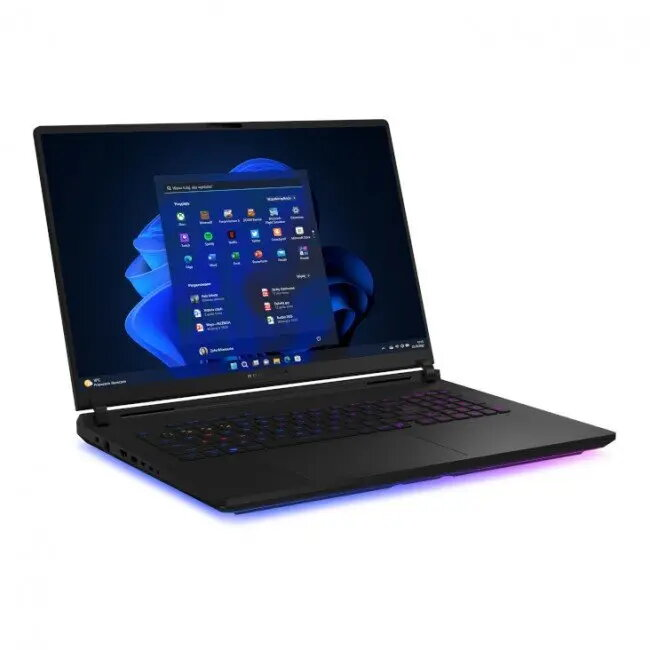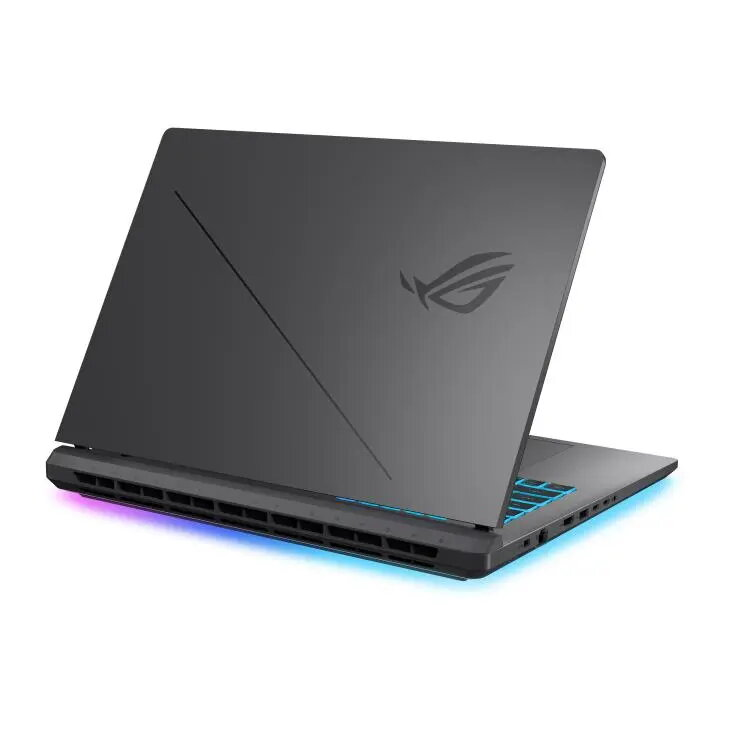

Laptop ASUS ROG Strix SCAR 18 G835LW-U9644X 18″ 240Hz 2.5K Ultra 9-275HX 64GB 2+2TB RTX5080 Win11Pro

SKU: 11429178

Apple Shopping Event

Hurry and get discounts on all Apple devices up to 20%

Sale_coupon_20

4.425,99 

  • Free shipping €100
  • 30 day return
  • Warranty 1 year

Description

The ASUS ROG Strix SCAR 18 G835LW-U9644X is a high-performance gaming laptop equipped with an 18-inch 2.5K display at 240Hz and an Intel Core Ultra 9-275HX processor. Built for demanding gaming and content-creation workflows, it combines large memory capacity, extensive storage, and a dedicated NVIDIA RTX 5080 graphics solution. The system runs Windows 11 Pro and is tuned to deliver sustained performance for long gaming sessions and professional multitasking.

Advantages

This model provides a large, high-refresh-rate 2.5K panel that improves clarity and responsiveness in fast-paced titles. The Intel Ultra 9-275HX processor together with 64GB of RAM supports heavy multitasking and compute-intensive applications. Dual high-capacity storage (2TB + 2TB) offers both speed and large archival space for games, media and projects. The NVIDIA RTX 5080 GPU delivers hardware-accelerated ray tracing and advanced rendering performance for modern games and creative software. Windows 11 Pro integration ensures compatibility with professional features, security updates and management tools.

Suitable for

  • Competitive and AAA gaming at high frame rates and elevated visual settings
  • Video editing, 3D rendering and other GPU-accelerated creative workflows
  • Software development, virtual machines and heavy multitasking
  • Streaming and content creation while running background applications

Key specifications

  • Display: 18″ 2.5K resolution, 240Hz refresh rate
  • Processor: Intel Core Ultra 9-275HX
  • Memory: 64GB RAM
  • Storage: Dual drives with 2TB + 2TB total capacity
  • Graphics: NVIDIA RTX 5080 discrete GPU
  • Operating system: Windows 11 Pro

How to use

Power on the laptop using the dedicated power button and allow Windows 11 Pro to complete initial setup if required. Use the built-in display for immersive gaming or connect external monitors via available video outputs for extended desktop and multi-monitor workflows. Install games and applications to the preferred internal drive depending on needs: allocate the faster drive for active projects and games, and use the larger secondary drive for archives and backups. Update graphics drivers and system firmware periodically to maintain performance and stability.

Usage recommendations

For optimal thermal and performance balance during extended sessions, place the laptop on a flat, hard surface to ensure unobstructed airflow, use manufacturer-provided power settings for high-performance modes when gaming, and keep graphics drivers up to date. Back up important data regularly to an external drive or cloud storage and monitor system temperatures when running intensive workloads.

Overview