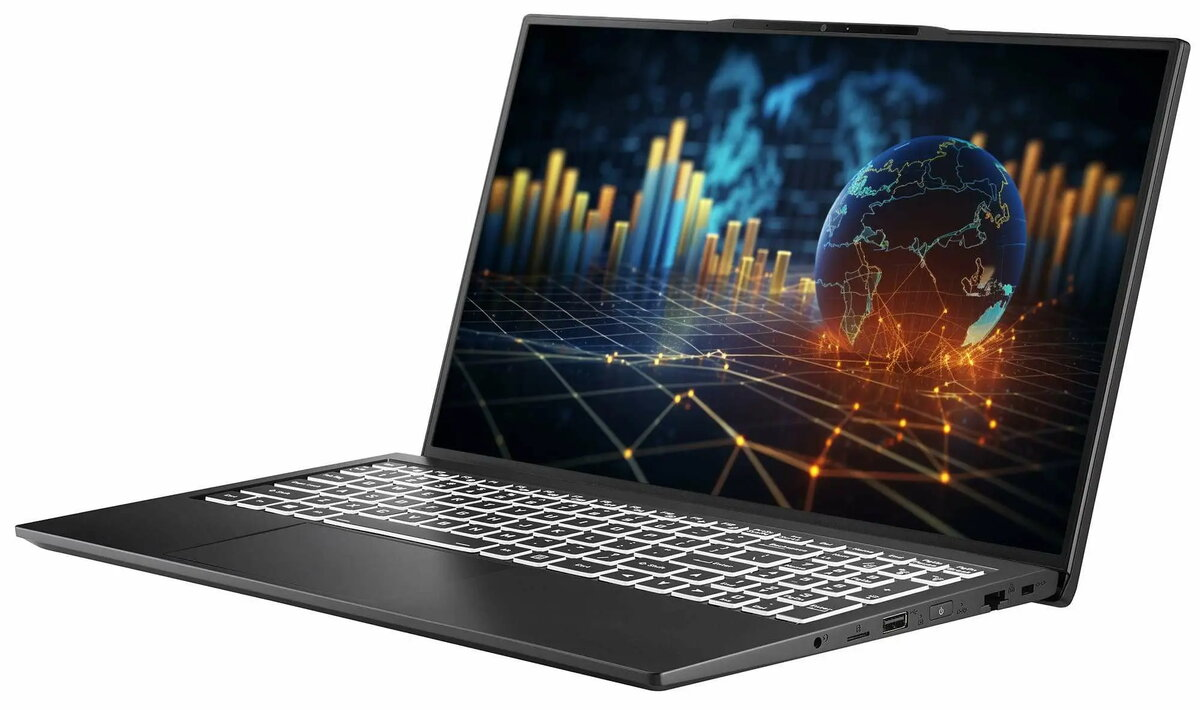
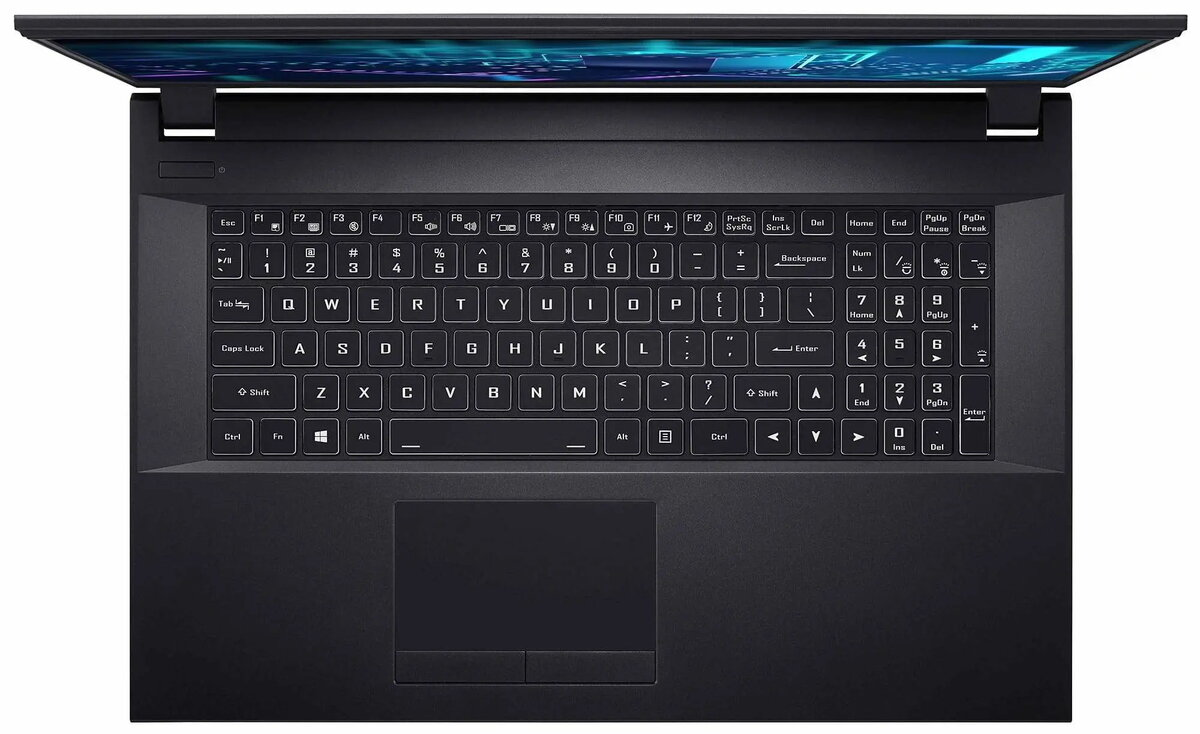
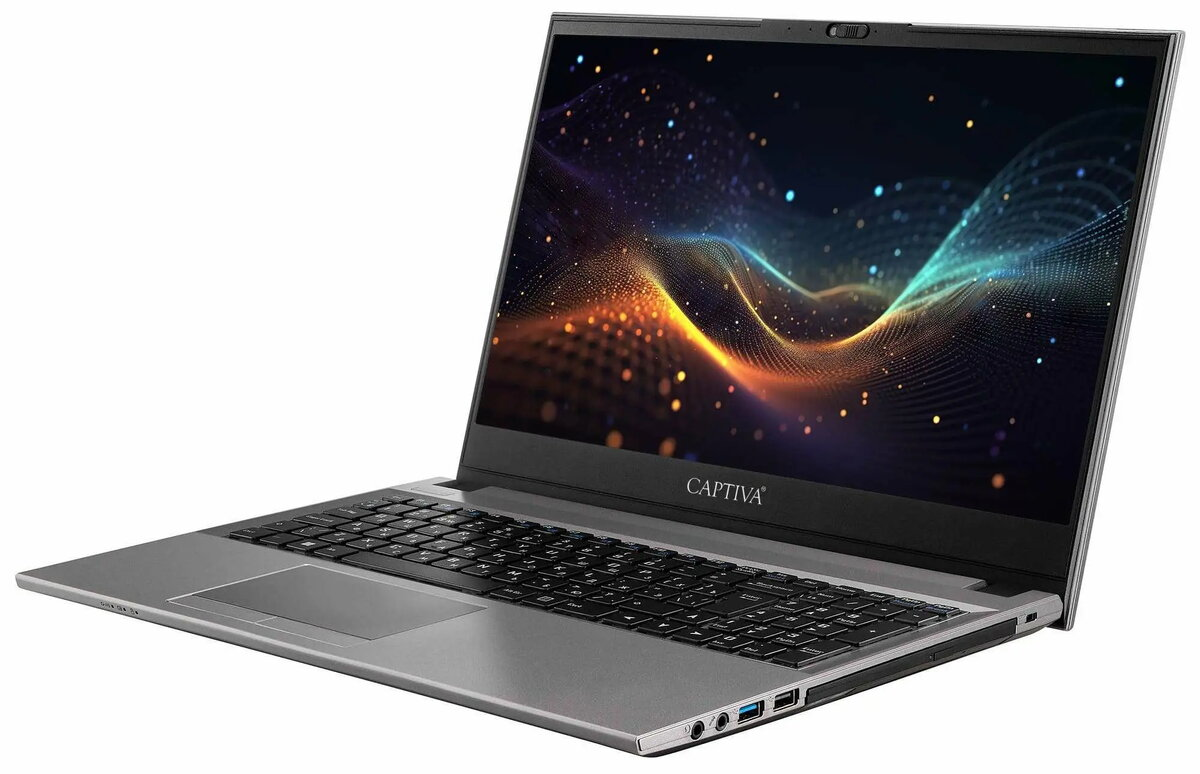
The Captiva Notebook Business/Office I10-0763GE (model 100763) is a 15.6-inch business laptop configured for corporate and office use. It is powered by an Intel Core i7-1255U processor with integrated Intel Iris Xe graphics, fitted with 16 GB of RAM and a 500 GB solid-state drive. The chassis includes a DVD‑RW optical drive and standard wireless connectivity (WLAN and Bluetooth). The system is supplied without a preinstalled operating system and without a power adapter, allowing IT departments to install custom images and provide compatible power solutions.
Advantages
The 12th-generation Intel Core i7 processor combined with 16 GB of RAM delivers smooth performance for typical office workloads such as document editing, spreadsheets, web conferencing and light data analysis. The 500 GB SSD improves system responsiveness and reduces application load times compared with traditional hard drives. Integrated Intel Iris Xe graphics support multimedia playback and multiple displays while keeping power consumption moderate. Built-in WLAN and Bluetooth provide standard wireless networking and peripheral connectivity, and the DVD‑RW drive maintains compatibility with optical media used for legacy data or software.
Suitable for
- Office productivity: word processing, spreadsheets, email and web browsing
- Remote work and video conferencing
- Enterprise imaging and bulk OS deployment (no preinstalled OS)
- Users needing occasional access to optical media (DVD‑RW)
When it may not be suitable
The laptop is shipped without an operating system and without a power adapter, so it is not ready to use out of the box; an appropriate power adapter and an OS image must be supplied separately. Integrated Intel Iris Xe graphics are intended for general multimedia and light graphical tasks and are not suitable for demanding 3D rendering or high-end gaming. The 15.6-inch form factor balances screen size and portability but may be larger and heavier than ultraportable models.
Key specifications
- Display size: 15.6 inches (diagonal)
- Processor: Intel Core i7-1255U (12th generation) with integrated Intel Iris Xe graphics
- Memory: 16 GB RAM
- Storage: 500 GB solid-state drive (SSD)
- Optical drive: DVD‑RW (read/write DVD and CD)
- Wireless: WLAN (Wi‑Fi) and Bluetooth connectivity
- Operating system: supplied without preinstalled OS
- Power: supplied without power adapter
How to use
Connect a compatible power adapter before first use and install a chosen operating system image or deploy an OS via network installation tools. After OS installation, install chipset, wireless and graphics drivers to ensure full hardware functionality. Configure WLAN and Bluetooth through the operating system settings to connect to networks and peripherals. Use the DVD‑RW drive to read or write optical discs when required, and rely on the SSD for fast boot times and application performance.
What to consider before purchase
- Requires separate provision or purchase of a compatible power adapter
- No operating system preinstalled — plan for OS licensing and installation
- Integrated graphics are not intended for high-end gaming or professional 3D work
- Check required ports and expansion options for docking and peripherals
Usage recommendations
For corporate deployments, prepare and test a standardized OS image including necessary security, management and driver packages before mass installation. Use the internal SSD for the operating system and primary applications and consider external or network storage for large data sets. Keep drivers and firmware up to date and maintain regular backups of important data to ensure reliable operation in office environments.




 Free shipping €100
 30 day return
 Warranty 1 year

 Overview