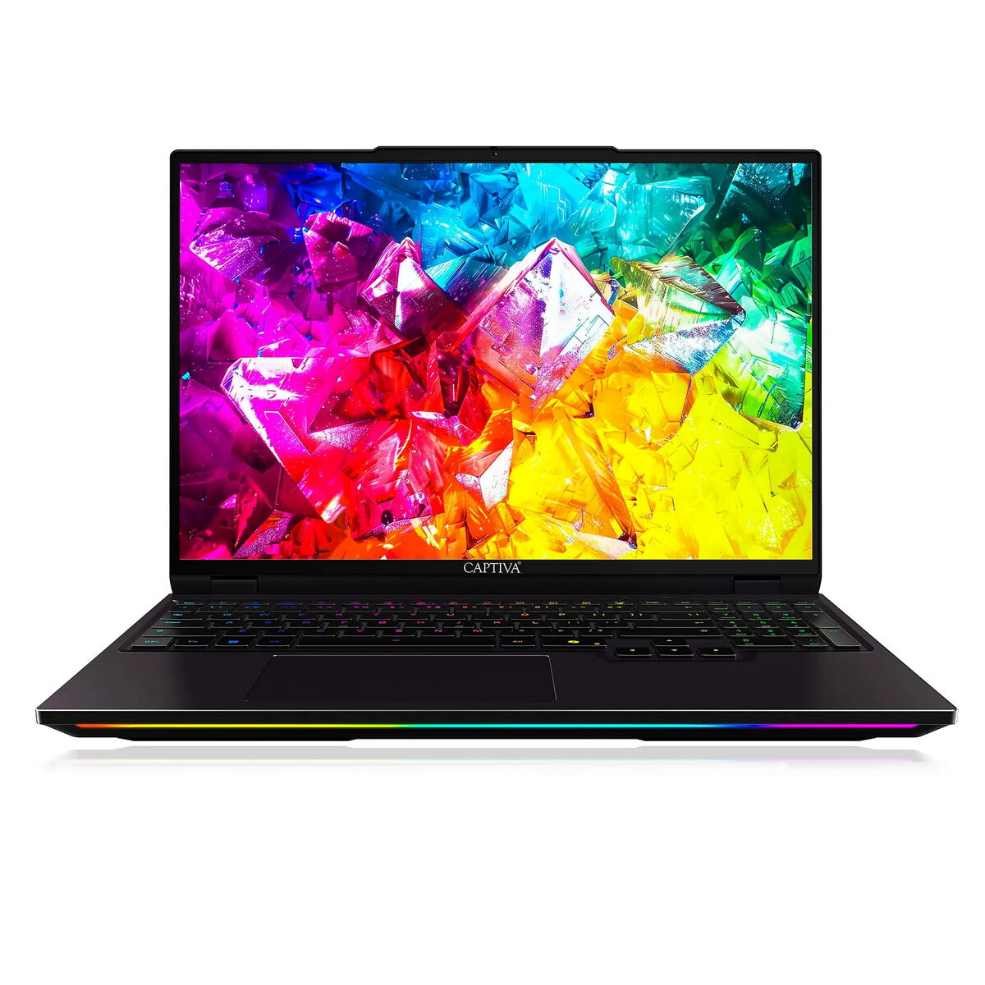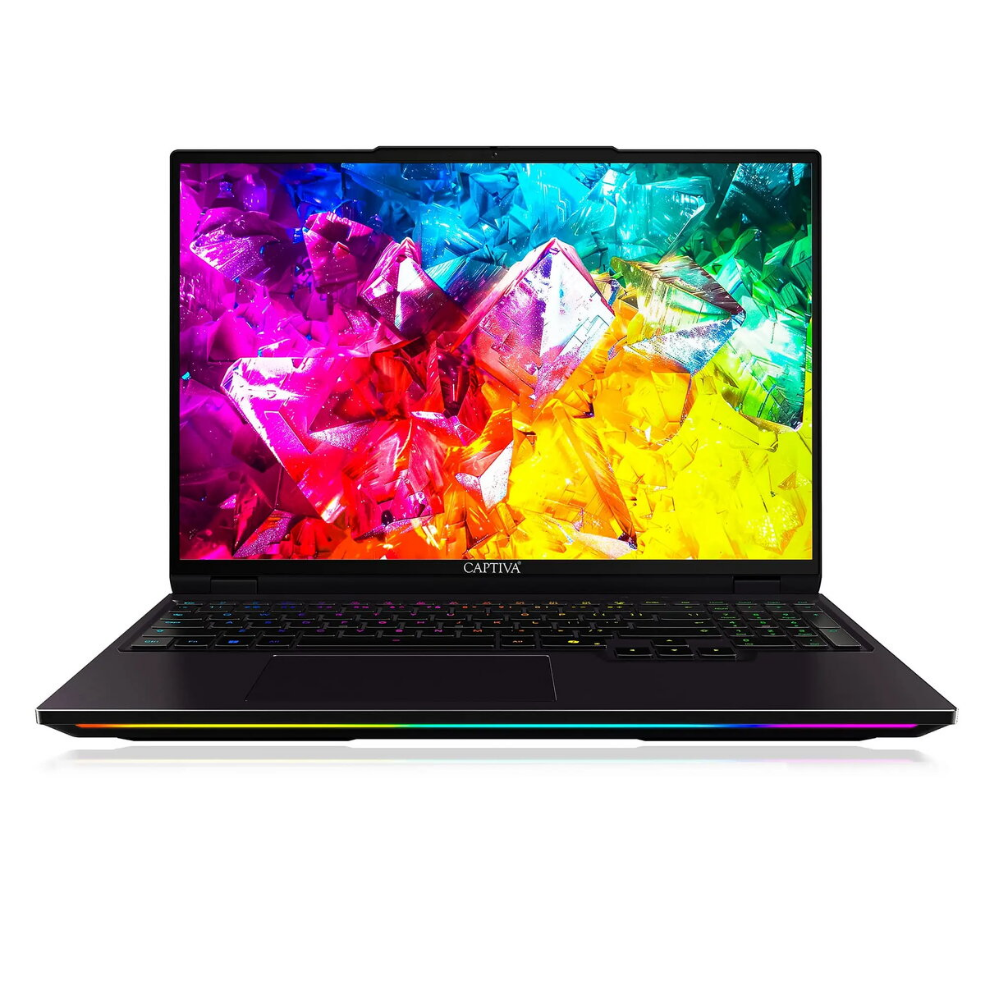
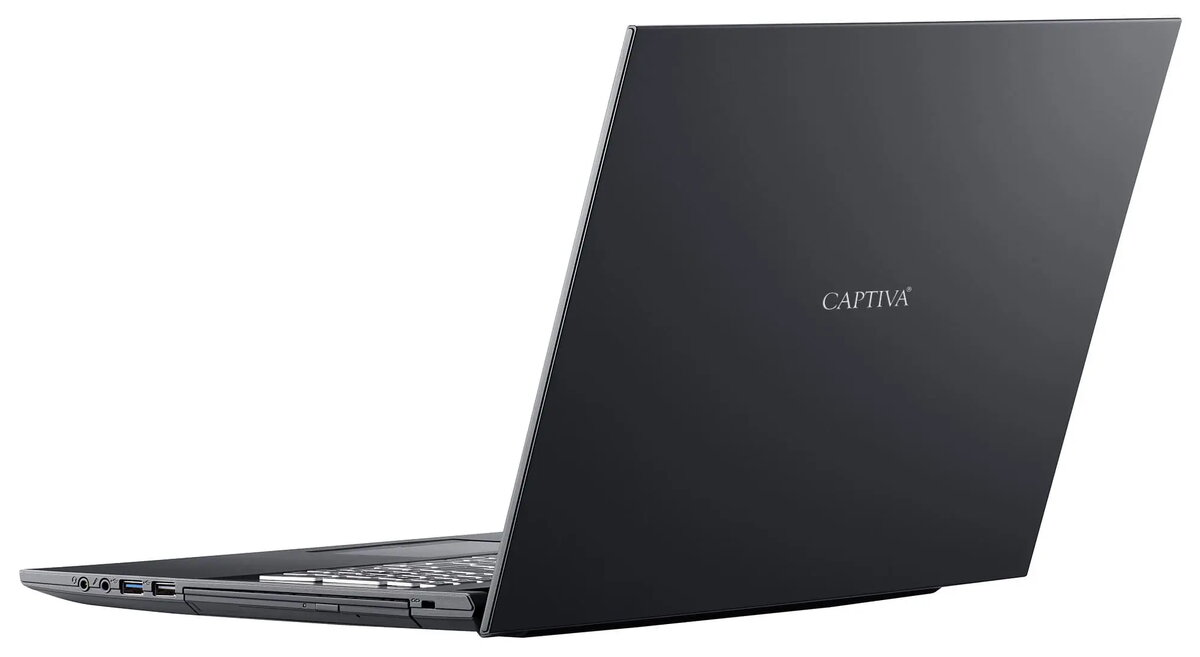
Laptop Captiva Notebook Ultimate Gaming R92-220 16.0 Ryzen 9 9955HX 8GB 2TB SSD GeForce RTX5090 24GB Win 11 Pro

SKU: 11548123

Apple Shopping Event

Hurry and get discounts on all Apple devices up to 20%

Sale_coupon_20

4.298,99 

  • Free shipping €100
  • 30 day return
  • Warranty 1 year

Description

The Captiva Notebook Ultimate Gaming R92-220 is a high-performance 16.0-inch laptop built for demanding gaming and intensive workloads. It is equipped with an AMD Ryzen 9 9955HX processor, 8GB of system memory, and a 2TB solid-state drive, providing a balance of processing power and high-capacity fast storage. Graphics are handled by an NVIDIA GeForce RTX5090 with 24GB of dedicated memory, and the system runs Windows 11 Pro to support modern software, gaming platforms and productivity applications.

Advantages

The combination of a Ryzen 9 9955HX CPU and a GeForce RTX5090 24GB GPU delivers strong single-thread and multi-thread performance for gaming and content creation. A large 2TB SSD offers high-capacity, low-latency storage for game libraries, media files and project data. The 16.0-inch display provides a balance between screen area and portability for desktop-style gaming on the move. Preinstalled Windows 11 Pro ensures compatibility with the latest drivers, security features and professional management tools.

Suitable for

  • High-end gaming and esports titles
  • 3D rendering and GPU-accelerated content creation
  • Large game libraries and media storage
  • Multitasking and productivity with modern desktop applications

Key specifications

  • Display size: 16.0 inches
  • Processor: AMD Ryzen 9 9955HX
  • System memory: 8 GB RAM
  • Storage: 2 TB solid-state drive (SSD)
  • Graphics card: NVIDIA GeForce RTX5090 with 24 GB dedicated memory
  • Operating system: Windows 11 Pro

How to use

Unpack the laptop and connect the included power adapter to fully charge the battery before first use. Install Windows updates and graphics drivers to ensure optimal performance and compatibility with games and applications. Use the system settings to adjust power and performance profiles depending on whether you prioritize battery life or maximum performance. Store large files and game installations on the 2TB SSD for faster load times and responsiveness.

Usage recommendations

For sustained maximum performance in gaming or rendering tasks, connect the laptop to AC power, enable the high-performance power profile, and keep GPU drivers up to date. Regularly back up important data from the SSD and maintain adequate ventilation around the chassis during long sessions to avoid thermal throttling.

Overview