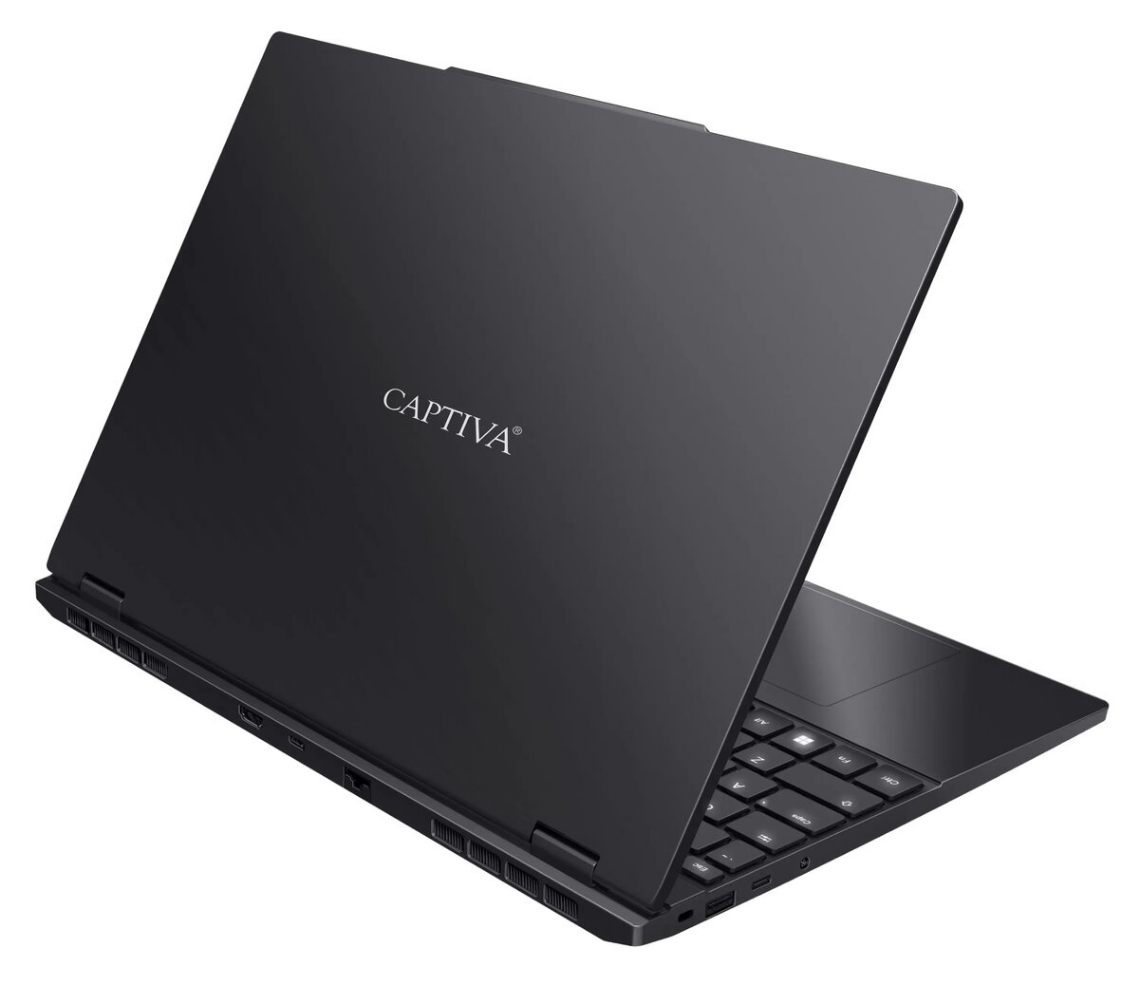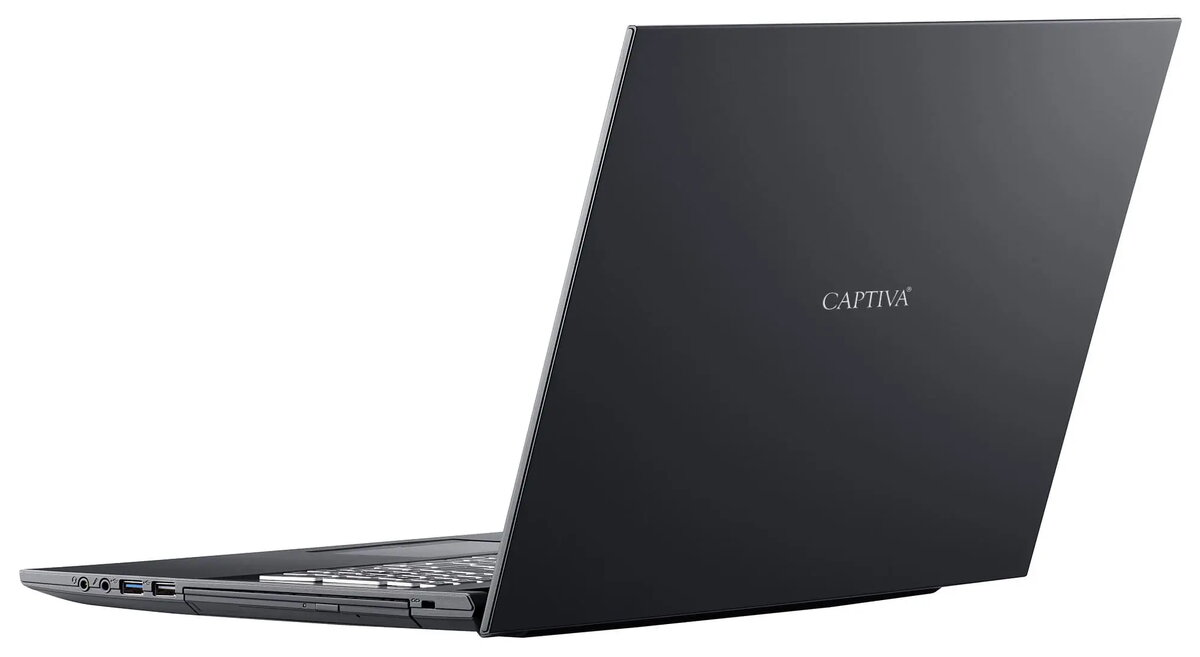
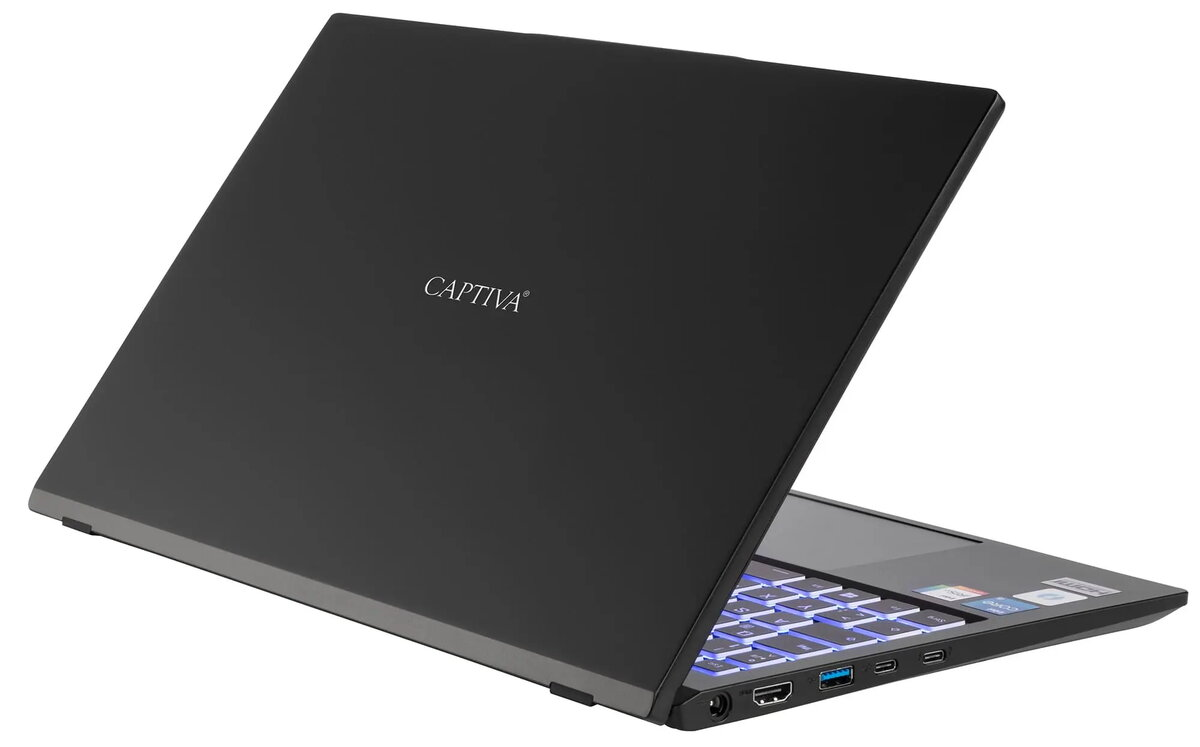
Laptop Captiva CAPTIVA 99043 — 500 GB SSD, no OS installed

SKU: 12067221

Apple Shopping Event

Hurry and get discounts on all Apple devices up to 20%

Sale_coupon_20

1.402,99 

  • Free shipping €100
  • 30 day return
  • Warranty 1 year

Description

Captiva CAPTIVA 99043 is a laptop configured with a 500 GB solid-state drive and delivered without a preinstalled operating system, allowing users to install their preferred OS and tailor software to their needs. The model does not include a specified onboard or discrete graphics card, making it a straightforward, adaptable device for general-purpose computing where graphics-intensive performance is not required.

Advantages

The 500 GB SSD offers faster boot and application load times compared with traditional hard drives and provides a balance between storage capacity and responsiveness. With no operating system preinstalled, the laptop allows full control over system configuration, privacy and choice of software. The absence of a specified graphics module reduces complexity and can simplify driver management for standard office and web tasks.

Suitable for

  • Office productivity (word processing, spreadsheets, email)
  • Web browsing and cloud-based applications
  • Media playback and light multimedia tasks
  • Custom OS installation and development environments

Key specifications

  • Storage: 500 GB solid-state drive (SSD) for fast data access
  • Graphics: no specified onboard or discrete graphics module
  • Operating system: shipped without an operating system installed
  • Category: laptop intended for general-purpose use

How to use

Power on the laptop and enter the firmware/BIOS settings if you need to adjust boot order or hardware configuration. Prepare installation media for the chosen operating system (USB flash drive or external media) and follow the OS installer prompts to partition and install on the 500 GB SSD. After installation, install device drivers supplied by the manufacturer or available through the operating system’s update service, and then install required applications and security software.

Usage recommendations

For reliable day-to-day performance, use an up-to-date operating system and keep firmware and drivers current. Maintain regular backups of important data on external storage or cloud services. If planning graphics‑intensive work, consider adding an external GPU solution or selecting a laptop with dedicated graphics.

Overview

SSD capacity:500 GB
On-board graphics card model:Not available
Discrete graphics card model:Not available
Operating system installed:No