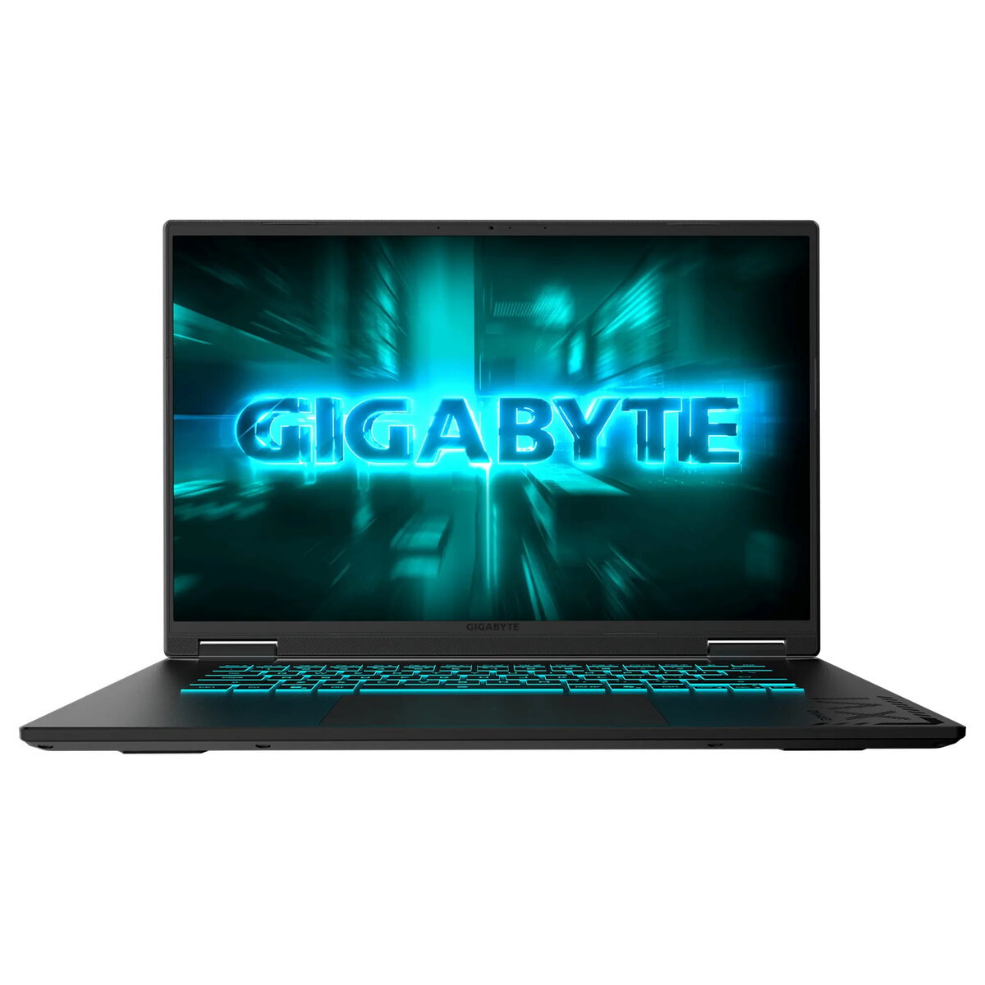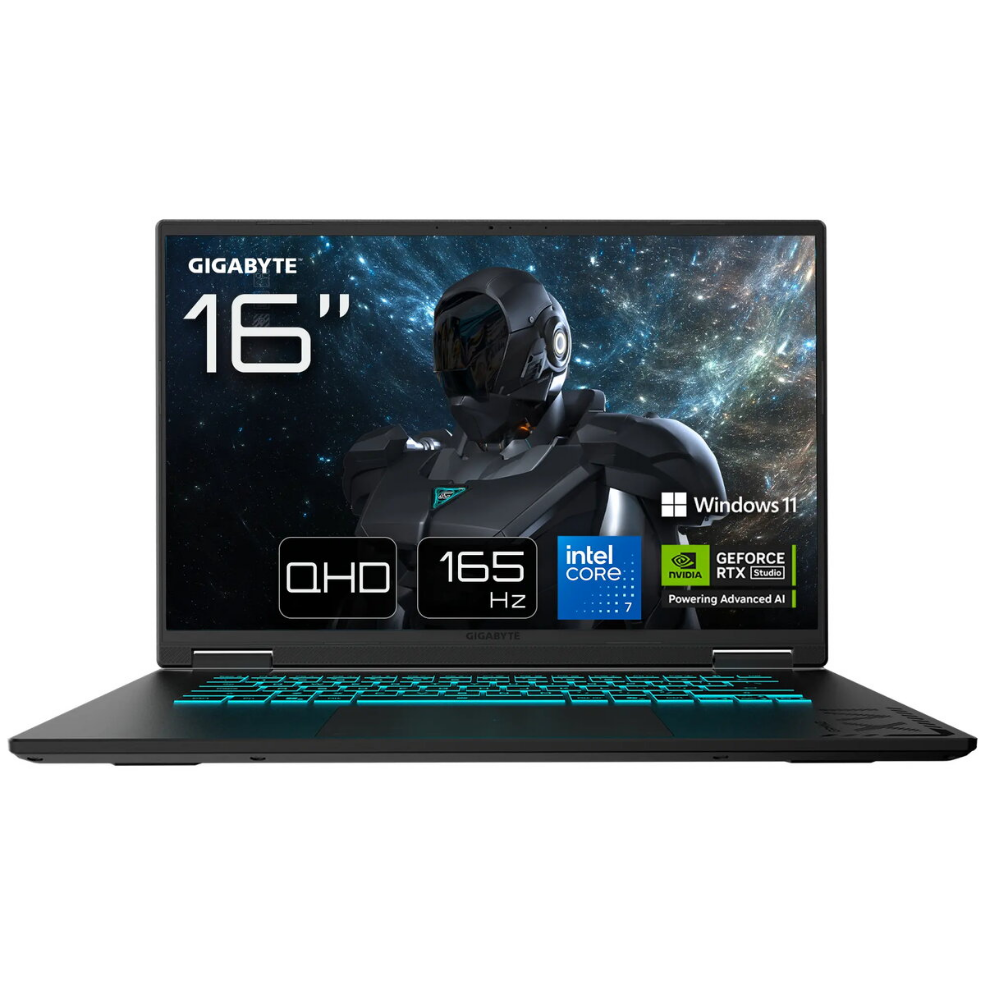
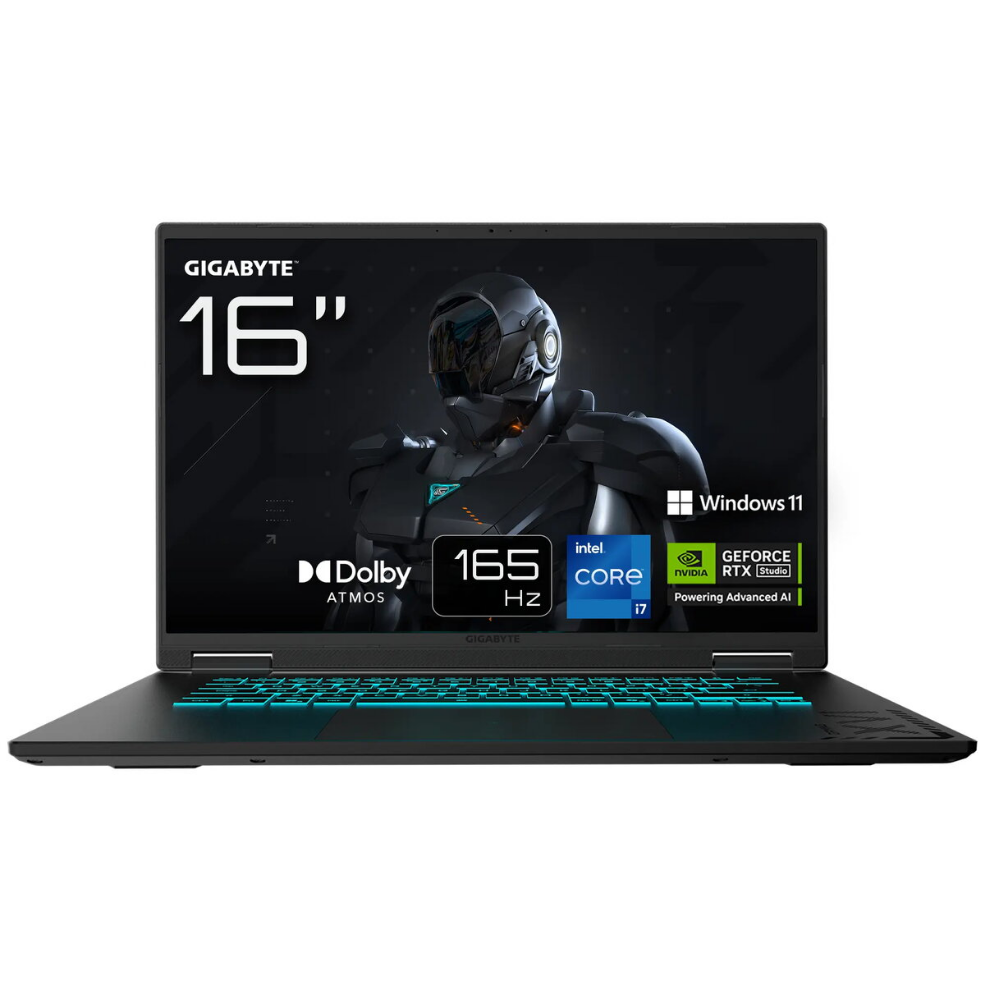
Laptop Gigabyte GAMING A16 3WHK3CZ894SH 16″ R7-260 16GB 1TB RTX 5070 W11H

SKU: 11635002

Apple Shopping Event

Hurry and get discounts on all Apple devices up to 20%

Sale_coupon_20

1.413,99 

  • Free shipping €100
  • 30 day return
  • Warranty 1 year

Description

The Gigabyte GAMING A16 is a 16-inch laptop engineered for demanding gaming and creative workflows. It combines a WUXGA display with an AMD R7-260 processor, 16 GB of system memory and a 1 TB internal drive to deliver a balance of responsiveness and storage capacity. An NVIDIA RTX 5070 graphics module provides hardware-accelerated rendering for modern games, real-time ray tracing and GPU-accelerated content creation. Windows 11 Home is pre-installed to support current software and drivers.

Advantages

The combination of a 16-inch WUXGA screen and a dedicated RTX 5070 GPU enables clear visuals and smooth frame rates in graphically intensive applications. The AMD R7-260 CPU and 16 GB of RAM support multitasking and allow for fluid operation when running multiple applications or browser tabs. A 1 TB internal drive offers ample space for games, project files and media, while the pre-installed Windows 11 Home provides a familiar, up-to-date operating environment. The laptop’s hardware configuration focuses on performance and practical usability for both gaming and creative tasks.

Suitable for

  • Playing modern AAA and esports titles at high settings
  • Video editing and 3D rendering with GPU acceleration
  • Multitasking with productivity and creative applications
  • Storing large game libraries, media collections and project files

Key specifications

  • Display: 16″ WUXGA (resolution suitable for detailed desktop and gaming use)
  • Processor: AMD R7-260 series CPU optimized for multi-threaded workloads
  • Memory: 16 GB RAM for responsive multitasking
  • Storage: 1 TB internal drive providing high-capacity local storage
  • Graphics: NVIDIA RTX 5070 for real-time ray tracing and accelerated rendering
  • Operating System: Windows 11 Home pre-installed

How to use

Power on the laptop and complete the Windows 11 initial setup to configure user accounts, network connections and system updates. Install or update GPU drivers from the official NVIDIA or Gigabyte support pages to ensure optimal graphics performance. Use the system settings to configure display resolution, power profiles and fan behavior according to your performance or battery-life priorities. For gaming, install titles through your preferred game client and verify in-game graphics settings match the desired balance between visual quality and frame rate.

Usage recommendations

For sustained high-performance use, place the laptop on a hard, flat surface to allow proper ventilation and consider using a cooling pad under heavy GPU- or CPU-intensive workloads. Keep drivers and Windows updates current and back up important files regularly to the internal drive or external storage. When carrying the device, use a padded laptop bag to protect the display and components.

Overview