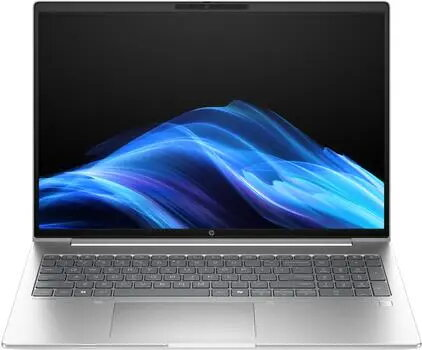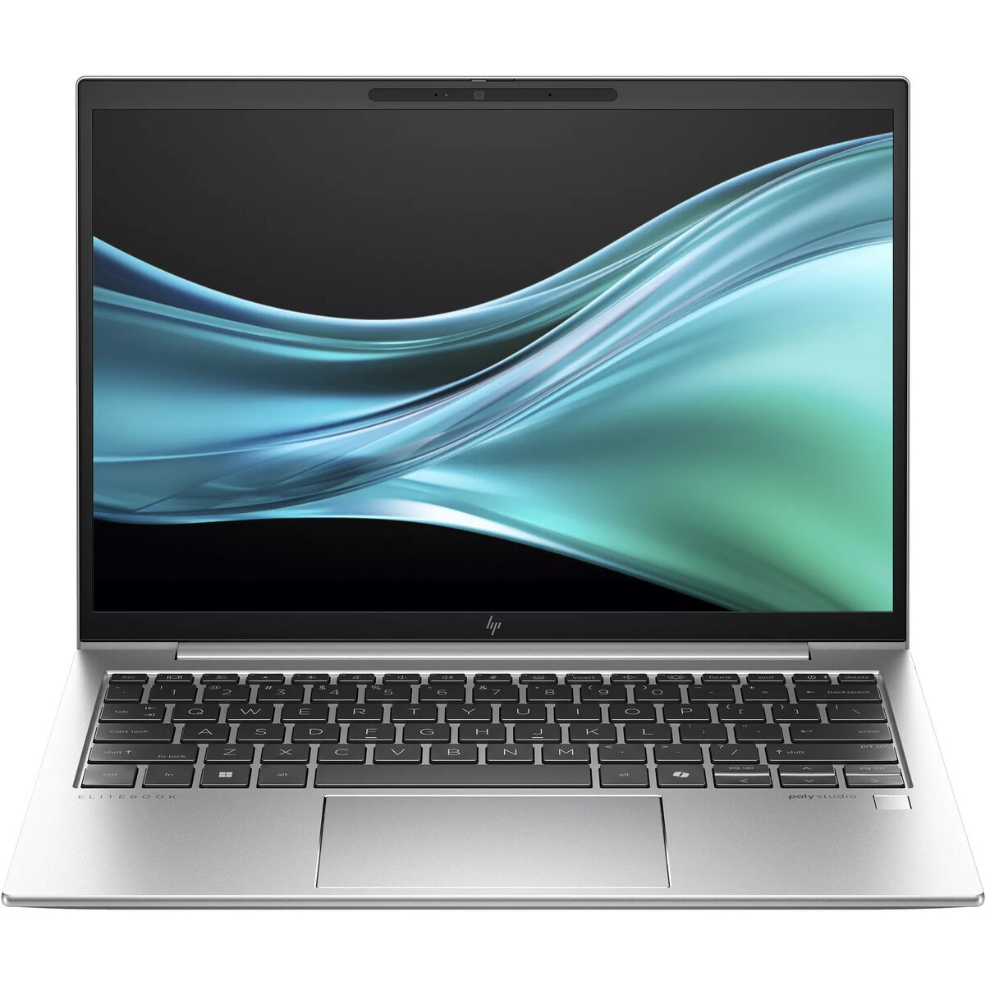
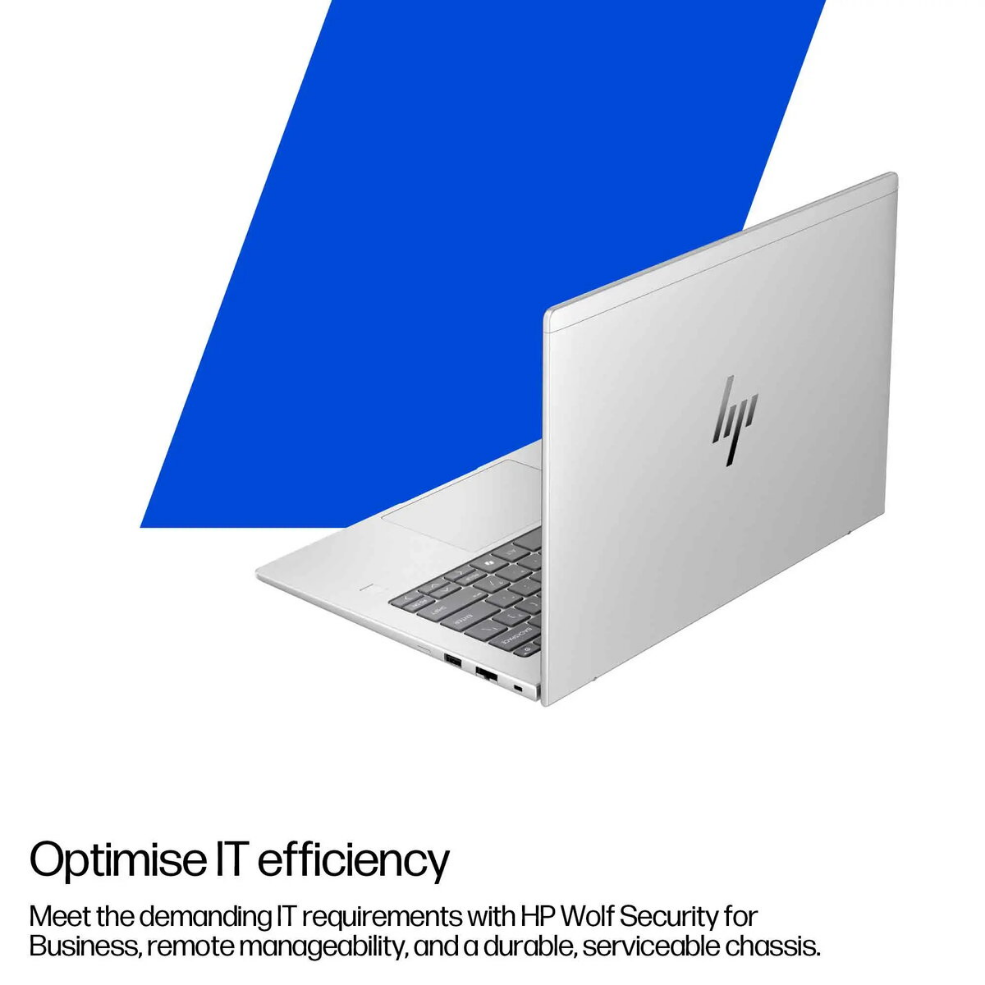
Laptop HP ProBook 4 G1i 16″ Intel Core Ultra 5 225U 24GB 512GB/SSD W11P

SKU: 11566417

Apple Shopping Event

Hurry and get discounts on all Apple devices up to 20%

Sale_coupon_20

1.314,99 

  • Free shipping €100
  • 30 day return
  • Warranty 1 year

Description

The HP ProBook 4 G1i 16″ is a business-oriented laptop engineered for everyday professional workloads. It comes with a 16-inch WUXGA display and an Intel Core Ultra 5 225U processor, paired with 24GB of RAM and a 512GB solid-state drive. The device runs Windows 11 Pro and is built to deliver reliable multitasking, responsive application performance and a balanced combination of portability and screen area for office, remote work and light content creation.

Advantages

The combination of an Intel Core Ultra 5 225U processor and 24GB of RAM supports smooth multitasking and fast context switching between business applications. A 512GB SSD provides fast system boot and application load times while offering ample space for documents and project files. The 16″ WUXGA display gives a comfortable workspace for spreadsheets, presentations and side-by-side windows. The laptop’s design focuses on business reliability, with components and software suited for managed IT environments and secure Windows 11 Pro features.

Suitable for

  • Office productivity and document editing
  • Remote work, videoconferencing and collaboration tools
  • Data analysis and multitasking with multiple applications open
  • Business travel where a balance of screen size and portability is required
  • Light photo editing and content review

Key specifications

  • Display: 16″ WUXGA (1920 × 1200) aspect ratio optimized for workspace
  • Processor: Intel Core Ultra 5 225U — energy-efficient multi-core design for mobile performance
  • Memory: 24GB RAM for sustained multitasking
  • Storage: 512GB NVMe solid-state drive for fast boot and file access
  • Operating system: Windows 11 Pro for business features and security
  • Typical connectivity: Wi‑Fi and Bluetooth for wireless networking and peripherals
  • Chassis: laptop form factor tuned for mobility and desk use

How to use

Power on the laptop and complete the initial Windows 11 Pro setup. Connect to a secure Wi‑Fi network or wired LAN if available. Use the preinstalled tools and standard applications for email, office productivity and videoconferencing; install or configure any company-specific management or security software as required by your IT policy. Store active projects on the internal SSD and consider external backup or cloud storage for long-term retention. Adjust display brightness, power settings and performance profiles to match your current working scenario—prioritize battery saving for travel and high-performance mode for demanding tasks.

Usage recommendations

For sustained performance, keep the system firmware and Windows updates current, use reputable antivirus or endpoint protection, and maintain a regular backup routine. When traveling, use a padded laptop bag and avoid exposing the device to extreme temperatures or moisture. For heavy multitasking, ensure adequate ventilation and consider connecting an external monitor or docking station for extended desktop space.

Overview