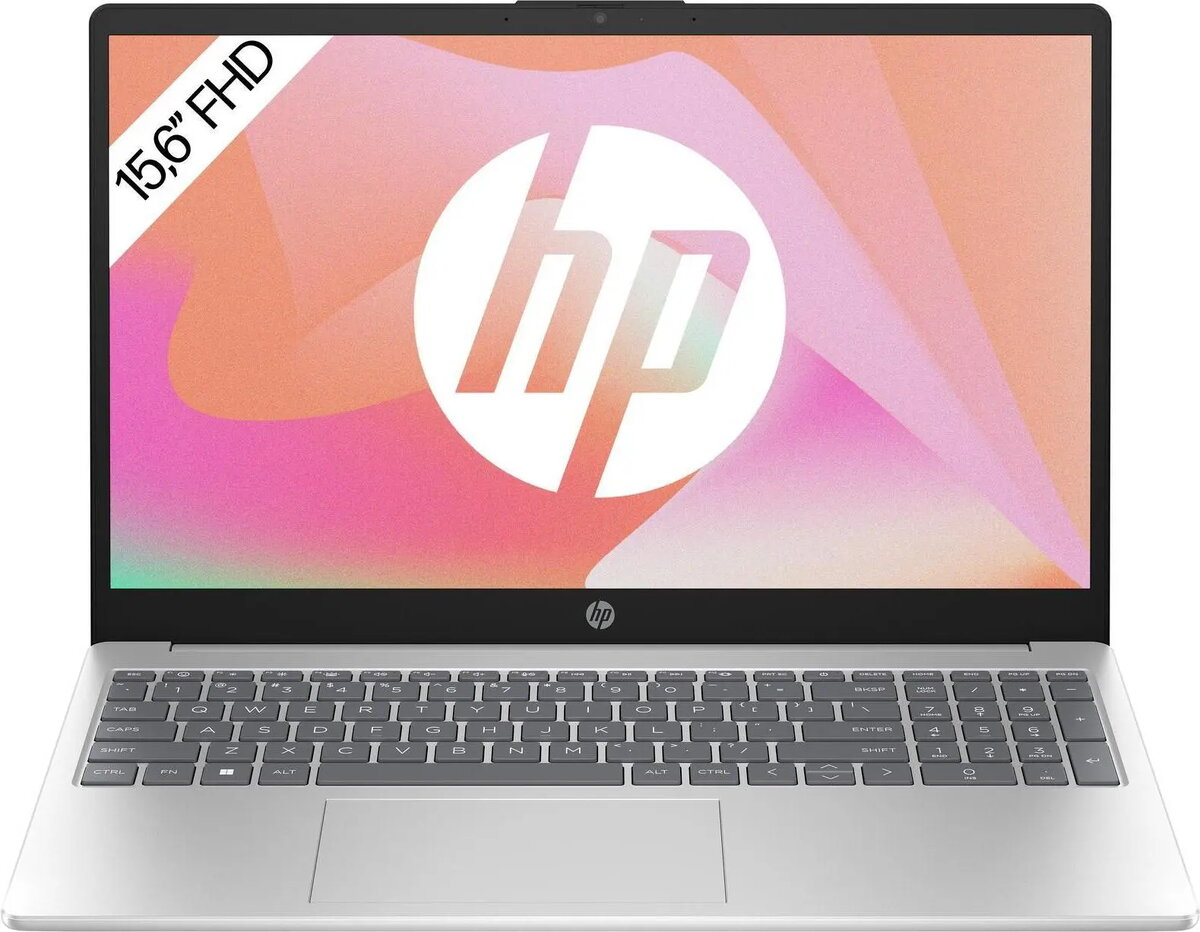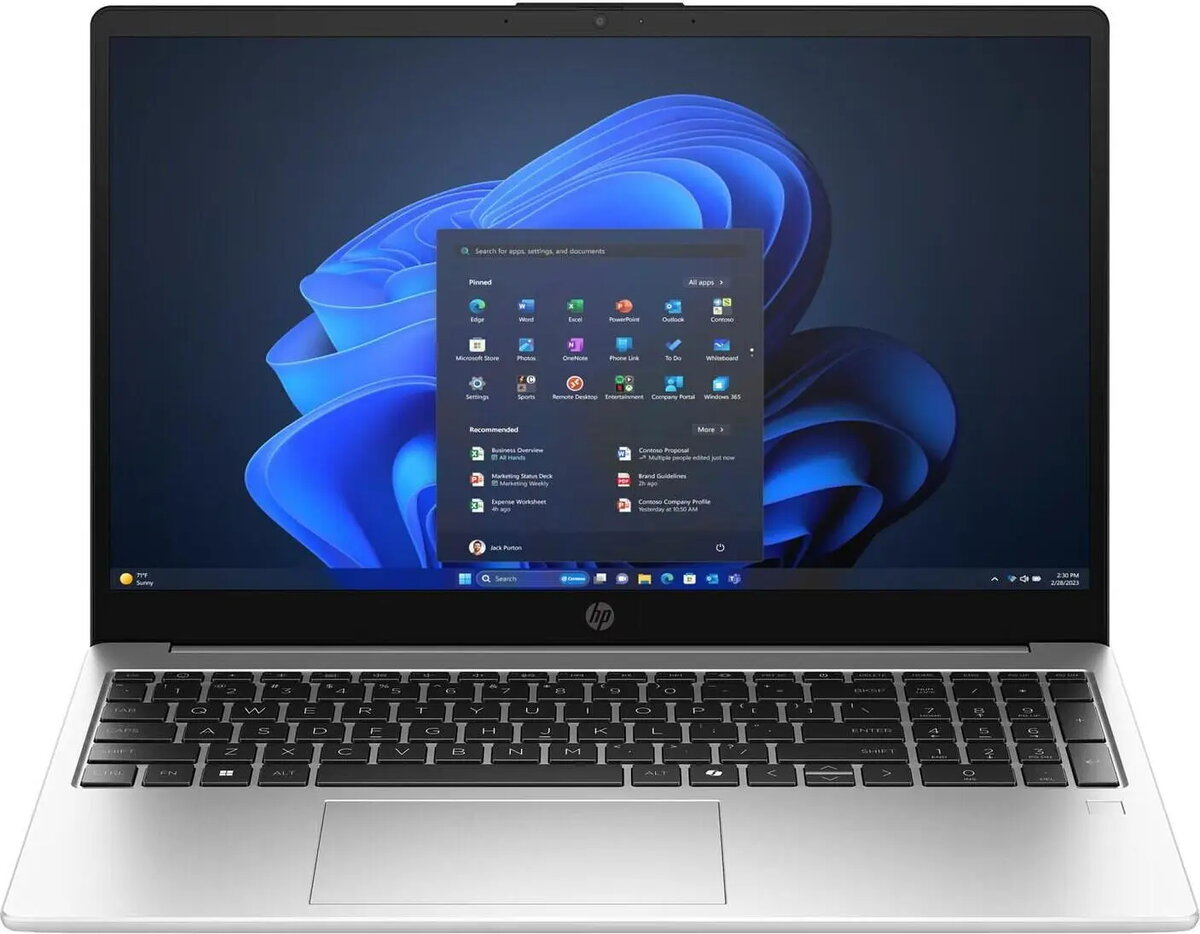
Laptop HP OmniBook 3 Next Gen AI 15.6″ FHD Ryzen AI 5 330 16GB 512GB SSD Win11 Home

SKU: 11627998

Apple Shopping Event

Hurry and get discounts on all Apple devices up to 20%

Sale_coupon_20

592,99 

  • Free shipping €100
  • 30 day return
  • Warranty 1 year

Description

The HP OmniBook 3 Next Gen AI 15.6″ FHD is a lightweight laptop equipped with an AMD Ryzen AI 5 330 processor, 16 GB of RAM and a 512 GB SSD. It features a 15.6″ Full HD IPS display and integrated Radeon 840M graphics using shared memory. The device runs Windows 11 Home and is designed for everyday productivity and media consumption while remaining portable at around 1.7 kg.

Advantages

The combination of the Ryzen AI 5 330 processor and 16 GB RAM enables responsive multitasking and smooth operation of common applications. The 512 GB SSD provides fast boot and load times, while the 15.6″ IPS Full HD display delivers clear visuals for work and entertainment. The laptop’s weight and compact design make it suitable for carrying between home, office and school.

Suitable for

  • Office applications and document editing
  • Web browsing, video calls and online learning
  • Streaming video and media playback
  • Light photo editing and creative tasks

Key specifications

  • Processor: AMD Ryzen AI 5 330, 4 cores, up to 4.50 GHz
  • Display: 15.6″ IPS, Full HD (1920 x 1080)
  • Graphics: Radeon 840M (shared memory)
  • Memory: 16 GB RAM
  • Storage: 512 GB SSD
  • Wireless: Wi‑Fi 6
  • Ports: 1 x HDMI, 2 x USB 3.0
  • Operating System: Windows 11 Home
  • Weight: approximately 1.7 kg
  • Model/MPN: C8BB5EA#ABD, EAN: 0199642362031

How to use

Unpack the laptop, connect the power adapter and perform the initial Windows 11 setup following the on-screen instructions. Install required applications from the Microsoft Store or trusted sources and sign in with a Microsoft account if desired. Use the Wi‑Fi 6 connection for fast internet access, connect external displays via HDMI, and use the USB 3.0 ports for peripherals and external drives.

Usage recommendations

For consistent performance, keep Windows and drivers up to date, use the built‑in power profiles to balance battery life and performance, and store important files on the SSD with periodic backups to external storage or cloud services.

Overview