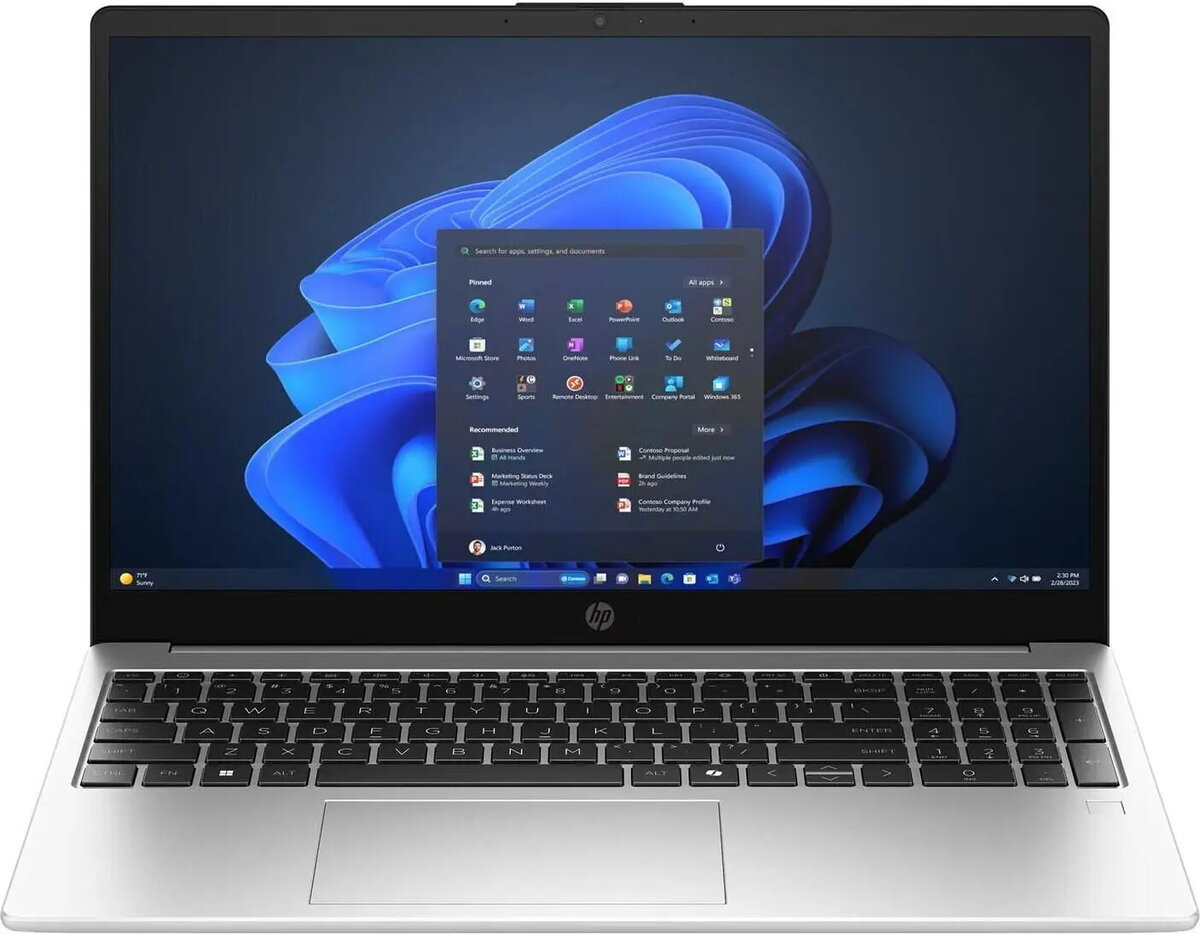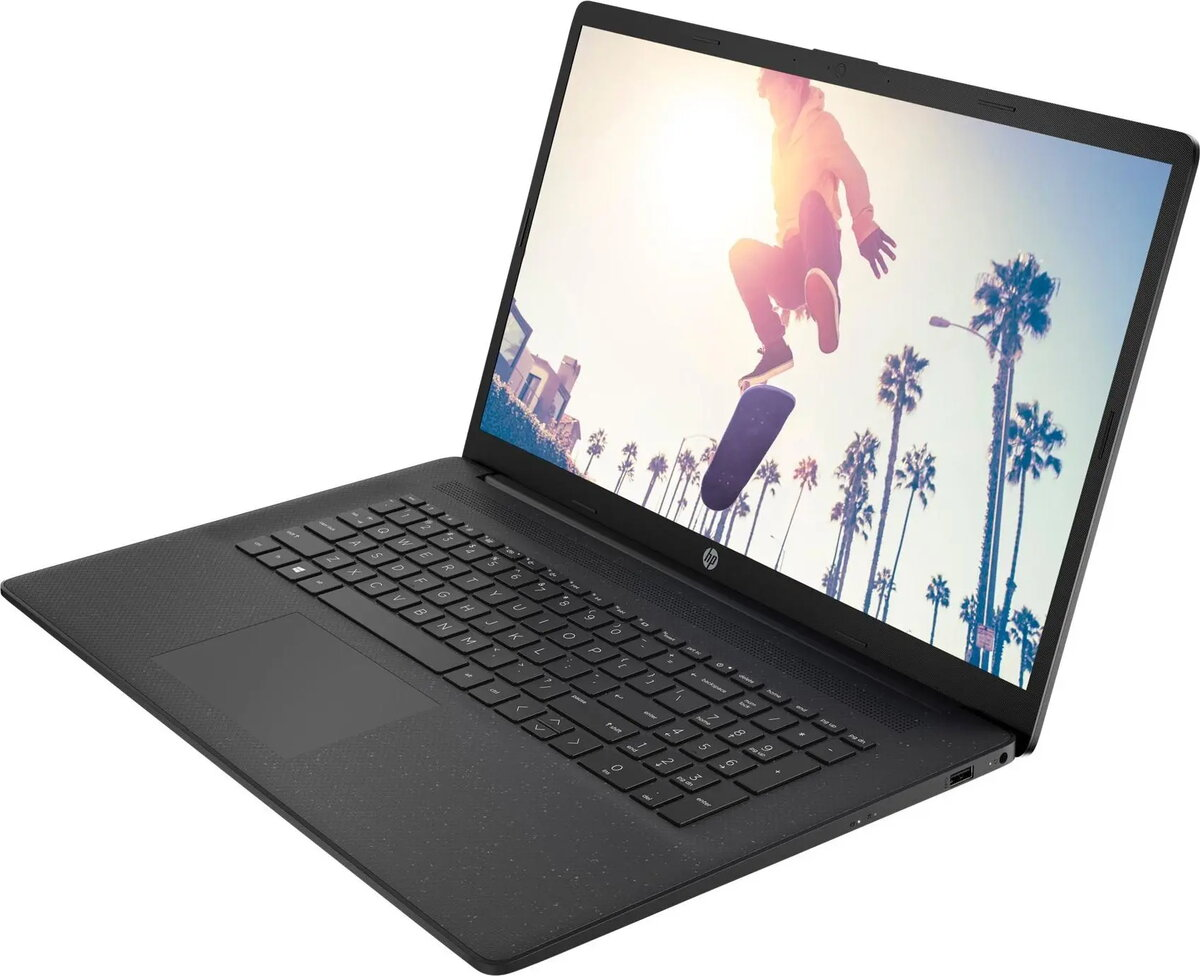
Laptop HP 17″ FHD R7-7730U 16GB RAM 512GB SSD nOS (17-cp3474ng)

SKU: 11672283

Apple Shopping Event

Hurry and get discounts on all Apple devices up to 20%

Sale_coupon_20

564,99 

  • Free shipping €100
  • 30 day return
  • Warranty 1 year

Description

The HP 17″ FHD R7-7730U 16GB RAM 512GB SSD nOS (17-cp3474ng) is a 17-inch laptop designed for everyday productivity, multimedia and light content creation. It combines a Full HD display with an AMD Ryzen 7 7730U processor, 16 GB of system memory and a 512 GB solid-state drive to deliver responsive performance for multitasking, web browsing, office applications and video playback. The device ships without a preinstalled operating system (nOS), allowing users to install their preferred OS or use it in managed environments.

Advantages

The large 17-inch Full HD display offers a spacious workspace for spreadsheets, documents and media, while the Ryzen 7 CPU provides multi-core performance for common productivity tasks. A 512 GB SSD ensures fast boot times and application loading, and 16 GB of RAM supports smooth multitasking. The absence of a preinstalled OS gives flexibility for custom installations and reduces preloaded software. Compact chassis design for a 17-inch class laptop and integrated connectivity options make it suitable for home and small office setups.

Suitable for

  • Office productivity: spreadsheets, word processing and email
  • Web browsing and cloud services
  • Media playback and video streaming
  • Light photo editing and content creation
  • Educational use and remote learning

Key specifications

  • Display: 17.0-inch Full HD (1920×1080) screen
  • Processor: AMD Ryzen 7 7730U (mobile multi-core CPU)
  • Memory: 16 GB RAM
  • Storage: 512 GB solid-state drive (SSD)
  • Operating system: shipped without a preinstalled OS (nOS)
  • Graphics: integrated AMD graphics suitable for everyday graphics tasks
  • Connectivity: Wi‑Fi and Bluetooth (integrated), multiple USB ports, HDMI output
  • Form factor: 17-inch laptop chassis optimized for portability within its class

How to use

Power on the laptop and configure firmware settings if required. Install your preferred operating system or connect to a network installation or image management solution. Use preinstalled firmware utilities to set up power options, display calibration and wireless connections. Create or restore data from backups to the SSD and install required productivity or creative applications. Regularly update firmware and drivers provided by the manufacturer for stability and security.

Usage recommendations

For reliable daily performance, use the laptop on a stable, flat surface to allow proper ventilation. Keep the system firmware and drivers up to date, use a reputable antivirus solution after OS installation, and store critical files on an external backup or cloud service. When doing extended multimedia or editing work, connect to power and consider using a cooling-friendly stand to maintain optimal performance.

Overview