3D Camera KanDao QooCam EGO QG7018W 4K video 360° capture
3D Camera KanDao QooCam EGO QG7018W 4K video 360° capture Original price was: 253,99 €.Current price is: 231,99 €.
Zurück zu den Produkten
Compact camera Kodak ASTRO ZOOM 16.35 MP BSI CMOS Black
Compact camera Kodak ASTRO ZOOM 16.35 MP BSI CMOS Black Original price was: 181,99 €.Current price is: 179,99 €.

Digital camera Kodak AZ255 20 MP with 25x optical zoom

SKU: 11552763

Apple-Shopping-Event

Hurry and get discounts on all Apple devices up to 20%

Sale_coupon_20

Original price was: 193,99 €.Current price is: 179,99 €.

  • Free shipping €100
  • 30 day return
  • Warranty 1 year

Beschreibung

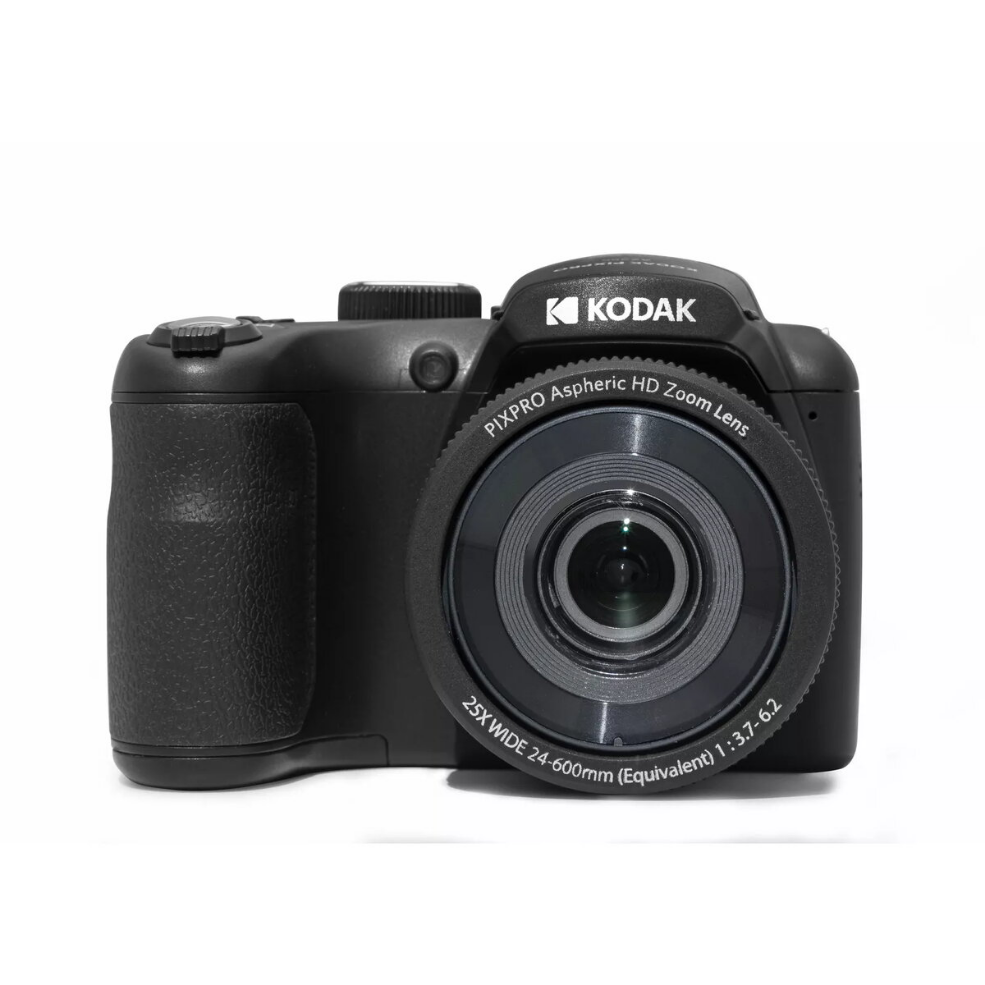
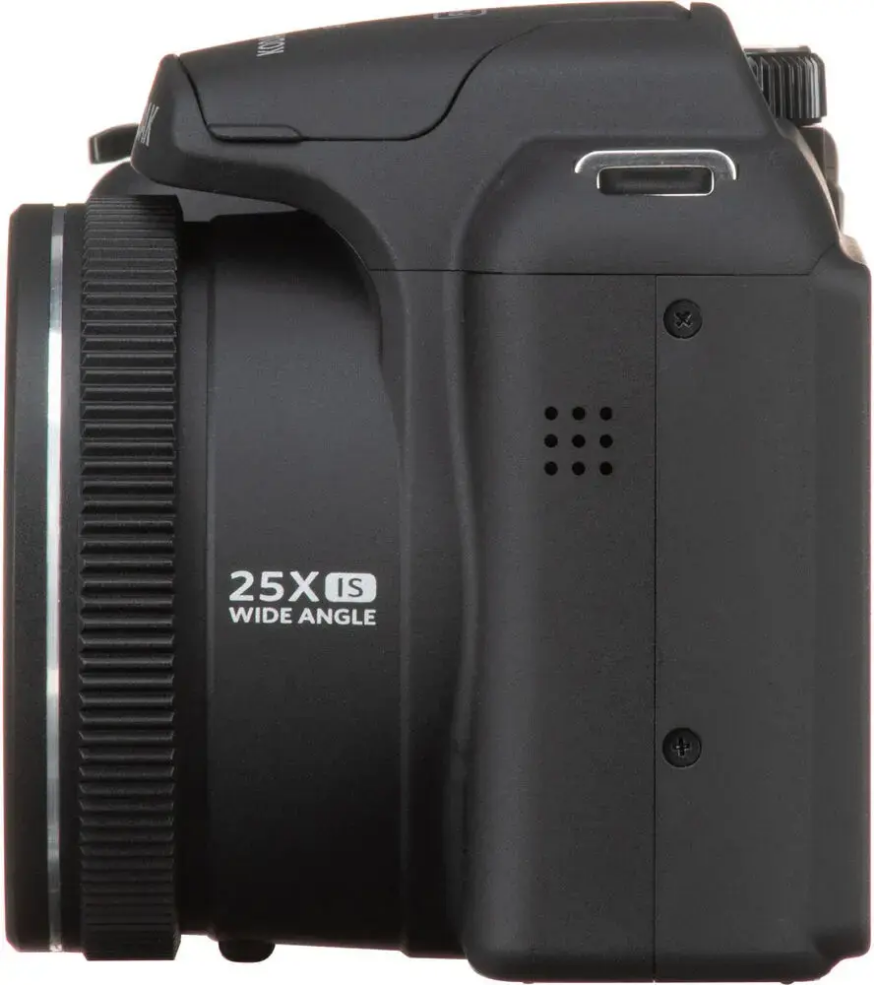
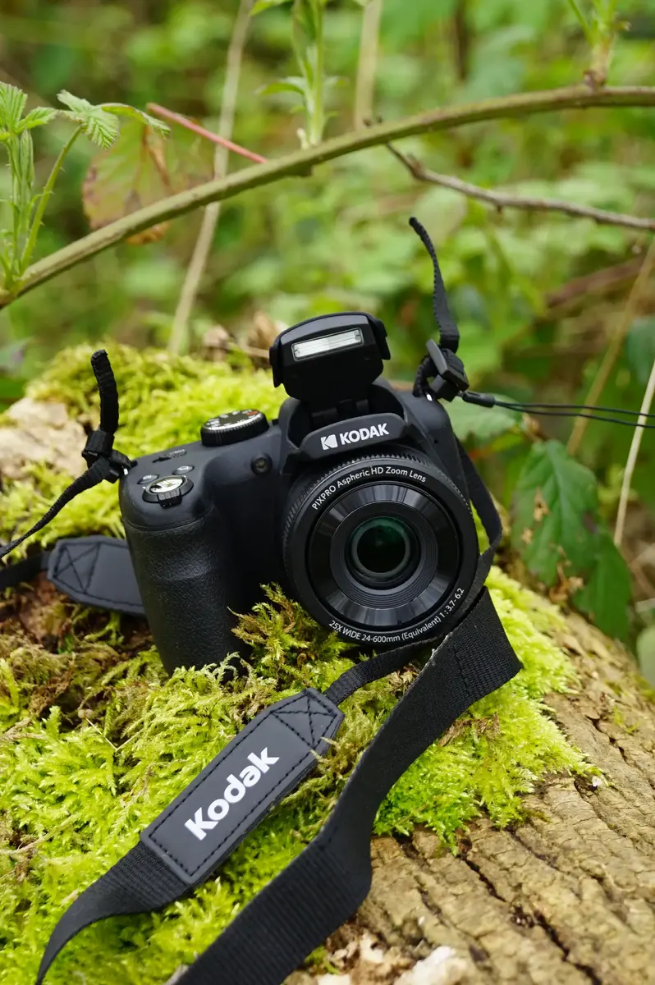
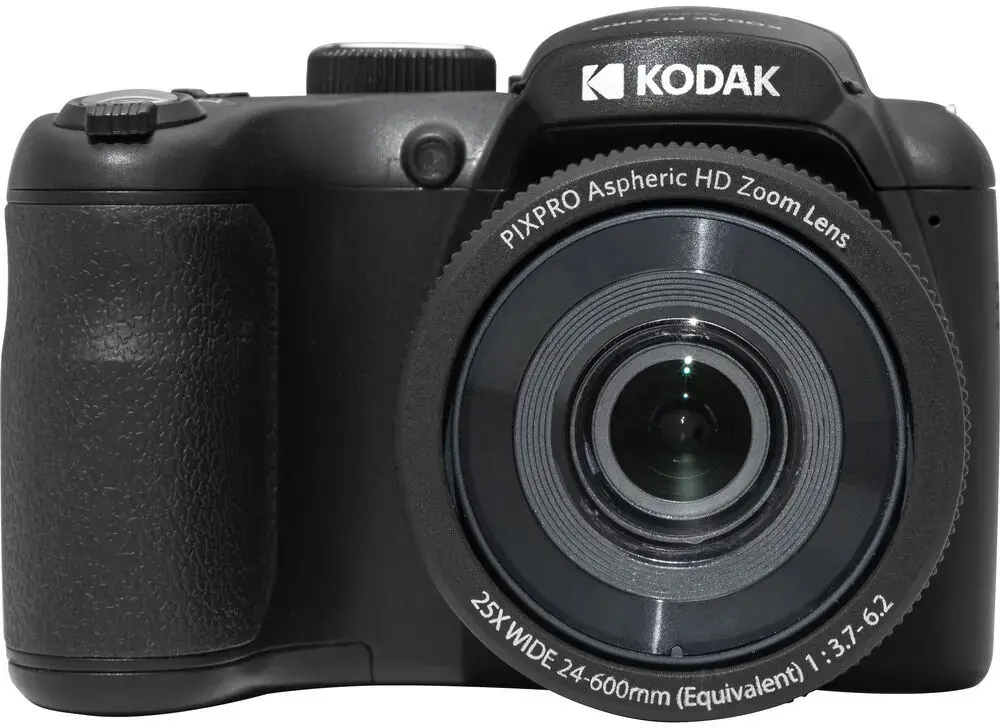
The Kodak AZ255 is a compact digital camera with a 20 MP sensor and a 25x optical zoom lens, intended for everyday photography and travel. It combines a versatile focal range that covers wide-angle scenes and telephoto subjects with simple point-and-shoot operation. Built-in still and video capture features make it suitable for family events, sightseeing and general-purpose shooting when an easy-to-use, zoom-capable camera is required.

Vorteile

The camera offers a high-resolution 20 megapixel sensor that delivers detailed images for prints and online sharing. A 25x optical zoom provides flexibility to shoot landscapes at the wide end and distant subjects at full telephoto without loss of optical quality. Compact body and straightforward controls support quick framing and hands-on use, while integrated video recording allows capturing motion in addition to stills. The combination of portability and a wide focal range makes the Kodak AZ255 practical for travel and daily use.

Geeignet für

  • Family and event photography
  • Travel and sightseeing
  • Outdoor and nature snapshots
  • Everyday point-and-shoot use
  • Basic video recording for home and social media

Wichtige technische Daten

  • Image sensor resolution: 20 megapixels
  • Optical zoom: 25x
  • Lens coverage: wide-angle to telephoto focal range
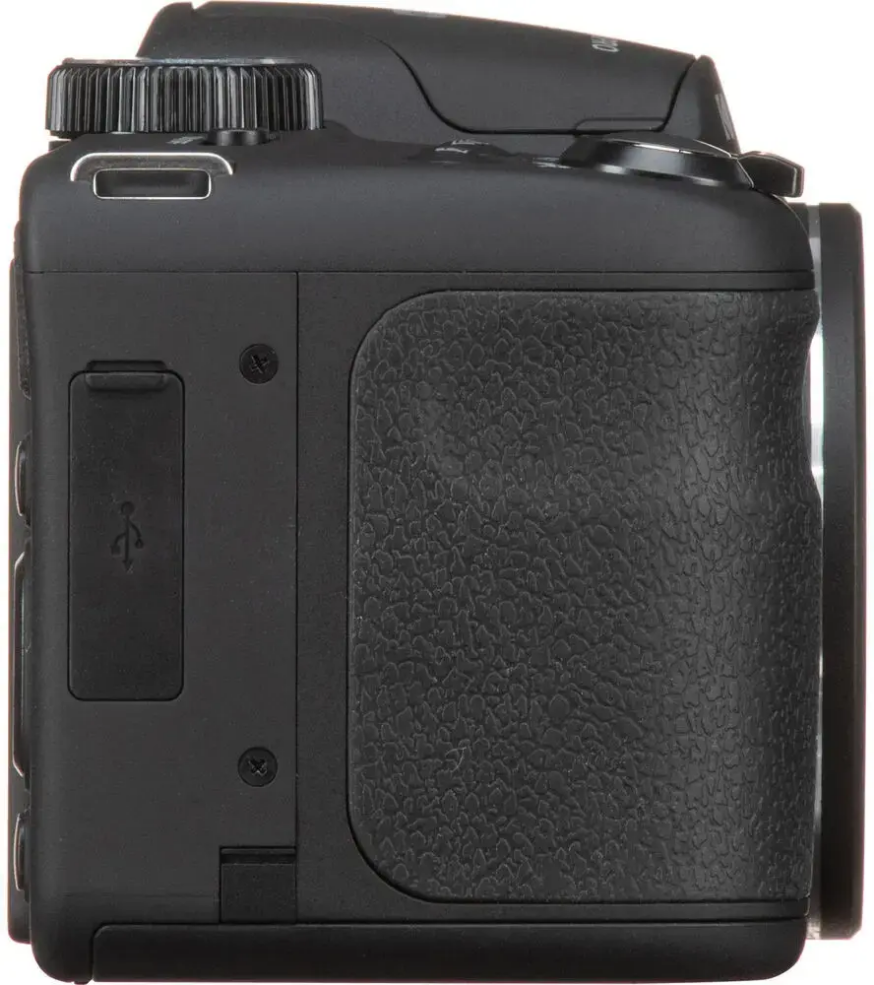
  • Form factor: compact bridge-style camera
  • Still image and video capture capability

Anleitung

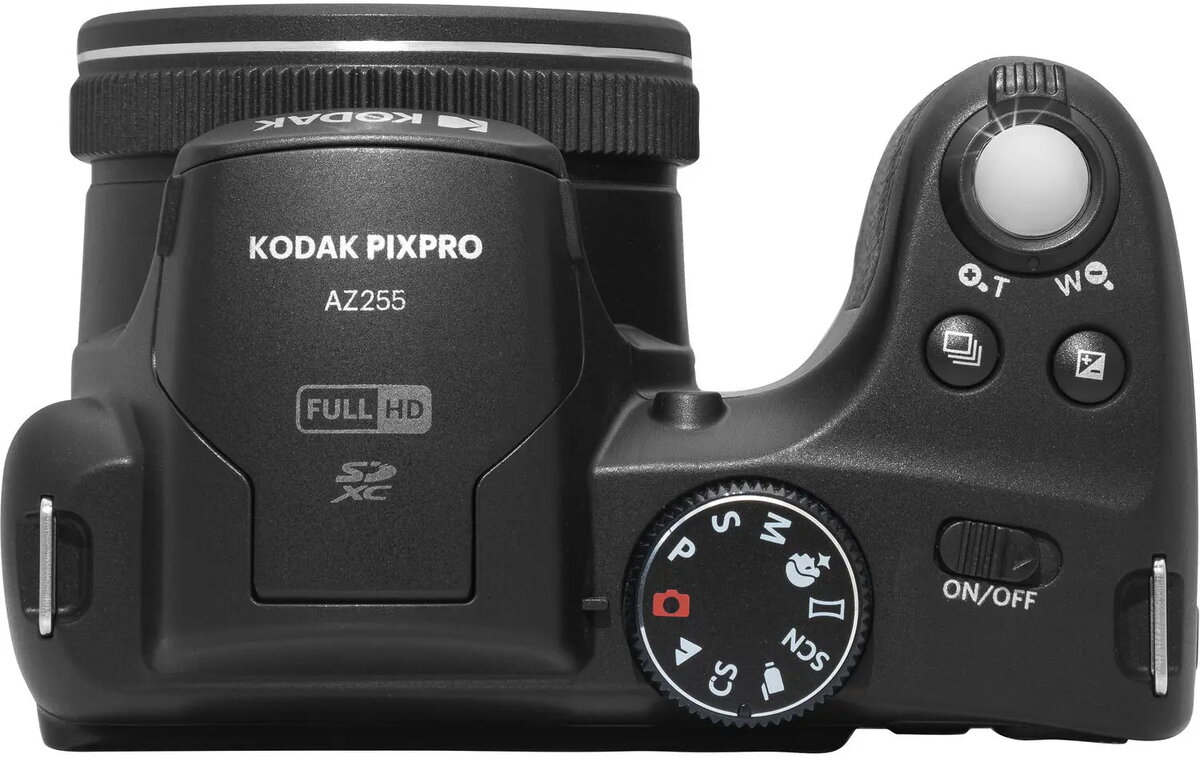
Turn on the camera, select an appropriate shooting mode and frame your subject using the rear display or viewfinder if available. Use the zoom control to adjust focal length between wide-angle and telephoto as required for the scene. For stationary scenes, use automatic or scene modes for quick results; for moving subjects, choose shutter-priority or continuous shooting settings if offered. Press the shutter button halfway to focus and fully to capture the image. Use the video mode to record moving images, and stop recording when finished. Transfer files to a computer or smart device using the supplied connection method for editing and sharing.

Anwendungsempfehlungen

For best results, stabilize the camera when using high zoom settings to reduce blur, and ensure adequate lighting for the 20 MP sensor to maintain image clarity. Use automatic scene modes for quick point-and-shoot operation, and switch to manual or priority modes when finer control over exposure is needed.

Overview