Tablet POS IMIN TF2 12" 4GB RAM 64GB Storage LTE — POS terminal tablet
Tablet POS IMIN TF2 12" 4GB RAM 64GB Storage LTE — POS terminal tablet Original price was: 417,99 €.Current price is: 353,99 €.
Back to products
Tablet Lenovo Idea Tab Pro 12.7" – MediaTek Dimensity 8300
Tablet Lenovo Idea Tab Pro 12.7" – MediaTek Dimensity 8300, 8GB RAM, 128GB, Android 14, 3K LTPS 144Hz, 10200mAh Original price was: 332,99 €.Current price is: 282,99 €.

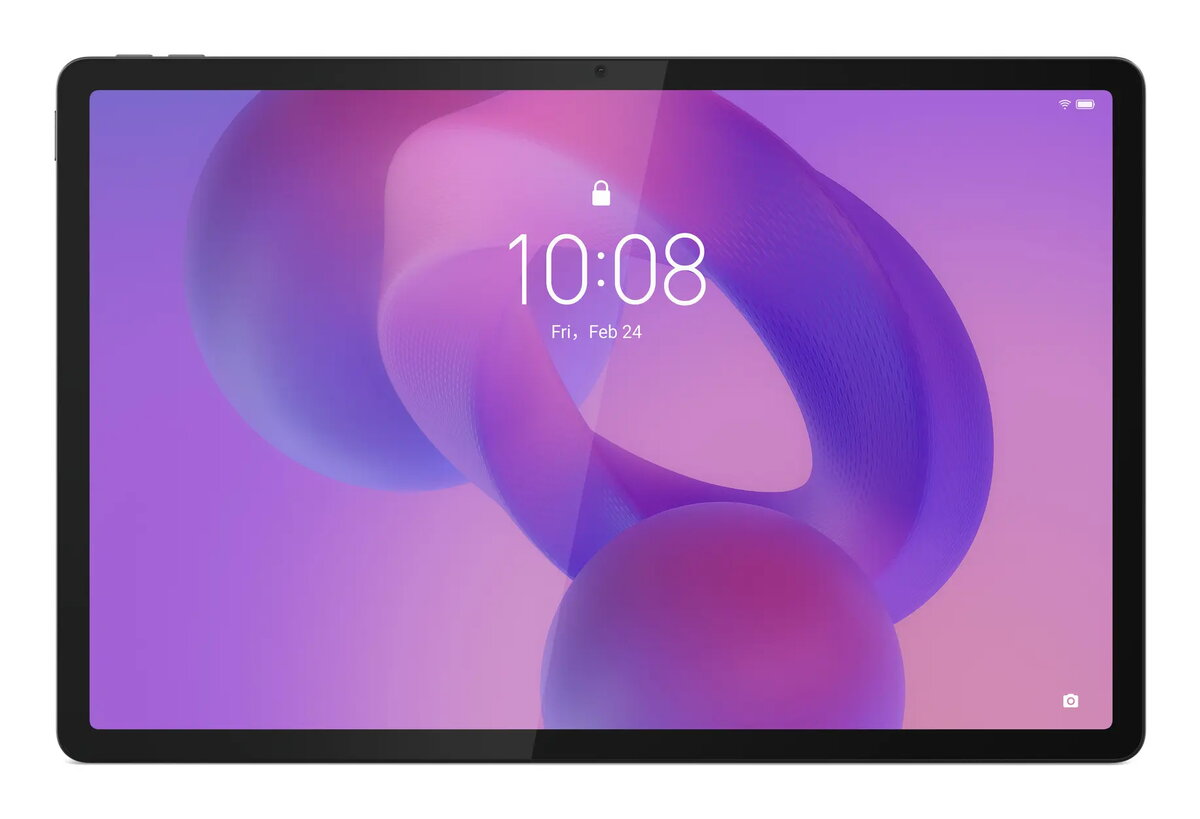
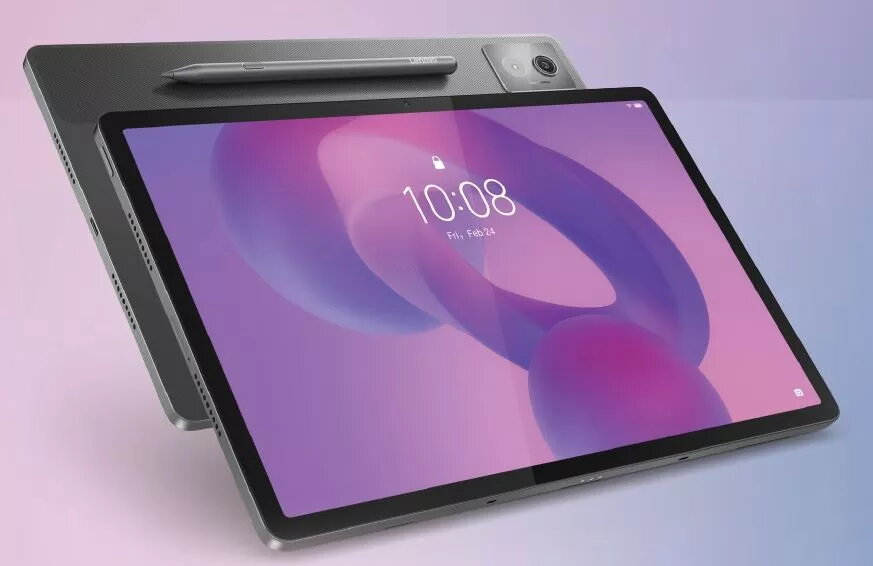
Tablet Lenovo Idea Tab Pro 12.7″ 2944×1840 8GB 128GB An14 gray

SKU: 11280492

Apple Shopping Event

Hurry and get discounts on all Apple devices up to 20%

Sale_coupon_20

385,99 

  • Free shipping €100
  • 30 day return
  • Warranty 1 year

Description

The Lenovo Idea Tab Pro 12.7″ offers a high-resolution 2944×1840 display in a slim gray chassis designed for mixed work and entertainment use. Equipped with 8GB of RAM and 128GB of internal storage, this Android 14 tablet supports multitasking and stores apps, documents and media locally while providing access to the Google Play ecosystem. The large screen and detailed resolution are suited to reading, streaming and productivity tasks that benefit from a spacious, sharp viewing area.

Advantages

The tablet combines a large 12.7-inch high-resolution panel with a compact, lightweight design to balance visibility and portability. 8GB of RAM enables responsive app switching and smoother operation with multiple applications open, while 128GB of storage provides room for files and multimedia without immediate need for cloud storage. Running Android 14 ensures compatibility with current apps and system features, and the neutral gray finish fits professional and casual settings.

Suitable for

  • Watching high-resolution video and streaming content
  • Reading e-books, articles and documents
  • Productivity tasks such as email, web browsing and light document editing
  • Running multiple apps and casual multitasking
  • Portable presentations and on-the-go media review

Key specifications

  • Display: 12.7-inch, 2944 x 1840 pixels
  • Memory: 8 GB RAM
  • Storage: 128 GB internal storage
  • Operating system: Android 14
  • Color: gray

How to use

Power on the tablet using the side button and follow the on-screen setup to connect to Wi‑Fi and sign in with a Google account for app access. Install required apps from the Play Store and organize apps on the home screens or in folders. Use the large display for reading, streaming or editing documents; switch between recent apps via the system navigation gestures. Manage storage by moving media to cloud services or external storage if available, and keep the system up to date via system settings.

Usage recommendations

The tablet is best used on a stable surface or with a compatible stand for prolonged viewing sessions. For sustained productivity, enable battery saver modes when necessary and periodically clear cached data to maintain responsiveness. Use a protective case to prevent damage during transport and consider external storage or cloud backup for large media collections.

Overview