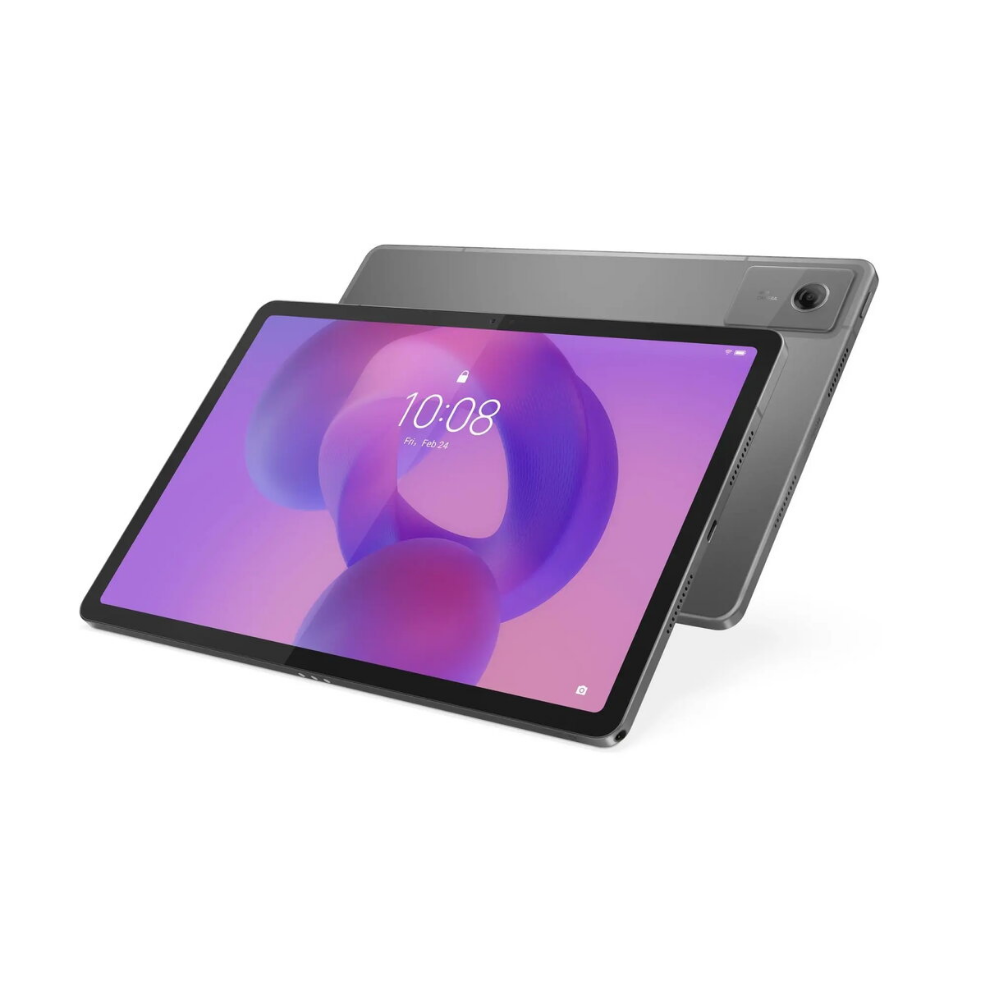
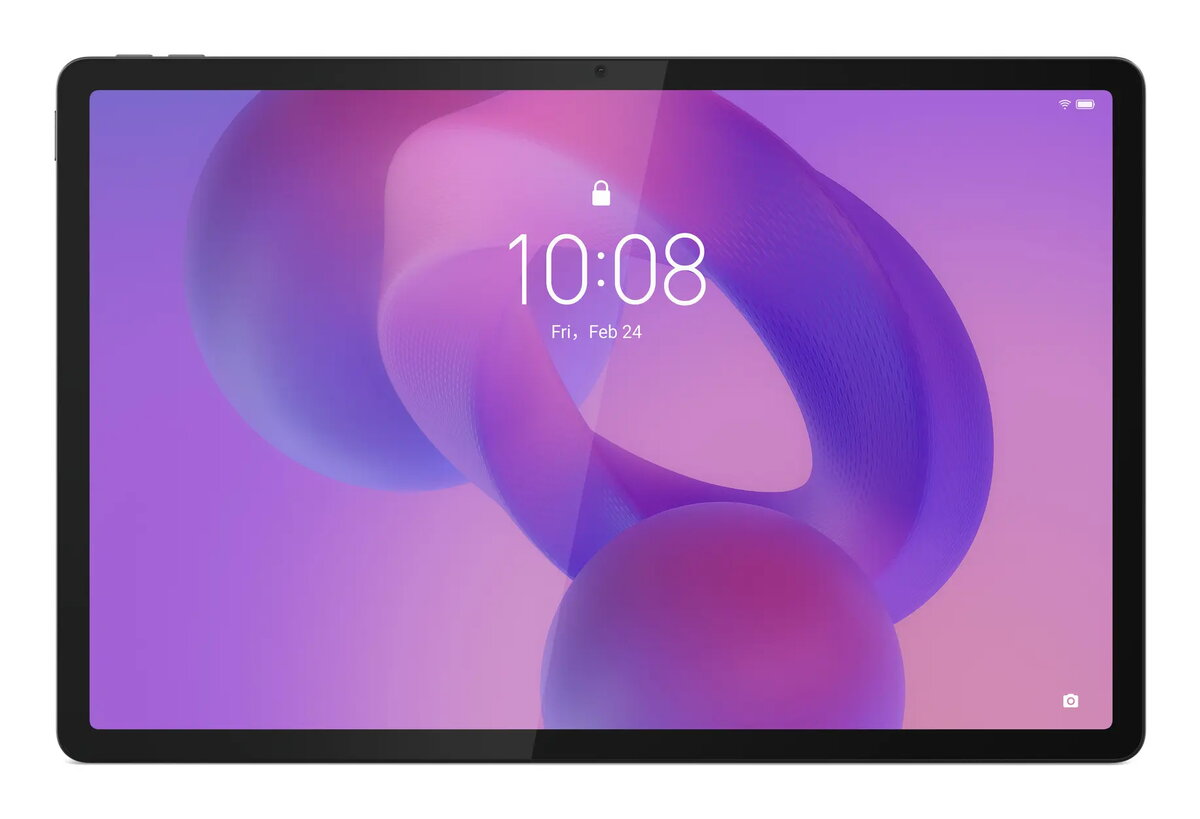
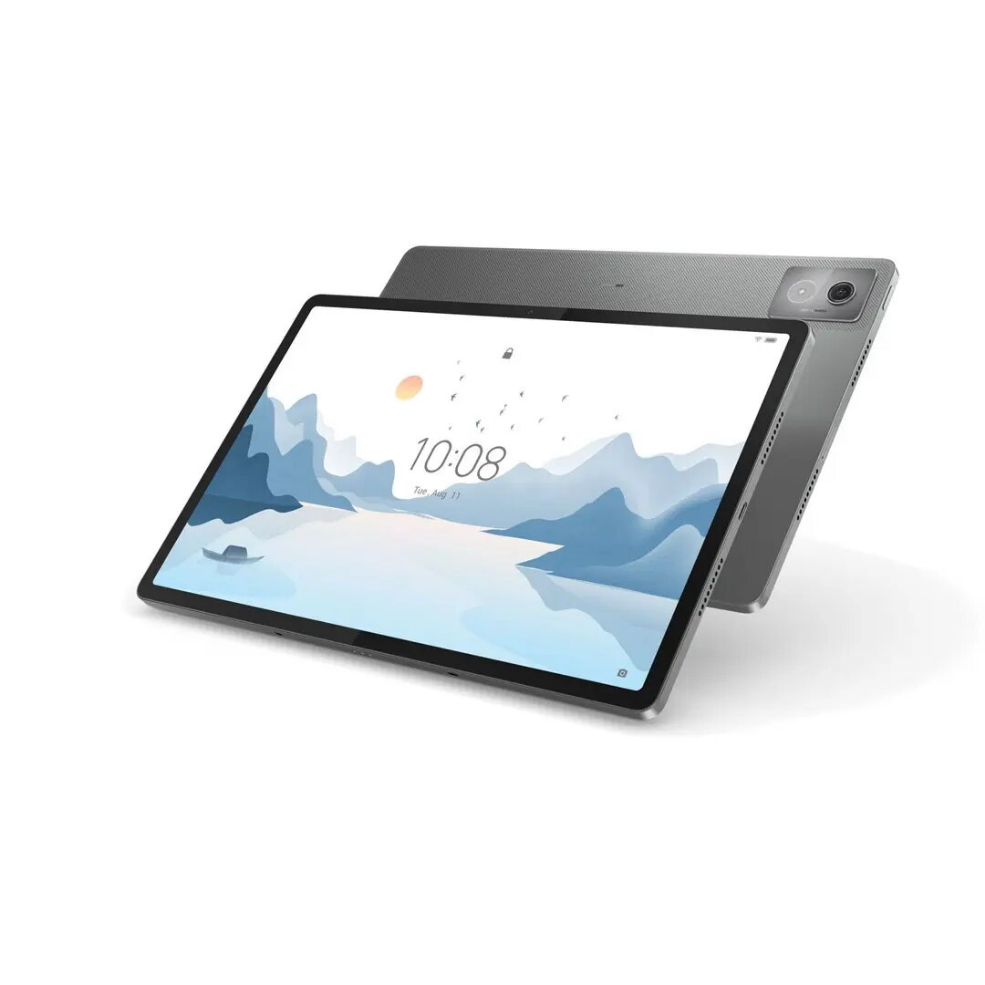
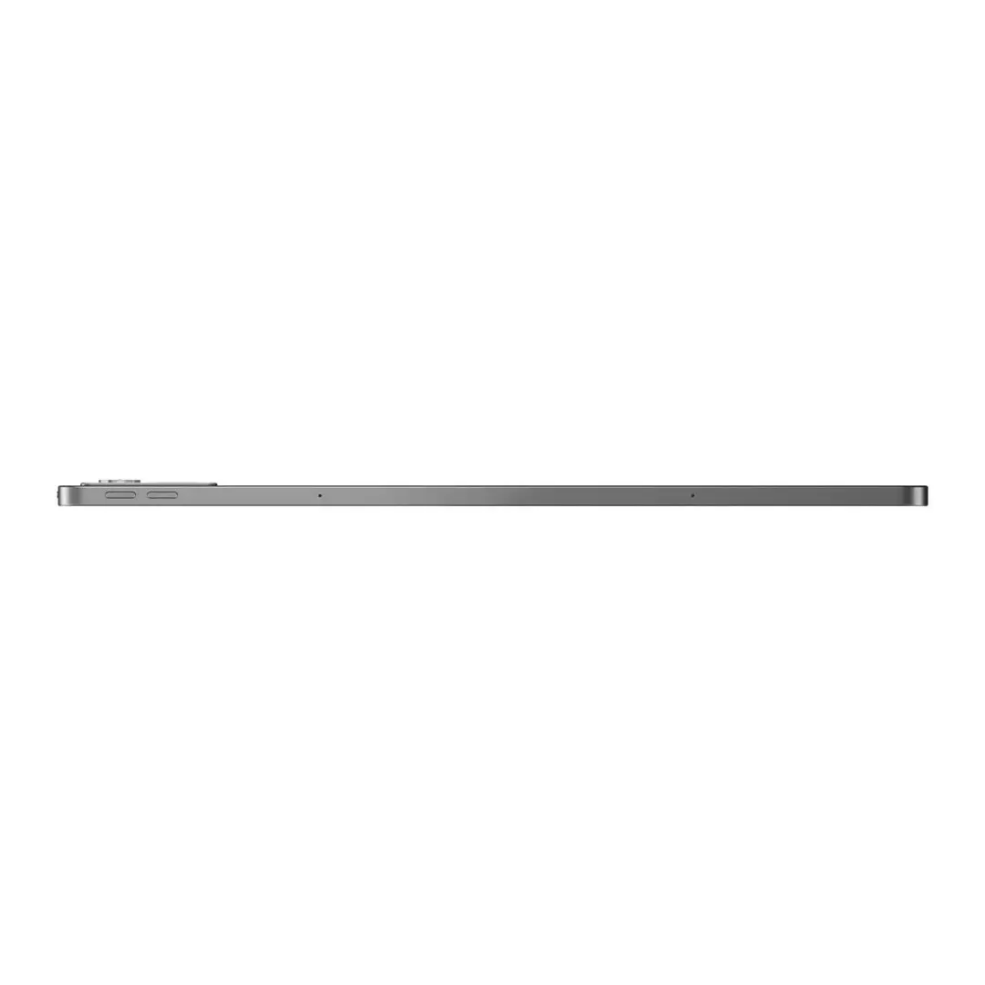
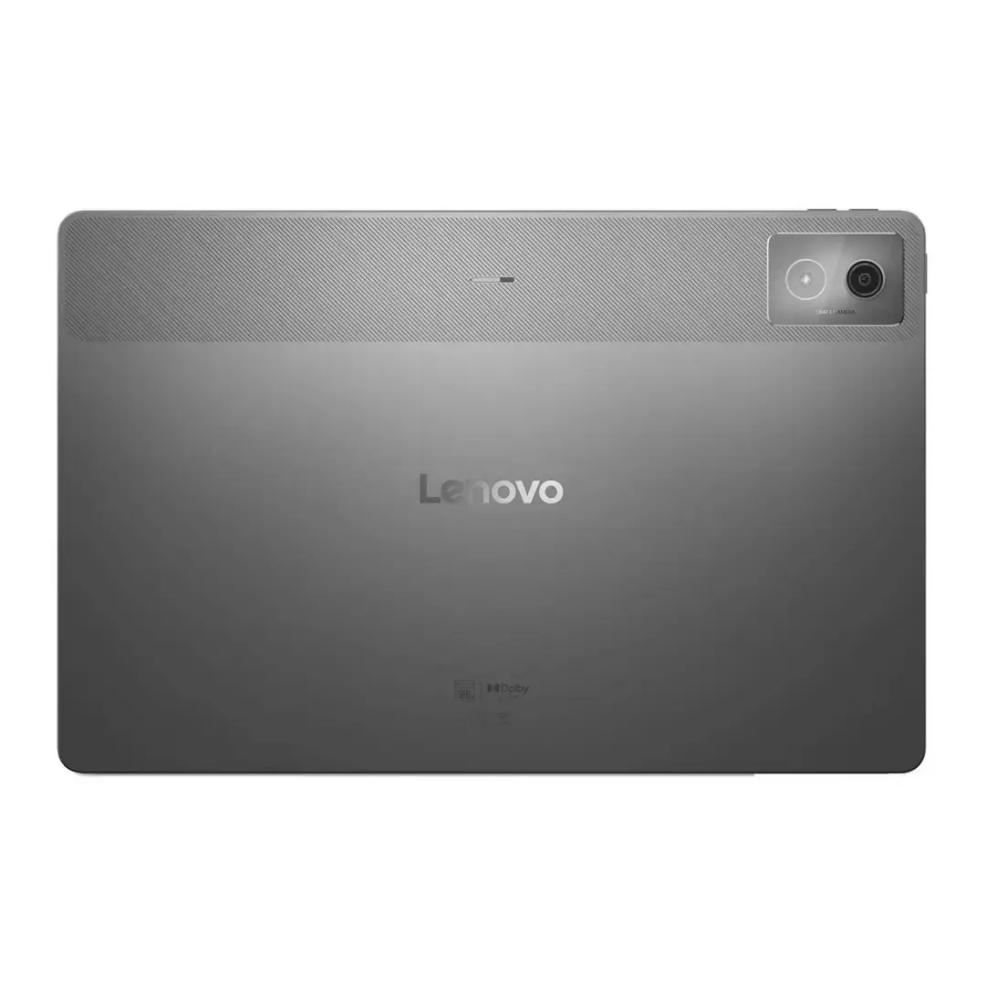
The Lenovo Idea Tab Pro 12.7 TB373FU is a 12.7-inch tablet that combines a large display with 8GB of RAM and 256GB of internal storage. It offers WiFi connectivity and is configured to handle multimedia playback, web browsing, and common productivity tasks. The tablet’s screen size and storage capacity make it suitable for running multiple apps, storing documents and media files, and using cloud services alongside local files.
Advantages
The device balances performance and storage by pairing 8GB of memory with 256GB of built-in space, enabling smoother multitasking and ample room for applications, photos and videos. The 12.7-inch display provides a comfortable viewing area for reading, streaming and editing documents. Built-in WiFi ensures reliable internet access for browsing, video calls and online collaboration. The design is intended for portability and everyday use at home, in study environments or while travelling.
Suitable for
- Multimedia consumption such as video streaming and photo viewing
- Office productivity: email, document editing and spreadsheets
- Web browsing and online research
- Remote learning and video conferencing
- Storing and managing large media libraries and app collections
Key specifications
- Display size: 12.7 inches
- Memory: 8GB RAM
- Internal storage: 256GB
- Connectivity: WiFi
- Primary use cases: multimedia, productivity, web browsing
How to use
Power on the tablet using the designated button, complete the initial setup by following on-screen prompts to connect to a WiFi network, sign in with or create an account, and configure security options. Install or update applications from the device’s app store for productivity, media playback and communication. Use the built-in file manager or cloud services to organise documents, photos and videos. Adjust display brightness and power settings to balance battery life and viewing comfort.
Usage recommendations
For best results, keep the tablet’s operating system and apps up to date, perform regular backups of important files to cloud storage, and avoid exposing the device to extreme temperatures or moisture. Use a protective case and a screen protector to reduce the risk of physical damage when carrying the tablet between locations.




 Free shipping €100
 30 day return
 Warranty 1 year

 Overview