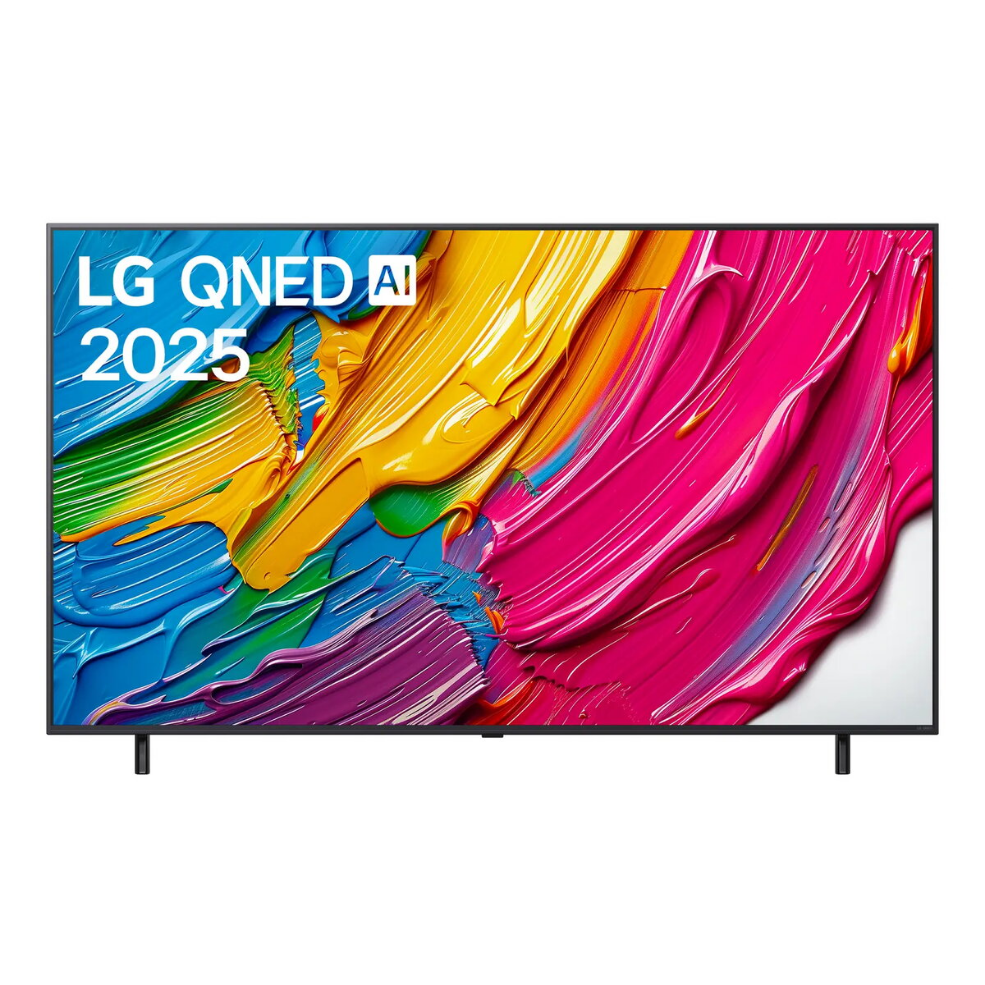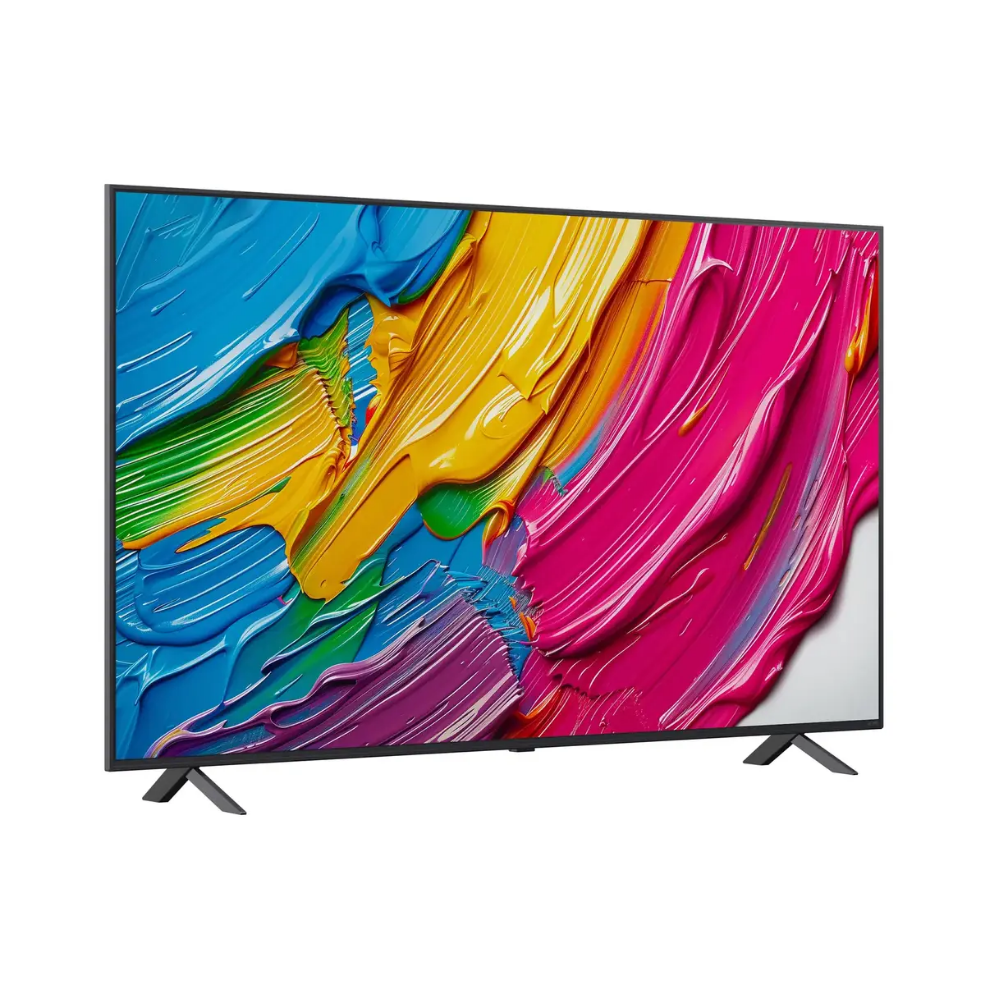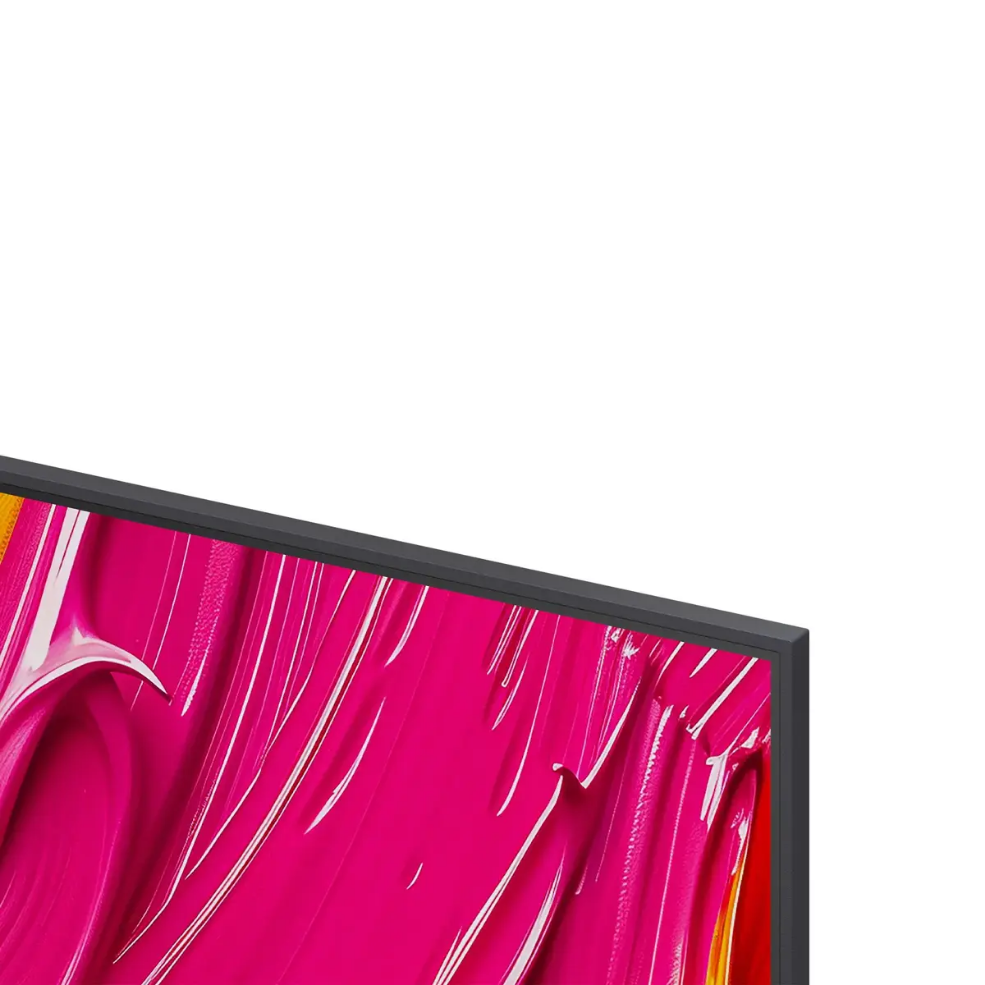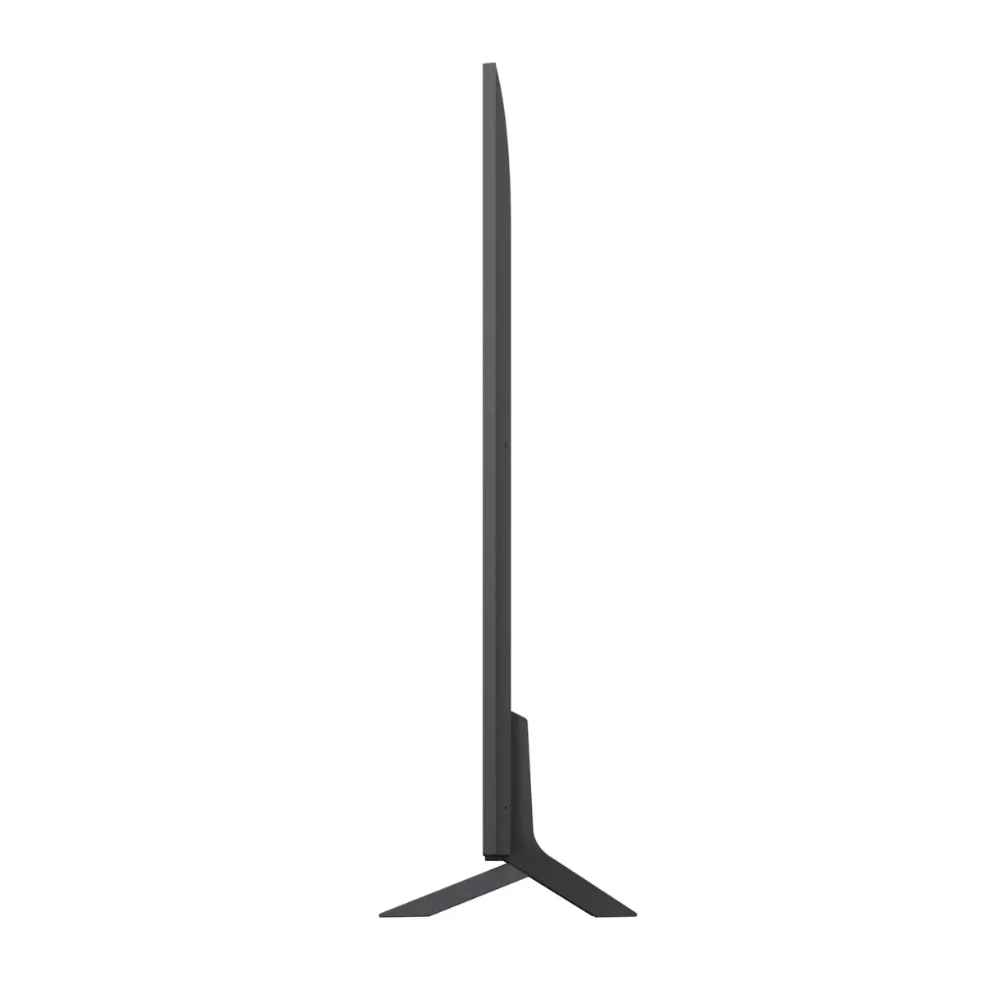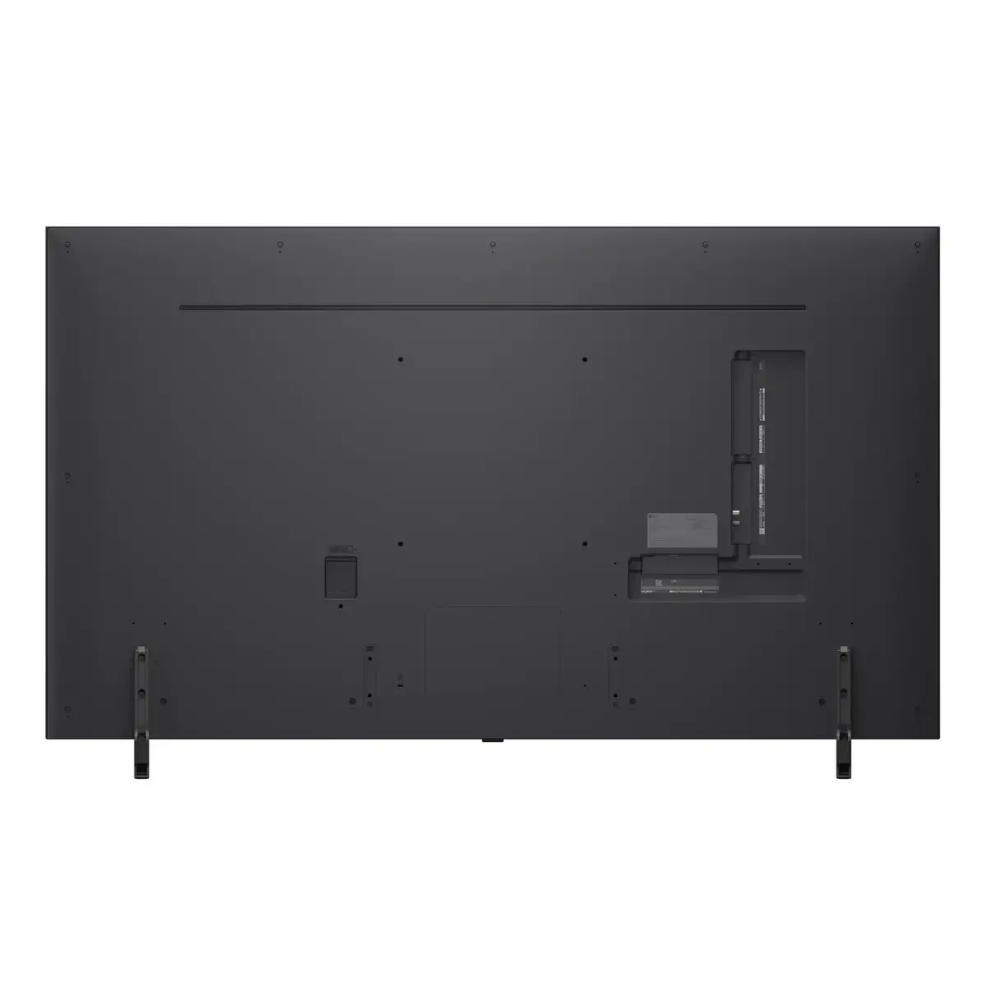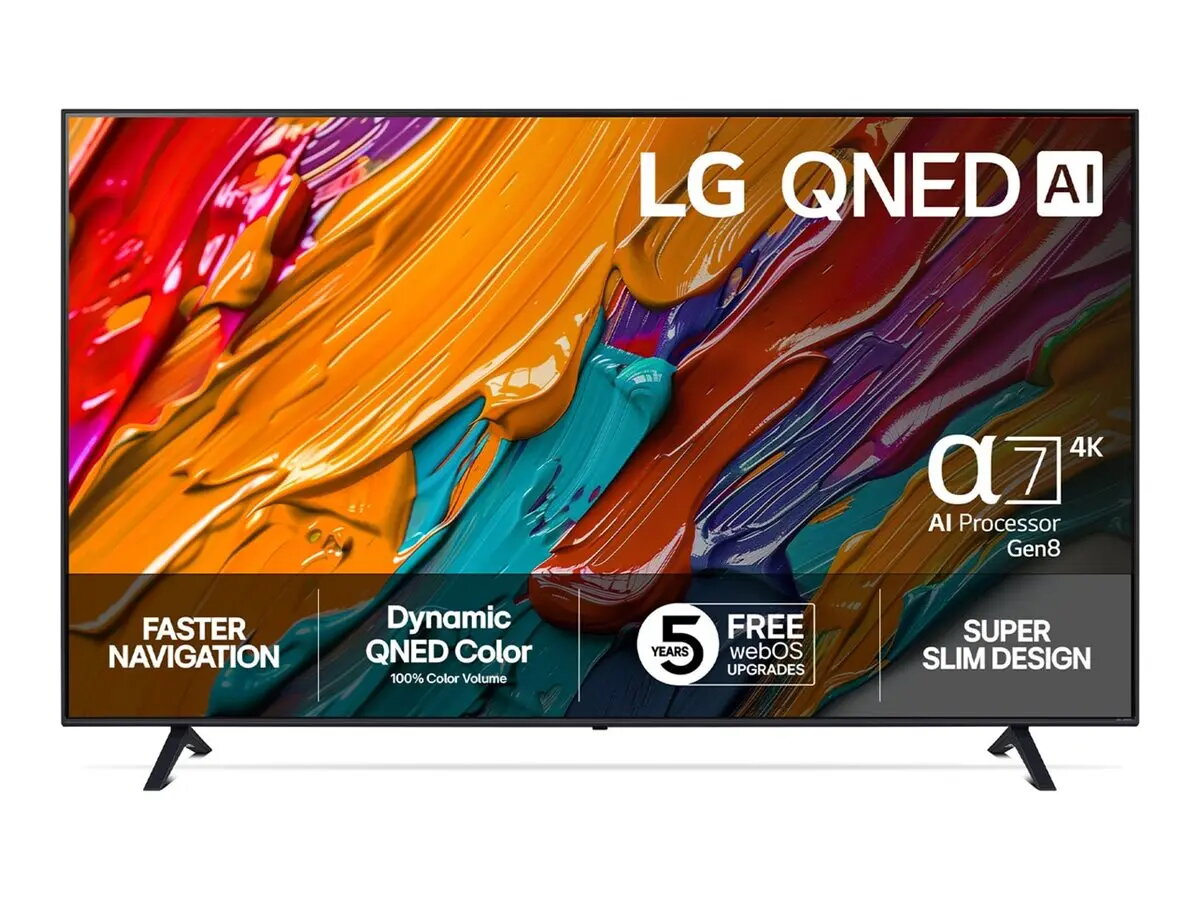
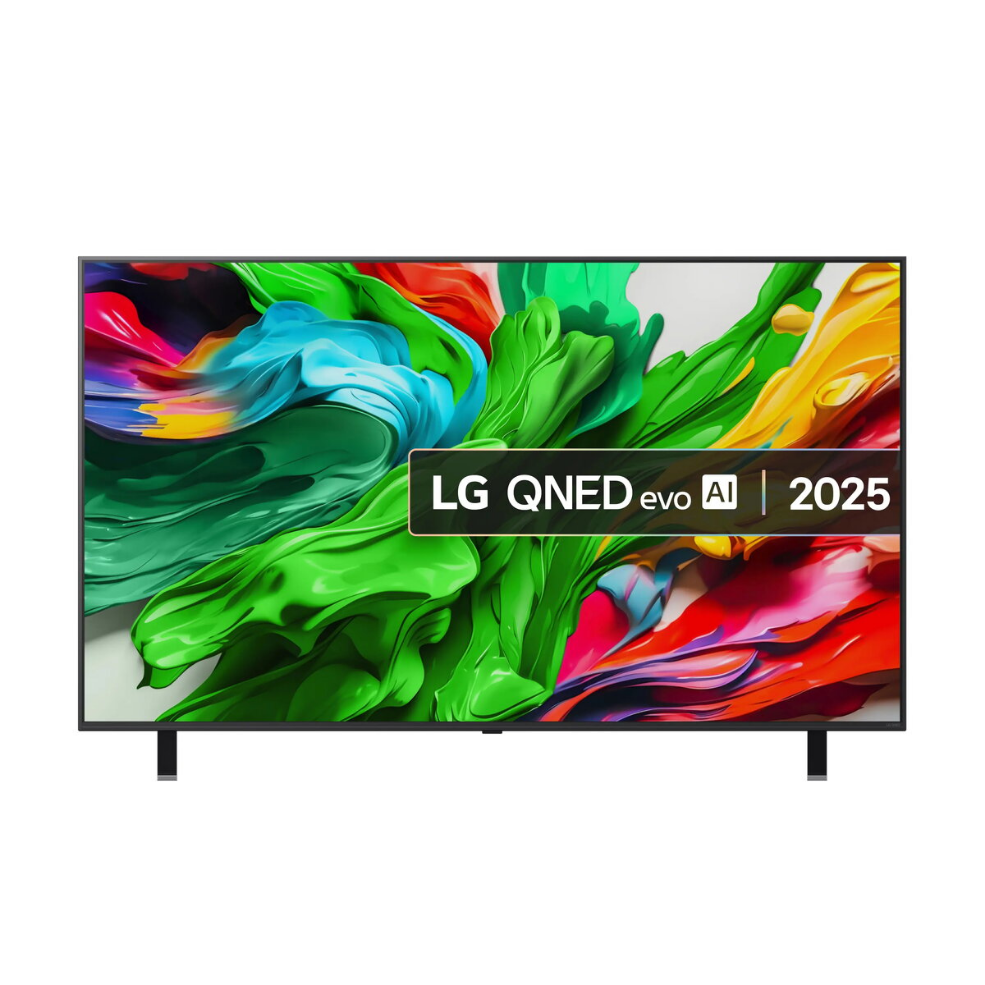
Television LG QNED AI 65QNED80A3A 65″ 4K Ultra HD QNED 3840 x 2160

SKU: 11423917

Apple Shopping Event

Hurry and get discounts on all Apple devices up to 20%

Sale_coupon_20

Original price was: 464,99 €.Current price is: 403,99 €.

  • Free shipping €100
  • 30 day return
  • Warranty 1 year

Description

The Television LG QNED AI 65QNED80A3A 65″ 4K Ultra HD QNED 3840 x 2160 is a 65-inch Smart TV with a QNED display and a native resolution of 3840 x 2160 pixels. The flat screen uses Edge-LED backlighting and runs the WebOS operating system. The set supports DVB-S2, DVB-T and DVB-T2 broadcast formats and provides Wi‑Fi and Ethernet LAN connectivity for streaming and network services.

Advantages

The 65″ diagonal combined with 4K Ultra HD resolution offers increased image detail suitable for medium to large viewing areas. QNED display technology together with Edge-LED backlighting improves colour reproduction and contrast uniformity compared with standard panels. The integrated WebOS platform provides access to streaming applications and network features, while built-in tuners for DVB-S2, DVB-T and DVB-T2 allow reception of common digital broadcast signals. Energy efficiency classifications and estimated consumption per 1,000 hours are specified to enable comparison of operating costs.

Key specifications

  • Model: LG 65QNED80A3A
  • Display diagonal: 65″ (164 cm)
  • HD type: 4K Ultra HD
  • Display resolution: 3840 x 2160
  • Display technology: QNED
  • LED backlighting type: Edge-LED
  • Operating system: WebOS
  • Tuner formats: DVB-S2, DVB-T, DVB-T2
  • Connectivity: Wi‑Fi and Ethernet LAN
  • Energy efficiency class: E
  • Energy efficiency class (SDR): E
  • Energy efficiency class (HDR): G
  • Energy consumption (SDR) per 1000 hours: 85 kWh
  • Energy consumption (HDR) per 1000 hours: 140 kWh
  • Product colour: Black
  • MPN: 65QNED80A3A
  • EAN: 8806096403501

How to use

Place the television on a stable surface or follow the manufacturer’s mounting instructions for wall installation, ensuring adequate ventilation around the chassis. Connect the power cable and attach any antenna, satellite or cable inputs required for DVB reception. On first power-up complete the WebOS on-screen setup to select language, network connection and location. For network services choose Wi‑Fi or connect an Ethernet cable to use streaming apps available in WebOS. Use the channel scan function to detect DVB-S2, DVB-T or DVB-T2 broadcasts. Select the appropriate input when connecting external devices (HDMI sources, set-top boxes, media players) and adjust picture mode and sound settings to suit the content and viewing environment. Check for firmware updates via network settings to keep system software current.

Recommendations

Use native 4K sources and compatible broadcast or streaming content to utilise the 3840 x 2160 resolution. Allow clearance for ventilation, keep the TV away from direct heat sources and update the WebOS firmware periodically. If energy consumption is a concern, use available picture modes and energy settings to reduce power use.

Overview

Display diagonal:65 “
Display resolution:3840 x 2160
Energy efficiency class:E
Operating system installed:webOS
Product colour:Black
Wi-Fi:Yes
HD type:4K Ultra HD
Display technology:QNED
Energy efficiency class (SDR):E
Display diagonal (metric):164 cm
LED backlighting type:Edge-LED
Energy efficiency class (HDR):G
Energy consumption (SDR) per 1000 hours:85 kWh
Energy consumption (HDR) per 1000 hours:140 kWh