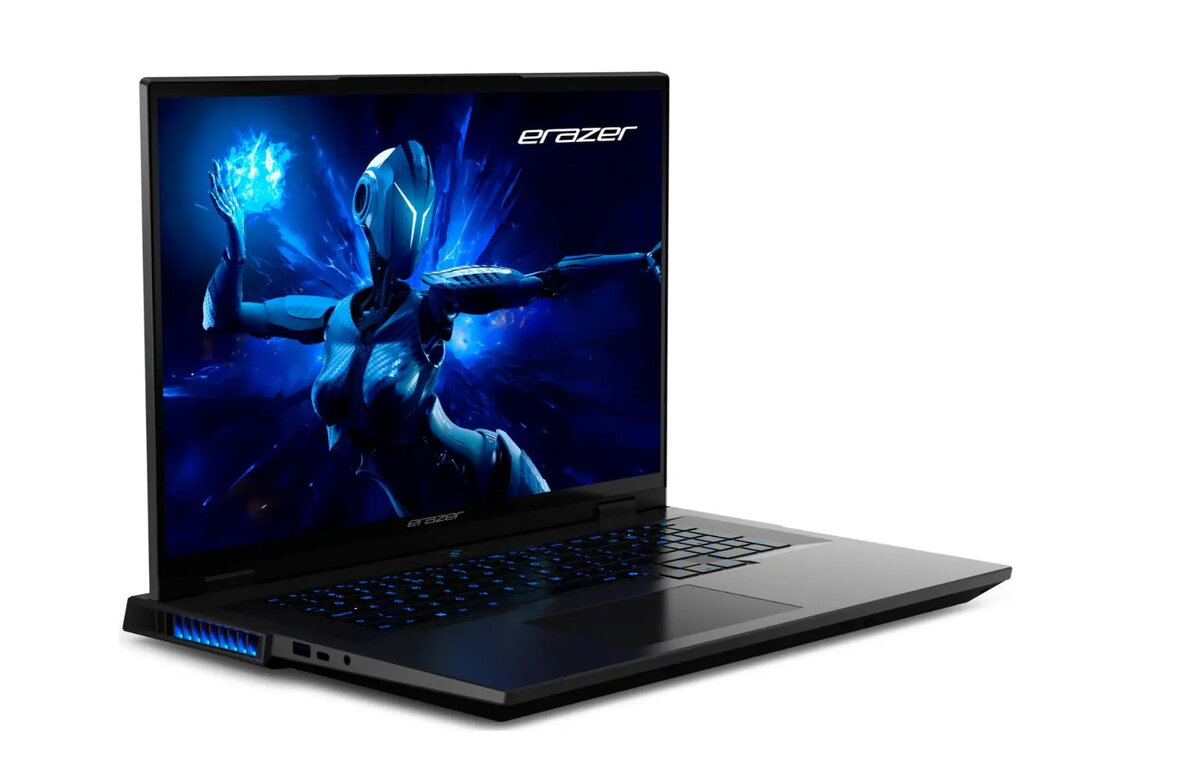
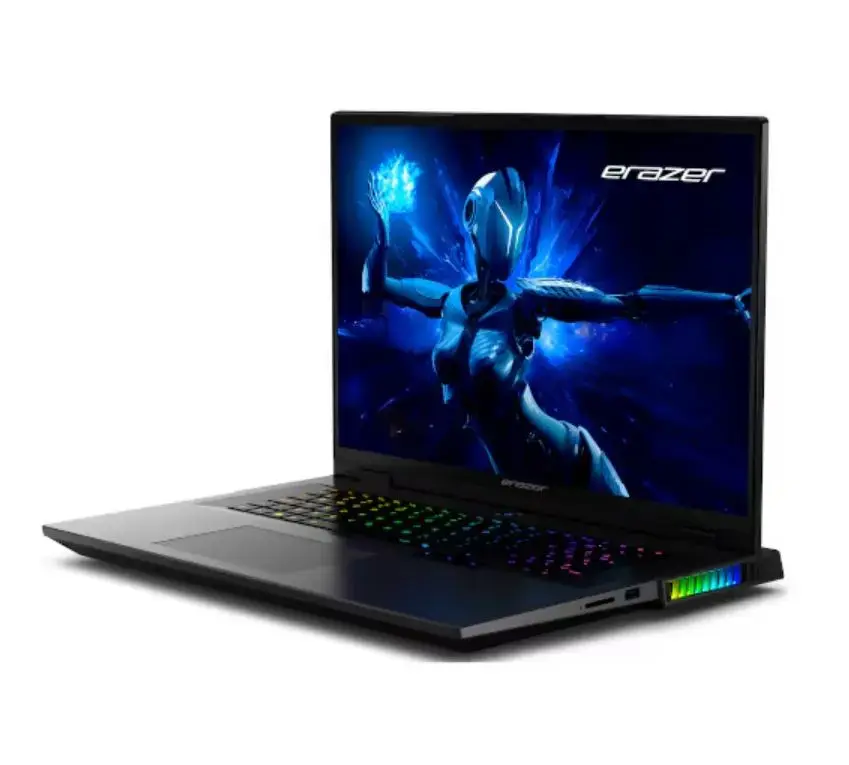
Laptop Erazer Beast 18 X1 18″ QHD+ Core Ultra 9 275HX 32GB 2TB SSD RTX 5080 Win11

SKU: 11481359

Apple Shopping Event

Hurry and get discounts on all Apple devices up to 20%

Sale_coupon_20

3.451,99 

  • Free shipping €100
  • 30 day return
  • Warranty 1 year

Description

The Erazer Beast 18 X1 is a high-performance gaming laptop with an 18″ QHD+ display, powered by an Intel Core Ultra 9 275HX processor. Equipped with 32GB of RAM and a 2TB solid-state drive, it delivers fast load times, responsive multitasking and large local storage for games and media. The NVIDIA GeForce RTX 5080 graphics card provides hardware-accelerated ray tracing and high frame-rate rendering for demanding titles, while Windows 11 offers a modern, compatible platform for gaming and productivity.

Advantages

The combination of a large QHD+ screen and a high-end RTX 5080 GPU ensures detailed visuals and smooth motion suitable for modern games and content creation. A powerful Core Ultra 9 275HX processor paired with 32GB of RAM enables sustained multi-threaded performance for gaming, streaming and creative workflows. The 2TB SSD provides ample, fast storage for game libraries and project files while reducing loading times compared with traditional drives. Windows 11 integration ensures driver compatibility and access to gaming features and platform services.

Suitable for

  • Competitive and AAA gaming at high settings
  • Streaming gameplay and live content creation
  • Video editing, 3D rendering and other GPU-accelerated workloads
  • Multitasking with multiple applications and browser tabs
  • Large local storage for games, media and project files

Key specifications

  • Display: 18″ QHD+ resolution
  • Processor: Intel Core Ultra 9 275HX
  • Memory: 32GB RAM
  • Storage: 2TB SSD
  • Graphics: NVIDIA GeForce RTX 5080
  • Operating system: Windows 11

How to use

Power on the laptop and complete the Windows 11 initial setup, including account sign-in and preferred settings. Install or update graphics drivers through the manufacturer’s support resources or GeForce Experience to ensure optimal performance with the RTX 5080. Use the 2TB SSD to install games and applications for faster load times; consider organizing large media and project files into folders for easy access. For intensive workloads, confirm power settings are set to a high-performance or gaming profile to allow the processor and GPU to run at elevated performance levels.

Usage recommendations

Keep the system firmware and GPU drivers up to date, ensure adequate ventilation during extended gaming or rendering sessions, and use a high-quality power adapter or battery management settings to maintain consistent performance. For best visual results, calibrate in-game or application graphics settings to match the QHD+ resolution and balance frame rate with image quality.

Overview