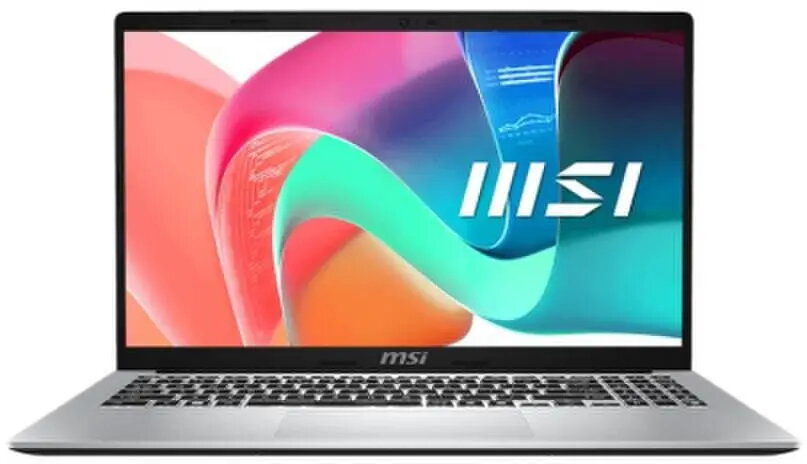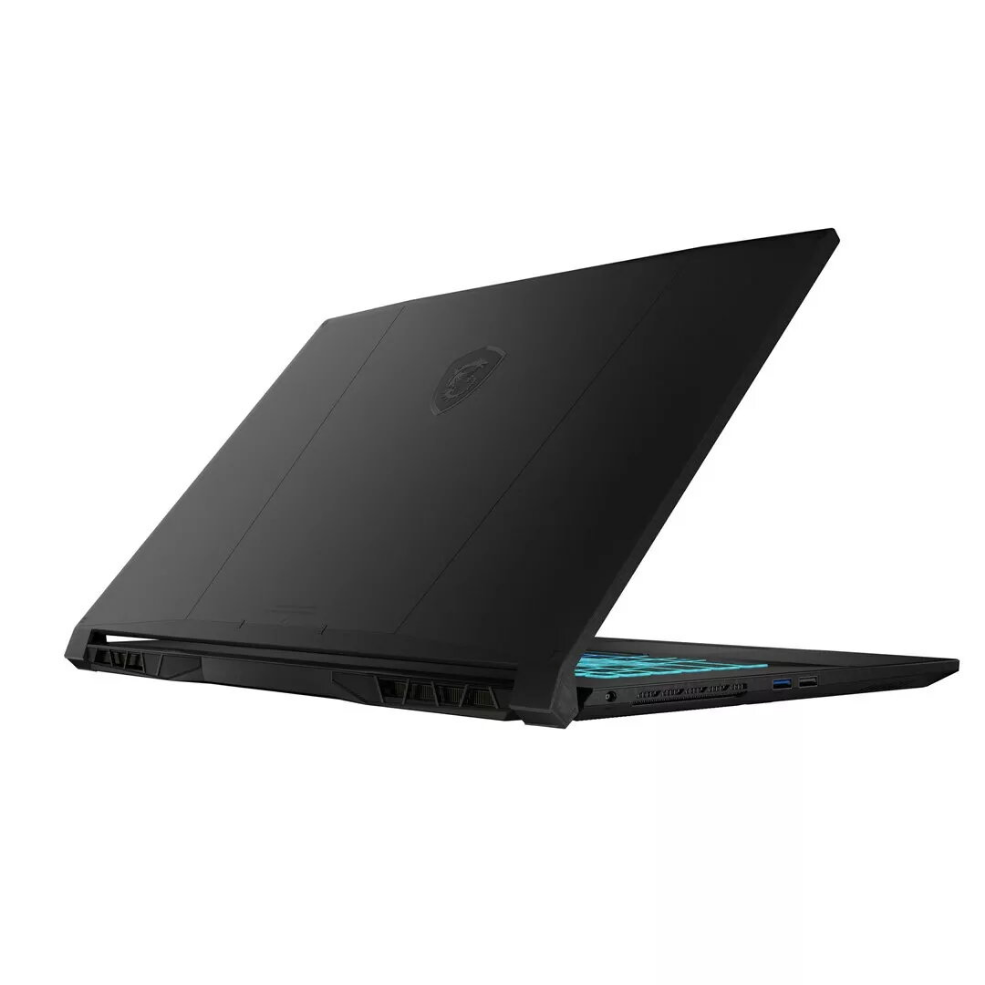
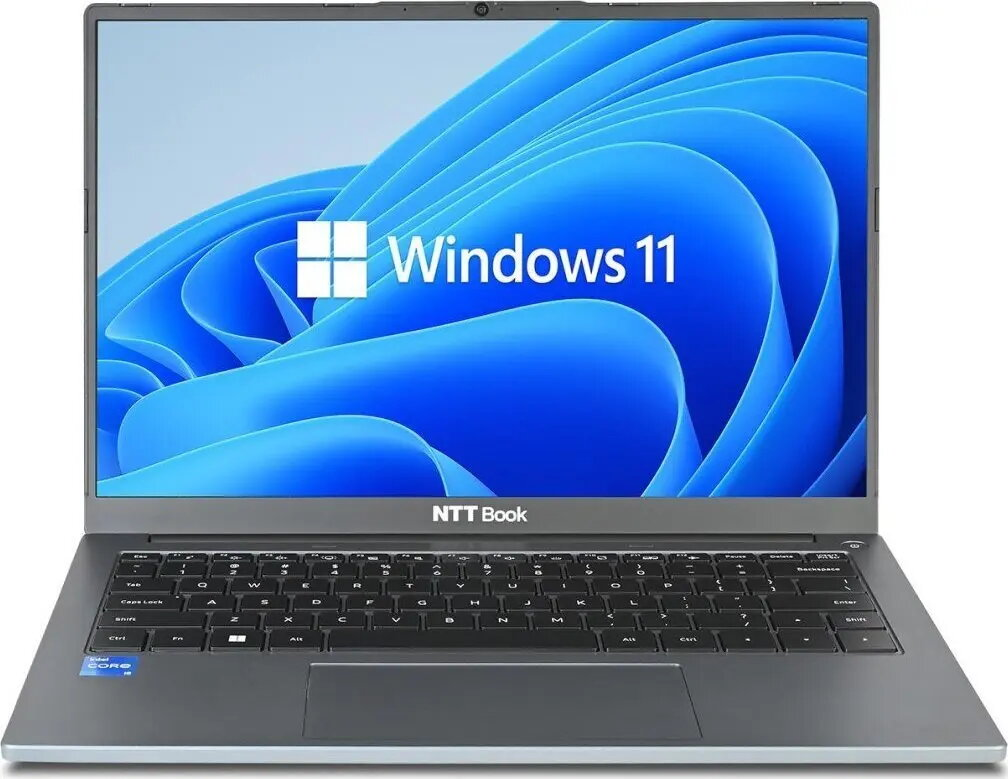
Laptop MSI Modern 15 F13MG-664XPL 15.6″ Intel i5-1334U 8GB 512GB NVIDIA Windows 11

SKU: 11588867

Apple Shopping Event

Hurry and get discounts on all Apple devices up to 20%

Sale_coupon_20

589,99 

  • Free shipping €100
  • 30 day return
  • Warranty 1 year

Description

The MSI Modern 15 F13MG-664XPL is a 15.6-inch laptop designed for everyday productivity and multimedia. It is powered by an Intel Core i5-1334U processor, equipped with 8GB DDR4 memory, a 512GB NVMe PCIe SSD and NVIDIA graphics, and comes with Windows 11 preinstalled to provide a modern, responsive user experience.

Advantages

This MSI Modern 15 offers a balance of processing power and storage speed with the Intel i5-1334U CPU and 512GB NVMe PCIe SSD. The 15.6″ FHD display provides clear visuals for work and entertainment, while 8GB DDR4 memory supports multitasking. NVIDIA graphics improve graphical performance for photo editing, light video work and casual gaming. Windows 11 provides up-to-date system features and security.

Suitable for

  • Office work, document editing and spreadsheets
  • Web browsing, video conferencing and streaming
  • Light photo and video editing
  • Everyday multimedia and casual gaming

Key specifications

  • Model: MSI Modern 15 F13MG-664XPL
  • Display: 15.6″ Full HD (FHD)
  • Processor: Intel Core i5-1334U
  • Memory: 8GB DDR4
  • Storage: 512GB NVMe PCIe SSD
  • Graphics: NVIDIA (discrete)
  • Operating system: Windows 11
  • MPN: MODERN 15 F13MG-664XPL
  • EAN: 4711377355124

How to use

Unbox the laptop, connect the power adapter and perform initial Windows 11 setup following the on-screen prompts. Install necessary drivers and updates via Windows Update or MSI support pages to ensure optimal performance. Use the included storage and memory for your applications and files; consider adding external storage or cloud backup for large media libraries. Adjust display and power settings to balance battery life and performance depending on your workflow.

Usage recommendations

For best day-to-day performance, keep Windows and graphics drivers up to date, avoid running many heavy applications simultaneously on the 8GB RAM configuration, and use an external drive or cloud backup for large projects or media files.

Overview