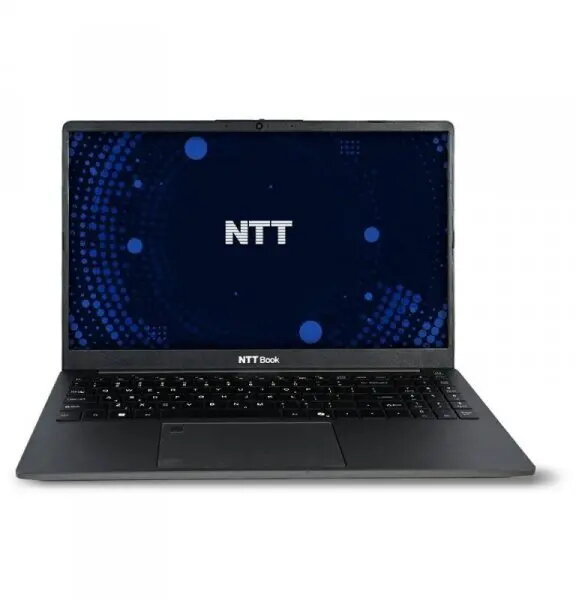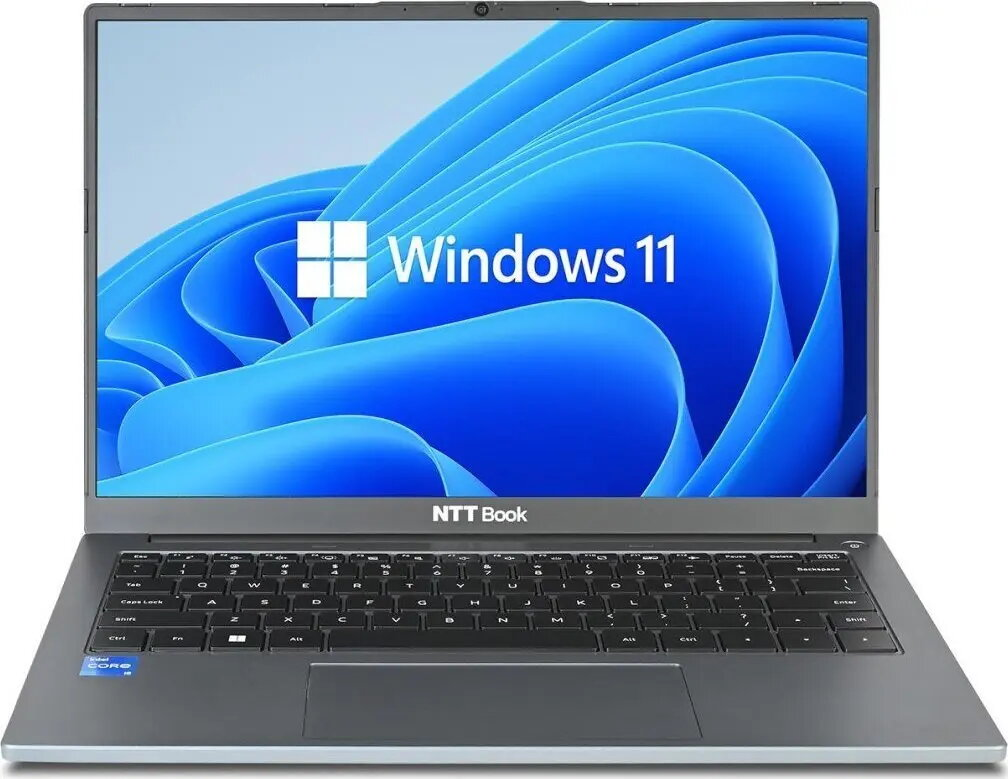
Laptop NTT System Book B15IP 15.6″ FHD, Intel i3-1315U, 16GB RAM, 512GB SSD, Windows 11 Edu

SKU: 11974175

Apple Shopping Event

Hurry and get discounts on all Apple devices up to 20%

Sale_coupon_20

566,99 

  • Free shipping €100
  • 30 day return
  • Warranty 1 year

Description

NTT System Book B15IP is a 15.6″ FHD laptop powered by an Intel i3-1315U processor, equipped with 16GB of RAM and a 512GB M.2 SSD, and supplied with Windows 11 Education. The full HD display delivers clear text and sharp images for everyday tasks. Solid-state storage ensures quick system start-up and fast application loading, while 16GB RAM supports smooth multitasking for study, office work and web browsing.

Advantages

The combination of an Intel i3-1315U processor and 16GB of memory balances energy efficiency with practical performance for typical productivity tasks. A 512GB M.2 SSD provides responsive storage and shorter wait times when launching programs and files. The 15.6″ FHD display offers a wide viewing area suitable for documents, spreadsheets and online lessons. Windows 11 Education includes features oriented to classroom and remote learning environments while maintaining compatibility with common Windows applications.

Suitable for

  • Students and remote learning
  • Office productivity: word processing, spreadsheets, presentations
  • Web browsing, email and videoconferencing
  • Light photo editing and content creation

Key specifications

  • Display: 15.6″ Full HD (1920×1080)
  • Processor: Intel i3-1315U
  • Memory: 16GB RAM
  • Storage: 512GB M.2 SSD
  • Operating system: Windows 11 Education
  • Form factor: 15.6-inch laptop

How to use

Power on the laptop and complete the Windows 11 Education initial setup by following on-screen prompts to configure language, user account and network settings. Use the Windows Start menu to access installed applications and the Microsoft Store to install additional educational or productivity software. Regularly save work to the local SSD or to a cloud service for backup. Keep the system updated through Windows Update to ensure security and compatibility.

Usage recommendations

For best performance, avoid filling the SSD to full capacity; maintain at least 10–15% free space. Close unused background applications to preserve responsive multitasking. Use a surge protector when connecting the laptop to mains power and perform periodic backups of important files to cloud storage or an external drive.

Overview