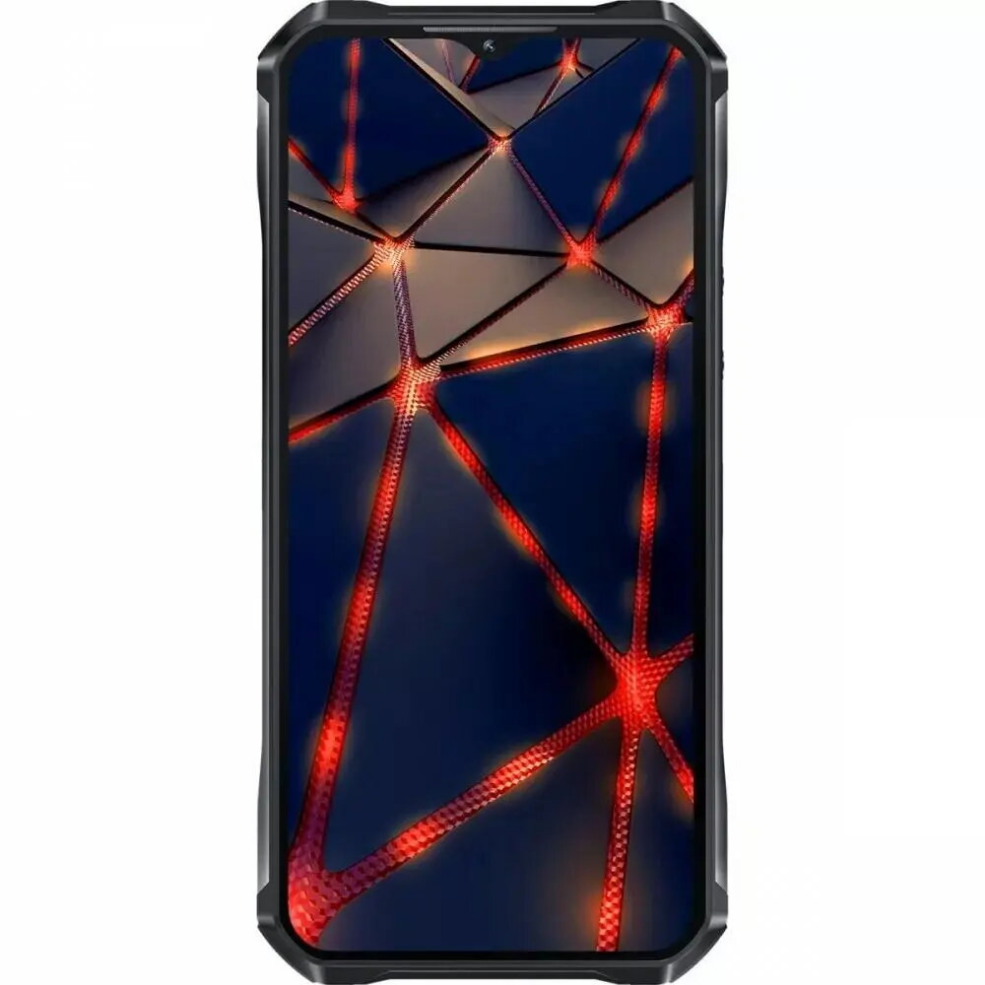

Smartphone Oukitel WP33 Pro 5G, 6.3″, 8GB RAM/256GB, Grey

SKU: 11392370

Apple Shopping Event

Hurry and get discounts on all Apple devices up to 20%

Sale_coupon_20

323,99 

  • Free shipping €100
  • 30 day return
  • Warranty 1 year

Description

The Oukitel WP33 Pro 5G is a rugged smartphone designed to combine long battery life with modern connectivity. It features a large 22000 mAh battery that supports extended use without frequent recharging, a 6.3″ display for clear visuals and touch control, 8GB of RAM for multitasking and smooth app performance, and 256GB of internal storage for apps, photos and media. Dual SIM capability enables flexible use of two mobile numbers or networks. The phone’s durable construction is intended for users who need a reliable device in demanding environments.

Advantages

The high-capacity 22000 mAh battery provides exceptionally long runtime for calls, navigation and media playback. 8GB RAM supports fluid multitasking and responsiveness in everyday apps. 256GB storage gives ample space for large media collections and installed applications without immediate need for external storage. The 6.3″ display balances screen area and device portability, while dual SIM support allows separating work and personal lines or using local and roaming SIMs concurrently. The rugged design improves durability in outdoor or industrial conditions.

Suitable for

  • Extended fieldwork where charging opportunities are limited
  • Travelers needing dual SIM management and long battery life
  • Users who store large amounts of media and apps locally
  • Outdoor activities and work in demanding physical environments

Key specifications

  • Battery capacity: 22000 mAh for prolonged usage between charges
  • Display size: 6.3 inches for readable content and media viewing
  • Memory: 8 GB RAM to support multitasking and app performance
  • Storage: 256 GB internal storage for apps, photos and files
  • Connectivity: 5G support for high-speed mobile data and dual SIM operation
  • Color: Grey finish

How to use

Power on the device using the designated side button and follow the on-screen setup assistant to configure language, network connections and accounts. Insert one or two SIM cards into the SIM tray to enable mobile network access on both lines, and connect to Wi‑Fi for faster data synchronization and updates. Use the display to navigate apps, manage settings and adjust battery conservation modes when extended runtime is required. Store large files on the internal 256GB storage and manage installed applications via the system settings to maintain performance.

Usage recommendations

For optimal battery longevity, enable power-saving features when possible, keep the software up to date and avoid extreme temperatures. Use the dual SIM feature to separate work and personal numbers or to use a local data SIM while traveling. Regularly back up important data to cloud services or external storage to protect against accidental loss.

Overview