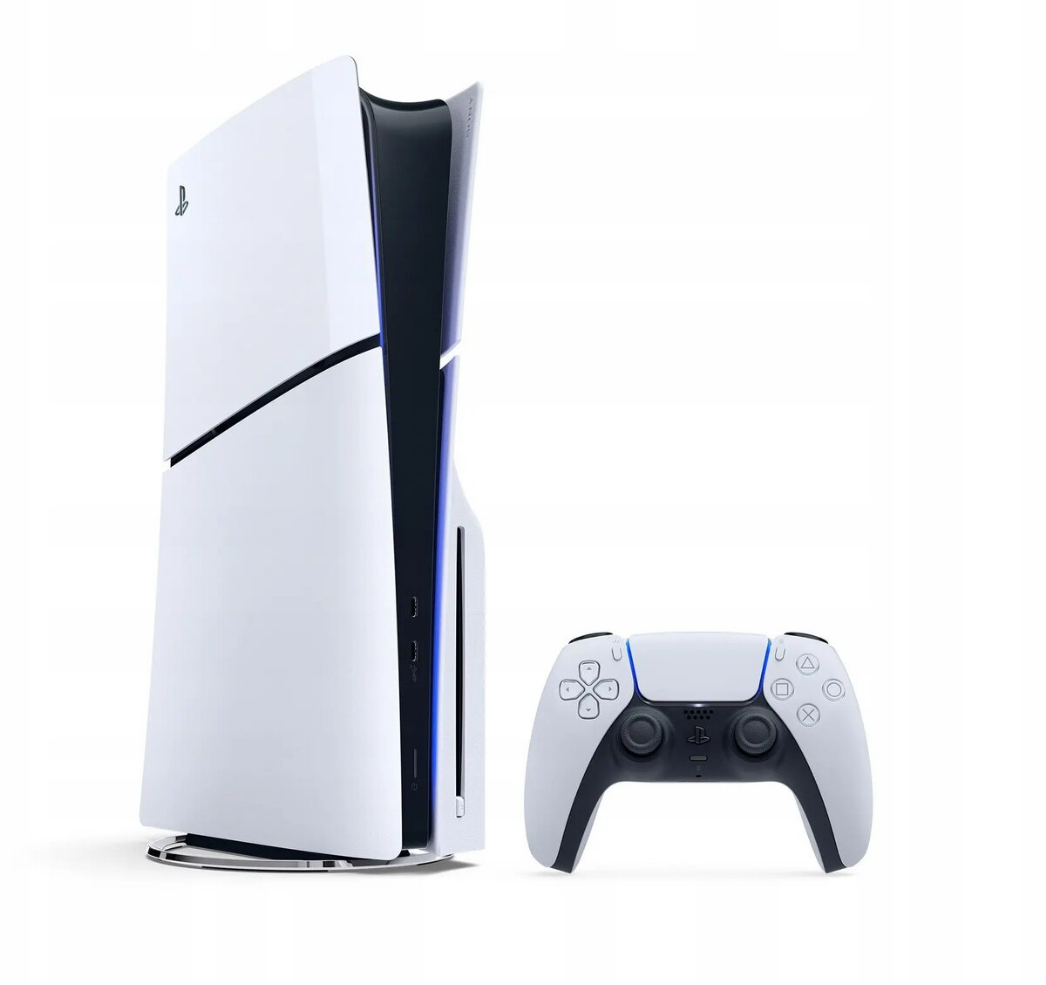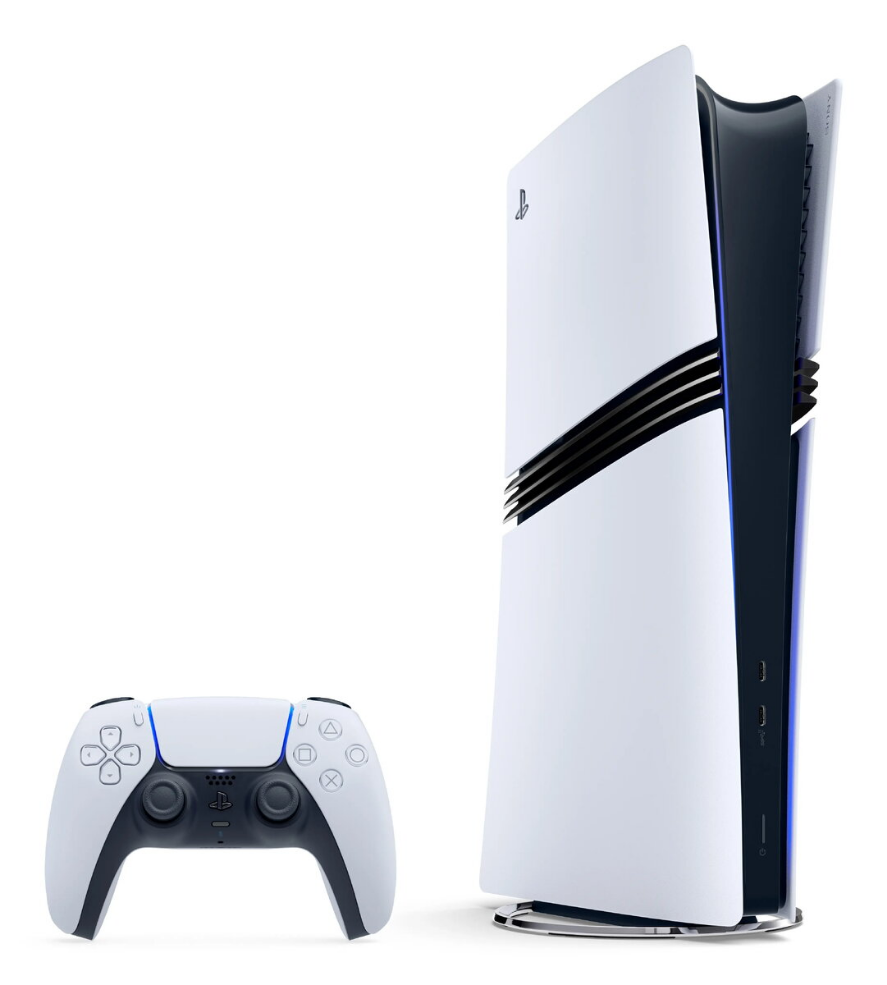
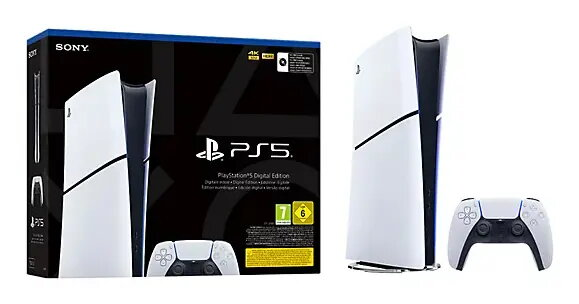
Gaming console Sony PlayStation 5 E Chassis Standard Disc edition – 1 TB SSD, AMD Ryzen Zen 2 3.5 GHz, 16 GB, GDDR6, Bluetooth 5.1, Wi-Fi, Gigabit Ethernet

SKU: 11645838

Apple-Shopping-Event

Hurry and get discounts on all Apple devices up to 20%

Sale_coupon_20

689,99 

  • Free shipping €100
  • 30 day return
  • Warranty 1 year

Beschreibung

Sony PlayStation 5 E Chassis Standard Disc edition is a home gaming console featuring a 1 TB SSD and 16 GB of internal memory. It is powered by an AMD Ryzen Zen 2 processor (3.5 GHz, 8 cores / 16 threads) paired with an AMD RDNA 2 graphics processor running at 2360 MHz and supporting hardware ray tracing. The system uses GDDR6 graphics memory and includes one wireless gamepad, HDMI cable and a stand.

Vorteile

The console delivers high-performance gaming with a fast SSD for reduced load times, a multi-core AMD CPU for complex game logic, and an RDNA 2 GPU with ray tracing for improved visual fidelity. Built-in Wi‑Fi, Bluetooth 5.1 and Gigabit Ethernet provide flexible network connectivity. Compact dimensions and included accessories simplify setup.

Geeignet für

  • Playing modern AAA and indie video games
  • Online multiplayer gaming via Wi‑Fi or Gigabit Ethernet
  • HDR-capable TV setups and high-fidelity graphics
  • Home entertainment with physical game discs

Wichtige technische Daten

  • Internal storage: 1 TB SSD
  • System memory: 16 GB
  • Processor: AMD Ryzen Zen 2, 3.5 GHz, 8 cores / 16 threads
  • Graphics: AMD RDNA 2 GPU, graphics frequency 2360 MHz, GDDR6 memory, hardware ray tracing
  • Network: Wi‑Fi, Bluetooth 5.1, Gigabit Ethernet (1000 Mbit/s)
  • Multimedia: HDR support
  • Ports: 1 × USB Type‑C, 1 × HDMI, Ethernet
  • Dimensions (approx.): Depth 92 mm × Width 216 mm × Height 358 mm
  • Colour: Black

Anleitung

Place the console on a stable, well‑ventilated surface using the included stand. Connect the HDMI cable to a compatible TV or monitor and plug the power cable into a properly grounded outlet. Power on the system, follow on-screen setup prompts to configure network settings (Wi‑Fi or Ethernet) and sign in or create a user account. Insert a game disc to play physical media or download games to the internal SSD. Use the included wireless gamepad for input; pair it via Bluetooth if necessary.

Anwendungsempfehlungen

Avoid contact with water and ensure the console is kept in a dry environment. Maintain adequate ventilation around the device and follow the manufacturer’s instructions for firmware updates and safe handling of discs and cables.

Overview