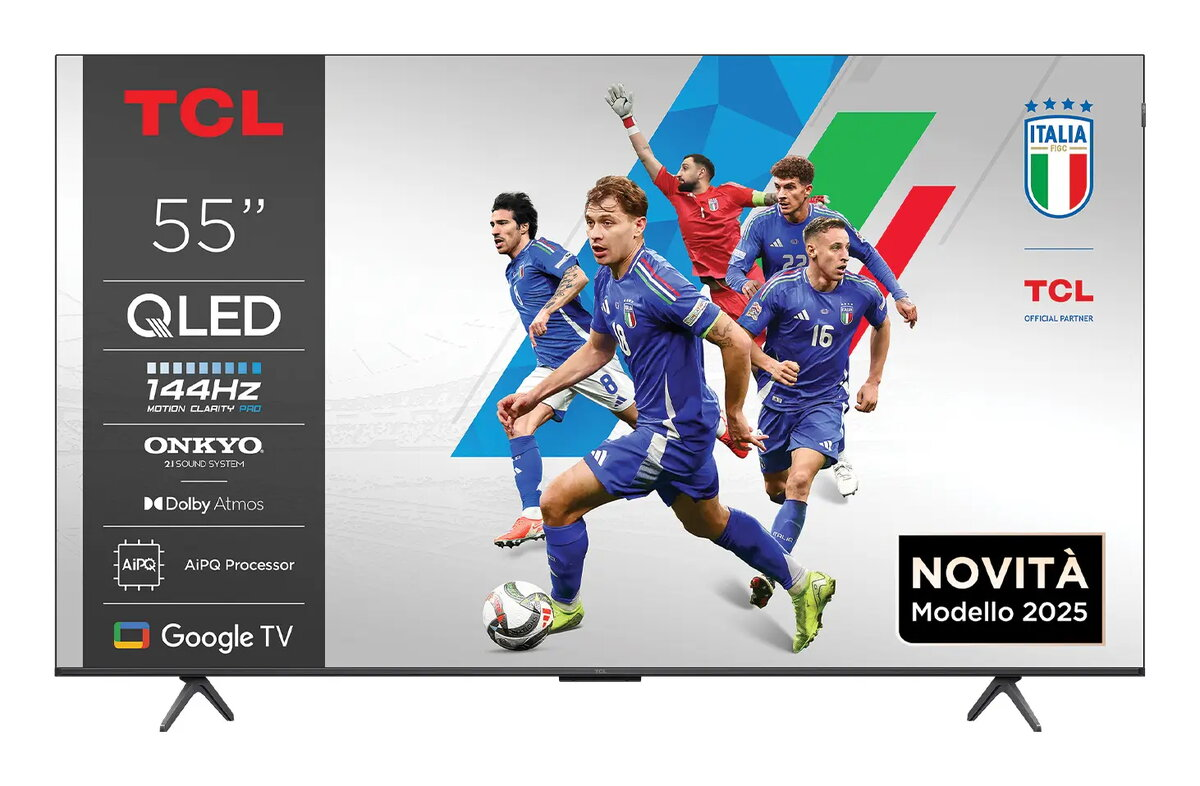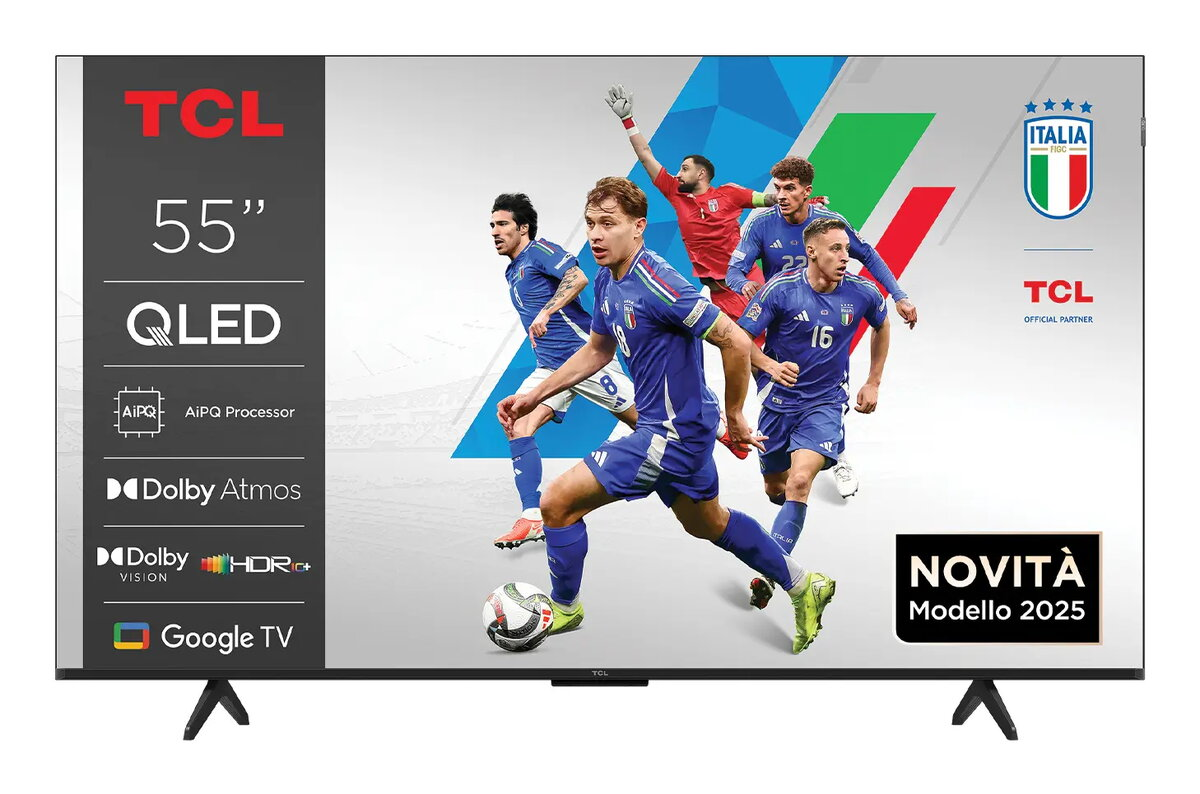
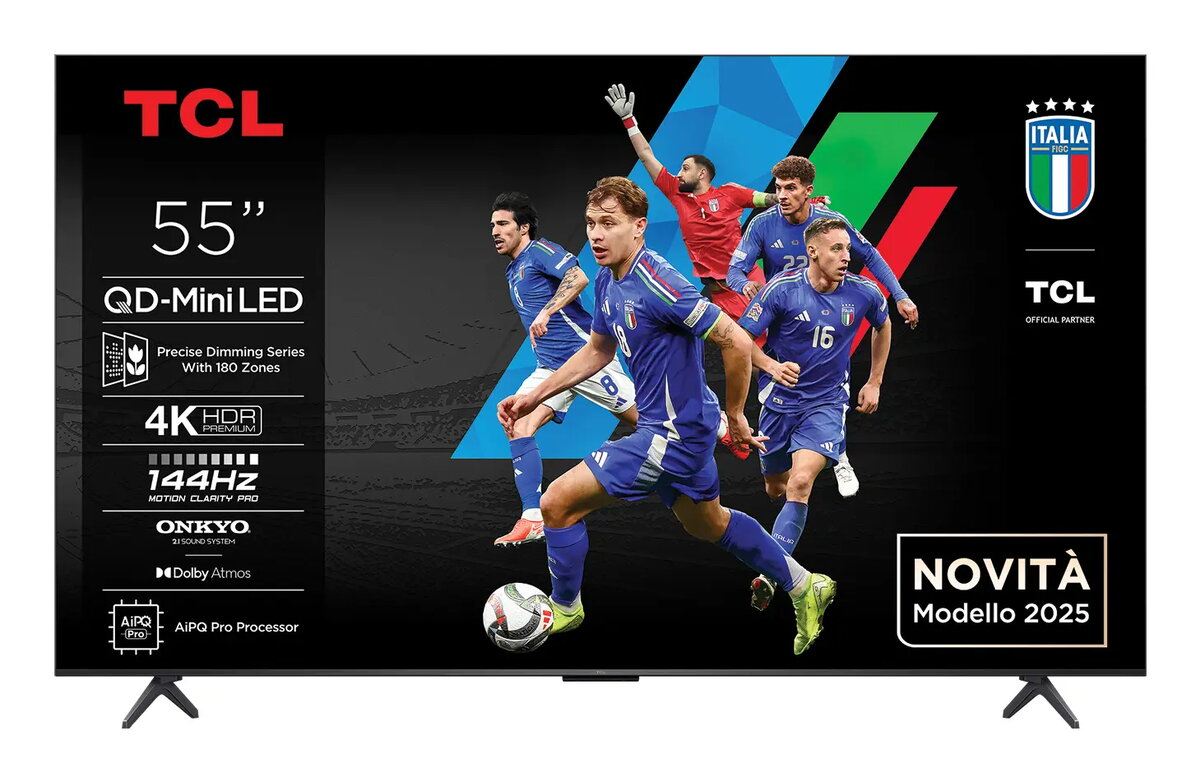
55″ TCL P8K 4K QLED HDR Smart TV, 3840×2160, Direct-LED, Google TV, Metallic

SKU: 11477340

Apple Shopping Event

Hurry and get discounts on all Apple devices up to 20%

Sale_coupon_20

Original price was: 357,99 €.Current price is: 298,99 €.

  • Free shipping €100
  • 30 day return
  • Warranty 1 year

Description

The TCL P8K 55″ 4K QLED HDR Smart TV features a 55″ flat screen with 3840 x 2160 resolution and QLED display technology. It uses Direct-LED backlighting for increased brightness and delivers smooth motion with a Picture Performance Index of 3700 and a response time of 6.5 ms. The set runs Google TV, supports DVB-C, DVB-S2 and DVB-T2 broadcast formats, and offers wired and wireless network connectivity. The exterior has a metallic finish and the panel brightness is specified at 350 cd/m².

Advantages

QLED panel provides improved color reproduction compared to conventional LCD, while Direct-LED backlighting contributes to even luminance across the screen. Native 4K resolution ensures detailed images for movies and streaming. Built-in Google TV and Wi‑Fi/Ethernet connectivity simplify access to apps and online content. The TV supports common broadcast standards, making it compatible with a wide range of signal sources.

Suitable for

  • Watching 4K movies and TV shows
  • Streaming apps and smart TV services via Google TV
  • Receiving cable, satellite and terrestrial broadcasts
  • Placement in living rooms or medium-sized viewing areas

Key specifications

  • Screen size: 55″ (140 cm)
  • Resolution: 3840 x 2160 (4K Ultra HD)
  • Display technology: QLED
  • Backlighting: Direct-LED
  • Brightness: 350 cd/m²
  • Picture Performance Index: 3700
  • Response time: 6.5 ms
  • Smart platform: Google TV
  • Network: Wi‑Fi and Ethernet LAN
  • Supported broadcast formats: DVB-C, DVB-S2, DVB-T2
  • Energy class (label): E (SDR: F, HDR: G)
  • Energy consumption: 70 kWh/1000 h (SDR), 125 kWh/1000 h (HDR)
  • Color / finish: Metallic
  • Weight: 11.3 kg

How to use

Unpack the TV and place it on a stable surface or mount it using a compatible 55″ wall bracket. Connect the antenna, cable or satellite input as needed and attach an Ethernet cable or connect to the local Wi‑Fi network to access online services. Complete the initial Google TV setup by following on-screen instructions to sign in to your Google account and install preferred streaming applications. Adjust picture and sound settings from the menu to suit viewing conditions.

Usage recommendations

For best picture quality, position the TV at eye level and avoid direct sunlight on the screen. Use the preset picture modes as a starting point and fine-tune brightness and color settings for the ambient lighting. Ensure firmware updates are applied via network connection to keep platform features and compatibility current.

Overview

Display diagonal:55 “
Display resolution:3840 x 2160
Energy efficiency class:E
Operating system installed:Google TV
Product colour:Metallic
Wi-Fi:Yes
HD type:4K Ultra HD
Display technology:QLED
Energy efficiency class (SDR):F
Display diagonal (metric):140 cm
LED backlighting type:Direct-LED
Energy efficiency class (HDR):G
Energy consumption (SDR) per 1000 hours:70 kWh
Energy consumption (HDR) per 1000 hours:125 kWh