TV 50UV3F63DG 50″ LED display technology Full HD resolution

SKU: 11524455

Apple Shopping Event

Hurry and get discounts on all Apple devices up to 20%

Sale_coupon_20

Original price was: 365,99 €.Current price is: 312,99 €.

  • Free shipping €100
  • 30 day return
  • Warranty 1 year

Description

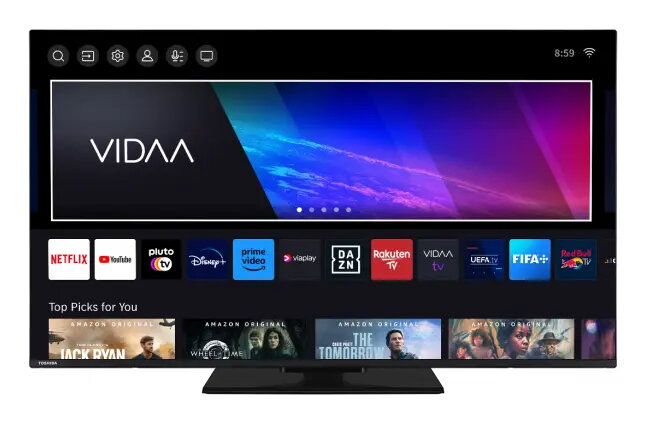
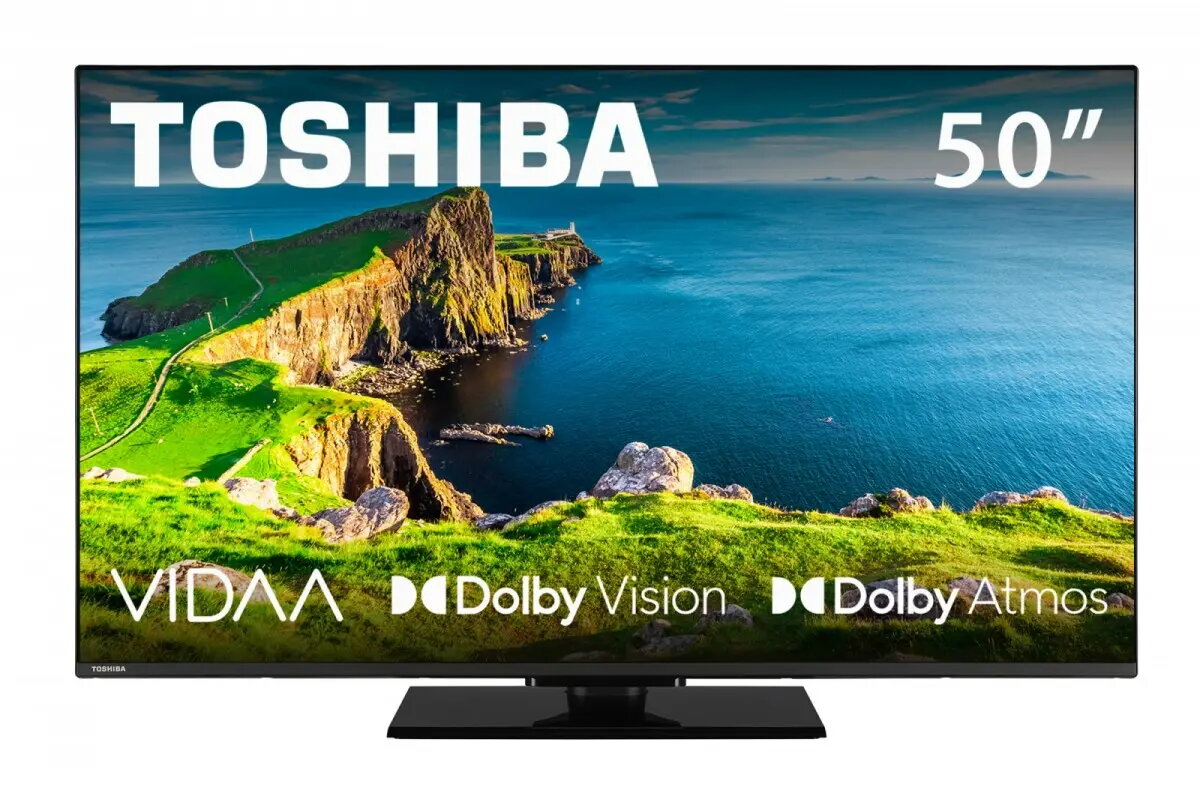
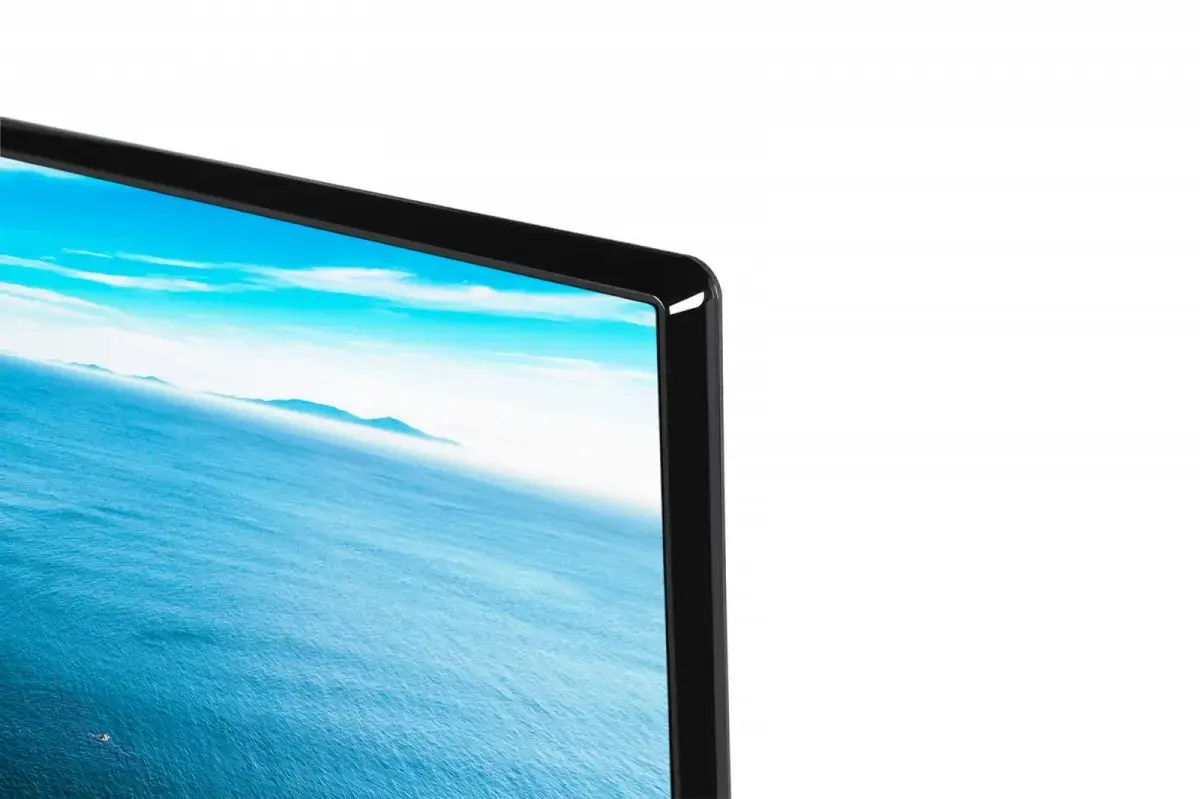
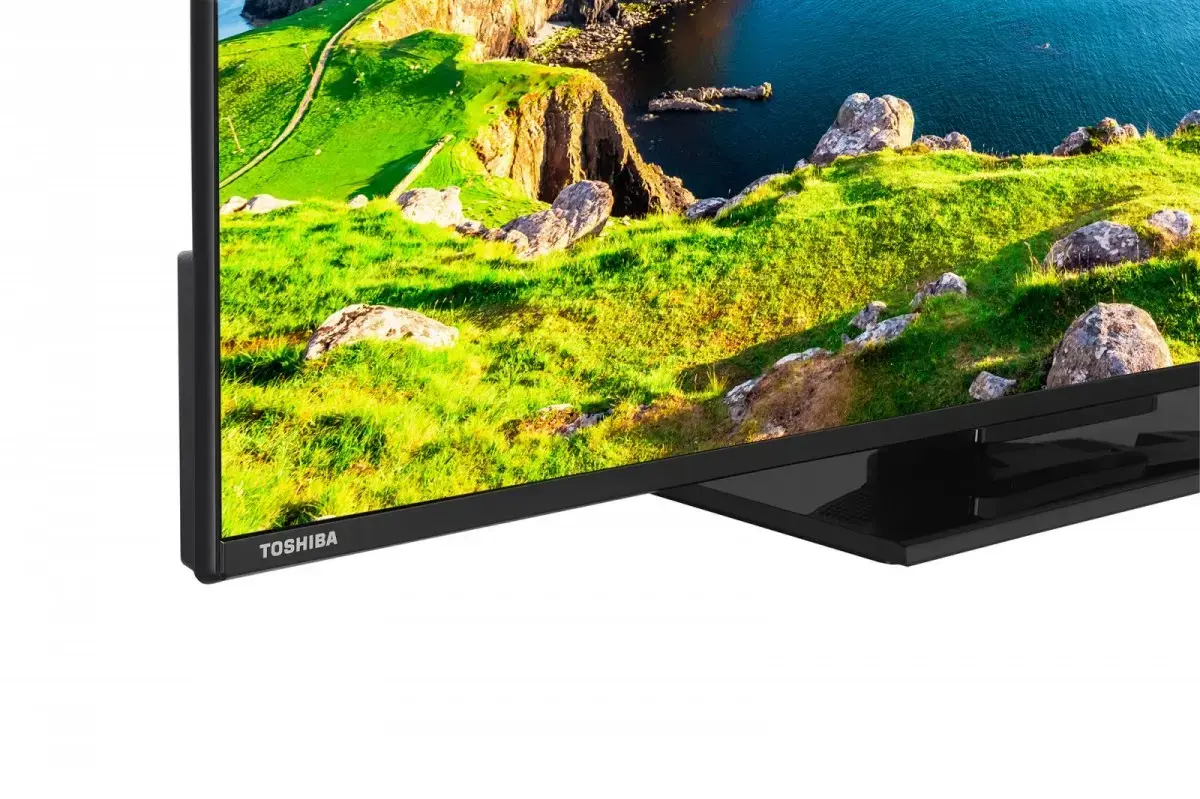
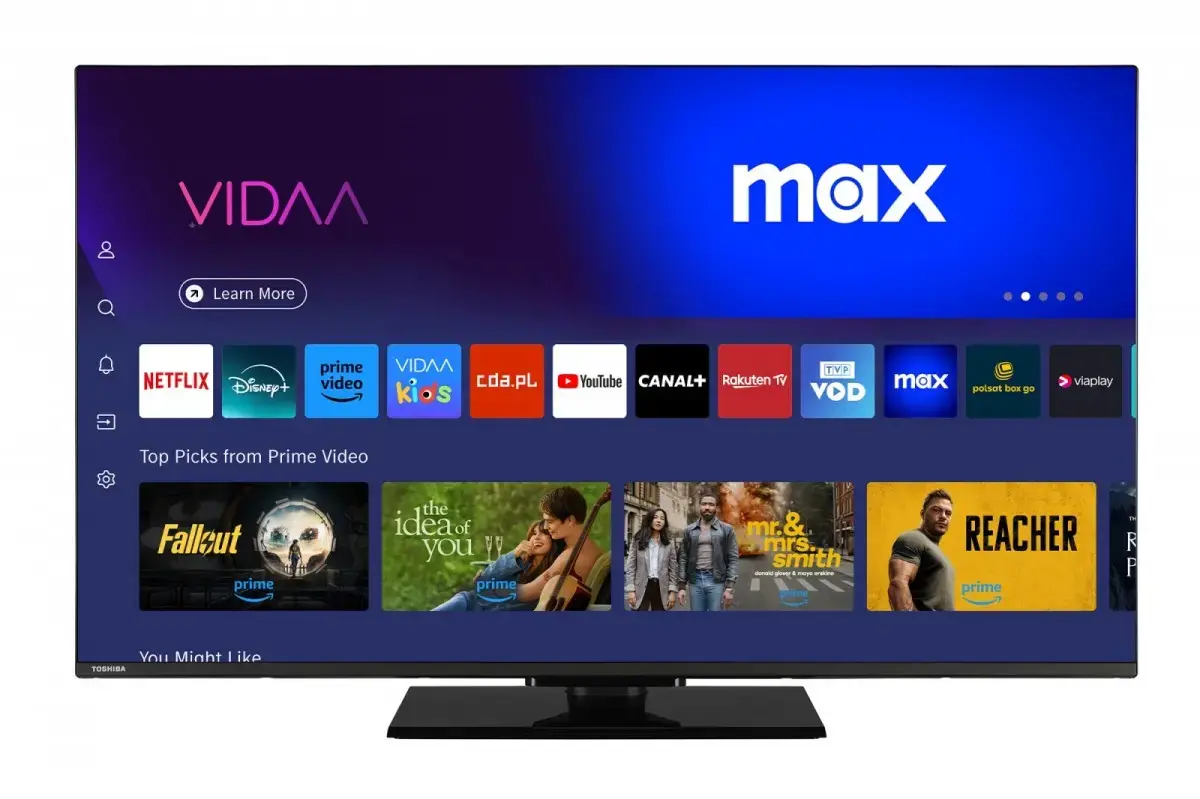
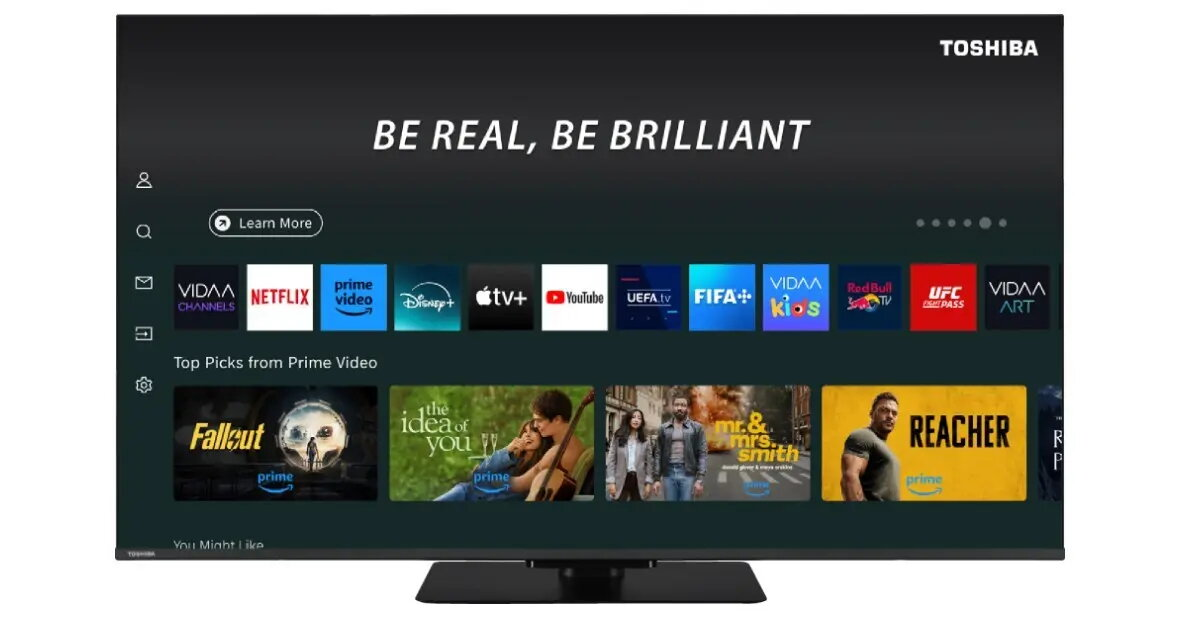
The Toshiba 50UV3F63DG 50″ LED display technology Full HD resolution delivers a 50-inch screen with Full HD (1920×1080) resolution, designed for clear images and natural color reproduction. The set integrates LED backlighting and a slim chassis that fits in living rooms, bedrooms or shared entertainment spaces. Multiple inputs provide flexible device connections and the built-in audio system offers everyday sound performance suitable for films, sports and broadcast TV.

Advantages

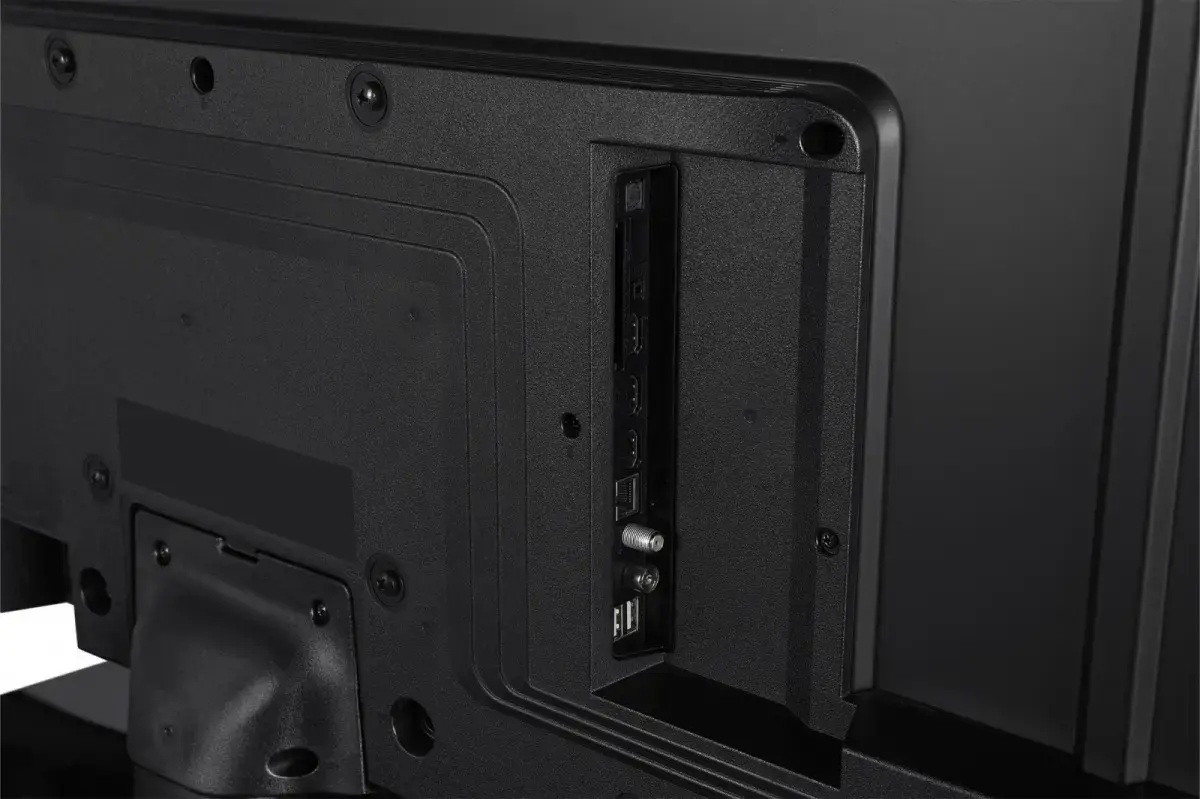
The LED panel provides consistent brightness and energy-efficient operation compared to older display types. Full HD resolution ensures sharp detail on a 50-inch diagonal, while a slim bezel and modern housing support straightforward placement on a TV stand or wall mount. Integrated HDMI and USB connectivity allow direct playback from external devices and easy connection of set-top boxes, game consoles and media players. The TV’s energy efficiency class E indicates the power profile for typical home use.

Suitable for

  • Everyday home viewing in living rooms and bedrooms
  • Watching broadcast TV, films and sports
  • Connecting game consoles and media players via HDMI
  • Playback of USB media files

Key specifications

  • Display size: 50 inches (diagonal)
  • Display type: LED
  • Resolution: Full HD (1920 × 1080)
  • Connectivity: HDMI inputs and USB port(s)
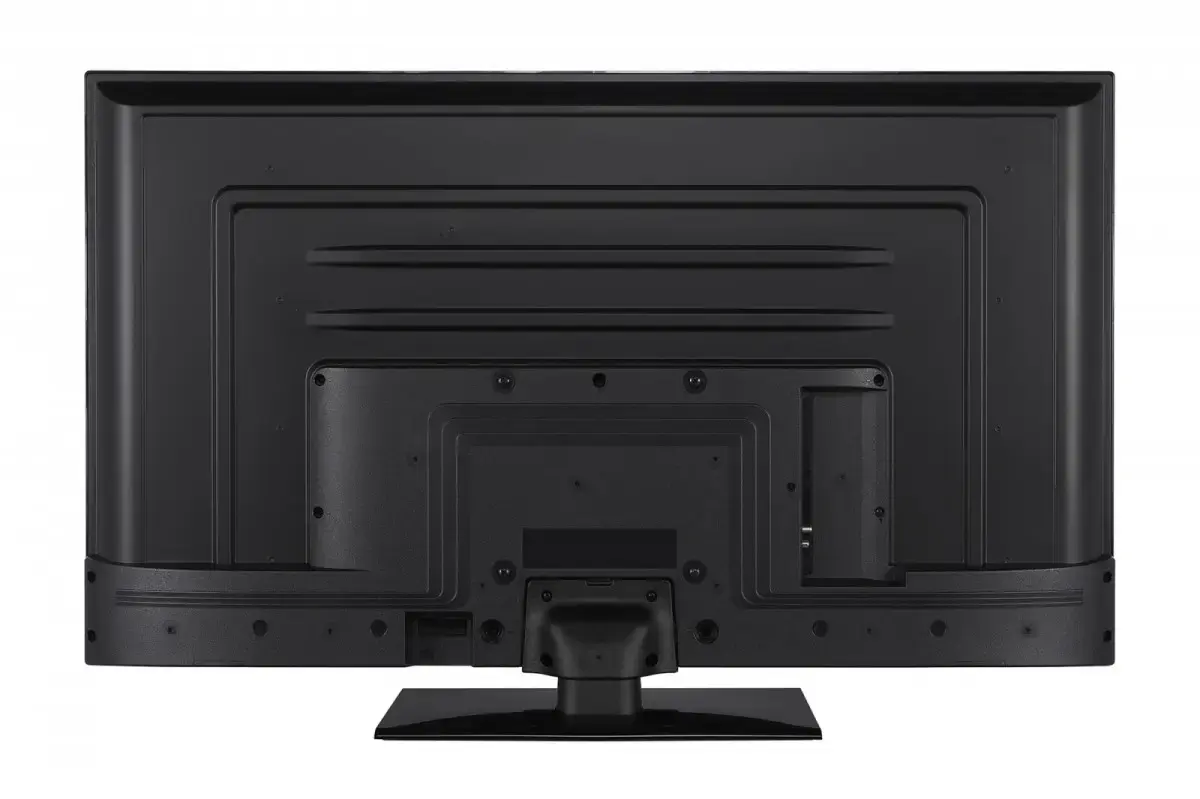
  • Design: slim bezel, table or wall-mountable
  • Energy efficiency class: E

How to use

Place the TV on a stable stand or mount it on a wall using a compatible bracket. Connect a power cable to a grounded outlet and switch the device on with the remote control or power button. Use the HDMI ports to connect a satellite/cable box, Blu‑ray player or game console; use the USB port to play compatible media files from flash drives. Access picture and sound settings through the on-screen menu to adjust brightness, contrast, sound mode and input sources for optimal viewing.

Usage recommendations

For best picture results, position the screen to avoid direct sunlight and adjust the picture mode to match the content type (e.g., Cinema for films, Sports for live events). Regularly update connected devices and use high-quality HDMI cables for reliable signal transmission. Refer to the user manual for safe mounting instructions and recommended ventilation clearances.

Overview

Energy efficiency class:E