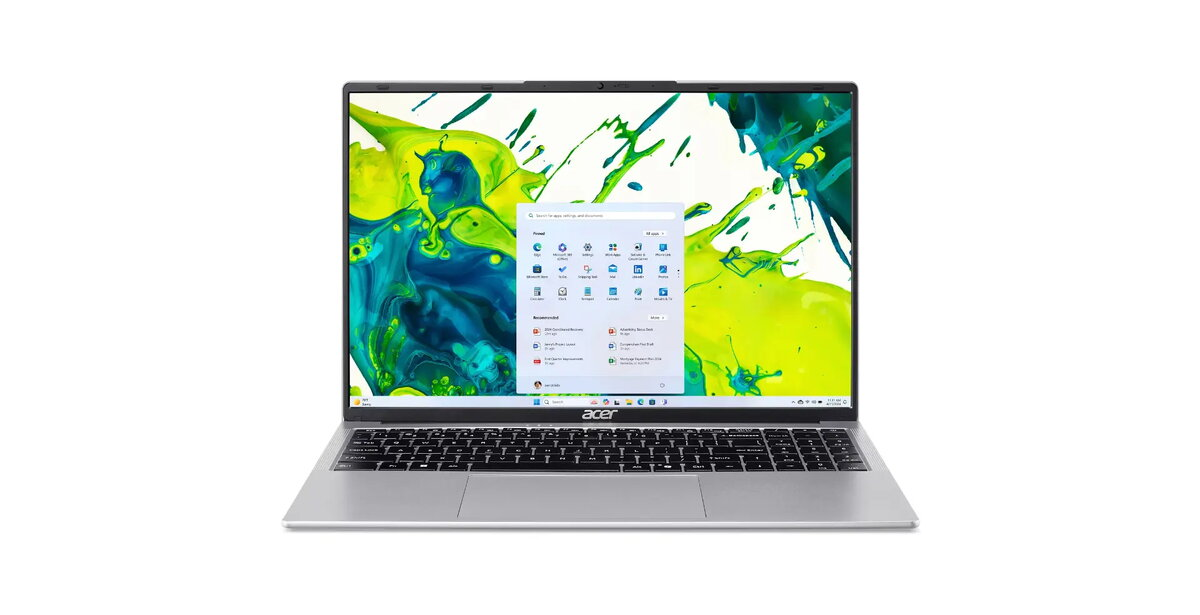
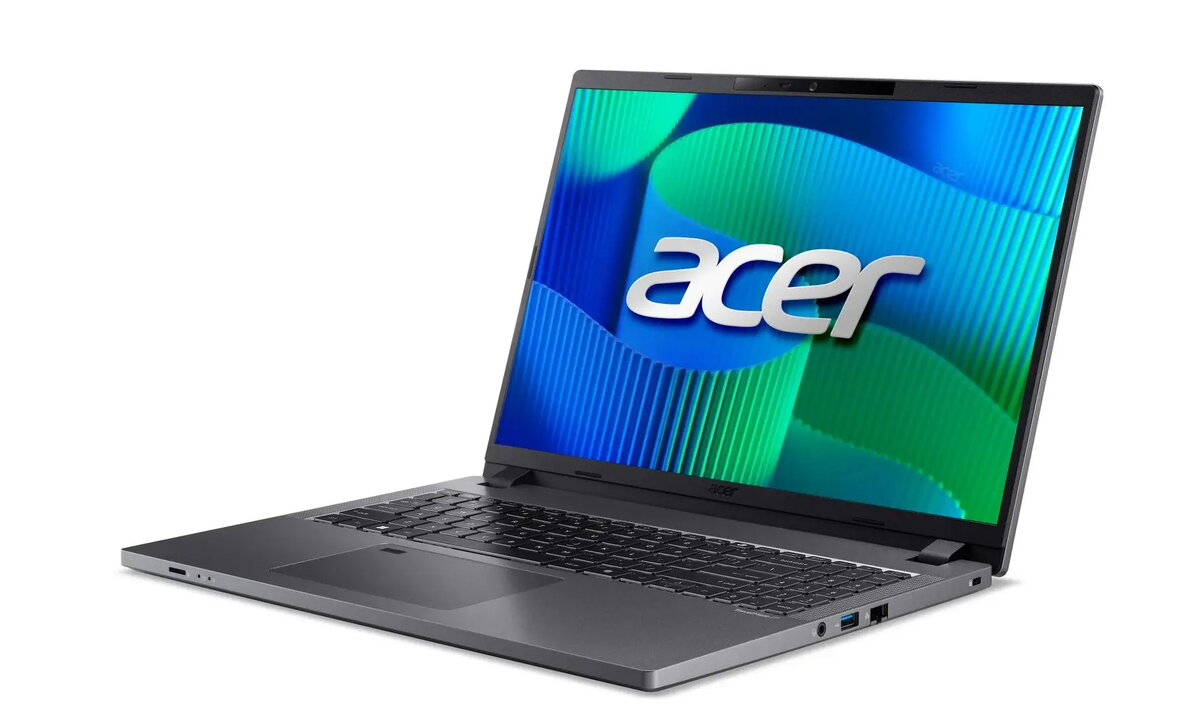
Notebook Acer TravelMate P2 16″ Ryzen 5 PRO 7535U 16GB 512GB SSD QWERTZ DE

SKU: 12006760

Apple Shopping Event

Hurry and get discounts on all Apple devices up to 20%

Sale_coupon_20

Original price was: 657,99 €.Current price is: 618,99 €.

  • Free shipping €100
  • 30 day return
  • Warranty 1 year

Description

The Acer TravelMate P2 16″ with AMD Ryzen 5 PRO 7535U combines a 16-inch display, 16 GB of RAM and a 512 GB NVMe SSD to meet everyday business and productivity needs. This model includes a QWERTZ DE keyboard layout for German-language input and is engineered for responsive multitasking, secure performance features typical of the PRO line, and portability for office, home or on-the-go use.

Advantages

The system delivers a balance of processing power and energy efficiency through the Ryzen 5 PRO processor, while 16 GB of memory supports smooth multitasking and application switching. Fast NVMe SSD storage shortens boot and application load times. The 16-inch screen provides increased workspace compared with smaller laptops, and the German QWERTZ keyboard supports regional typing requirements. Design and component choices prioritize work-focused reliability and mobile productivity.

Suitable for

  • Office applications and document editing
  • Web conferencing and remote collaboration
  • Spreadsheet calculations and data analysis
  • Light content creation and photo editing
  • Mobile professionals who need a larger screen and reliable battery life

Key specifications

  • Processor: AMD Ryzen 5 PRO 7535U
  • Memory: 16 GB RAM
  • Storage: 512 GB NVMe SSD
  • Display: 16-inch screen
  • Keyboard layout: QWERTZ (German)
  • Primary use case: business and productivity

How to use

Turn on the notebook using the power button and allow the operating system to complete its startup sequence. Use the preinstalled productivity and communication applications for tasks such as editing documents, running spreadsheets, and joining video calls. For best performance, keep the system software and drivers up to date and store frequently used files on the internal NVMe SSD. When moving between locations, close applications and use power-saving settings or the built-in battery to extend working time.

Usage recommendations

For sustained performance during heavier workloads, connect the notebook to a power source and enable cooling by placing it on a flat, hard surface. Regularly back up important files to an external drive or cloud storage and perform routine software updates to maintain security and responsiveness.

Overview