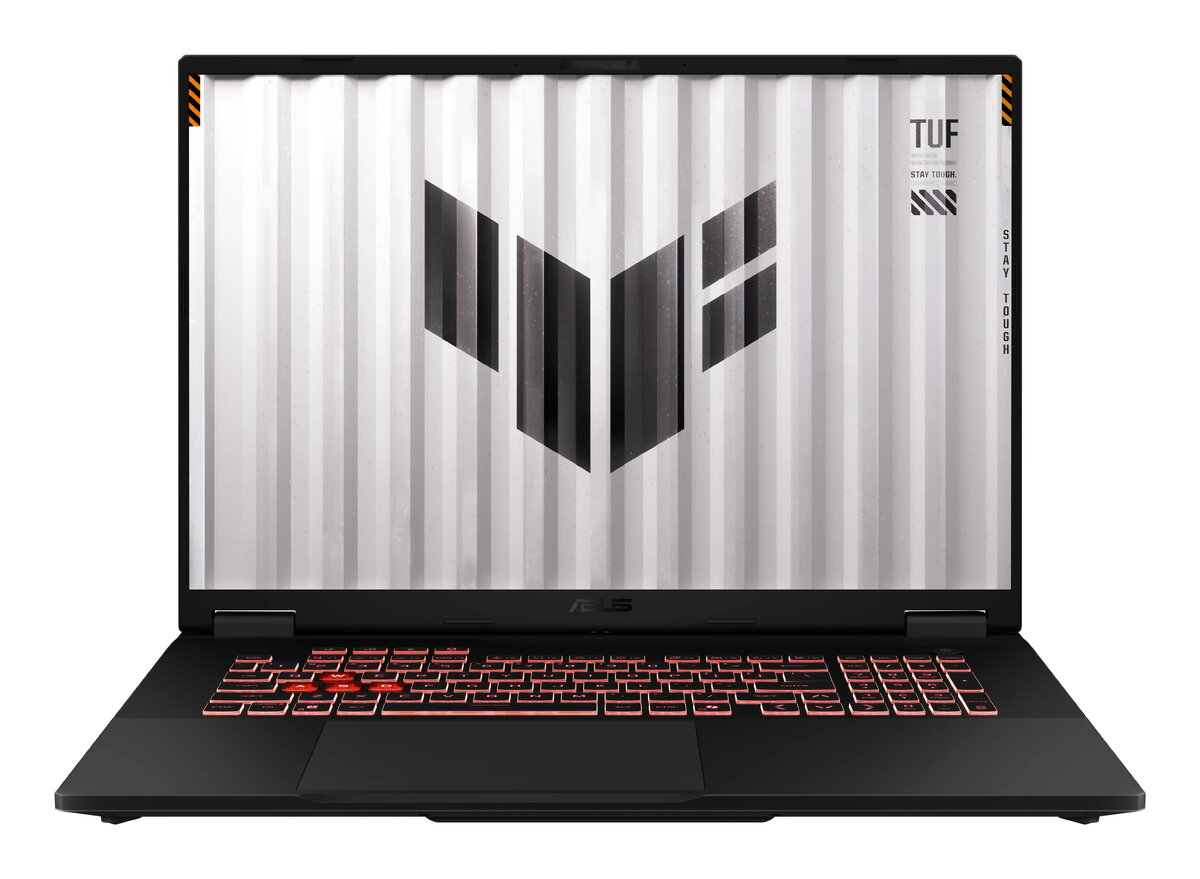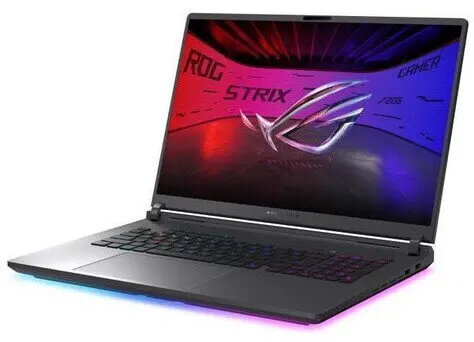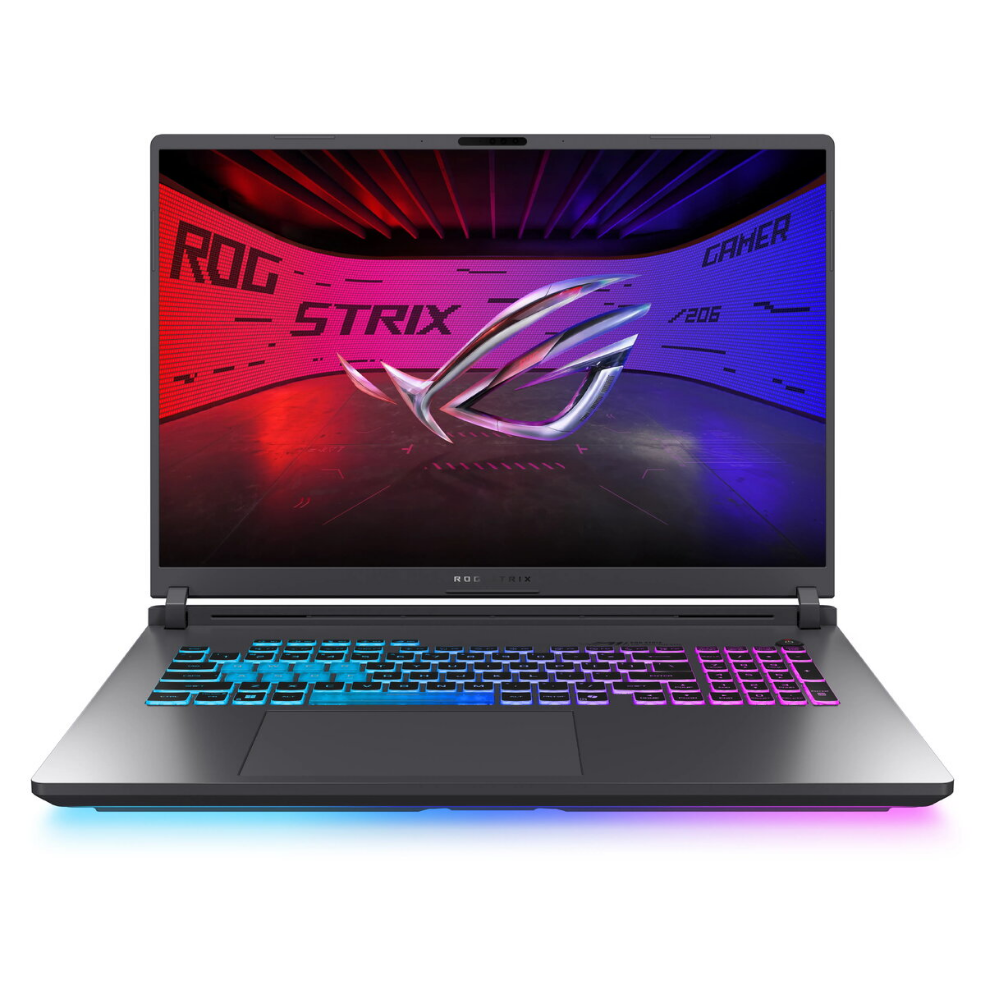
Laptop Asus ROG Strix G18 G815JMR-S8058 — Intel i7-14650HX, 18″ FHD+ 144Hz, 16GB RAM, 1TB SSD, NVIDIA RTX 5060

SKU: 11974021

Apple Shopping Event

Hurry and get discounts on all Apple devices up to 20%

Sale_coupon_20

1.770,99 

  • Free shipping €100
  • 30 day return
  • Warranty 1 year

Description

Asus ROG Strix G18 G815JMR-S8058 is a portable gaming laptop built around an Intel Core i7-14650HX processor, an 18″ FHD+ display with 144 Hz refresh rate and an NVIDIA RTX 5060 dedicated GPU. The system pairs 16 GB of RAM with a 1 TB solid-state drive to provide responsive multitasking, fast application load times and ample storage for games and media. The large FHD+ screen and high refresh rate are intended to deliver smooth motion and clear visuals for fast-paced titles and multimedia work.

Advantages

The combination of an Intel i7-14650HX CPU and NVIDIA RTX 5060 GPU offers a balance of single-threaded performance and modern GPU acceleration suitable for gaming and content creation. A 144 Hz 18″ FHD+ panel reduces motion blur and supports higher frame rates for competitive play. The 1 TB SSD provides quick boot and load times while 16 GB RAM supports multitasking and mid- to high-profile applications. The laptop’s design focuses on performance and portability to accommodate both desktop-replacement gaming sessions and mobile use.

Suitable for

  • Playing modern AAA and esports titles at high settings
  • Video editing, 3D rendering and other creative workflows
  • Multitasking with multiple applications and browser tabs
  • Portable workstation use and travel for creators and gamers

Key specifications

  • Processor: Intel Core i7-14650HX
  • Display: 18″ FHD+ (resolution in FHD+ class) with 144 Hz refresh rate
  • Memory: 16 GB RAM
  • Storage: 1 TB solid-state drive (SSD)
  • Graphics: NVIDIA GeForce RTX 5060 dedicated GPU
  • Intended use: gaming, content creation, multitasking

How to use

Start the laptop and ensure the operating system and graphics drivers are up to date to achieve optimal performance from the Intel processor and NVIDIA GPU. Use the display’s 144 Hz setting in system or game menus to benefit from the high refresh rate. For gaming, select graphics quality settings that balance visual fidelity and frame rate according to the capabilities of the RTX 5060. For content creation, store active projects on the internal SSD for faster reads/writes and use available RAM for smoother timelines and render previews.

Usage recommendations

Maintain adequate ventilation during extended high-load sessions and keep drivers and system firmware current. Use external storage or cloud backup for long-term archiving, and consider increasing RAM or configuring performance profiles if heavier multitasking or very large projects are required.

Overview