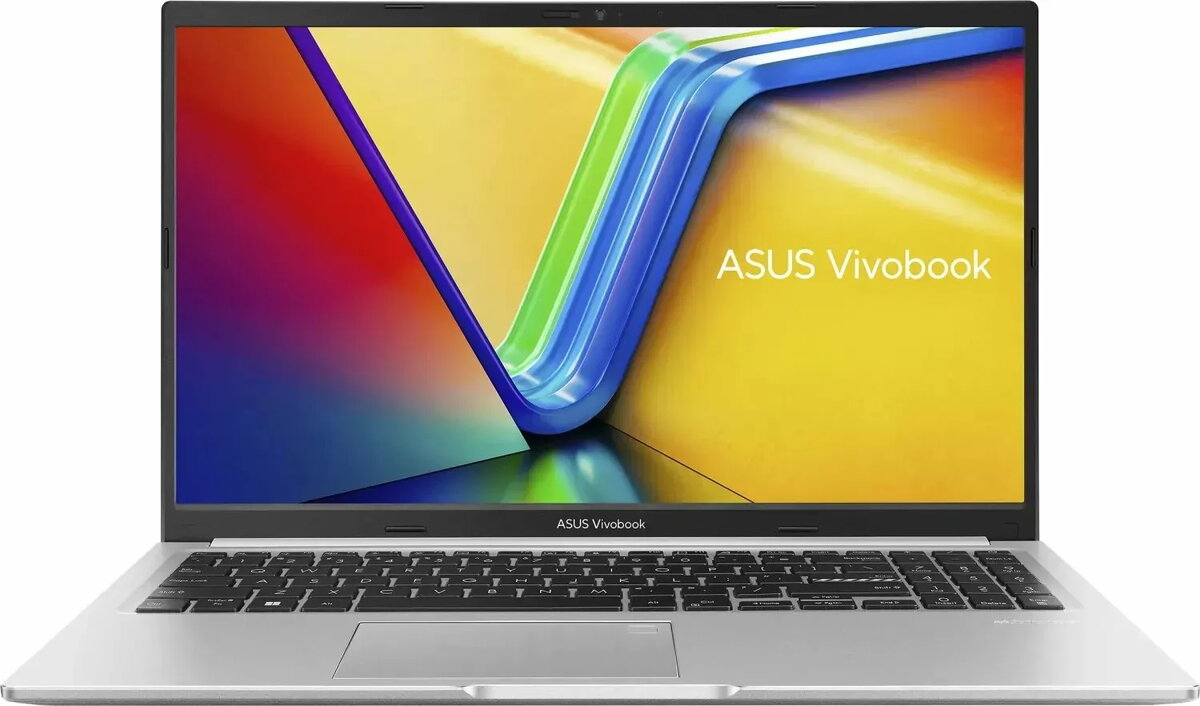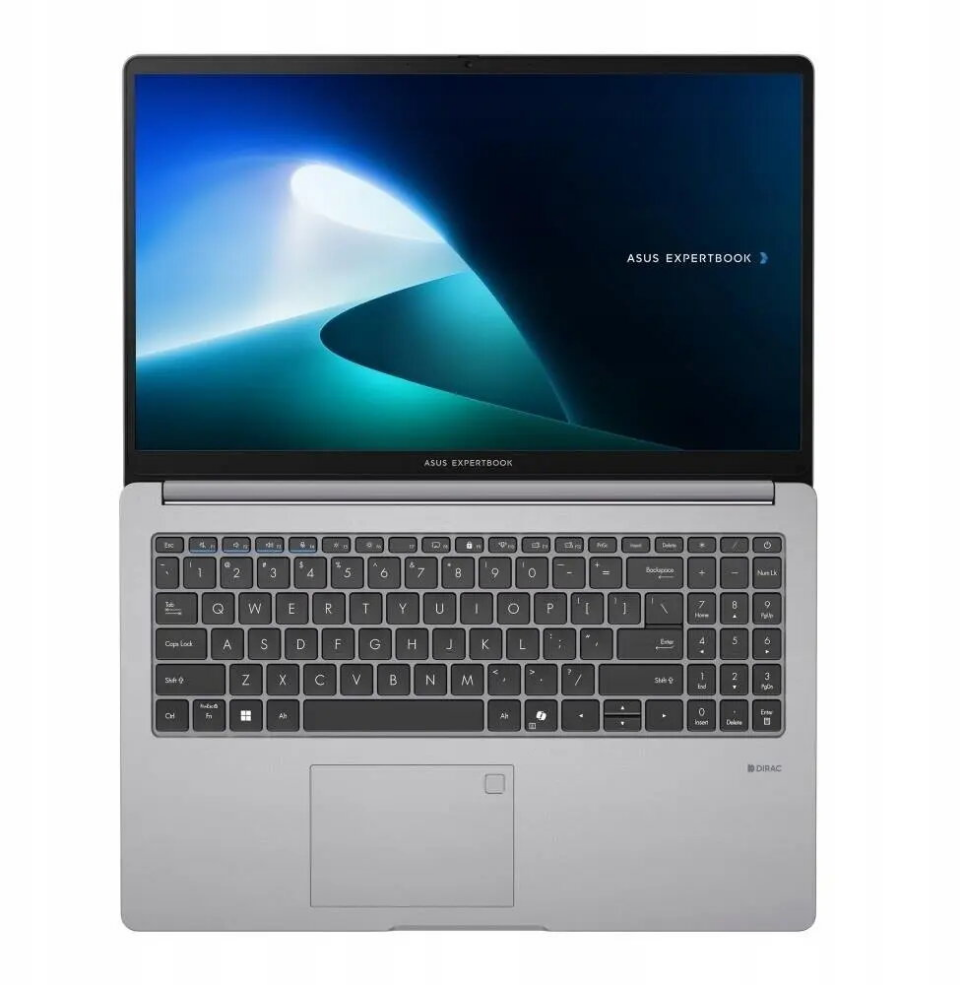
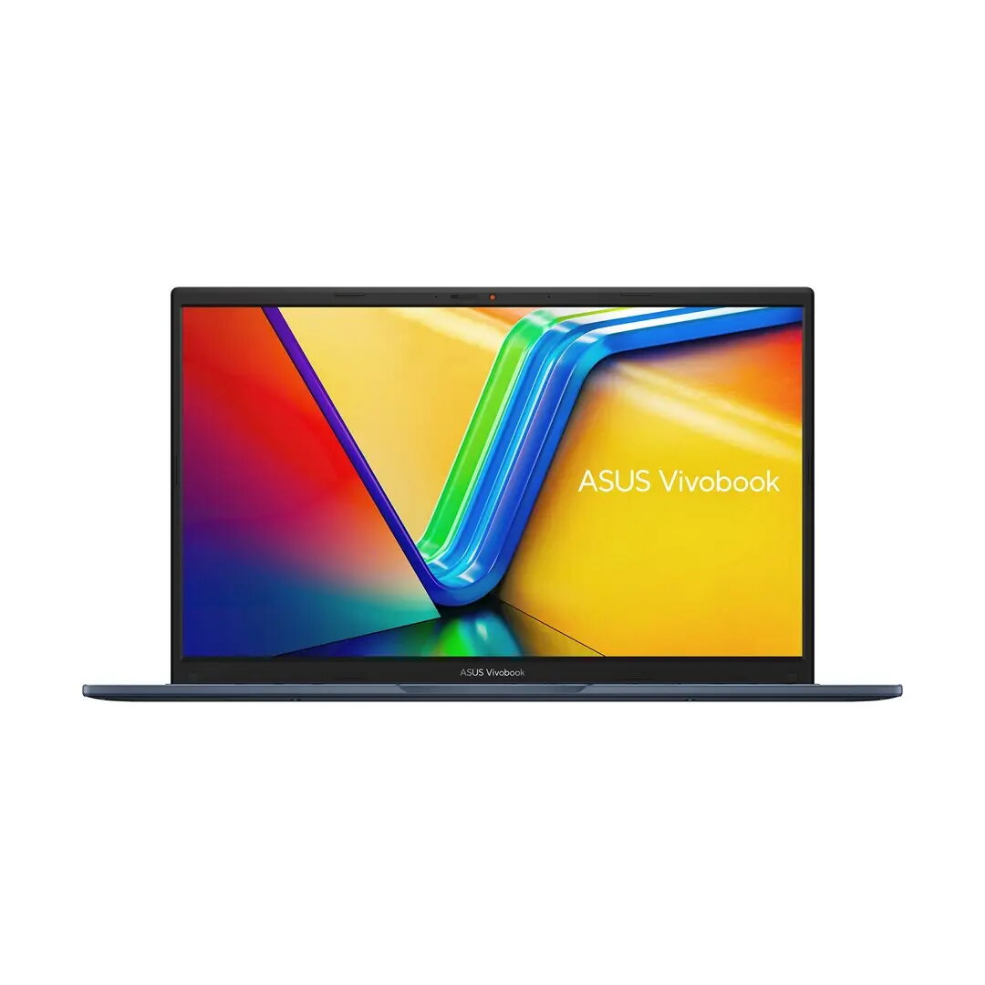
Laptop Asus VivoBook 15 X1502VA 15.6″ i5-13420H 16GB 512GB Intel UHD W11

SKU: 11411841

Apple Shopping Event

Hurry and get discounts on all Apple devices up to 20%

Sale_coupon_20

Original price was: 586,99 €.Current price is: 381,99 €.

  • Free shipping €100
  • 30 day return
  • Warranty 1 year

Description

The Asus VivoBook 15 X1502VA is a 15.6-inch laptop equipped with an Intel Core i5-13420H processor, 16GB of RAM and a 512GB solid-state drive. It runs Windows 11 and uses Intel UHD graphics to handle everyday applications, web browsing, office tasks and media playback. The chassis combines a slim silhouette with a standard 15.6″ display size to balance screen area and portability for students, professionals and home users.

Advantages

This model delivers a multi-core processor suitable for responsive multitasking, a 16GB memory configuration that supports multiple apps and browser tabs, and a 512GB SSD that provides fast boot and application load times. The integrated Intel UHD graphics enable smooth video playback and light casual gaming. Windows 11 comes preinstalled for up-to-date system features and security. The laptop’s compact design and moderate weight make it convenient to carry between locations.

Suitable for

  • Office productivity and document editing
  • Web browsing, email and video conferencing
  • Media consumption: streaming video and music
  • Light photo editing and casual gaming
  • Students and mobile professionals needing a portable 15.6″ laptop

Key specifications

  • Display: 15.6-inch screen suitable for everyday work and media
  • Processor: Intel Core i5-13420H for mid-range performance
  • Memory: 16GB RAM for multitasking
  • Storage: 512GB solid-state drive for fast startup and file access
  • Graphics: Integrated Intel UHD graphics for video playback and light graphics tasks
  • Operating system: Windows 11 preinstalled
  • Form factor: Slim 15.6″ laptop designed for portability

How to use

Turn on the laptop and follow the Windows 11 on-screen setup to configure user accounts, privacy settings and network connections. Use the preinstalled productivity and web applications or install additional software from trusted sources. For file storage and backup, use the internal 512GB SSD and consider configuring cloud sync or external backups. Connect peripherals such as an external monitor, mouse or keyboard via the available ports to expand workspace. Manage power settings to balance battery life and performance when away from a power outlet.

Usage recommendations

Keep the system and drivers updated through Windows Update, avoid installing unknown software, and perform regular backups of important data. For better thermal performance during extended workloads, place the laptop on a flat, hard surface and ensure vents are unobstructed.

Overview