-
Free shipping €100
-
30 day return
-
Warranty 1 year
Hurry and get discounts on all Apple devices up to 20%
Sale_coupon_20
3.824,99 €
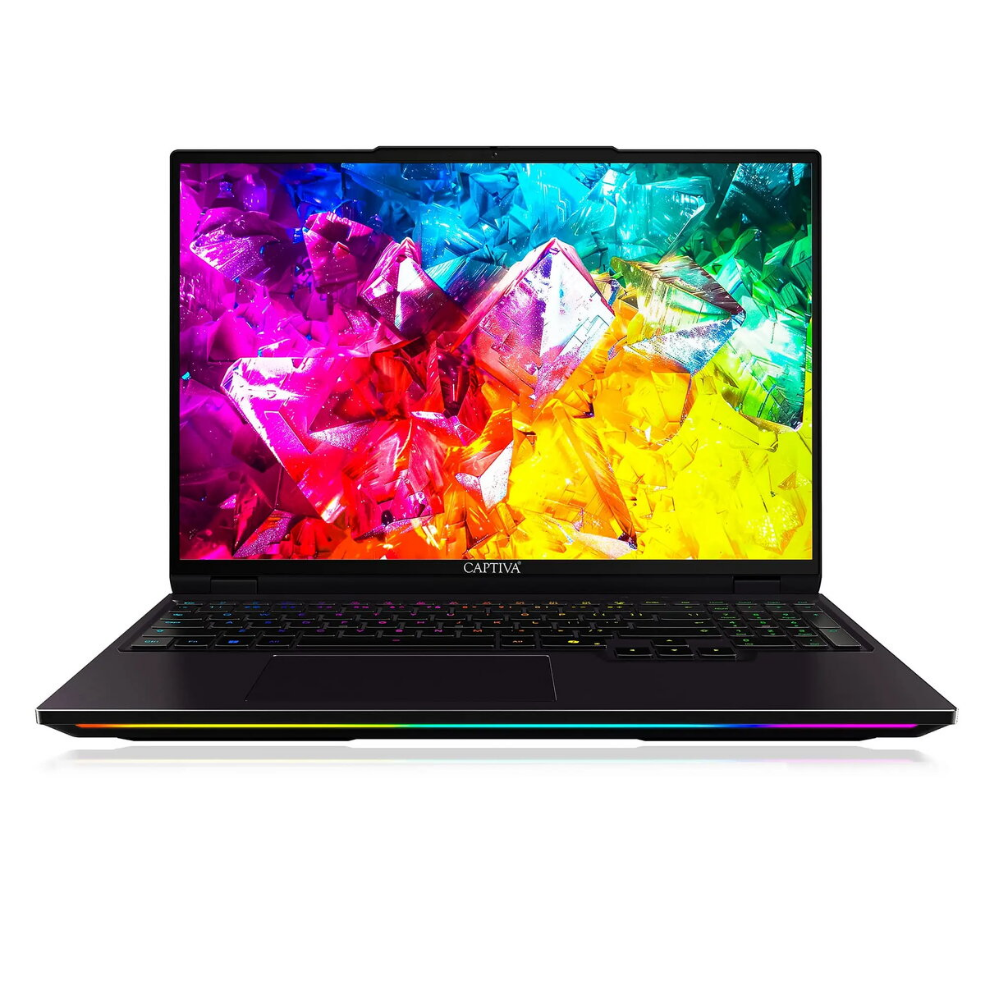
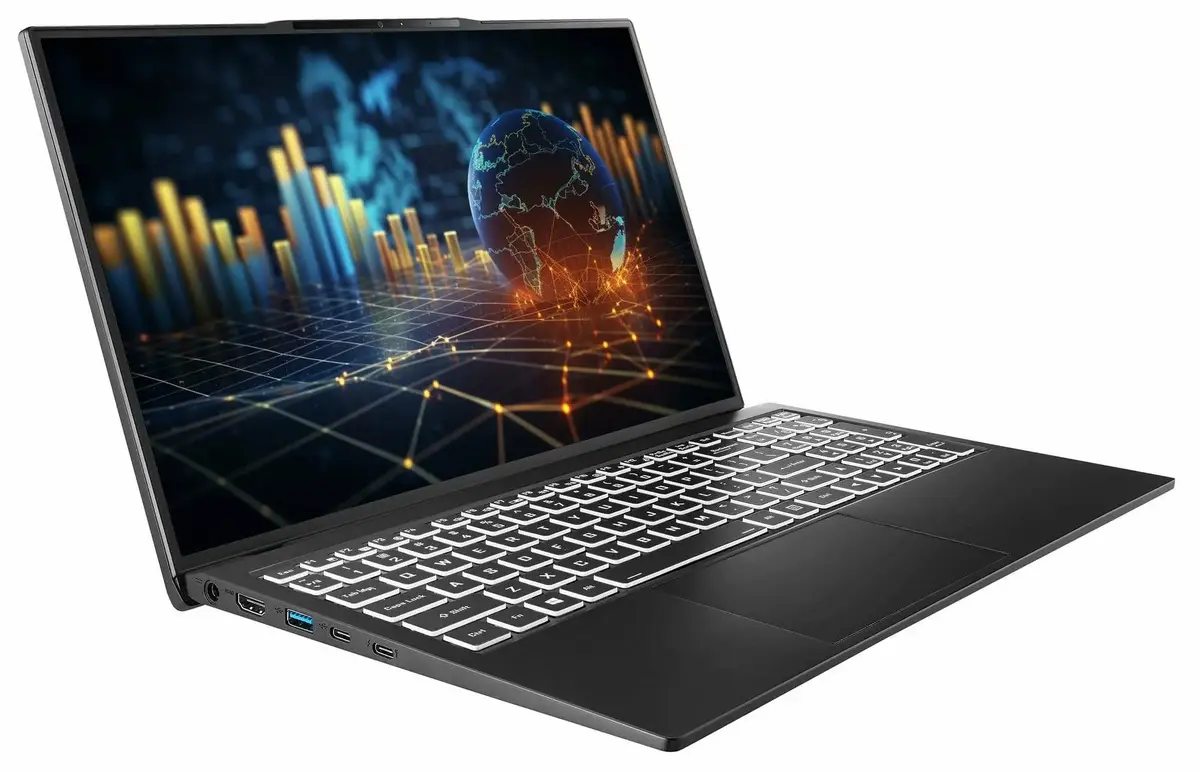
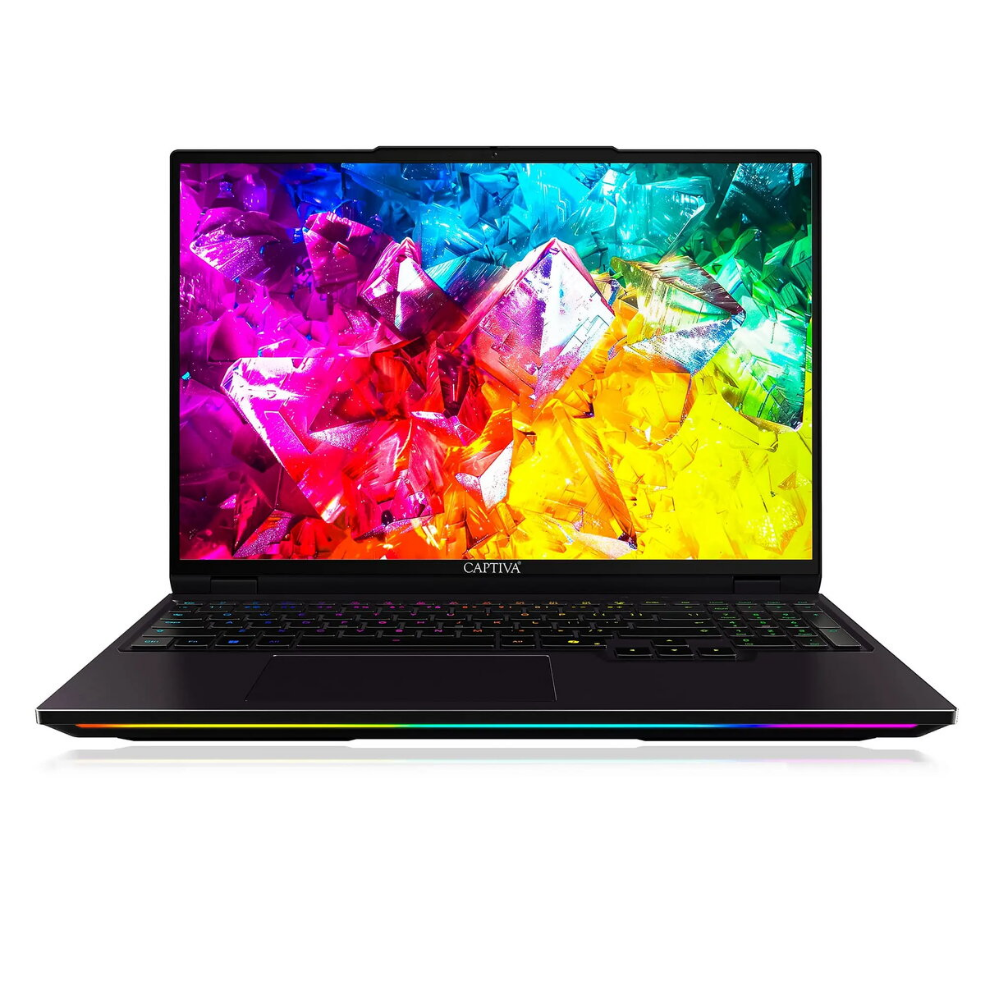
The Captiva CAPTIVA Ultimate Gaming I92-043 is a 16-inch gaming laptop designed to balance high-performance hardware with a portable form factor. It is equipped with an Intel Core Ultra 9 processor running at a base frequency of 2.1 GHz, 16 GB of system memory and a 1 TB solid-state drive, providing fast application loading, responsive multitasking and generous local storage for games and media. Discrete graphics are delivered by an NVIDIA GeForce RTX 3060 GPU, enabling real-time ray tracing and hardware-accelerated rendering for demanding titles. The notebook ships with Windows 11 and includes common connectivity and expansion options suitable for gaming peripherals and external displays.
This laptop combines a recent-generation Intel Ultra-series CPU with an NVIDIA RTX 3060 GPU to offer a balance between single-threaded performance and dedicated graphics capability. The 16 GB of RAM supports simultaneous gaming and background tasks without frequent slowdowns, while the 1 TB SSD reduces load and boot times compared with traditional hard drives. The 16-inch display size provides a good compromise between immersive visuals and portability. Running Windows 11 ensures compatibility with modern games and software updates.
Unpack the laptop and connect the included power adapter before the first boot to ensure the battery is calibrated. Follow the Windows 11 on-screen setup to configure user accounts, network access and initial updates. Install the desired games and applications on the SSD to benefit from fast load times; for optimal graphics performance, install or update NVIDIA drivers from the official source. Adjust Windows power and graphics settings to match your needs: use higher performance profiles for gaming and balanced profiles for everyday work to extend battery life. Regularly back up important files to an external drive or cloud storage.
For stable gaming performance, ensure the laptop is placed on a flat, well-ventilated surface and keep system drivers up to date. When running demanding titles, consider connecting the laptop to mains power and selecting the high-performance power profile. Use external cooling pads only if necessary, and manage background applications to free system resources. For content creation, store active projects on the internal SSD and archive older files to external storage to preserve available space.
No account yet?
Create an AccountWe use cookies to improve your experience on our site. By using our site, you consent to cookies.
Manage your cookie preferences below:
Essential cookies enable basic functions and are necessary for the proper function of the website.
These cookies are needed for adding comments on this website.
These cookies are used for managing login functionality on this website.
Stripe is a payment processing platform that enables businesses to accept online payments securely and efficiently.
Service URL: stripe.com (opens in a new window)
Statistics cookies collect information anonymously. This information helps us understand how visitors use our website.
SourceBuster is used by WooCommerce for order attribution based on user source.
You can find more information in our Cookie Policy and Warranty Terms.