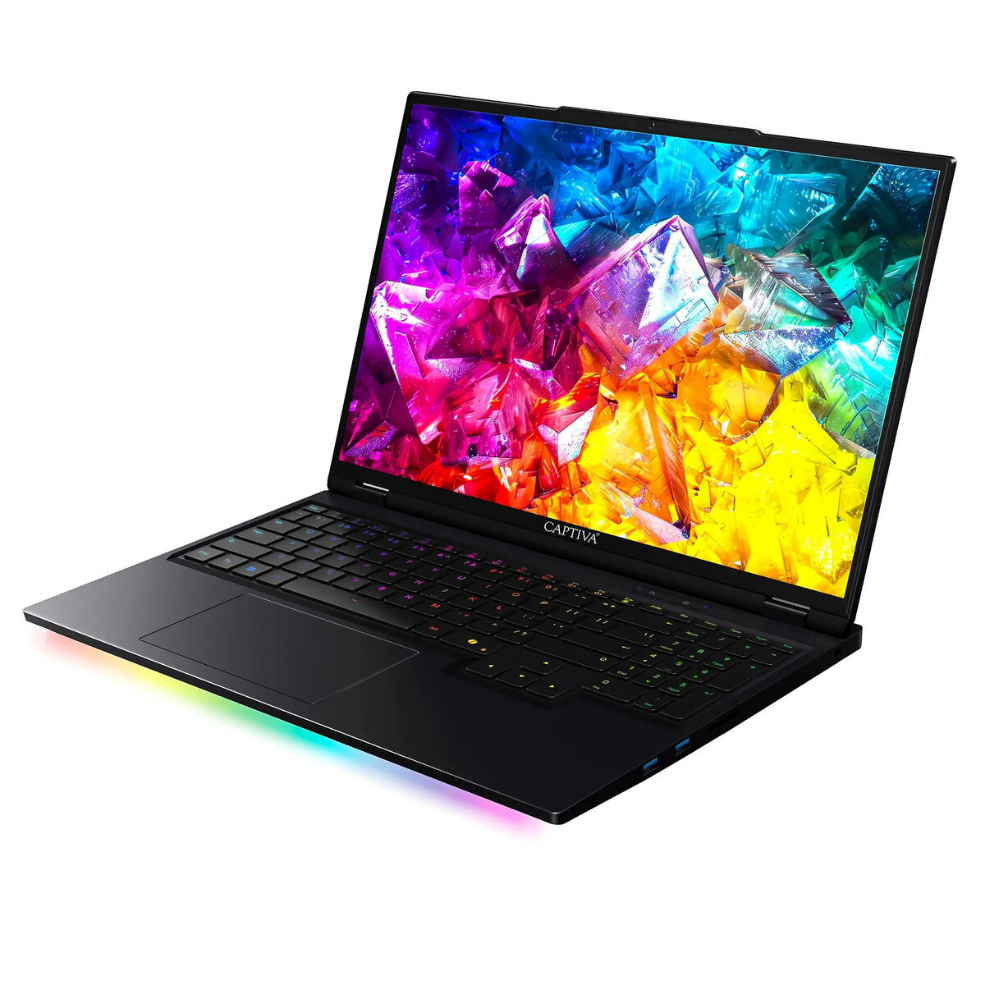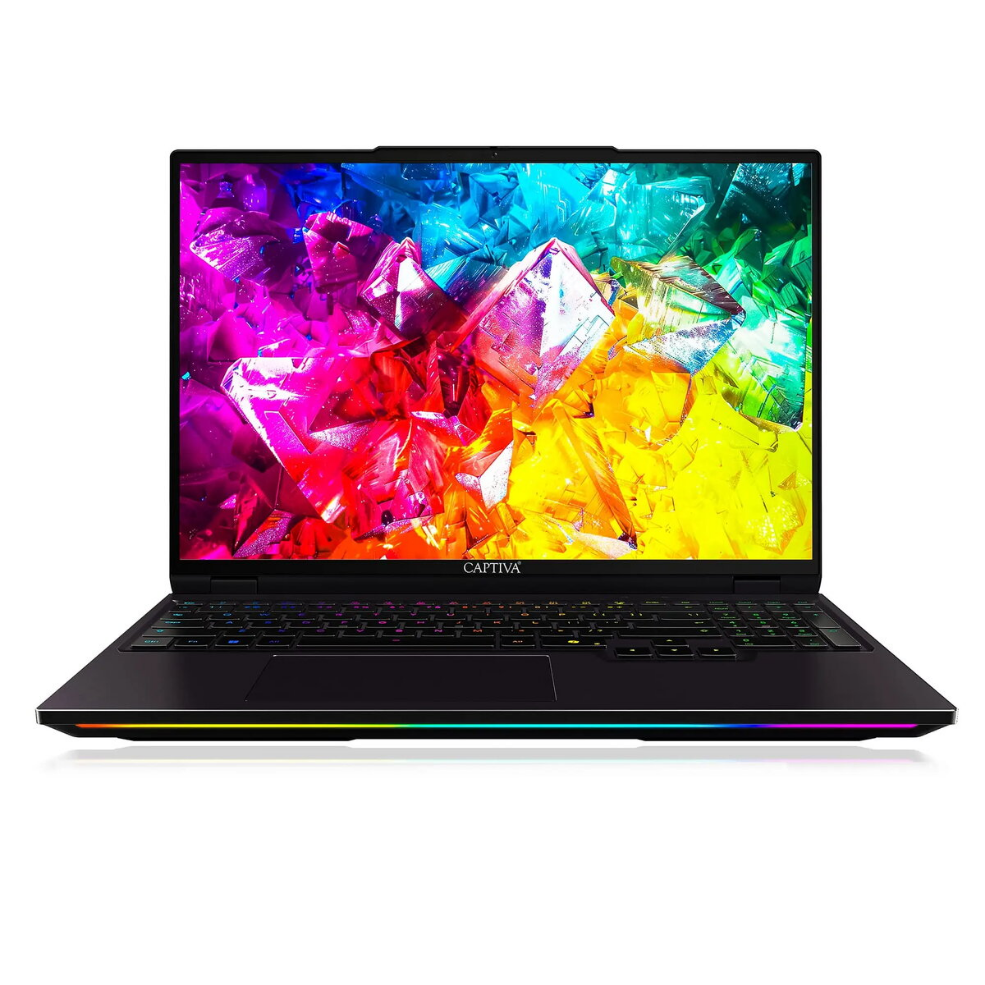
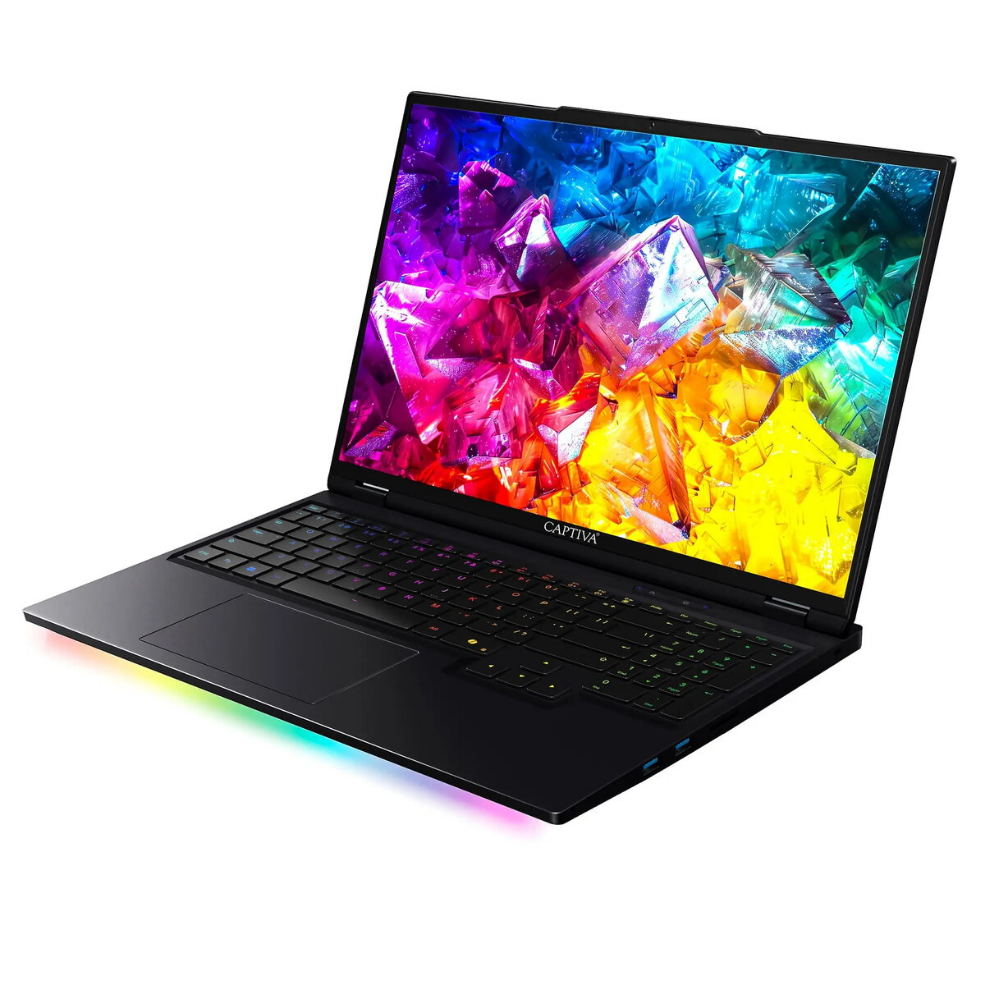
Laptop Captiva Captiva Notebook Ultimate Gaming I92-048 16.0 8GB 2TB SSD GeForce RTX5090 24GB w/o OS

SKU: 11548119

Apple Shopping Event

Hurry and get discounts on all Apple devices up to 20%

Sale_coupon_20

3.495,99 

  • Free shipping €100
  • 30 day return
  • Warranty 1 year

Description

The Captiva Notebook Ultimate Gaming I92-048 is a high-performance 16.0-inch gaming laptop built for demanding applications and modern games. Equipped with a large 2TB SSD and 8GB of system memory, it offers substantial local storage and responsive system performance. The integrated GeForce RTX5090 graphics with 24GB of dedicated video memory provides advanced rendering capability for high-resolution textures, ray tracing and complex visual workloads. This model ships without an operating system, giving users flexibility to install their preferred OS and configure the system to their needs.

Advantages

The combination of a high-capacity 2TB SSD and dedicated 24GB graphics memory enables fast load times and the ability to run graphically intensive titles at high settings. The 16.0-inch display size balances desktop-like viewing area with portability. Absence of a preinstalled operating system allows for a clean installation and full control over drivers and software. Solid-state storage contributes to quieter operation and quicker system responsiveness compared with traditional hard drives.

Suitable for

  • Playing modern AAA and indie games at high detail settings
  • 3D rendering, video editing and other GPU-accelerated creative workflows
  • Running multiple applications and virtual machines with large local storage needs
  • Users who prefer to install a custom operating system or a specific software stack

Key specifications

  • Display size: 16.0 inches
  • System memory: 8 GB RAM
  • Primary storage: 2 TB solid-state drive (SSD)
  • Graphics: GeForce RTX5090 with 24 GB dedicated video memory
  • Operating system: none preinstalled (w/o OS)

How to use

Unpack the laptop and connect the power adapter before first boot. If you plan to install an operating system, prepare installation media (USB or external drive) with the desired OS and follow the vendor or OS developer instructions for installation. Install the latest graphics drivers from the GPU manufacturer to ensure optimal performance for games and GPU-accelerated applications. Configure storage partitions on the 2TB SSD according to your organizational preferences and create backups after initial setup.

Usage recommendations

For best gaming and creative performance, install the most recent GPU drivers and keep system firmware up to date. Use high-performance power settings when running demanding tasks and ensure adequate ventilation to maintain thermal performance. Back up important data regularly and use antivirus or endpoint protection appropriate for the operating system you install.

Overview