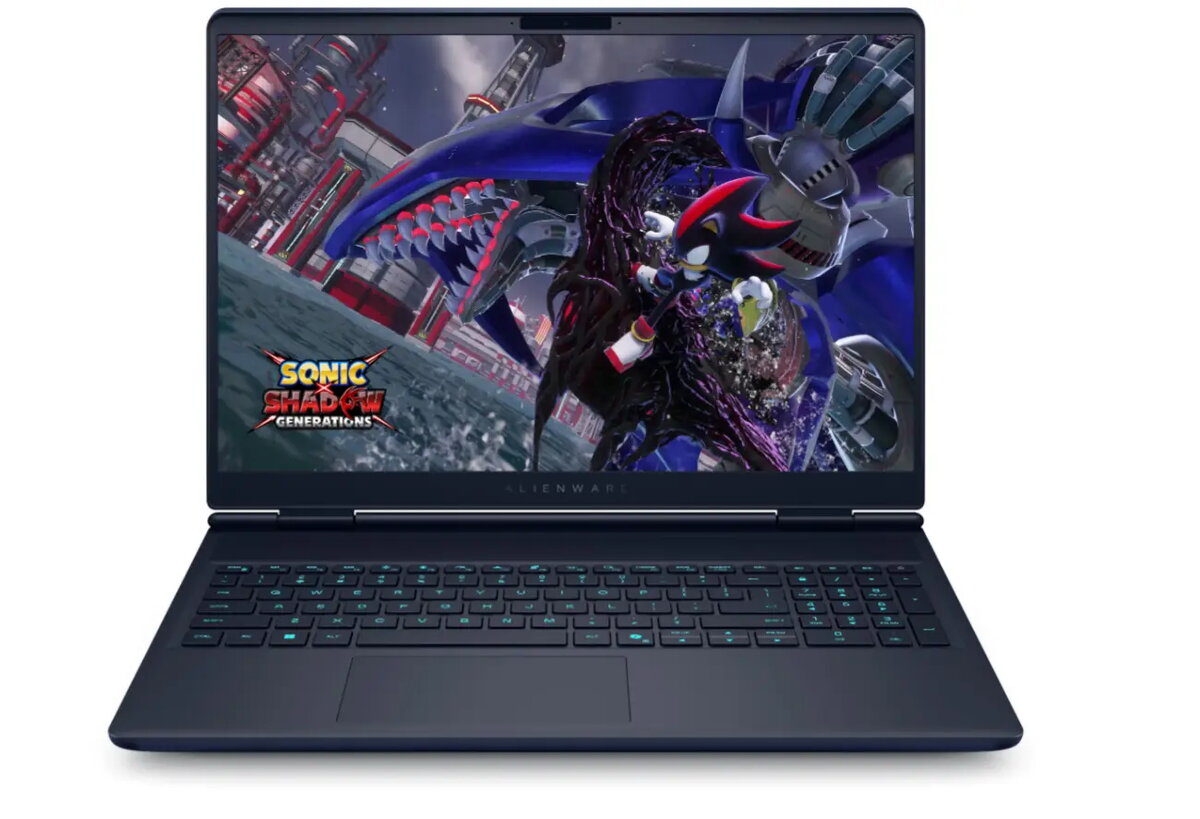
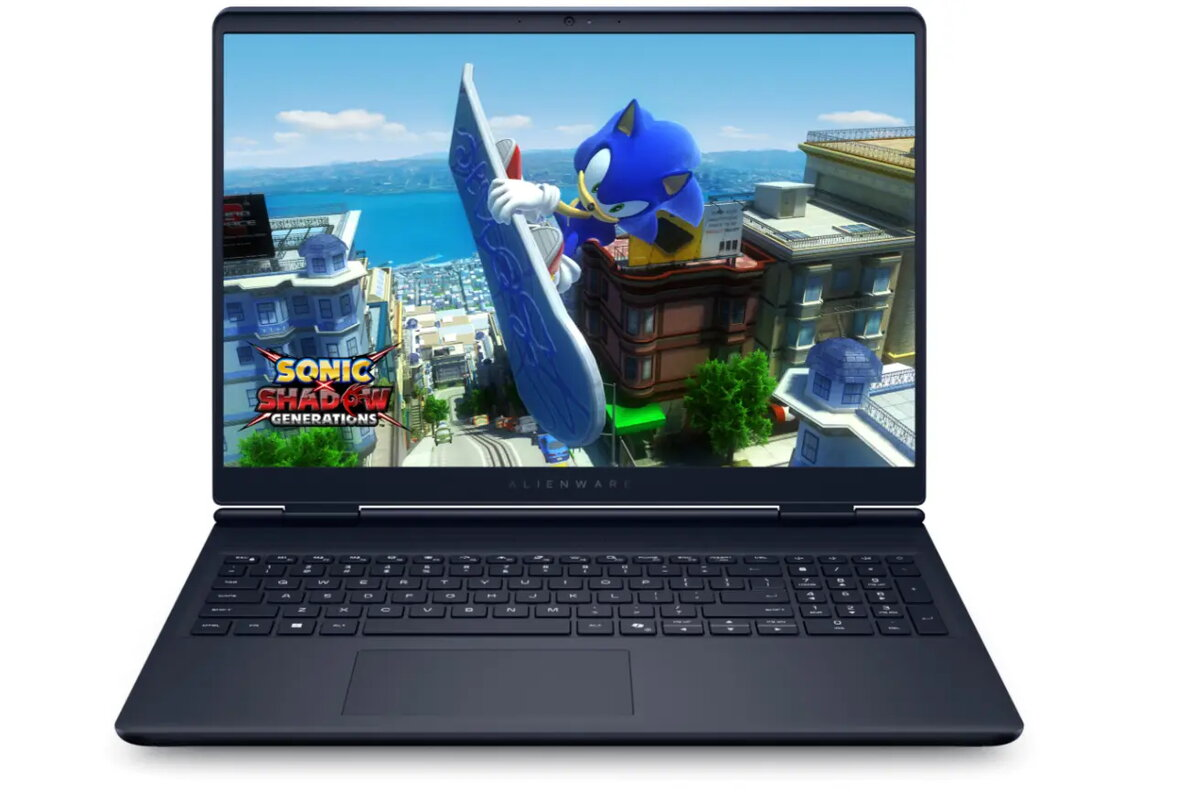
Laptop Dell Alienware 16X Aurora — 16″ WQXGA (2560×1600), Intel Core Ultra 9 275HX, 32GB DDR5, 2TB SSD, NVIDIA GeForce RTX 5070 8GB, Windows 11 Pro, backlit keyboard

SKU: 11597707

Apple Shopping Event

Hurry and get discounts on all Apple devices up to 20%

Sale_coupon_20

3.096,99 

  • Free shipping €100
  • 30 day return
  • Warranty 1 year

Description

Alienware 16X Aurora AC16251 is a 16″ laptop with a WQXGA (2560 x 1600) display, powered by an Intel Core Ultra 9 275HX processor and 32 GB of DDR5 memory. The system includes a 2 TB M.2 PCIe NVMe SSD and a discrete NVIDIA GeForce RTX 5070 graphics card with 8 GB of GDDR7 memory. It runs Windows 11 Pro, has a backlit English keyboard and integrated wireless connectivity including Wi‑Fi 802.11be and Bluetooth. The built-in rechargeable battery is rated 96 Wh and the device ships with a 36‑month onsite warranty and a 12‑month battery warranty.

Advantages

The Alienware 16X Aurora combines a high-resolution WQXGA display with a high‑core Intel processor and a modern RTX 5070 GPU to deliver strong performance for graphics‑intensive tasks. Large 32 GB DDR5 memory and a fast 2 TB NVMe SSD provide ample capacity and responsive multi‑tasking. Built‑in Wi‑Fi 802.11be and Bluetooth ensure up‑to‑date wireless connectivity, while the backlit keyboard supports use in low‑light environments.

Suitable for

  • Gaming and AAA titles at high settings
  • 3D modelling, rendering and GPU‑accelerated applications
  • Video editing and content creation
  • Software development and multitasking workflows

Key specifications

  • Display: 16″ WQXGA (2560 x 1600)
  • Processor: Intel Core Ultra 9 275HX, 24 cores, 2.1 GHz base, up to 5.4 GHz boost
  • Memory: 32 GB DDR5 (2 x 16 GB), 5600 MHz
  • Graphics: NVIDIA GeForce RTX 5070, 8 GB GDDR7
  • Storage: 2000 GB M.2 PCIe NVMe SSD
  • Operating system: Windows 11 Pro
  • Wireless: Wi‑Fi 802.11be, Bluetooth
  • Battery: 96 Wh, 6 cells (embedded)
  • Weight (net): 2.61 kg; Gross weight: 4.13 kg
  • Warranty: 36 months onsite; Battery warranty: 12 months

How to use

Set up the laptop on a stable, flat surface and connect the power adapter for initial charging. Power on and follow the on‑screen Windows 11 Pro setup instructions to configure user accounts and network settings. Install up‑to‑date drivers from Dell for optimal graphics and system performance. Use the backlit keyboard as needed in low light; manage power and performance profiles in Windows or the Alienware control software to balance battery life and performance for different tasks.

Usage recommendations

For demanding gaming sessions or heavy GPU workloads, keep the laptop on a hard, ventilated surface and use the built‑in performance profiles to ensure adequate cooling. Regularly update graphics drivers and Windows updates. To preserve battery health, avoid leaving the battery at 100% charge for prolonged periods when not in use and follow the manufacturer’s battery maintenance guidelines.

Overview