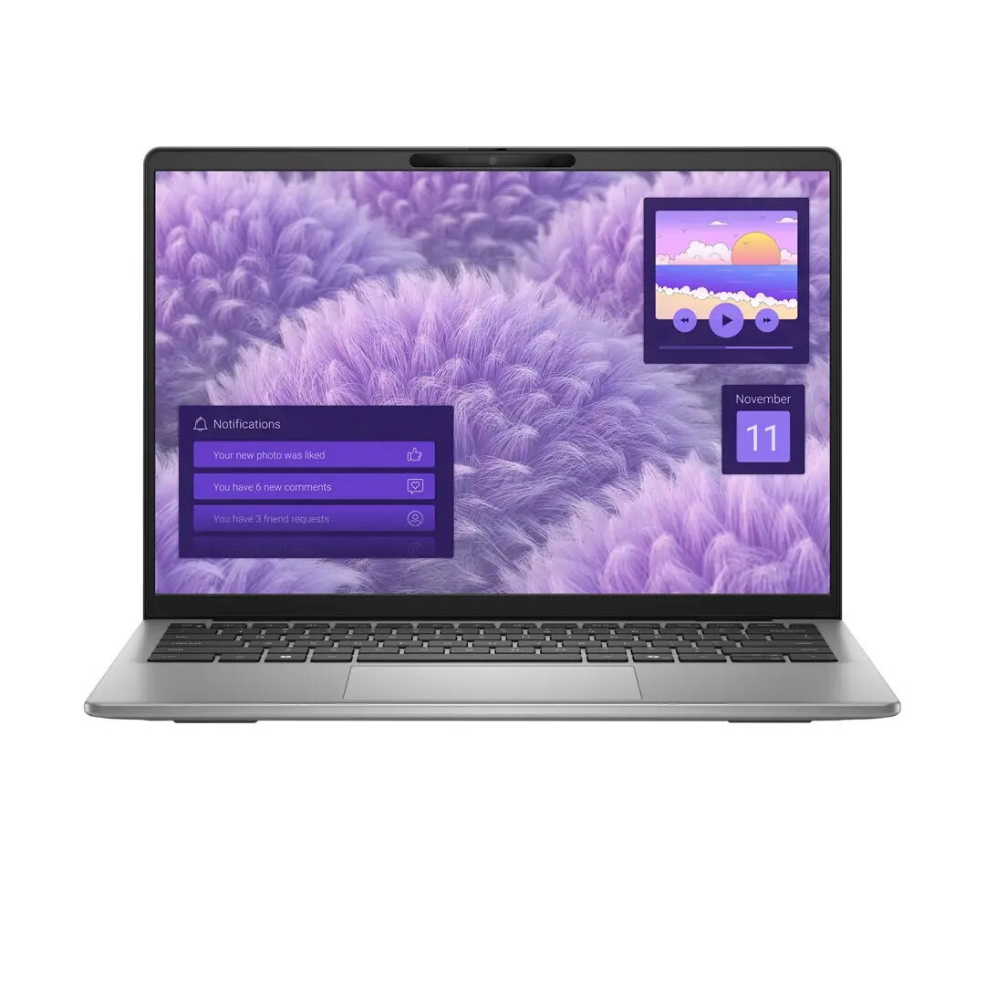
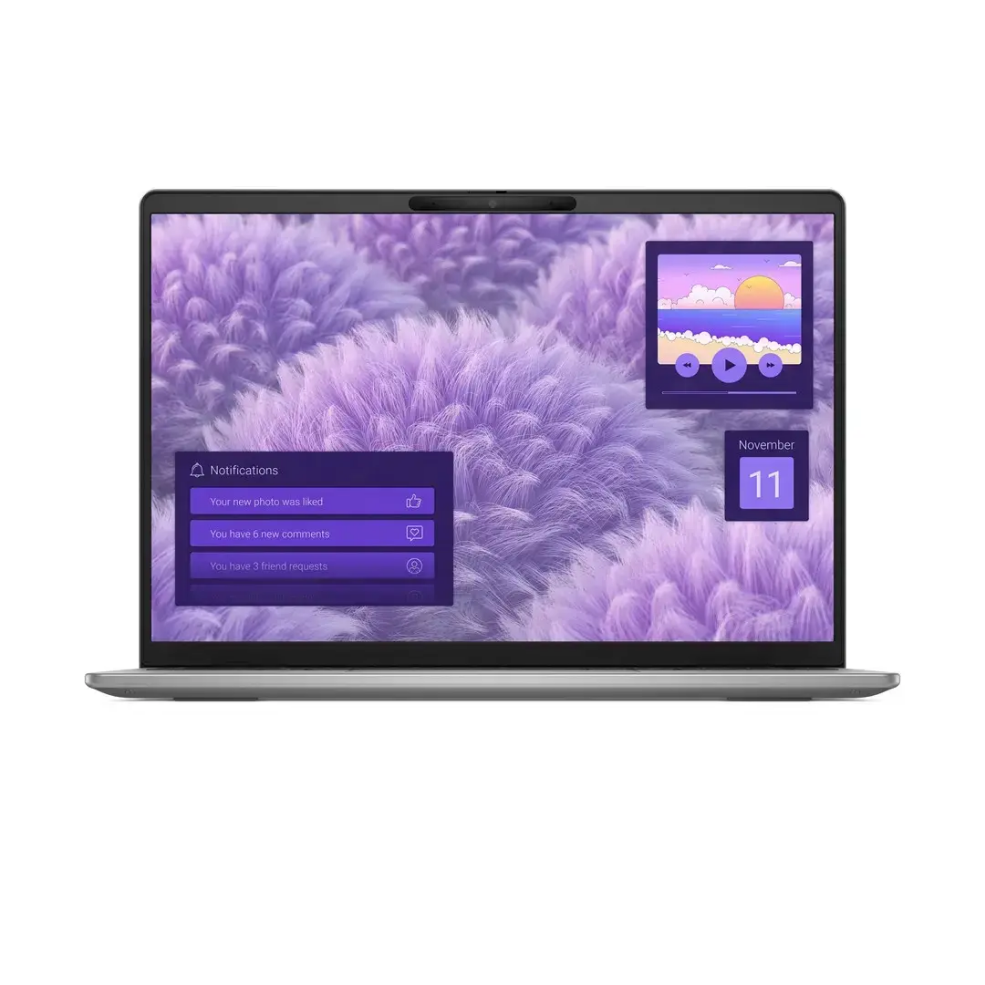
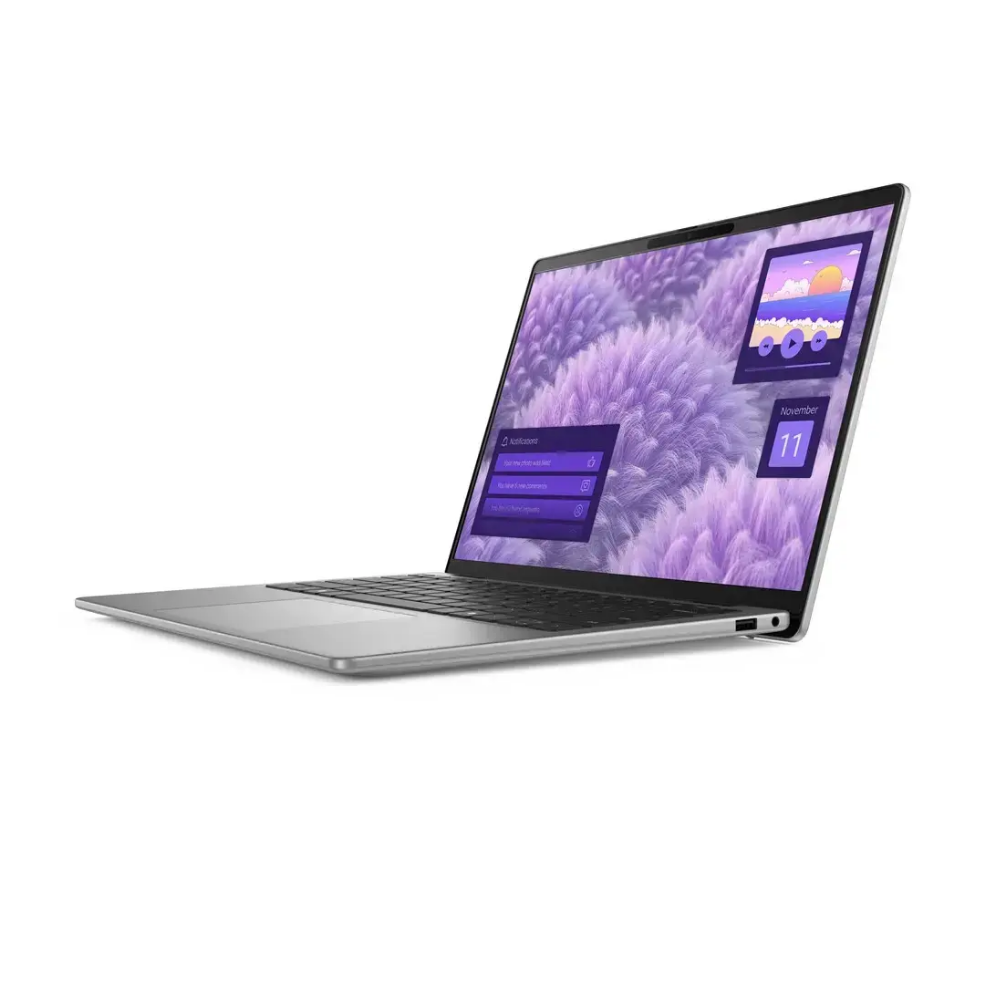
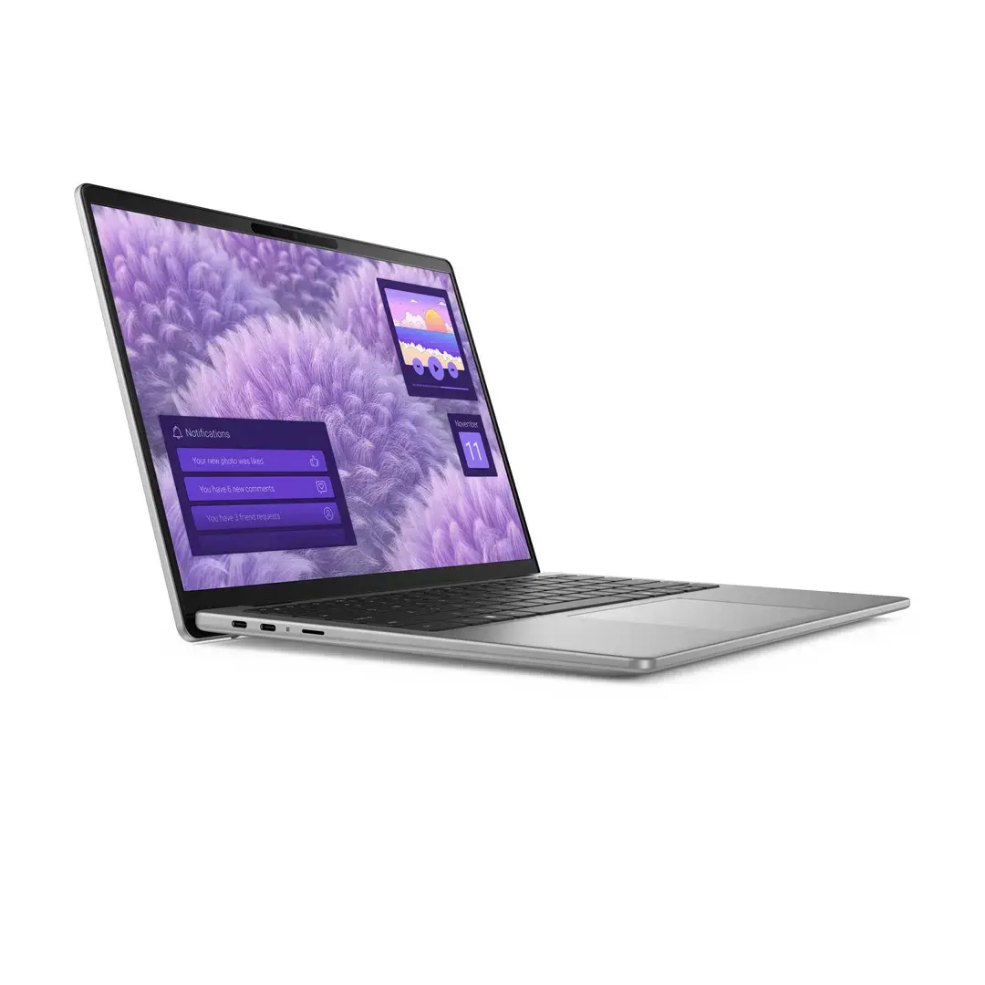
The Dell I14-5441421001602SA is a 14″ ultraportable laptop with a WUXGA anti-glare display and energy-efficient Snapdragon X Plus processor. Configured with 16GB of RAM and a 1TB solid-state drive, the system balances responsive multitasking and substantial local storage while running Windows 11. Its compact form factor and low-power ARM-based CPU deliver extended battery life and quiet operation, making the device suitable for mobile productivity and media playback.
Advantages
This Dell laptop combines a high-resolution 14″ WUXGA anti-glare panel with a power-efficient Snapdragon X Plus chipset to provide smooth everyday performance and improved battery longevity. The 16GB of RAM supports concurrent applications and browser tabs, while the 1TB SSD offers fast boot times and ample room for documents, media and software. Preinstalled Windows 11 ensures a modern interface and security updates without additional setup.
Suitable for
Office productivity and document editing on the go
Web browsing, video conferencing and email
Media playback and light multimedia tasks
Students and remote workers needing a portable machine
Key specifications
Display: 14″ WUXGA (1920×1200) with anti-glare coating
Processor: Snapdragon X Plus series ARM-based CPU
Memory: 16GB RAM
Storage: 1TB solid-state drive (SSD)
Operating system: Windows 11 preinstalled
Form factor: Lightweight 14″ laptop designed for portability
How to use
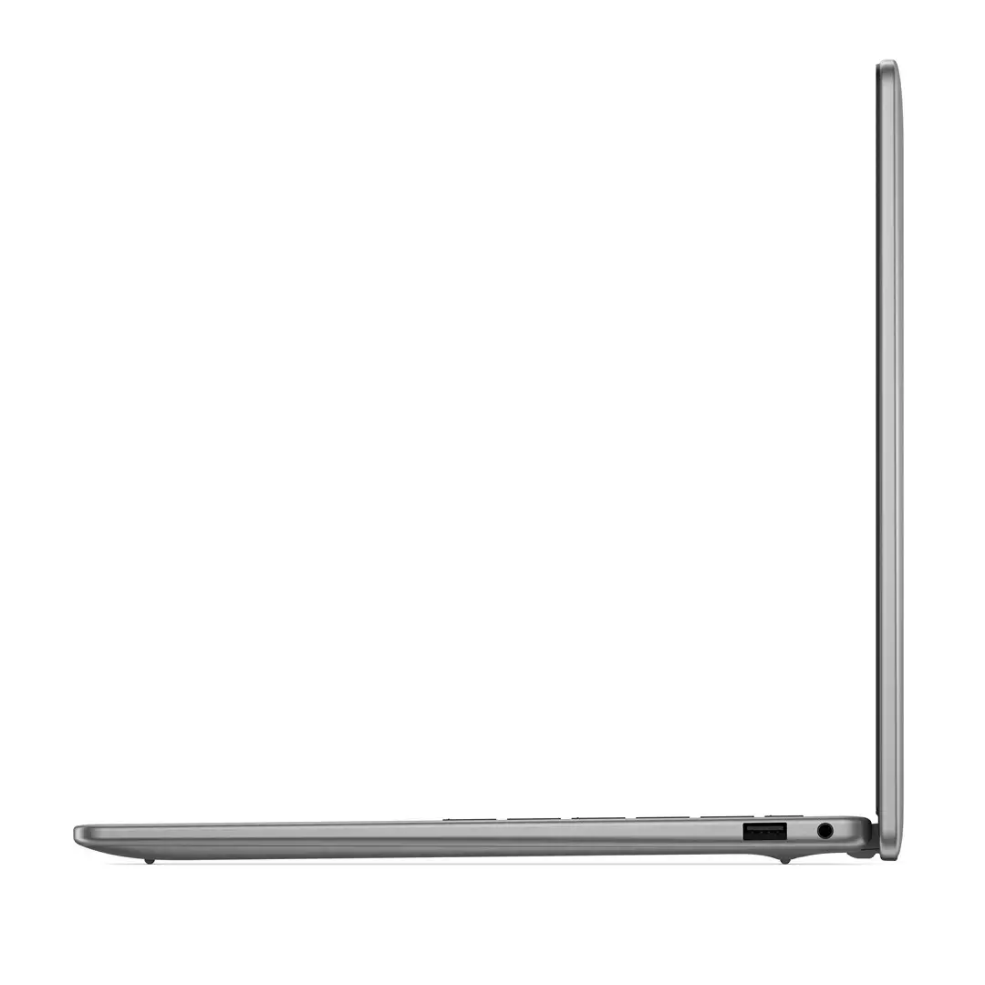
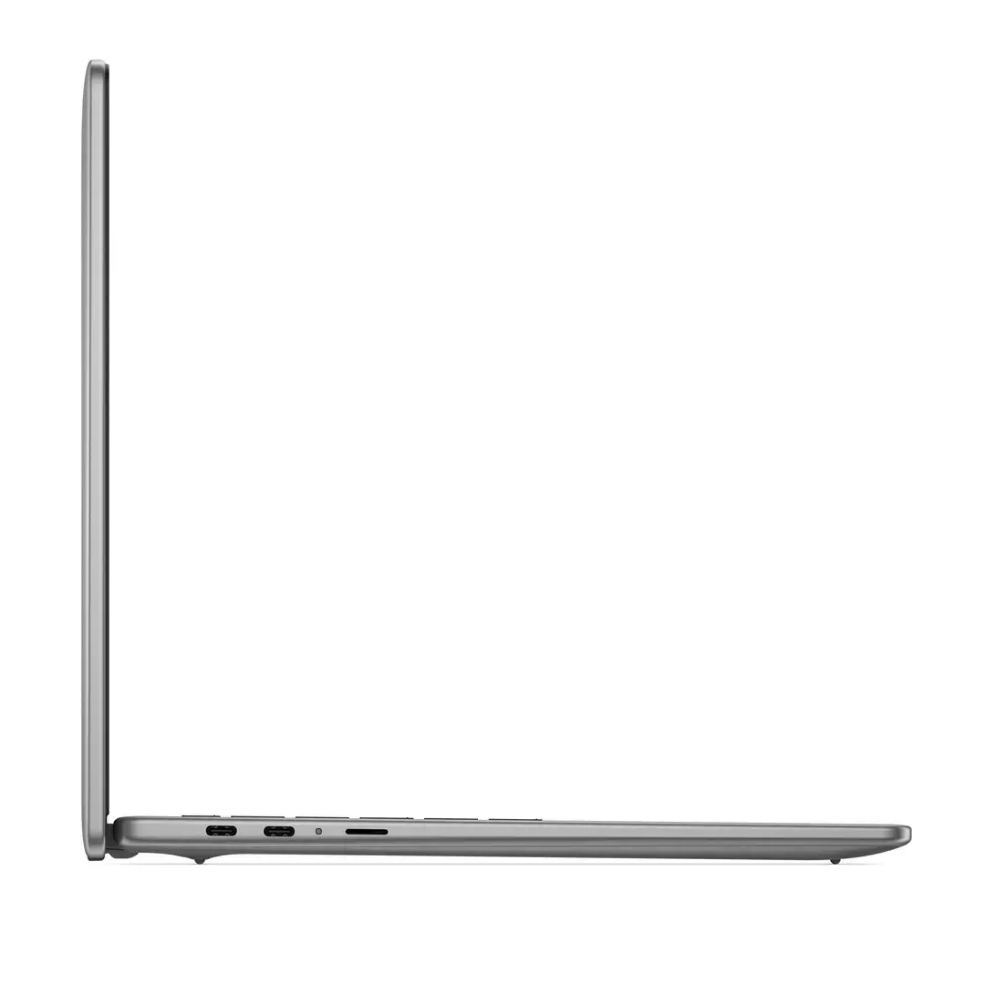
Power on the laptop and complete the initial Windows 11 setup following on-screen prompts to configure user accounts, network connections and privacy preferences. Use the built-in display and keyboard for standard productivity work, connect external peripherals via available ports or Bluetooth for additional storage or input devices, and manage storage through Windows File Explorer. For optimal performance, allow Windows Update to install the latest drivers and system updates when prompted.
Usage recommendations
For balanced performance and battery life, keep firmware and system updates current, close unused background applications, and use the laptop in well-ventilated environments. Use an external drive or cloud storage for large multimedia libraries to preserve SSD free space and maintain responsive system operation.
Set by payment provider stripe.com to process payments
10 years
Statistics cookies collect information anonymously. This information helps us understand how visitors use our website.
SourceBuster is used by WooCommerce for order attribution based on user source.
Name
Description
Duration
sbjs_session
The number of page views in this session and the current page path
30 minutes
sbjs_udata
Information about the visitor’s user agent, such as IP, the browser, and the device type
session
sbjs_first
Traffic origin information for the visitor’s first visit to your store (only applicable if the visitor returns before the session expires)
session
sbjs_current
Traffic origin information for the visitor’s current visit to your store
session
sbjs_first_add
Timestamp, referring URL, and entry page for your visitor’s first visit to your store (only applicable if the visitor returns before the session expires)
session
sbjs_current_add
Timestamp, referring URL, and entry page for your visitor’s current visit to your store
session
sbjs_migrations
Technical data to help with migrations between different versions of the tracking feature





 Free shipping €100
 30 day return
 Warranty 1 year
