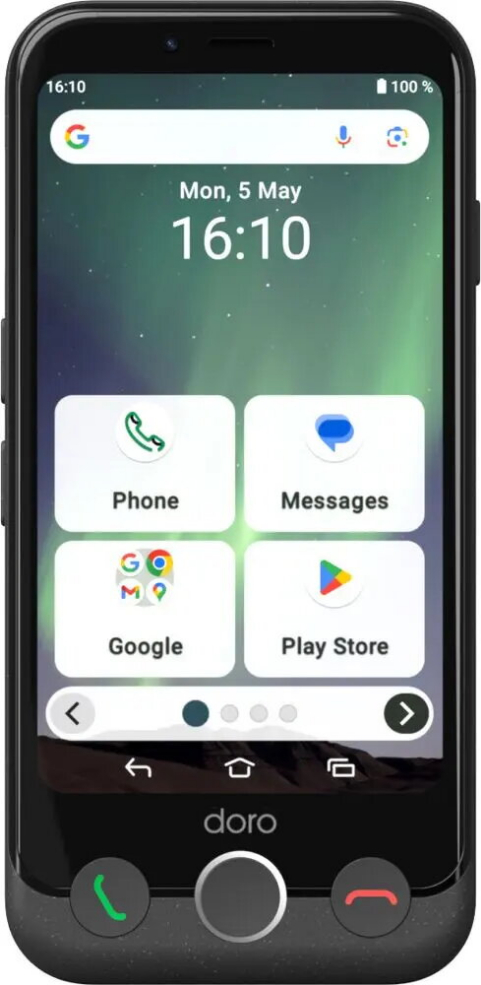
Smartphone Doro Aurora A10 4.5" 4GB 64GB Black
Smartphone Doro Aurora A10 4.5" 4GB 64GB Black Original price was: 238,99 €.Current price is: 191,99 €.
Back to products

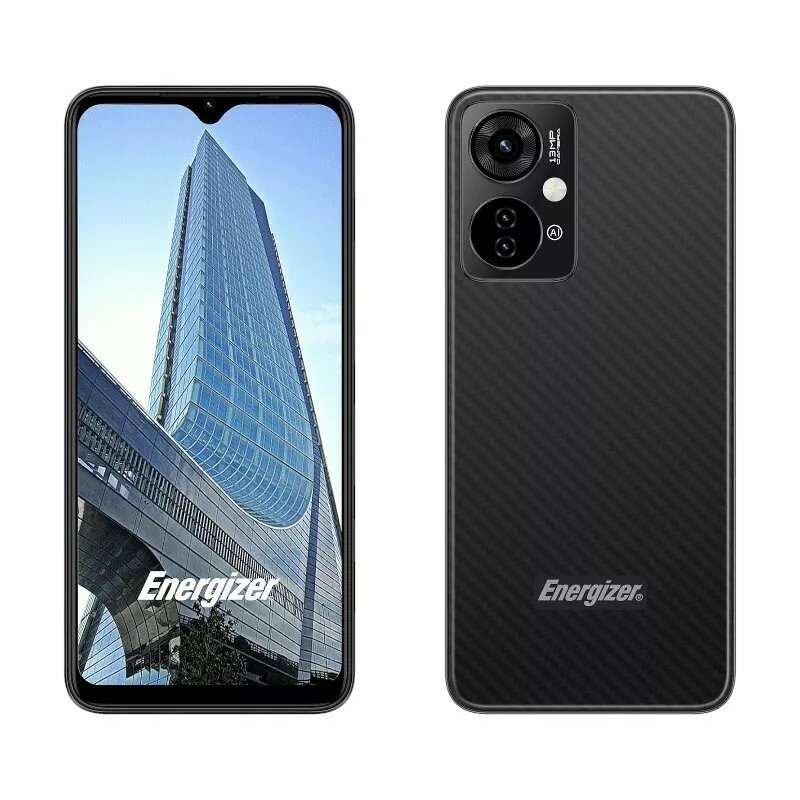
Smartphone Energizer U652SEU, 6.51″ display, 64GB memory, black

SKU: 11207595

Apple Shopping Event

Hurry and get discounts on all Apple devices up to 20%

Sale_coupon_20

Original price was: 99,99 €.Current price is: 84,99 €.

  • Free shipping €100
  • 30 day return
  • Warranty 1 year

Description

The Energizer U652SEU is a practical smartphone with a 6.51″ display, 64GB of internal storage and 2GB of RAM. Designed for everyday communication and media use, it runs on the Android operating system and supports 4G LTE connectivity with Dual SIM capability. The device includes a built-in camera and a battery sized to provide extended use between charges, making it suitable for routine tasks such as browsing, messaging and multimedia playback.

Advantages

The phone combines a large 6.51″ screen with compact handling for improved readability of web pages and videos while remaining easy to carry. 64GB of internal memory gives room for apps, photos and music, and Dual SIM support enables separate work and personal lines or local and roaming cards. 4G LTE support ensures stable mobile data speeds where available, and the Android platform provides access to a wide range of apps and system updates. The integrated camera captures everyday scenes with convenience, and the battery capacity is chosen to extend operating time during normal use.

Suitable for

  • Daily communication: calls, messaging and email
  • Media consumption: video playback and web browsing
  • Basic photography and social media sharing
  • Using two phone numbers or local and travel SIMs
  • Running common Android apps and utilities

Key specifications

  • Display size: 6.51 inches
  • Internal storage: 64 GB
  • RAM: 2 GB
  • Network: 4G LTE
  • SIM: Dual SIM
  • Operating system: Android
  • Color: Black

How to use

Power on the Energizer U652SEU using the side power button and follow the on-screen setup wizard to select language, connect to Wi‑Fi and sign in to your Google account. Insert one or two SIM cards into the appropriate slots if you need Dual SIM functionality. Install applications from the Google Play Store as required, configure notification and power settings to balance performance and battery life, and use the camera app for capturing photos and videos. Regularly update system software and apps to maintain security and compatibility.

Usage recommendations

For longer battery life, reduce screen brightness, limit background app activity in settings and close unused apps. Use a protective case and screen cover to prevent damage. Back up important data to cloud storage or an external device to avoid data loss.

Overview