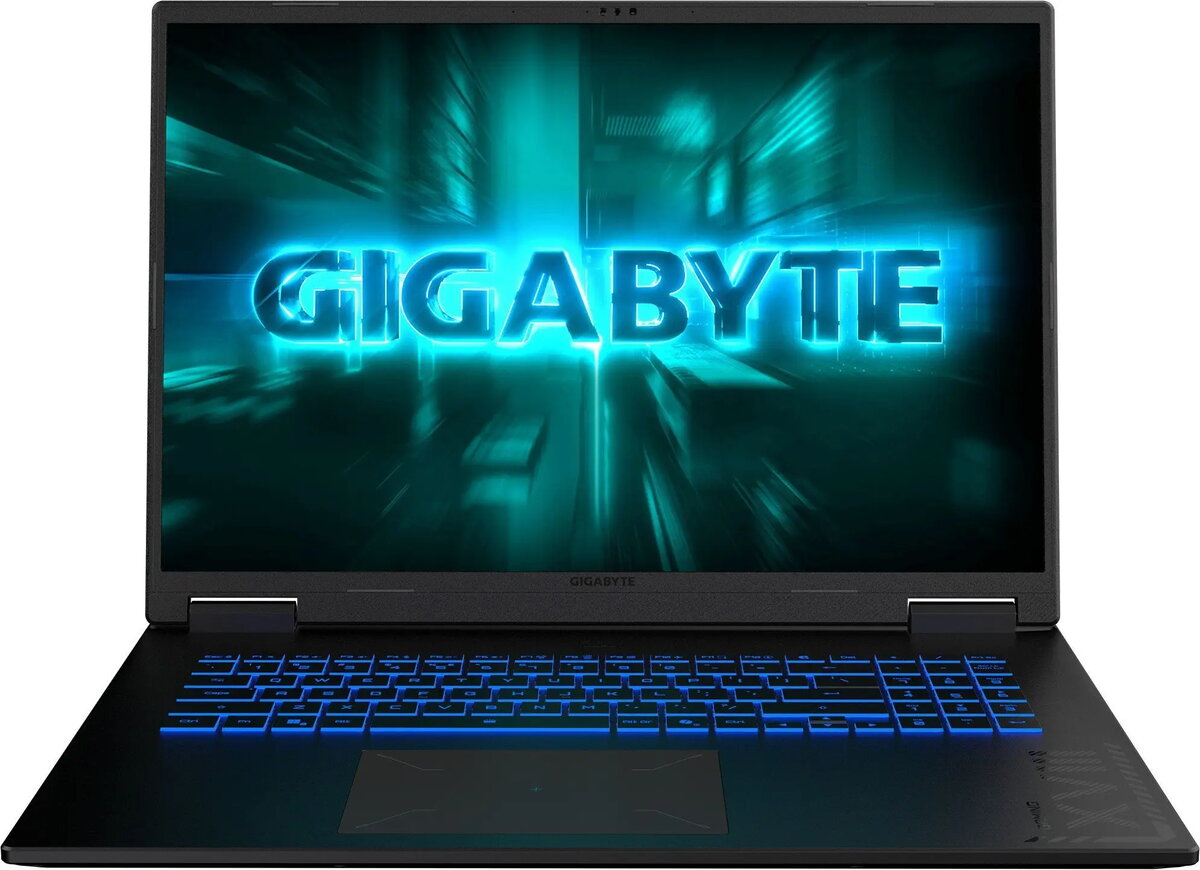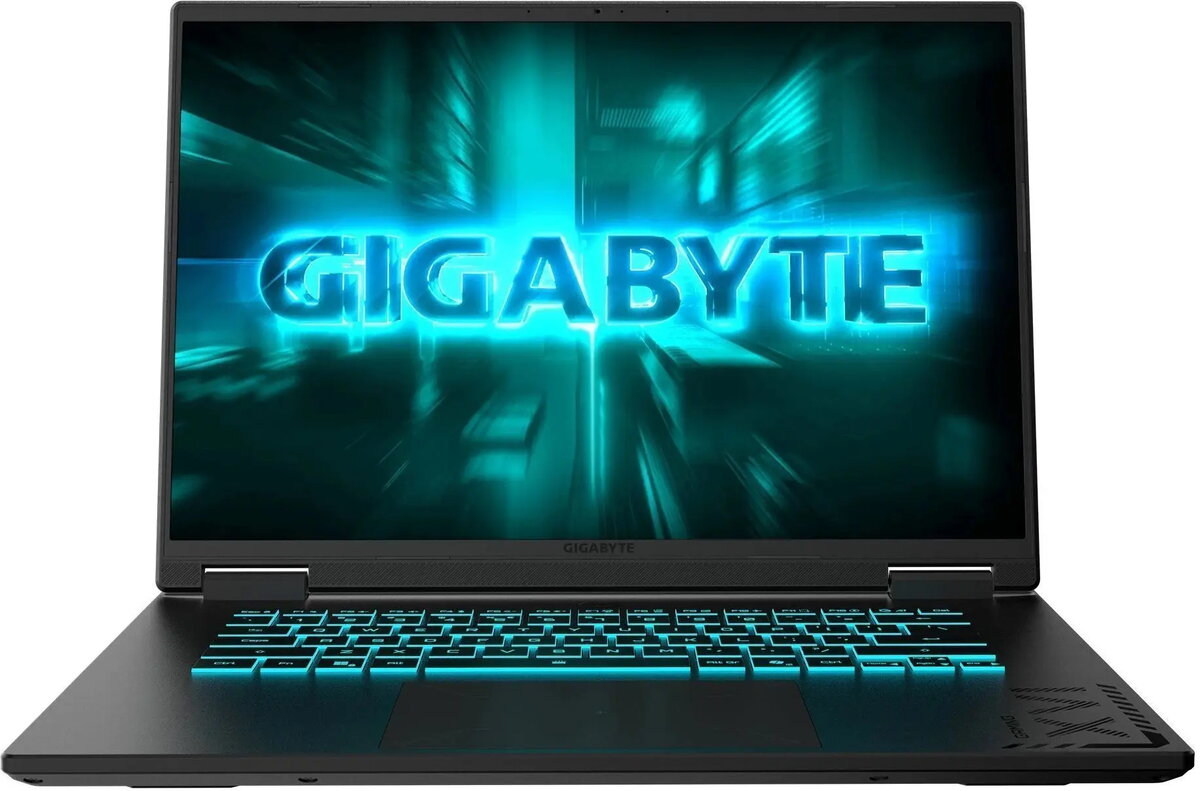
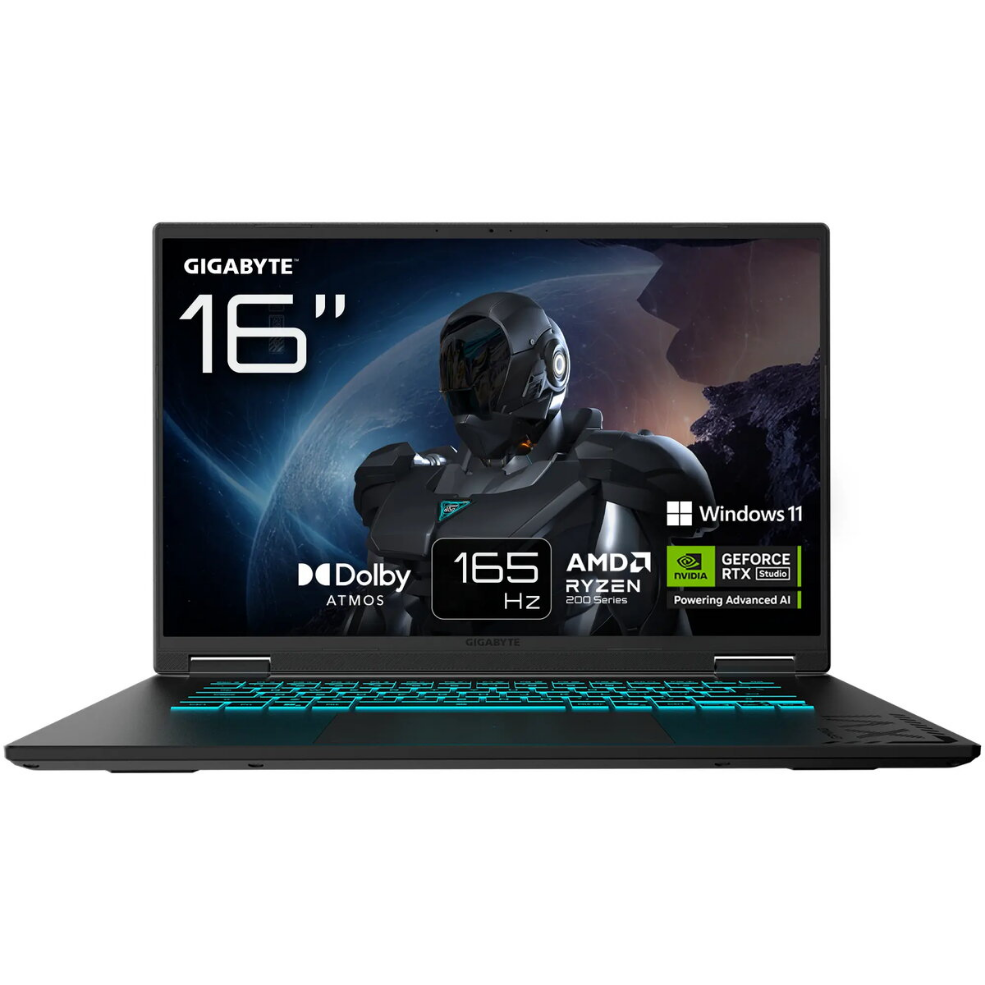
Laptop Gigabyte Gaming A18 3TH Ryzen 7 260 16 GB 512 GB RTX 5050 Windows

SKU: 11601616

Apple Shopping Event

Hurry and get discounts on all Apple devices up to 20%

Sale_coupon_20

1.109,99 

  • Free shipping €100
  • 30 day return
  • Warranty 1 year

Description

The Gigabyte Gaming A18 3TH Ryzen 7 260 16 GB 512 GB RTX 5050 Windows is a high-performance laptop designed to run modern games and demanding creative applications. It combines an AMD Ryzen 7 260 processor with 16 GB of system memory and a 512 GB solid-state drive to provide fast boot times, responsive multitasking and sufficient storage for games and media. The dedicated NVIDIA RTX 5050 graphics delivers hardware-accelerated rendering, enabling smooth gameplay and support for high-quality visuals on the laptop’s 165 Hz display.

Advantages

The laptop balances CPU and GPU performance to handle both gaming and content creation workloads. The 165 Hz panel reduces motion blur and improves responsiveness in fast-paced titles, while the SSD improves system responsiveness compared with traditional hard drives. The combination of 16 GB RAM and a mid-range RTX GPU allows for stable frame rates at medium to high settings in many modern games and efficient performance in video editing or 3D tasks.

Suitable for

  • Playing modern AAA and esports titles at medium to high settings
  • Video editing and photo processing workflows
  • 3D modeling and real-time rendering previews for hobbyists and creators
  • Multitasking: streaming, browsing and running productivity apps simultaneously

Key specifications

  • Processor: AMD Ryzen 7-series mobile CPU (quad/hex/oct-core configuration as per model)
  • Memory: 16 GB RAM for multitasking and gaming
  • Storage: 512 GB solid-state drive (NVMe performance expected)
  • Graphics: NVIDIA RTX 5050 dedicated GPU with hardware-accelerated ray tracing support
  • Display: 165 Hz refresh rate panel for reduced motion blur and smoother visuals
  • Operating system: Windows preinstalled for wide software compatibility

How to use

Set up the laptop by completing the initial Windows setup and installing the latest GPU and chipset drivers from the manufacturer’s support site to ensure optimal performance. Use included or recommended software to manage graphics settings and power profiles: select higher performance modes for gaming and balanced or power-saving modes for battery life. Keep the SSD with free space for virtual memory and game installs, and consider enabling automatic updates for security and driver improvements.

Usage recommendations

For best gaming performance, connect the laptop to mains power and choose the high-performance power profile, ensure GPU drivers are up to date, and use the 165 Hz display mode in game settings where supported. For content creation, close unnecessary background applications and use external storage or cloud services for large media libraries to preserve SSD capacity.

Overview