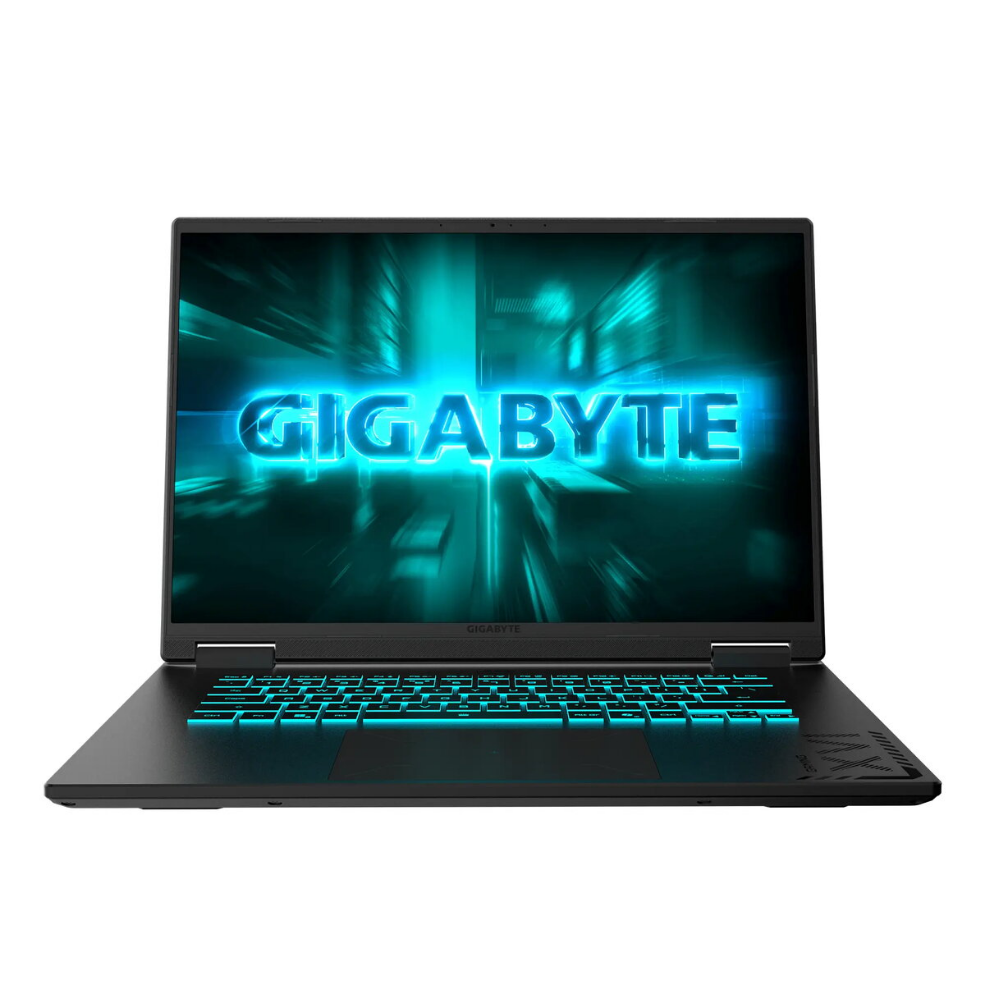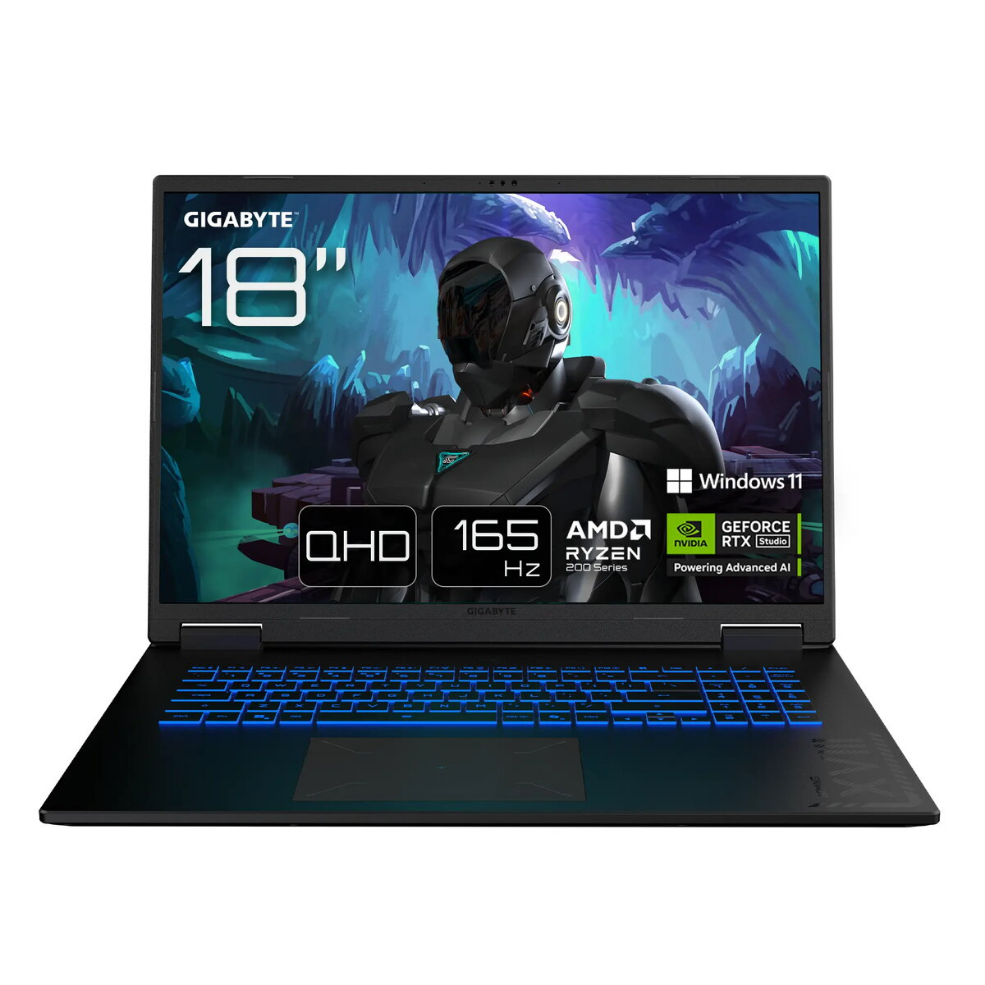
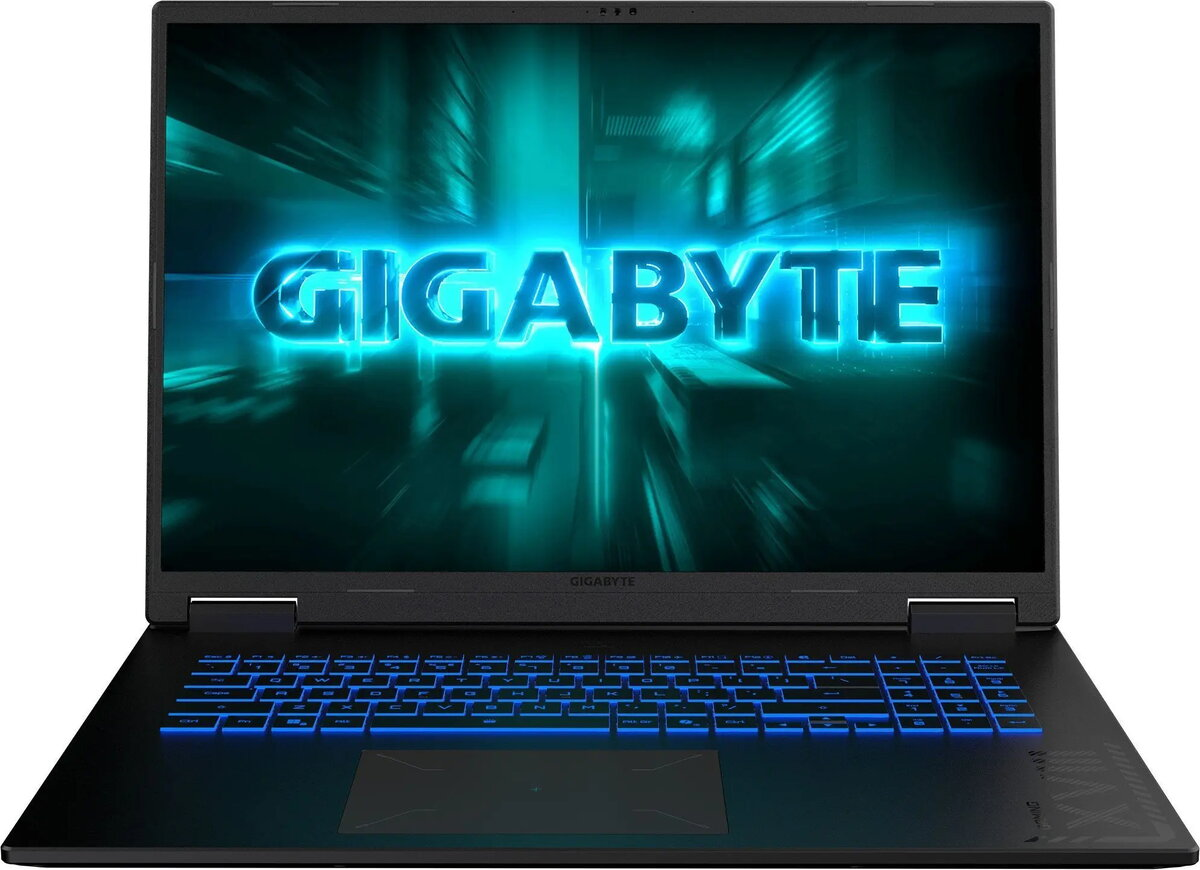
Laptop GIGABYTE GAMING A16 3VH-K3EE893SH — 16″ FHD+ display, AMD Ryzen 7 260, 16GB RAM, 512GB SSD, NVIDIA RTX 5060, Windows 11 Home, ENG keyboard

SKU: 11511558

Apple Shopping Event

Hurry and get discounts on all Apple devices up to 20%

Sale_coupon_20

1.085,99 

  • Free shipping €100
  • 30 day return
  • Warranty 1 year

Description

Gigabyte GAMING A16 3VH-K3EE893SH is a 16″ FHD+ gaming laptop powered by an AMD R7 processor, 16 GB of memory, a 512 GB SSD and an NVIDIA GeForce RTX 5060 GPU. The model includes Windows 11 Home and an English keyboard layout, and it comes with a two-year warranty provided by Gigabyte. The device contains a built-in rechargeable battery and complies with relevant WEEE and battery classifications.

Advantages

The laptop balances performance and portability with a 16″ FHD+ display and RTX 5060 graphics for gaming and creative work, while the 512 GB SSD provides fast storage responsiveness. Preinstalled Windows 11 Home and a full 16 GB of RAM allow for smooth multitasking. The two-year warranty and compliance with WEEE markings ensure after-sales support and regulated disposal.

Suitable for

  • Gaming at high settings for many modern titles
  • Content creation and video editing
  • Multitasking and productivity workflows
  • Everyday multimedia and streaming

Key specifications

  • Model: Gigabyte GAMING A16 3VH-K3EE893SH (MPN: 3VHK3EE893SH, EAN: 4719331766412)
  • Display: 16″ FHD+
  • Processor: AMD R7
  • Memory: 16 GB RAM
  • Storage: 512 GB SSD
  • Graphics: NVIDIA GeForce RTX 5060
  • Operating System: Windows 11 Home
  • Keyboard: English layout
  • Battery: Embedded rechargeable accumulator
  • Gross weight: 2.50 kg; Net weight: 2.20 kg; Tare weight: 0.30 kg
  • Package dimensions (W×H×D): 300 × 380 × 30 mm
  • Packing quantity: 1 pc; Palette quantity: 400 pcs
  • WEEE tax: Yes; WEE classification: CL109:2:2017-04-01
  • Battery classification/composition: CL126:NE:2016-12-09 / CL127:KT:2016-12-09
  • Warranty: 24 months

How to use

Unpack the laptop from its packaging and connect the included power adapter before first use to ensure the battery reaches a sufficient charge level. Follow the Windows 11 setup prompts to create or sign in to a Microsoft account, install drivers via Gigabyte support if necessary, and update Windows and GPU drivers through official channels. Use the built-in power management settings to balance performance and battery life according to your needs.

Usage recommendations

To maintain performance and battery health, keep the system drivers and Windows updates current, avoid prolonged operation at maximum GPU load without adequate ventilation, and follow local WEEE disposal rules for electronic and battery recycling.

Overview