
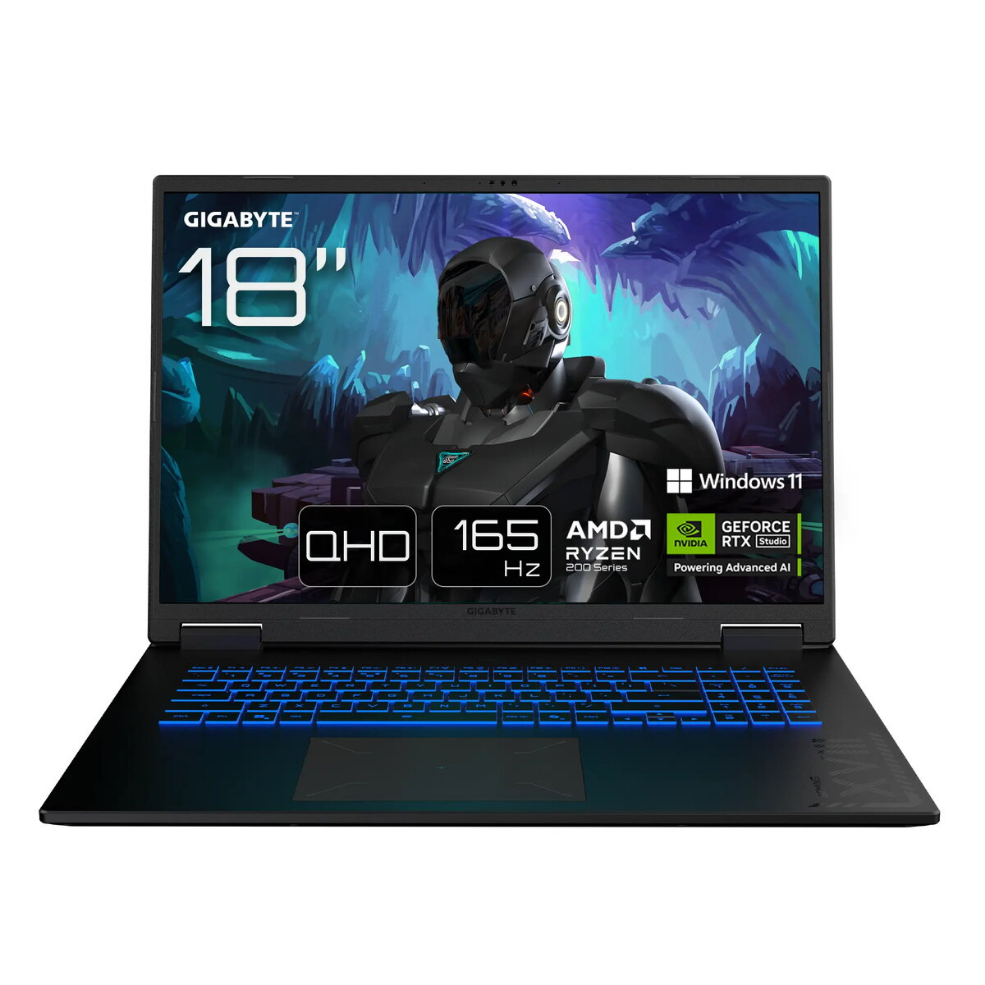
Laptop Gigabyte GAMING A16 PRO DYHG5CZCC4SH 16″ 7-240H 32GB 1TB RTX 5080 W11H

SKU: 11634994

Apple Shopping Event

Hurry and get discounts on all Apple devices up to 20%

Sale_coupon_20

2.415,99 

  • Free shipping €100
  • 30 day return
  • Warranty 1 year

Description

The Gigabyte GAMING A16 PRO DYHG5CZCC4SH 16″ 7-240H 32GB 1TB RTX 5080 W11H combines a 16-inch 2560×1600 display with an AMD Ryzen 7-240H processor, 32 GB of system memory, a 1 TB solid-state drive and an NVIDIA RTX 5080 graphics card. Windows 11 Home is preinstalled, providing a modern platform for gaming, content creation and everyday productivity. The configuration targets users who need sustained graphics performance, ample memory and fast storage in a portable laptop format.

Advantages

The laptop provides a high-resolution 16″ display that balances screen area and portability, while the NVIDIA RTX 5080 GPU delivers hardware-accelerated rendering for games and GPU-accelerated applications. The combination of 32 GB RAM and a 1 TB SSD supports smooth multitasking and fast application load times. Preinstalled Windows 11 Home ensures compatibility with current software and drivers.

Suitable for

  • Modern AAA and eSports gaming at high settings
  • 3D rendering, video editing and GPU-accelerated creative workflows
  • Software development, virtual machines and heavy multitasking
  • Everyday productivity, web browsing and media consumption

Key specifications

  • Display: 16″ diagonal, 2560 × 1600 resolution
  • Processor: AMD Ryzen 7-240H
  • Memory: 32 GB RAM
  • Storage: 1 TB solid-state drive (SSD)
  • Graphics: NVIDIA RTX 5080 discrete GPU
  • Operating system: Windows 11 Home

How to use

Unpack the laptop, connect the power adapter and complete the Windows 11 Home initial setup. Install the latest drivers and graphics software from the manufacturer’s support site to ensure the RTX 5080 and system components run optimally. For gaming or creative applications, configure in-application settings to match your preferred balance between performance and image quality. Use the system settings to manage power profiles and thermal modes for sustained workloads.

Usage recommendations

For best performance during extended gaming or rendering sessions, connect the laptop to mains power, keep ventilation clear and apply the manufacturer’s recommended driver updates. Regularly back up important data from the 1 TB SSD and monitor system temperatures when running intensive GPU workloads.

Overview