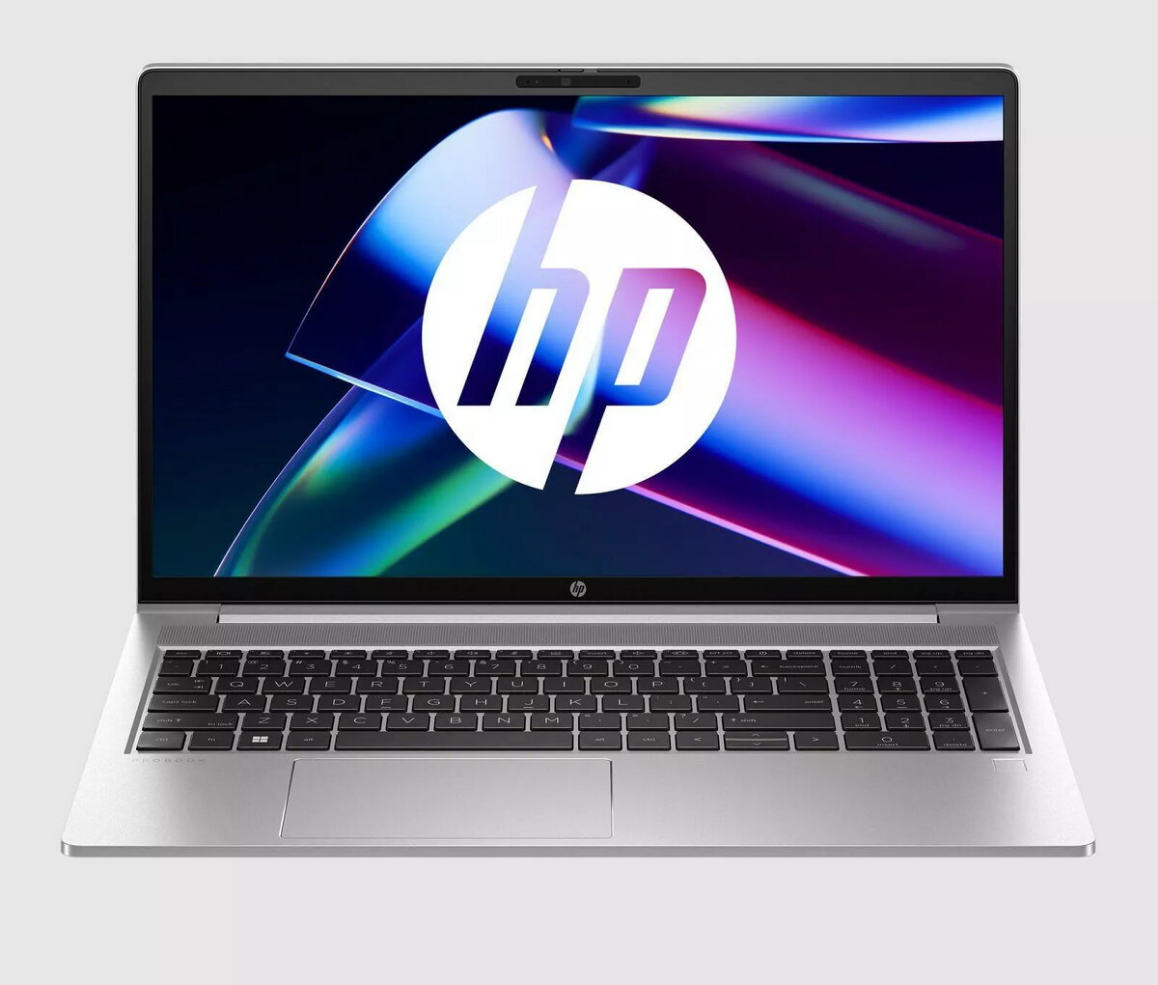
Laptop HP OMEN MAX Gaming Laptop 16″ AMD Ryzen™ 9 HX 375 32GB 1TB RTX 5080 Windows 11

SKU: 11447729

Apple Shopping Event

Hurry and get discounts on all Apple devices up to 20%

Sale_coupon_20

4.276,99 

  • Free shipping €100
  • 30 day return
  • Warranty 1 year

Description

HP OMEN MAX Gaming Laptop with a 16″ WQXGA (2560×1600) IPS display offers a compact 16:10 viewing area with anti-glare coating. It is powered by an AMD Ryzen AI 9 HX 375 processor with up to 5.10 GHz boost across 12 cores, paired with 32 GB of RAM and a 1 TB solid-state drive. Dedicated NVIDIA GeForce RTX 5080 graphics provide hardware-accelerated rendering for games and creative applications. The system runs Windows 11 Home and includes wireless connectivity with Wi‑Fi 6E, multiple high-speed ports and a lightweight chassis at approximately 2.2 kg.

Advantages

The combination of a high-refresh 16″ WQXGA IPS panel and an AMD Ryzen AI 9 HX 375 CPU delivers balanced performance for gaming and multitasking. Large 32 GB memory and a 1 TB SSD support smooth load times and ample storage for games and media. Dedicated RTX 5080 graphics accelerate real-time ray tracing and GPU-accelerated workflows. Built-in Wi‑Fi 6E and Thunderbolt 4 connectivity enable fast networking and external peripherals.

Suitable for

  • Modern AAA and esports gaming at high settings
  • Content creation and GPU-accelerated editing
  • Multitasking with streaming, productivity apps, and virtual machines
  • Portable workstation use for on-the-go professionals

Key specifications

  • Display: 16″ WQXGA (2560×1600), 16:10 IPS, anti-glare
  • Processor: AMD Ryzen AI 9 HX 375, 12 cores, up to 5.10 GHz boost
  • Memory: 32 GB RAM
  • Storage: 1 TB NVMe SSD
  • Graphics: NVIDIA GeForce RTX 5080 dedicated GPU
  • Connectivity: Wi‑Fi 6E, HDMI output, 2 × Thunderbolt 4
  • Operating System: Windows 11 Home
  • Weight: approximately 2.2 kg

How to use

Power on the laptop, complete the initial Windows 11 setup and sign in with or create a Microsoft account if required. Install game clients, creative software or productivity applications as needed. Use the Thunderbolt 4 ports and HDMI output to connect external displays or high-speed storage. Keep the system updated via Windows Update and NVIDIA driver releases for optimal performance.

Usage recommendations

For sustained high-performance gaming or intensive rendering sessions, place the laptop on a hard, flat surface to ensure adequate airflow and consider using a cooling pad. Regularly update GPU drivers and firmware, and maintain backups of important data to the internal SSD or external storage.

Overview