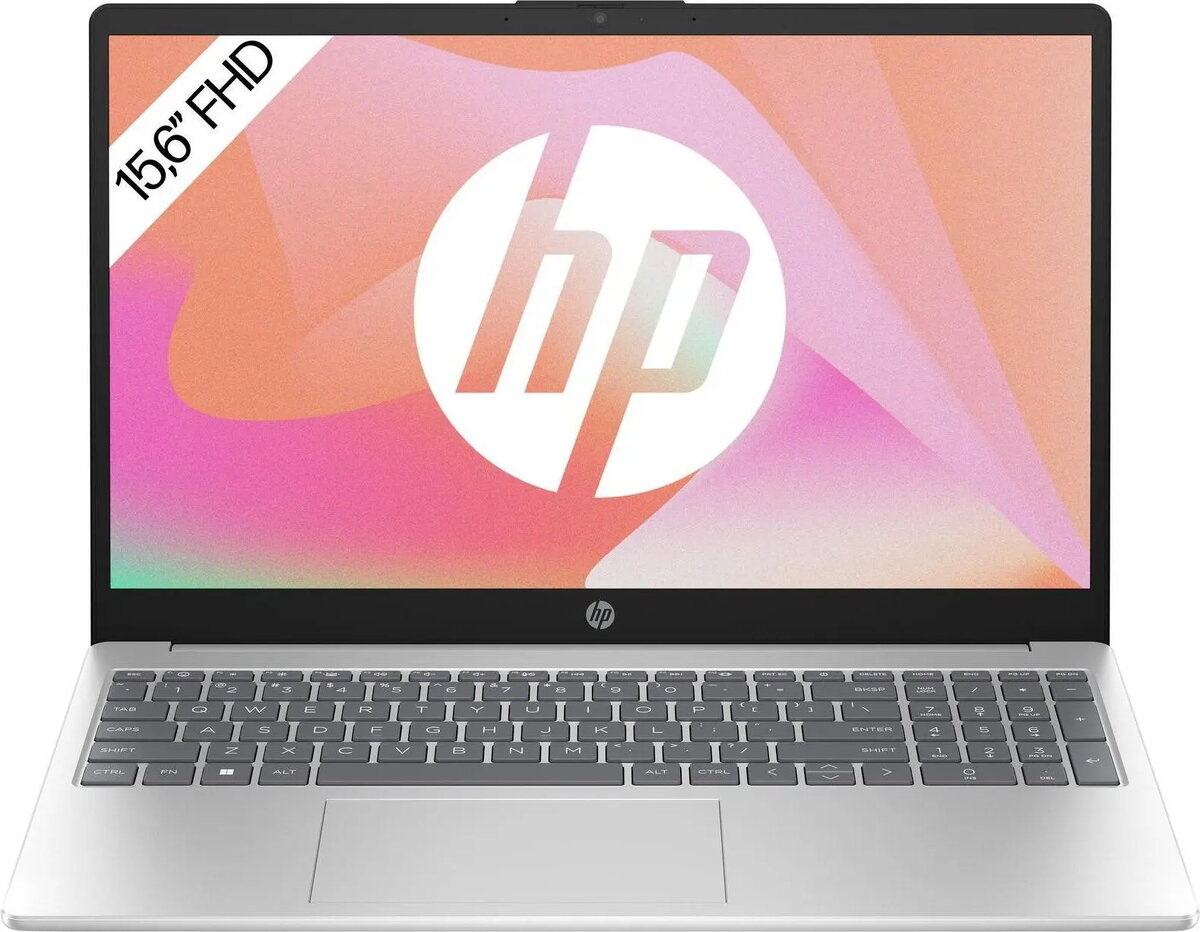
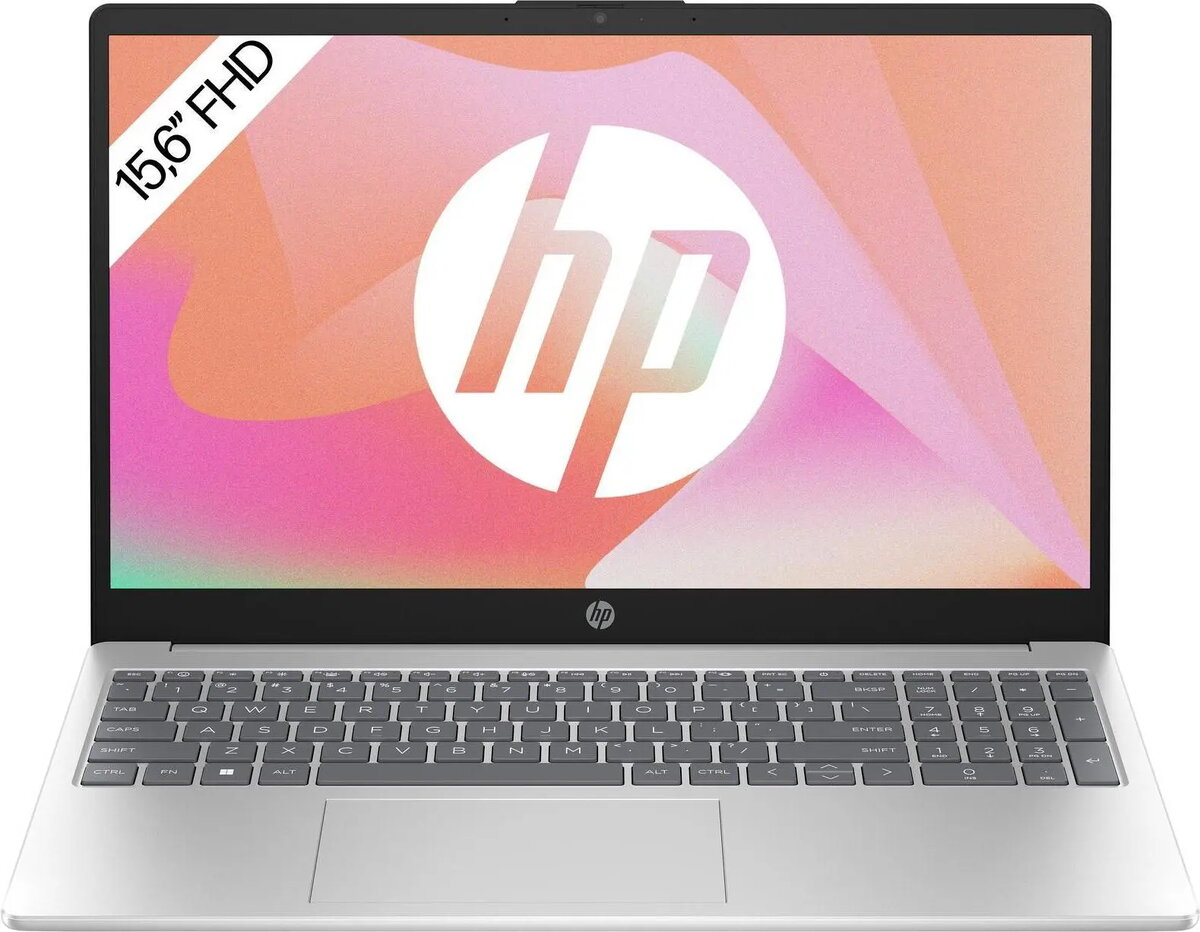
The HP Laptop 15-fd1059ng is a 15.6-inch notebook powered by an Intel Core 5 120U processor, equipped with 16 GB of RAM and a 1 TB solid-state drive. It runs FreeDOS 3.0 and uses integrated Intel Graphics to deliver responsive performance for everyday computing tasks. The combination of a large SSD and ample memory supports fast startup, quick application loading and fluid multitasking across office software, web browsing and media playback.
Advantages
This configuration provides a balance of storage capacity and memory for sustained multitasking and project files. The 1 TB SSD offers high-capacity, low-latency storage compared to traditional hard drives, reducing wait times for system and application access. With 16 GB of RAM, the laptop can handle multiple browser tabs, office applications and background processes without frequent slowdowns. Integrated Intel Graphics supports standard 2D and light 3D rendering, suitable for video streaming, presentations and casual multimedia editing.
Suitable for
- Office productivity and document processing
- Web browsing, video conferencing and email
- Media playback and streaming
- Light photo editing and casual multimedia tasks
- Students and home users who need reliable everyday performance
Key specifications
- Display: 15.6-inch screen size
- Processor: Intel Core 5 120U
- Memory: 16 GB RAM
- Storage: 1 TB solid-state drive (SSD)
- Graphics: Integrated Intel Graphics
- Operating system: FreeDOS 3.0
How to use
Install a preferred operating system and drivers compatible with the HP hardware if you need a preconfigured environment; FreeDOS 3.0 is included and allows for custom OS installation. Use the SSD for storing the operating system and frequently used applications to benefit from fast boot and load times. For everyday workflows, keep most-used apps and documents on internal storage and use external drives or cloud storage for backups and large media libraries. Connect to Wi‑Fi or wired networks for internet access and use built-in ports for peripherals such as external monitors, mice and keyboards.
Usage recommendations
To maintain performance and longevity, keep the system firmware and drivers up to date, avoid filling the SSD to maximum capacity, and create regular backups of important data. For improved multitasking, close unused background applications and consider using power profiles to balance performance and battery life when running on battery.




 Free shipping €100
 30 day return
 Warranty 1 year

 Overview