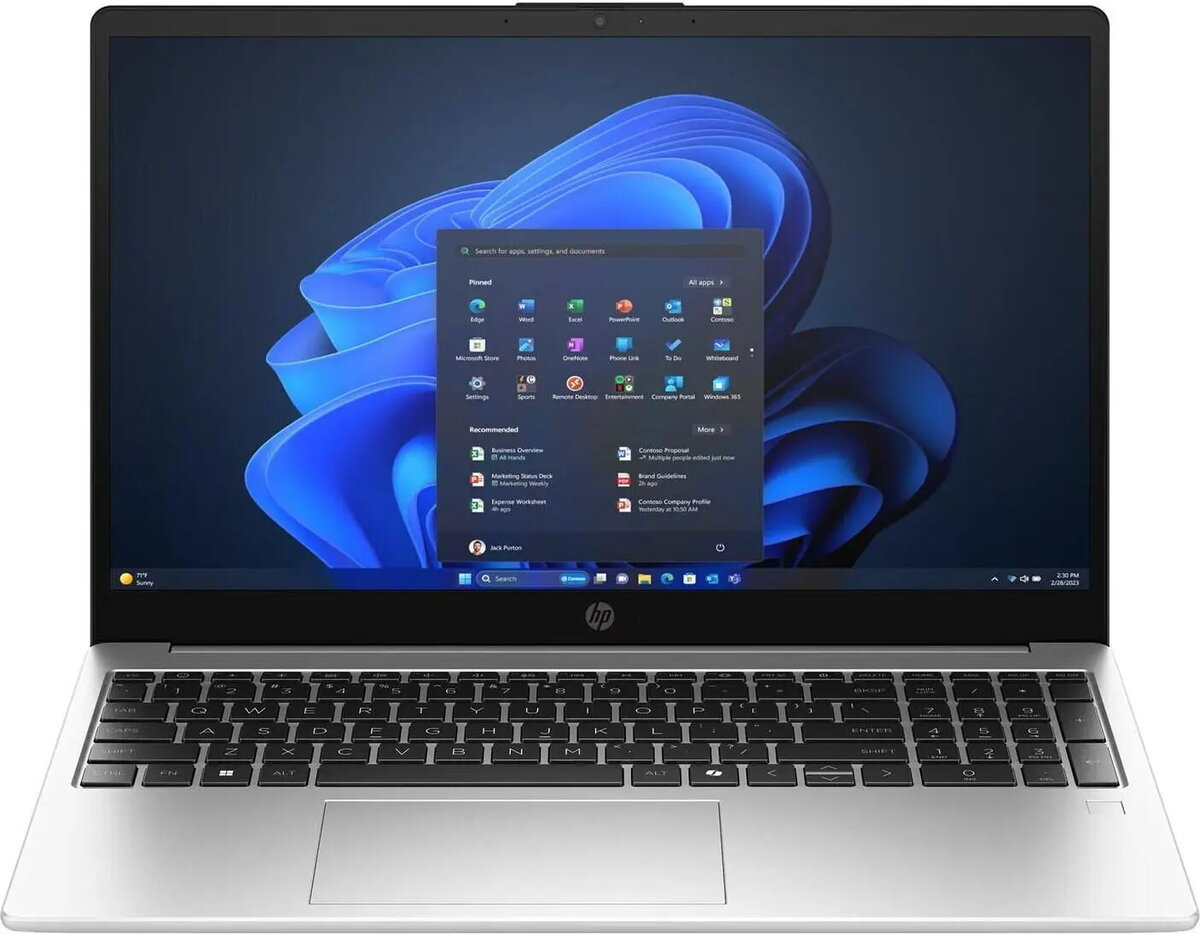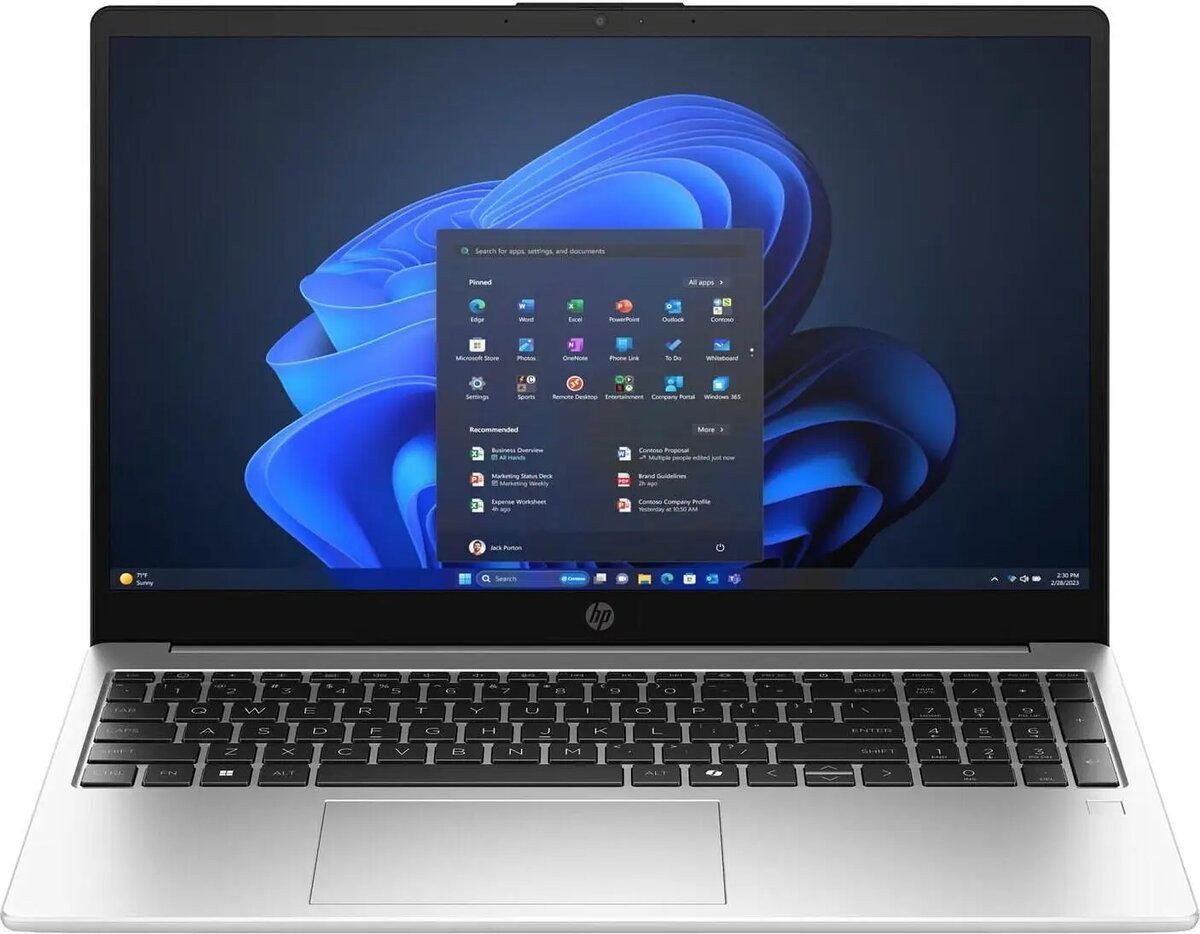
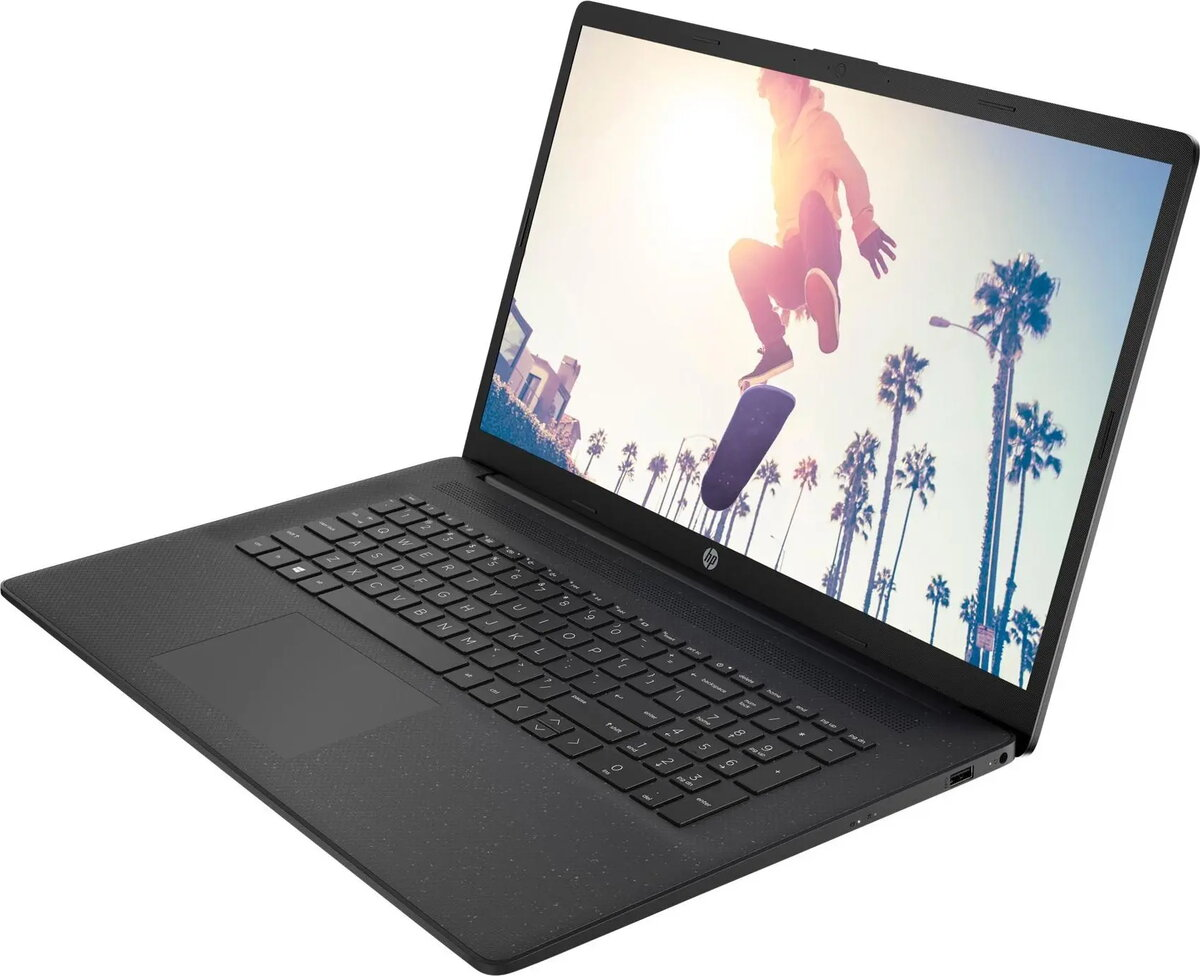
Laptop HP 250R G10 15.6″ Full HD IPS, Intel Core 5 120U, 16GB RAM, 512GB SSD, Windows 11 Home, DE layout

SKU: 11686539

Apple Shopping Event

Hurry and get discounts on all Apple devices up to 20%

Sale_coupon_20

Original price was: 637,99 €.Current price is: 581,99 €.

  • Free shipping €100
  • 30 day return
  • Warranty 1 year

Description

HP 250R G10 is a 15.6″ laptop with a Full HD IPS display and an Intel Core 5 120U processor. Configured with 16GB of RAM and a 512GB SSD, it is designed to deliver responsive multitasking and quick application load times. The device ships with Windows 11 Home preinstalled and a German (DE) keyboard layout, making it suitable for standard office workflows, web browsing and media playback on a mid-size screen.

Advantages

The 15.6″ Full HD IPS panel provides consistent viewing angles and clear detail for documents and multimedia. The Intel Core 5 120U processor balances energy efficiency with day-to-day performance for common productivity tasks. With 16GB RAM, the system supports comfortable multitasking, and the 512GB SSD offers fast boot times and reduced file access latency compared with conventional hard drives. Windows 11 Home includes the latest consumer features and security updates, while the German keyboard layout matches regional input preferences.

Suitable for

  • Office applications and document editing
  • Web browsing and cloud services
  • Video streaming and media consumption
  • Light multitasking and remote work

Key specifications

  • Display: 15.6″ Full HD (IPS) panel
  • Processor: Intel Core 5 120U
  • Memory: 16GB RAM
  • Storage: 512GB SSD
  • Operating system: Windows 11 Home
  • Keyboard layout: German (DE)

How to use

Power on the laptop using the main power button and complete the initial Windows 11 setup by following on-screen prompts to configure language, user account and network settings. Install necessary office applications and sign into cloud services as required. Use the Full HD IPS display for document review and media playback, and rely on the SSD for faster application launches and file access. Keep the system connected to a reliable network for updates and cloud synchronization.

Usage recommendations

For sustained performance, keep Windows and drivers up to date, monitor available storage on the 512GB SSD, and use power profiles to balance battery life and processing power. Regularly back up important files to cloud storage or an external drive. When typing extensively, select the German (DE) layout in system settings if necessary and adjust display brightness for comfortable viewing.

Overview