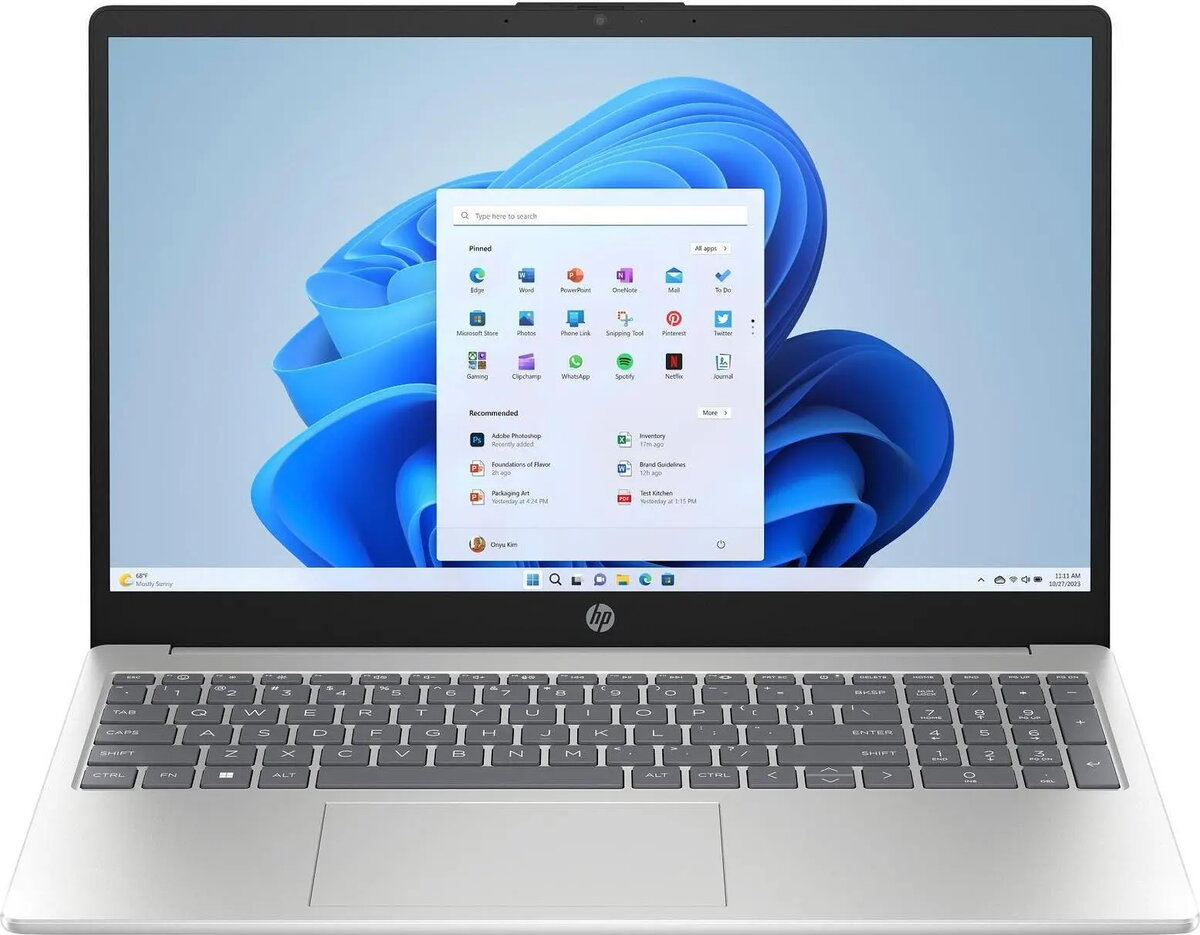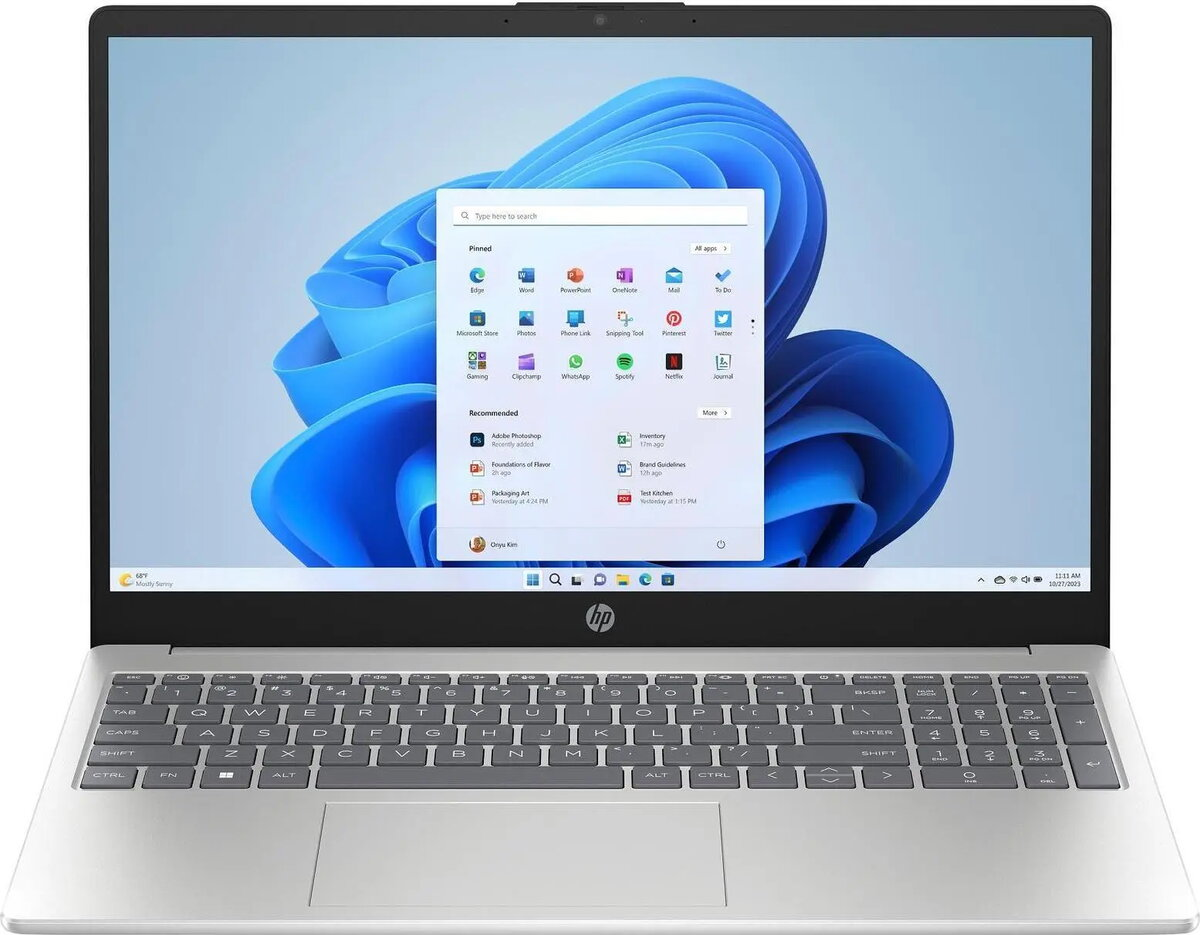
Notebook HP 15-fd0068ng (15.6″ FHD, Intel Core 5 120U, 1TB SSD, HDMI, USB-C, FreeDOS)

SKU: 12092798

Apple Shopping Event

Hurry and get discounts on all Apple devices up to 20%

Sale_coupon_20

622,99 

  • Free shipping €100
  • 30 day return
  • Warranty 1 year

Description

HP 15-fd0068ng is a 15.6″ (39.6 cm) notebook with a Full HD 1920×1080 display designed for everyday productivity. It is powered by an Intel Core 5 120U processor and includes a 1 TB solid-state drive for fast system responsiveness, quick boot times and ample storage for documents, media and applications. The laptop provides HDMI and USB-C ports for external displays and peripherals and ships with FreeDOS 3.0, allowing users to install their preferred operating system and software. Its 15.6″ form factor balances screen size and portability for typical home, office and study environments.

Advantages

The combination of an Intel Core 5 120U processor and a 1 TB SSD delivers responsive performance for web browsing, office tasks and media playback while reducing load and boot times compared with traditional hard drives. The Full HD 1920×1080 panel provides clear text and sharper visuals for spreadsheets, documents and streaming video. USB-C and HDMI connectivity make it straightforward to connect external monitors, docking stations or projectors, and the 15.6″ chassis offers a familiar keyboard layout and screen area for prolonged use. Shipping with FreeDOS gives users flexibility to install a preferred OS and customize the software environment to specific needs.

Suitable for

  • Office applications and document editing
  • Web browsing and cloud-based services
  • Streaming video and media playback
  • Light multitasking and productivity workflows
  • Connecting external displays via HDMI or USB-C

Key specifications

  • Display: 15.6″ Full HD (1920×1080) screen
  • Processor: Intel Core 5 120U
  • Storage: 1 TB solid-state drive (SSD)
  • Operating system: FreeDOS 3.0 (no preinstalled consumer OS)
  • Ports: HDMI and USB-C plus standard USB and audio connectors
  • Form factor: 15.6″ notebook with integrated keyboard and trackpad

How to use

Install a compatible operating system of your choice or the software suite required for your tasks. Use the SSD to store the operating system and commonly used applications for faster access. Connect external displays via the HDMI or USB-C port when additional screen space is needed, and attach peripherals such as external mice, keyboards or storage drives to available USB ports. Adjust display settings and power profiles to balance performance and battery life according to workload.

Usage recommendations

For best results, install a modern, supported operating system and enable system updates and security software. Use the SSD for the OS and frequently used programs, and consider regular backups to external drives or cloud storage. When presenting or working with multiple windows, connect to an external monitor through HDMI or USB-C to improve productivity.

Overview