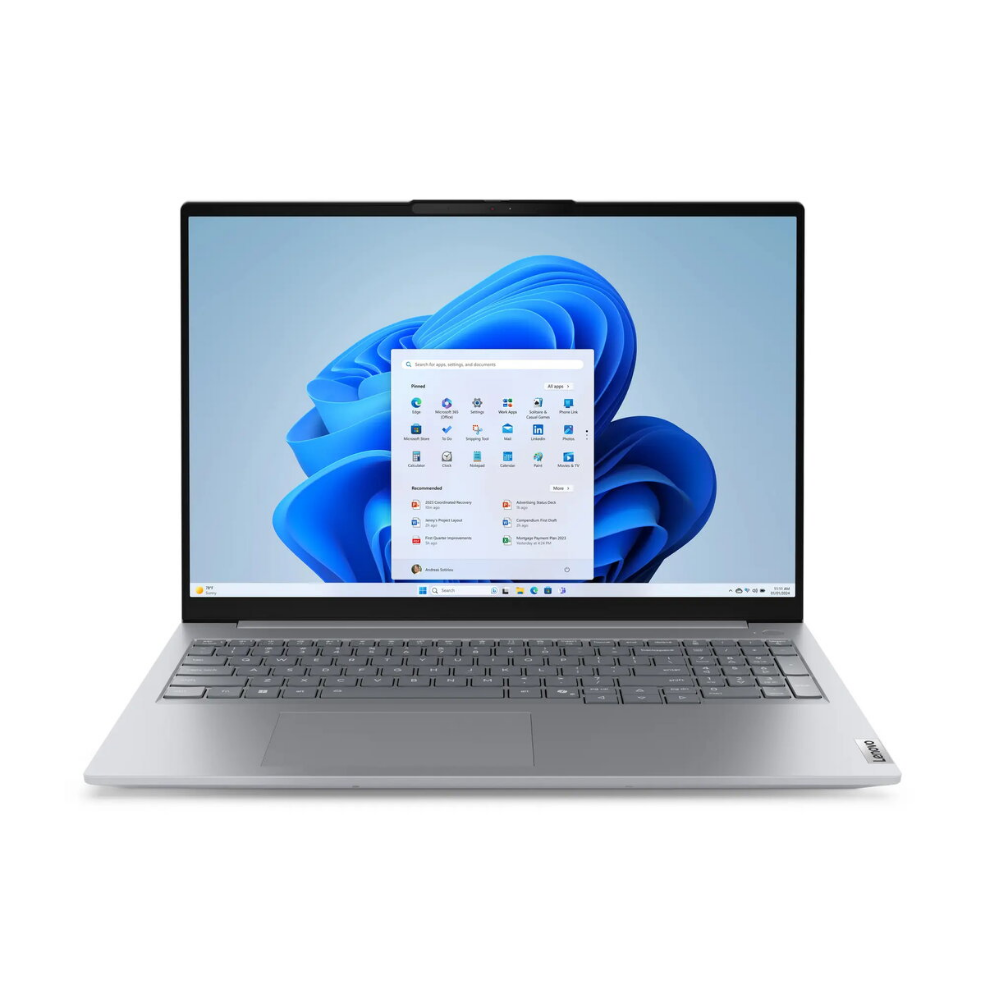
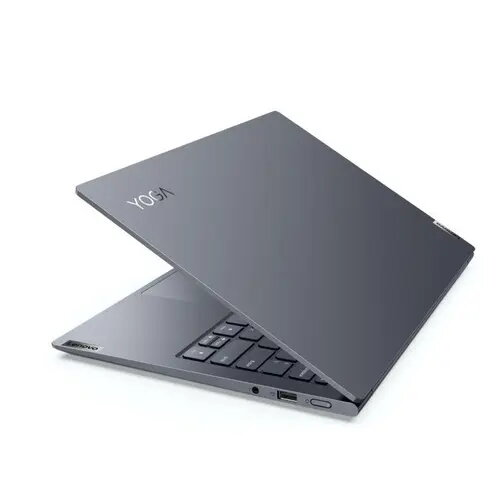
Lenovo Yoga Slim 7 Pro 14IAP7 is an ultraportable 14-inch laptop with a 2.2K display, Intel Core i7-1260P processor, 8 GB of RAM and a 512 GB M.2 solid-state drive, running Windows 11. The device is engineered to balance performance and mobility: a high-resolution display for detailed visuals, fast NVMe storage for quick system and application launches, and a modern multi-core CPU for everyday multitasking and productivity tasks.
Advantages
The 2.2K display provides sharper text and more detailed images compared with standard Full HD panels, improving clarity for document editing and media viewing. A compact chassis and lightweight design make the laptop convenient to carry for commuting or travel. Solid-state storage ensures faster boot times and reduced application loading delays, while the combination of the Intel Core i7 processor and 8 GB of RAM delivers responsive performance for typical office workloads, web browsing, streaming and light content creation.
Suitable for
- Business users and students who need a portable machine for office apps and web-based work
- Everyday multitasking such as multiple browser tabs, document editing and video calls
- Media consumption including streaming and photo viewing on a higher-resolution screen
- Light content-creation tasks like photo editing and presentation design
When it may not be suitable
This model may not be the best choice for users who require high-end gaming or professional-grade video and 3D rendering performance, as the integrated graphics and 8 GB of RAM limit performance for GPU-intensive or memory-heavy workloads. It may also be restrictive for users who need very large local storage beyond the installed 512 GB SSD unless external or cloud storage is used.
Key specifications
- Display: 14-inch, 2.2K resolution
- Processor: Intel Core i7 (12th generation, performance-oriented mobile CPU)
- Memory: 8 GB RAM
- Storage: 512 GB M.2 solid-state drive (NVMe)
- Operating system: Windows 11
- Form factor: Thin-and-light laptop designed for portability
How to use
Power on the laptop and complete the initial Windows 11 setup by following on-screen prompts to create or sign in with a Microsoft account, configure privacy and update settings. Use the built-in display and keyboard for daily tasks such as document editing, email, browsing and video calls. Store frequently used files on the internal SSD for faster access and configure OneDrive or another cloud service for backup and additional storage. For extended sessions, adjust power and display settings in Windows to balance performance and battery life.
What to consider before purchase
- Assess whether 8 GB of RAM is sufficient for your typical workload or if heavier multitasking and editing would benefit from more memory.
- Consider if 512 GB of internal storage meets your needs or if additional external or cloud storage will be required.
- Review display size and resolution to ensure the 14″ 2.2K panel fits your preference for portability versus screen real estate.
- Confirm required ports and wireless connectivity for peripherals and networks.
Usage recommendations
For consistent day-to-day responsiveness, keep Windows and device drivers updated, use the SSD for system and frequently used applications, and enable cloud backup for important documents. If heavier multitasking or large media projects become regular, plan for a configuration with more RAM and larger local storage.





 Free shipping €100
 30 day return
 Warranty 1 year

 Overview