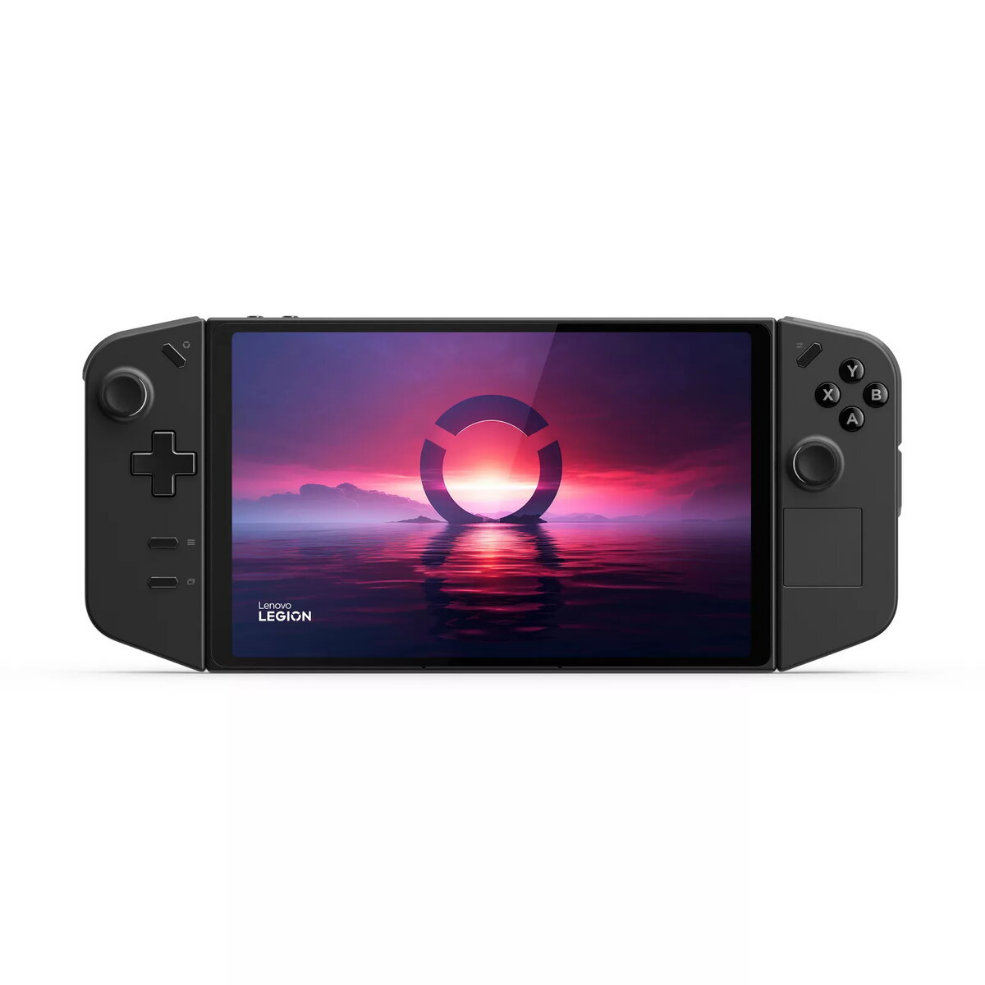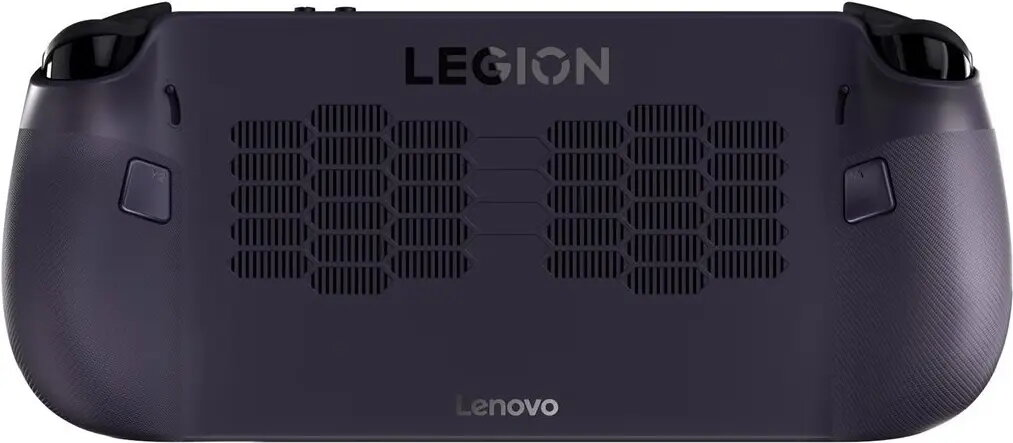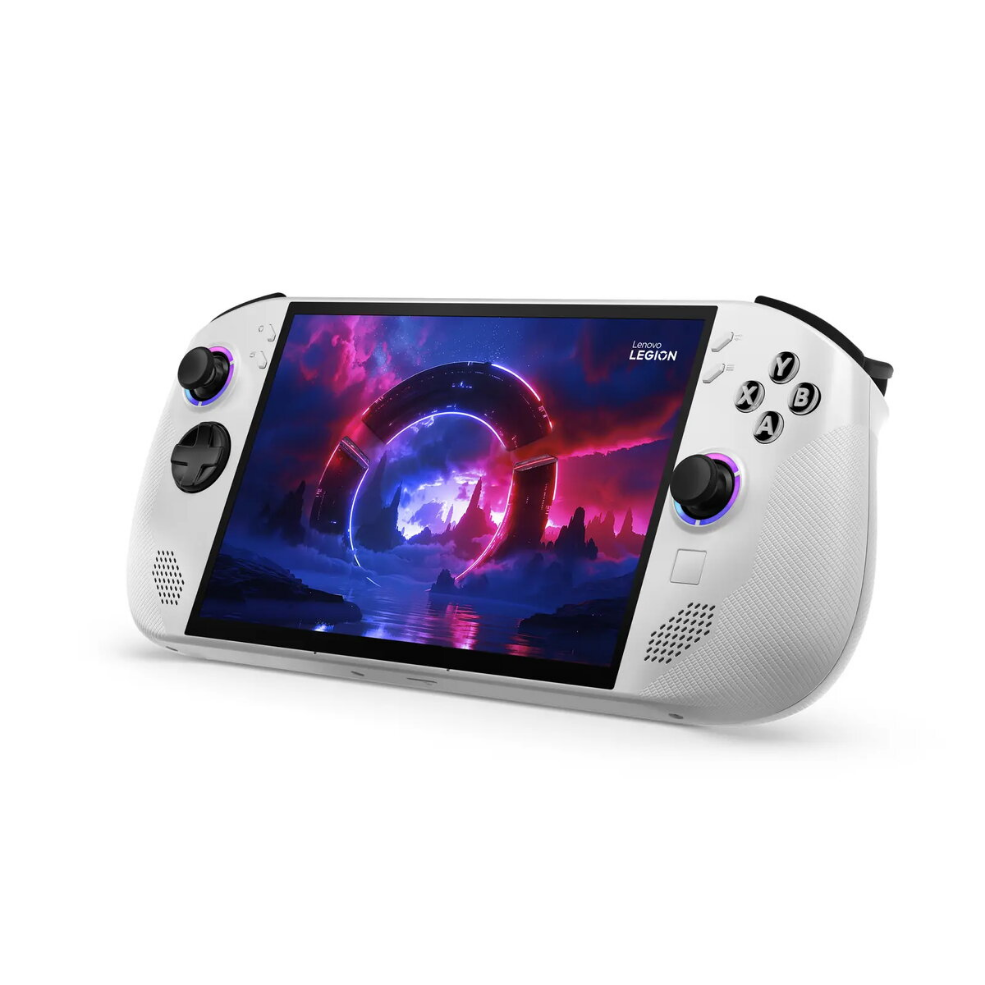
Handheld gaming console Lenovo Legion Go S Steam OS model 83L30033GE

SKU: 11462035

Apple Shopping Event

Hurry and get discounts on all Apple devices up to 20%

Sale_coupon_20

616,99 

  • Free shipping €100
  • 30 day return
  • Warranty 1 year

Description

The Lenovo Legion Go S Steam OS model 83L30033GE is a handheld gaming console designed to run Steam OS and provide access to a Steam library in a portable form factor. The device brings PC-style gaming controls, display and connectivity into a compact handheld chassis so users can play supported Steam titles away from a desktop. The system targets players who need a transportable solution for gaming at home, during travel or while commuting, while maintaining compatibility with Steam OS features and services.

Advantages

The Legion Go S combines a dedicated handheld layout with standard control inputs and Steam OS compatibility to deliver a familiar gaming experience for Steam users. Its compact design supports on-the-go play without requiring a full PC setup, and available connectivity options facilitate networked play, downloads and streaming. The console also allows quick access to a user’s Steam library and typical PC game features where supported by Steam OS.

Suitable for

  • Playing Steam library games away from a desktop
  • Portable gaming during travel, commuting or breaks
  • Streaming PC games to a handheld display within a local network
  • Testing or demoing Steam-compatible titles on a handheld device

Key specifications

  • Operating system: Steam OS
  • Form factor: Handheld gaming console
  • Controls: Standard gaming layout with analog sticks, buttons, and triggers
  • Display: Integrated handheld display (size and resolution as per manufacturer configuration)
  • Connectivity: Wireless networking and standard ports suitable for online play and peripherals
  • Storage and memory: Configurable internal storage and RAM suitable for Steam library content (configuration-dependent)

How to use

Charge the handheld and power it on to boot into Steam OS, then sign in to your Steam account to access your library and installed titles. Use the integrated controls or connected peripherals to navigate the Steam interface, launch games and adjust in-game settings. For multi-device or streaming scenarios, connect the console to the same network as the source PC or enable available remote-play features within Steam OS. Keep the system software and game installations updated through the Steam client to ensure compatibility and security.

Usage recommendations

For best results, use a stable Wi‑Fi connection for downloads and streaming, keep the console ventilated during extended sessions, and verify game compatibility with Steam OS to ensure expected performance. When transporting the device, use a protective case and avoid exposure to extreme temperatures or prolonged direct sunlight.

Overview