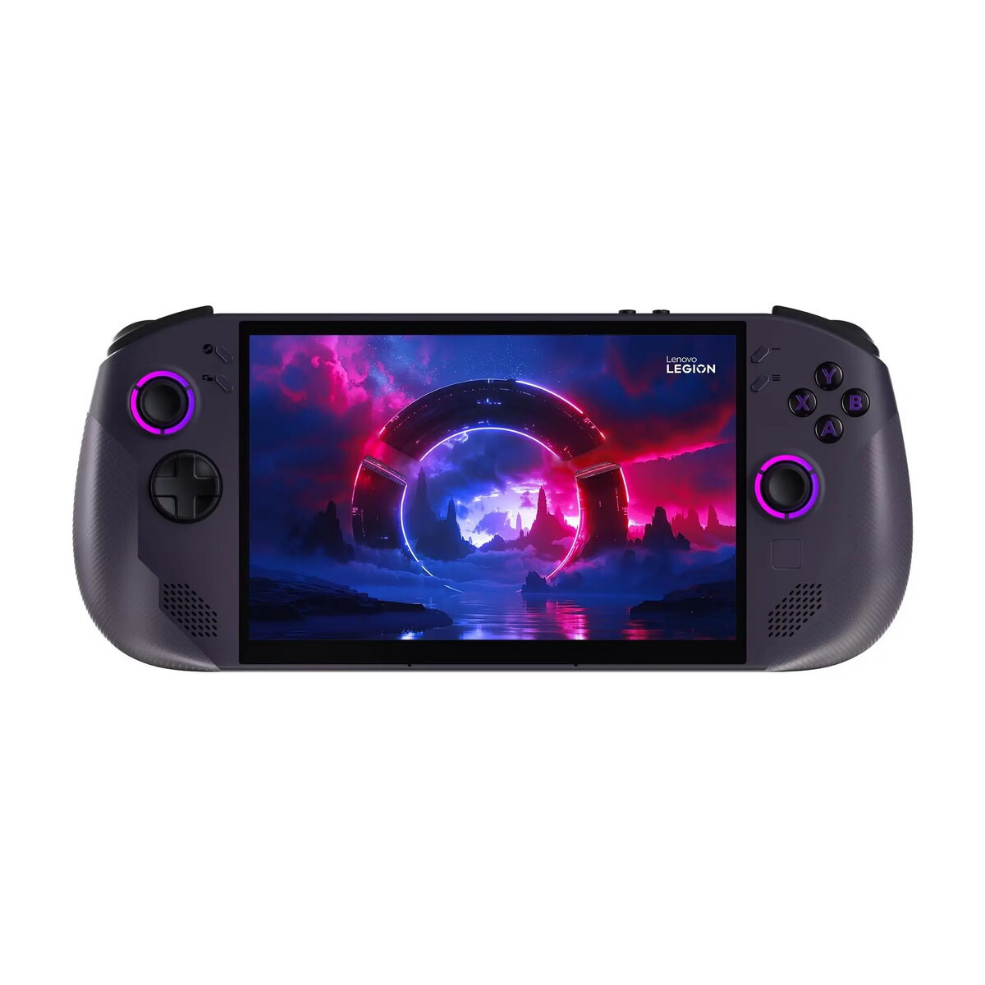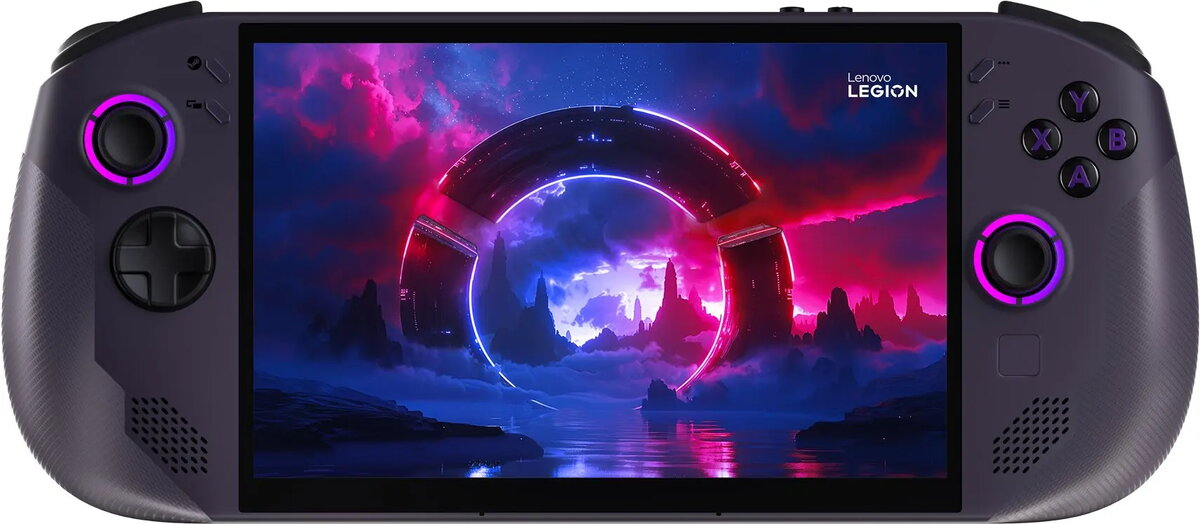
Gaming Console Lenovo Legion Go S8

SKU: 11463388

Apple Shopping Event

Hurry and get discounts on all Apple devices up to 20%

Sale_coupon_20

724,99 

  • Free shipping €100
  • 30 day return
  • Warranty 1 year

Description

The Lenovo Legion Go S8 is a portable gaming console equipped with an AMD Ryzen Z1 Extreme processor, 16GB of RAM and 512GB of internal storage, running on SteamOS. Designed to combine desktop-class performance with handheld convenience, the device supports a wide library of PC games available through SteamOS and local installations. Its hardware configuration targets demanding titles and multitasking, while the compact form factor allows gaming away from a fixed desk.

Advantages

The Legion Go S8 delivers a high-performance AMD Ryzen Z1 Extreme CPU paired with 16GB of RAM, which reduces loading times and supports smooth frame rates in demanding games. The 512GB internal storage provides space for a sizable game library and quick access to installed titles. Running SteamOS ensures compatibility with a large number of PC games and an interface optimized for controller-based play. The console’s portable design balances battery life and cooling to enable extended play sessions outside of a stationary setup.

Suitable for

  • Playing modern PC games on a portable device
  • Streaming and running games from SteamOS libraries
  • Travel and commute gaming where a compact console is needed
  • Local multiplayer sessions with detachable or integrated controllers

Key specifications

  • Processor: AMD Ryzen Z1 Extreme
  • Memory: 16GB RAM
  • Storage: 512GB internal storage
  • Operating system: SteamOS
  • Form factor: Portable handheld console

How to use

Power on the console and complete the initial SteamOS setup using the on-screen prompts to sign in to your account and configure network settings. Install or access games from your Steam library, manage storage from the system settings, and adjust display or performance options per title if available. Attach or detach controllers if the model supports modular input devices, and use the built-in controls for single-player or local multiplayer sessions. Regularly update system software and game clients through SteamOS to maintain compatibility and performance.

Usage recommendations

For best performance, ensure adequate ventilation during extended play, keep system firmware and SteamOS updated, and manage installed games to maintain free storage space. Use a reliable power source or power bank compatible with the console’s charging specifications when playing on the go.

Overview