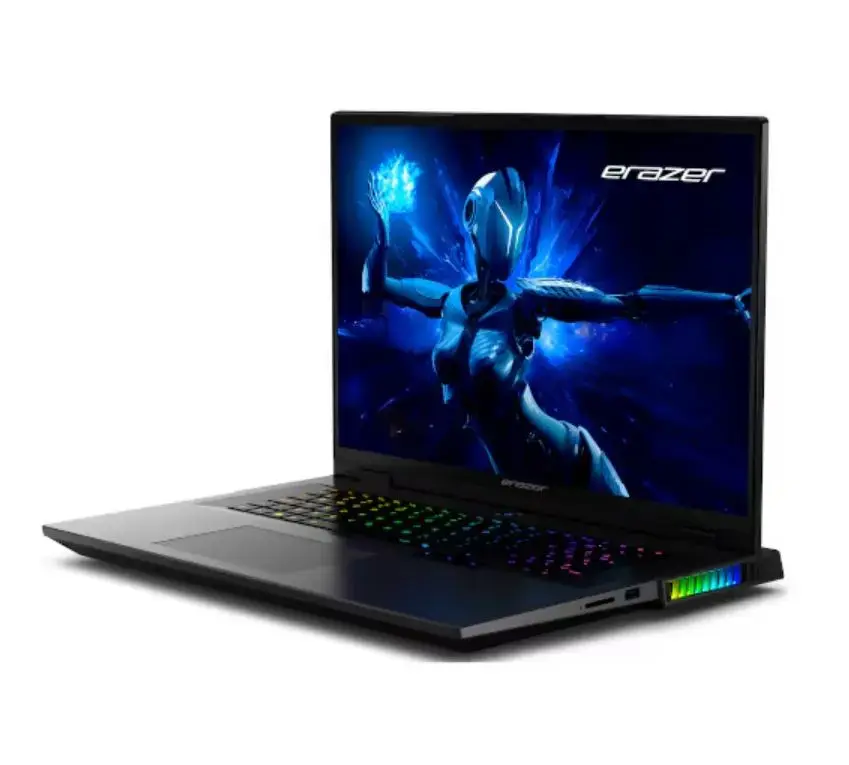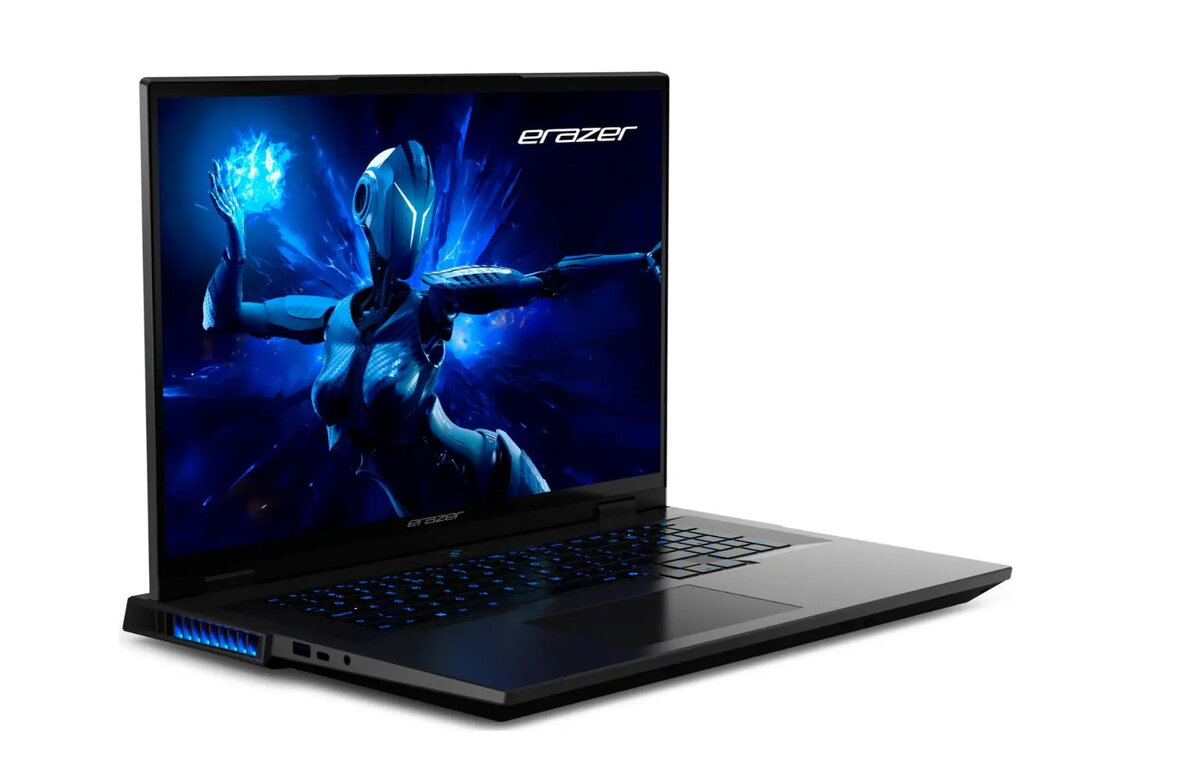
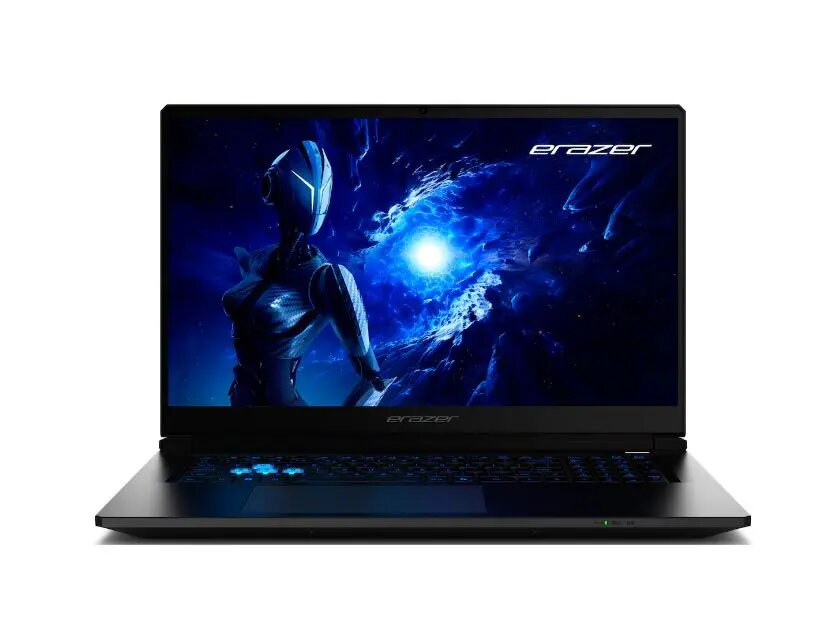
Laptop Erazer Beast 18 X1 18″ QHD+ Core Ultra 9 275HX 32GB 2TB SSD RTX 5080 Win11

SKU: 11481360

Apple Shopping Event

Hurry and get discounts on all Apple devices up to 20%

Sale_coupon_20

4.306,99 

  • Free shipping €100
  • 30 day return
  • Warranty 1 year

Description

The Erazer Beast 18 X1 is a high-end MEDION laptop designed for demanding gaming and professional workloads. It features an 18″ QHD+ display, an Intel Core Ultra 9 275HX processor, 32GB of RAM and a 2TB SSD. Graphics are handled by an NVIDIA RTX 5080 GPU and the system ships with Windows 11 pre-installed, providing a current software environment for games, creative applications and multitasking.

Advantages

The combination of a large 18″ QHD+ screen and an RTX 5080 GPU delivers detailed visuals and high frame-rate potential for modern games and graphically intensive applications. A Core Ultra 9 275HX processor and 32GB of RAM enable smooth multitasking and fast application response. A 2TB SSD provides substantial fast storage for games, media libraries and project files, while Windows 11 ensures compatibility with the latest drivers and features.

Suitable for

  • High-performance gaming at QHD+ resolution
  • 3D rendering and GPU-accelerated creative workflows
  • Software development and virtualization with large memory requirements
  • Video editing, color grading and multimedia production
  • Everyday productivity with demanding multitasking

Key specifications

  • Display: 18″ QHD+
  • Processor: Intel Core Ultra 9 275HX
  • Memory: 32GB RAM
  • Storage: 2TB solid-state drive (SSD)
  • Graphics: NVIDIA RTX 5080 GPU
  • Operating system: Windows 11

How to use

Unbox the laptop, connect the power adapter and perform the initial Windows 11 setup to configure user accounts and network settings. Install the latest GPU and chipset drivers from official sources to ensure optimal performance. Use included or trusted game clients and creative software installers to restore or install applications from backups or digital libraries. For demanding tasks such as gaming or rendering, connect to a stable power source and monitor system temperatures during prolonged high load.

Usage recommendations

Keep drivers and Windows updates current, use quality cooling surfaces or a laptop stand for prolonged high-performance sessions, and maintain backups of important data due to high-capacity storage usage.

Overview