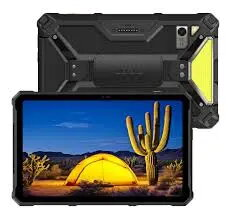
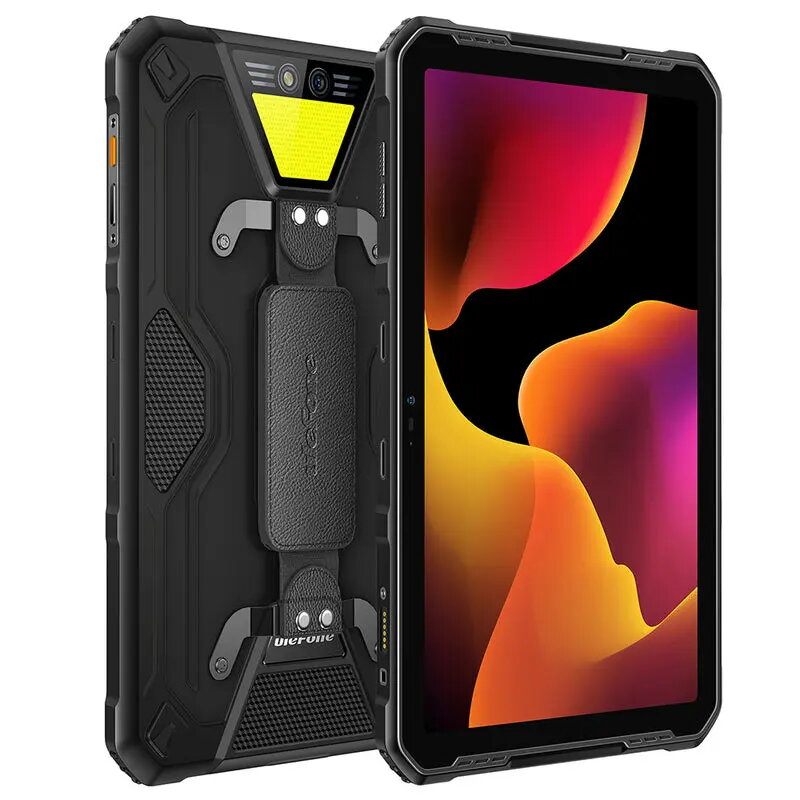
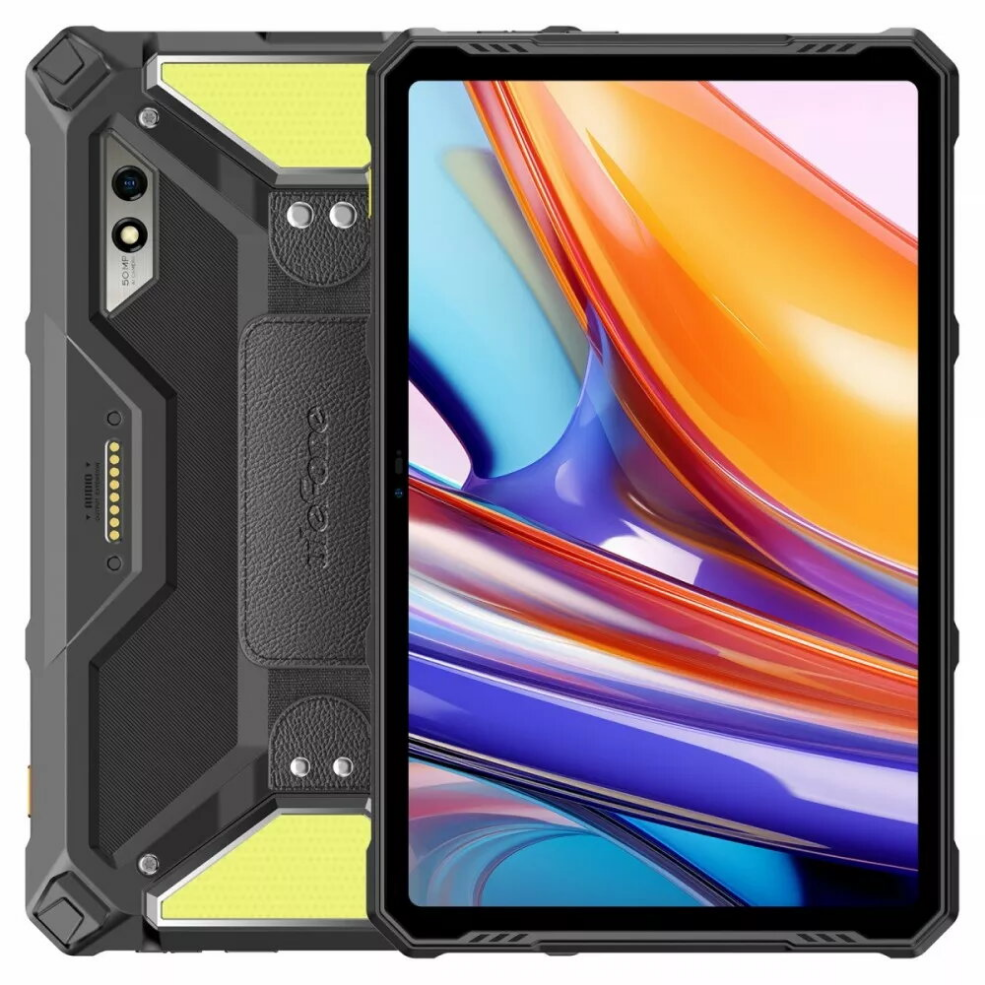
The UleFone Armor Pad 3 Pro is a rugged 10.36-inch tablet designed for users who need a balance of performance and durability. It runs Android and is powered by an octa-core processor paired with 8GB of RAM and 256GB of internal storage, offering smooth multitasking and generous space for apps, media, and work files. The tablet’s robust construction makes it suitable for use in demanding environments while the large display delivers clear visuals for streaming, browsing, and productivity tasks.
Advantages
High memory and storage capacity enable fluid multitasking and local file storage without immediate need for external media. The octa-core processor provides reliable day-to-day performance for common applications, web browsing, and media playback. The 10.36-inch display offers comfortable screen real estate for reading, watching videos, and using productivity apps. Rugged construction increases resistance to shocks and environmental exposure compared with standard consumer tablets.
Suitable for
- Fieldwork and outdoor use where increased durability is required
- Multitasking and productivity tasks such as email, document editing and browsing
- Media consumption including video streaming and photo viewing
- Storage-heavy use cases like offline libraries, large app collections, and multimedia archives
Key specifications
- Display size: 10.36 inches
- Processor: Octa-core CPU
- System memory: 8 GB RAM
- Internal storage: 256 GB
- Operating system: Android
- Design: Rugged construction for enhanced durability
How to use
Power on the tablet using the dedicated power button and complete the initial Android setup by connecting to Wi‑Fi and signing into a Google account if desired. Install apps from the Google Play Store according to your needs, organize the home screen, and adjust display and performance settings in the system menu. Use the touchscreen for navigation and compatible accessories if required. Regularly back up important data to cloud storage or external media to preserve files and settings.
Usage recommendations
For reliable operation in outdoor or industrial environments, use a protective case or mount designed for rugged tablets, keep the software updated to the latest Android security patches, and maintain regular backups of critical data. When storing large amounts of media, consider using cloud synchronization or external backup to prevent data loss.




 Free shipping €100
 30 day return
 Warranty 1 year

 Overview