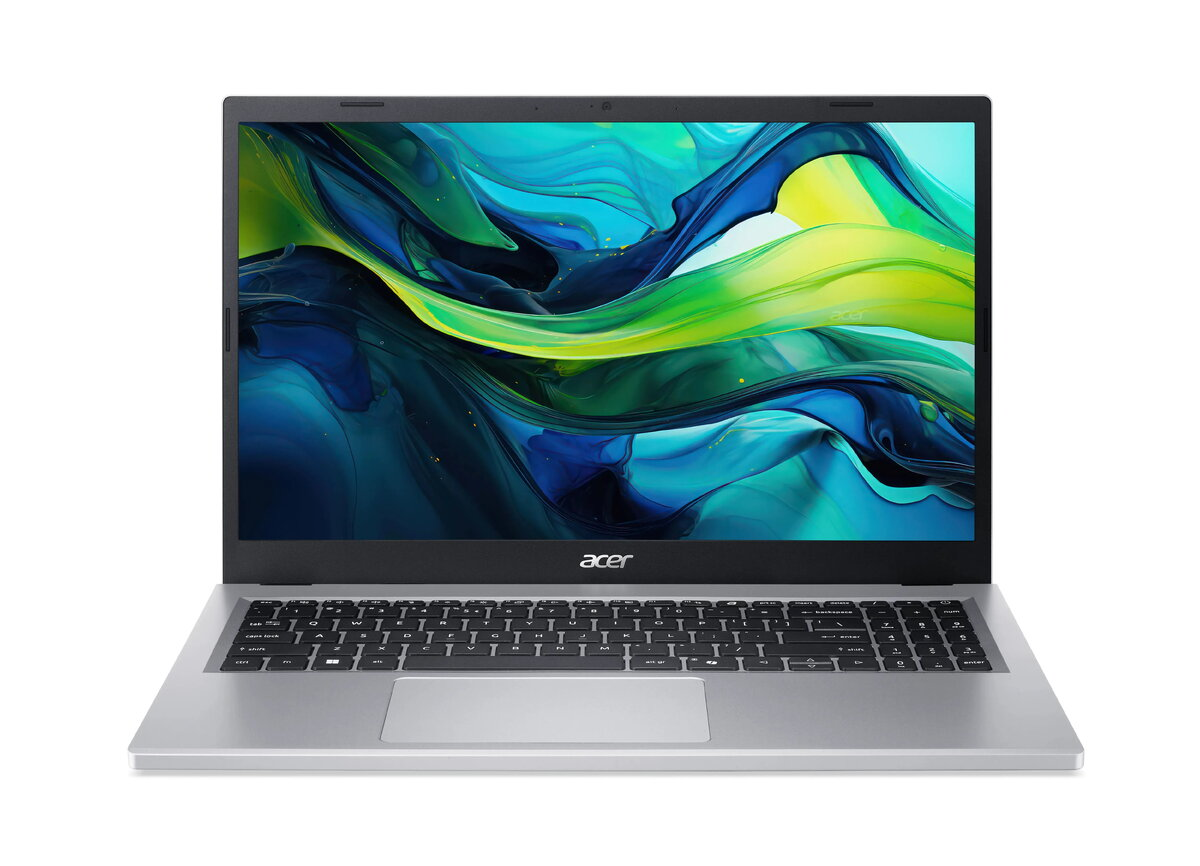
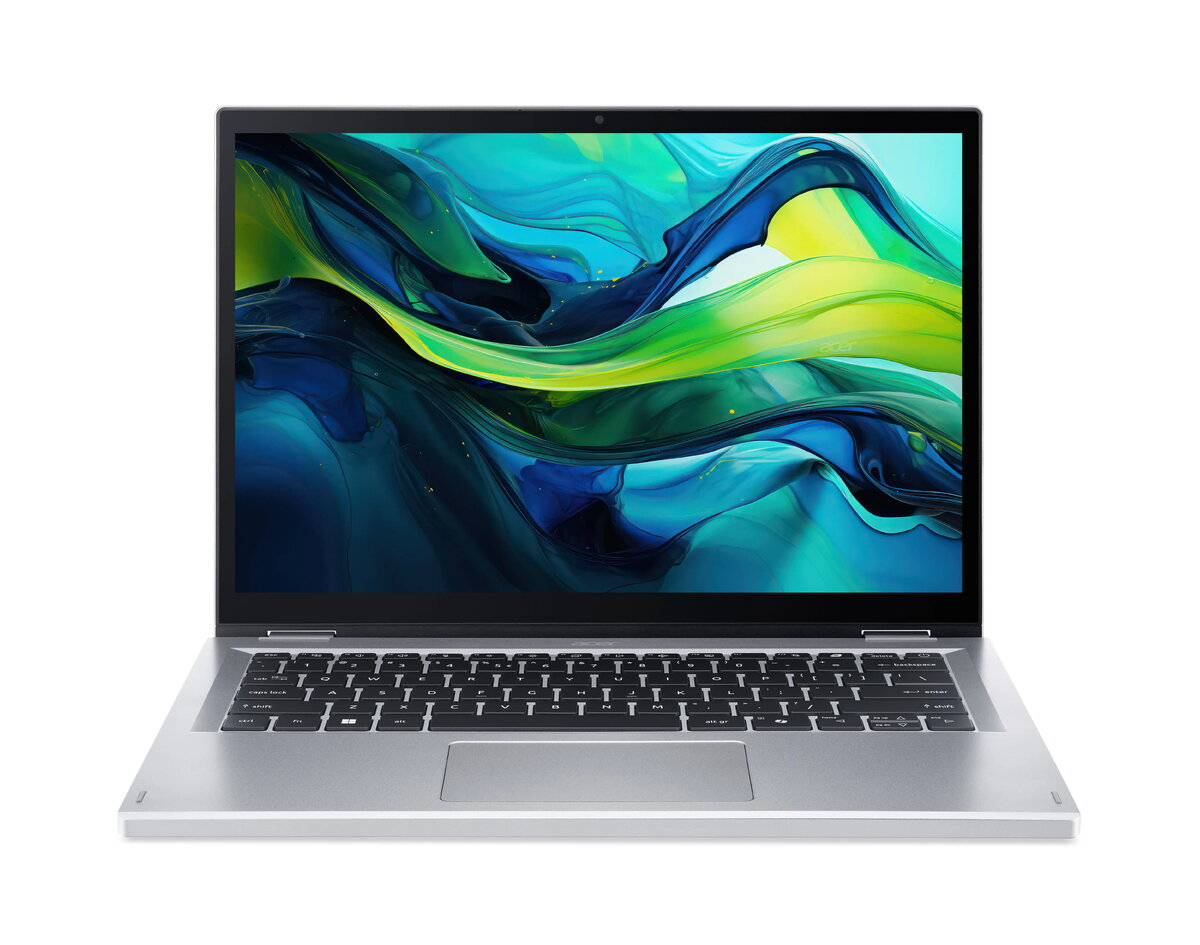
The Acer Aspire Go Spin 14 AGSP14-31PT is a 14-inch convertible laptop designed for flexible everyday computing. Powered by an Intel N-series N355 processor, with 8GB of RAM and a 512GB NVMe SSD, it runs Windows 11 Home and uses integrated Intel Graphics. The flip-design display enables laptop, tent, stand and tablet modes, supporting both productivity and media consumption in compact form.
Advantages
The combination of an energy-efficient Intel N355 processor and fast NVMe storage provides responsive performance for web browsing, office applications and multimedia playback while maintaining good battery life. The 14-inch form factor balances portability and screen area, and the convertible hinge increases usability across different tasks. Integrated Intel Graphics handles everyday visual tasks without requiring a discrete GPU, and the included 8GB RAM allows comfortable multitasking for standard workloads.
Suitable for
- Office and productivity applications (documents, spreadsheets, email)
- Web browsing, video streaming and social media
- Remote learning and video conferencing
- Light multitasking and everyday home use
- Portable use cases where convertible modes are beneficial (presentations, reading)
Key specifications
- Display: 14-inch convertible touchscreen (flip-design)
- Processor: Intel N-series N355
- Memory: 8 GB RAM
- Storage: 512 GB NVMe SSD
- Graphics: Integrated Intel Graphics
- Operating system: Windows 11 Home
- Form factor: Convertible laptop supporting laptop, tent, stand and tablet modes
How to use
Start the device and complete the Windows 11 Home initial setup by creating or signing into a Microsoft account and configuring system preferences. Use the convertible hinge to switch between laptop and tablet modes depending on the task: choose laptop mode for typing and productivity, tent or stand mode for presentations and media playback, and tablet mode for touch-based interaction and note-taking. Store files on the onboard 512GB NVMe SSD for fast access, and use built-in connectivity options for peripherals and displays.
Usage recommendations
For consistent performance, keep the operating system and drivers up to date via Windows Update. Use power profiles to balance battery life and performance, and consider cloud backup or an external drive for additional file redundancy. When using the device in tablet mode, handle the touchscreen carefully and use a protective case if transported frequently.




 Free shipping €100
 30 day return
 Warranty 1 year

 Overview