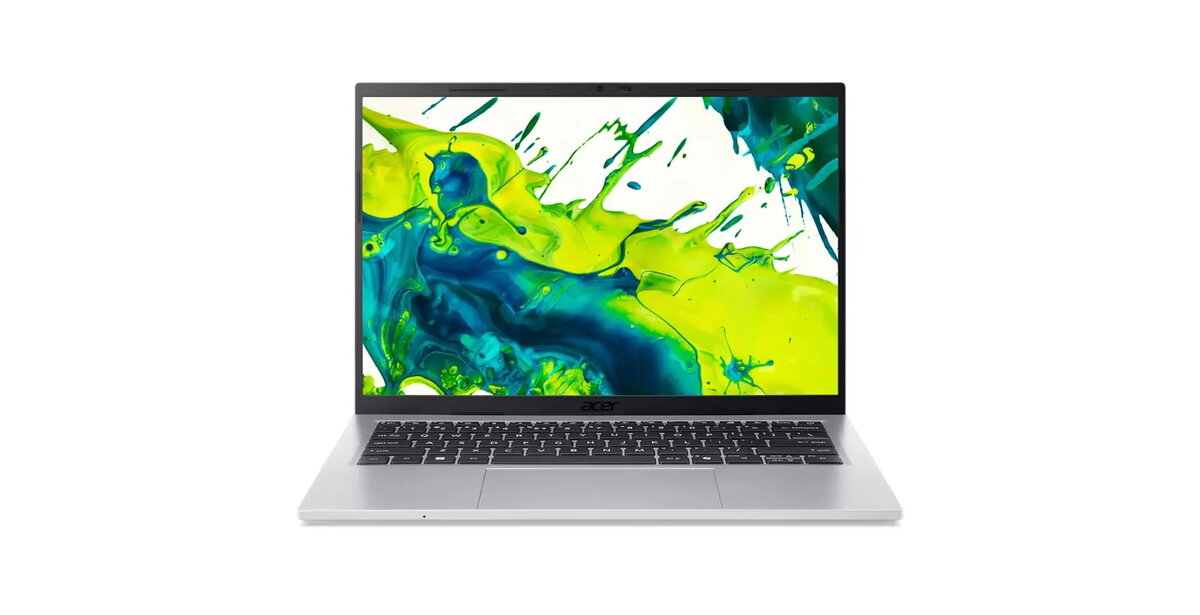
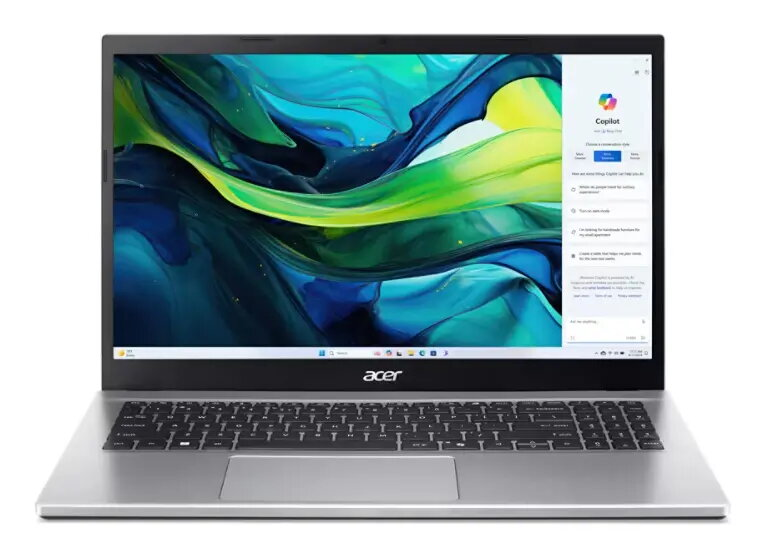
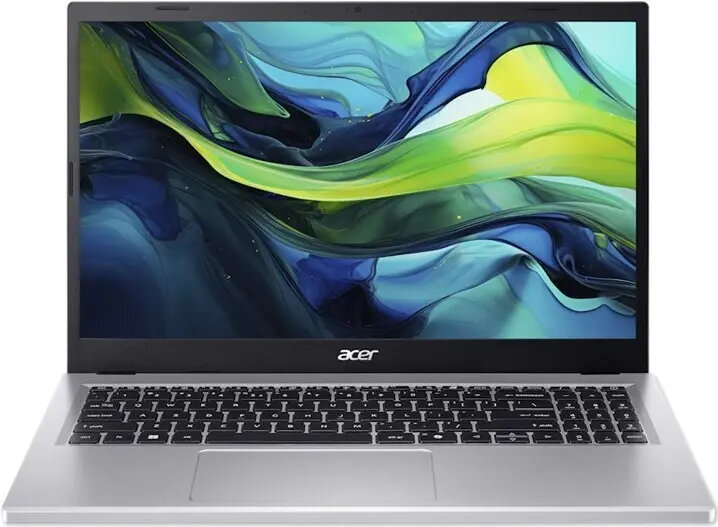
The Acer Aspire NX.JD9EG.00E 15.6″ notebook combines a 15.6-inch display with an Intel Core i5 processor, integrated or dedicated graphics, and a configuration designed for everyday multitasking. This laptop offers a balance of processing power, memory capacity and storage to handle office applications, web browsing, streaming and light content creation. The chassis features a slim profile and practical connectivity suited to home and office environments.
Advantages
The Core i5 processor delivers responsive performance for common productivity tasks and multimedia playback. A sufficient amount of RAM ensures smoother multitasking and faster application switching. The storage subsystem provides ample space for documents, media and applications while allowing quick access to frequently used files. The 15.6″ screen size gives a comfortable viewing area for spreadsheets, presentations and video content, and the laptop includes standard ports for connecting external drives, displays and peripherals.
Suitable for
- Office productivity and document editing
- Web browsing, email and video conferencing
- Streaming video and casual multimedia consumption
- Light photo editing and content creation
- Students and remote learning
Key specifications
- Display: 15.6-inch diagonal screen suitable for everyday use
- Processor: Intel Core i5-class CPU for mid-range performance
- Memory: Sufficient RAM capacity for multitasking
- Storage: Hard disk drive providing large capacity storage
- Graphics: Integrated or entry-level dedicated GPU suitable for multimedia and light graphics tasks
- Operating system: Preinstalled OS for immediate use
- Connectivity: Standard ports for peripherals and external displays
How to use
Power on the notebook using the main power button, complete the initial operating system setup and connect to a Wi‑Fi network or wired Ethernet as needed. Install required productivity software and antivirus protection, then transfer personal files to the internal storage or an external drive. Adjust display brightness and power settings to balance performance and battery life. For reliable daily use, keep the operating system and drivers up to date through the system update tools provided by the manufacturer.
Usage recommendations
For optimal performance, use the notebook on a hard, flat surface to ensure adequate ventilation, periodically clean vents from dust and consider using an external SSD or cloud storage if faster file access is required. Regular backups are recommended to protect important data.




 Free shipping €100
 30 day return
 Warranty 1 year

 Overview