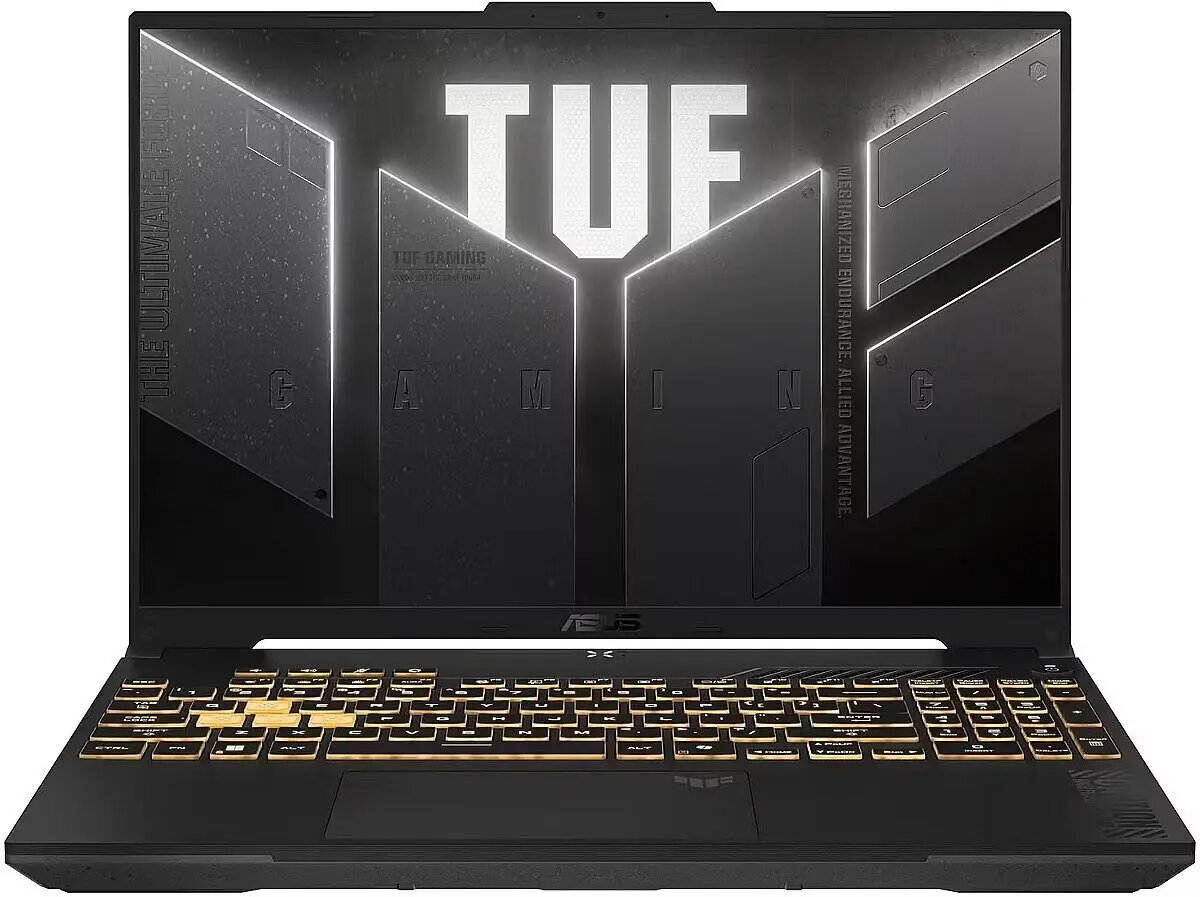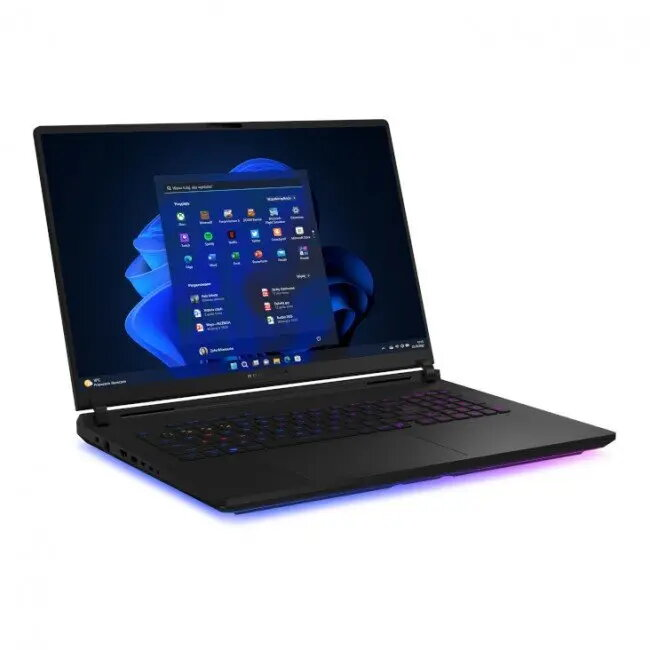
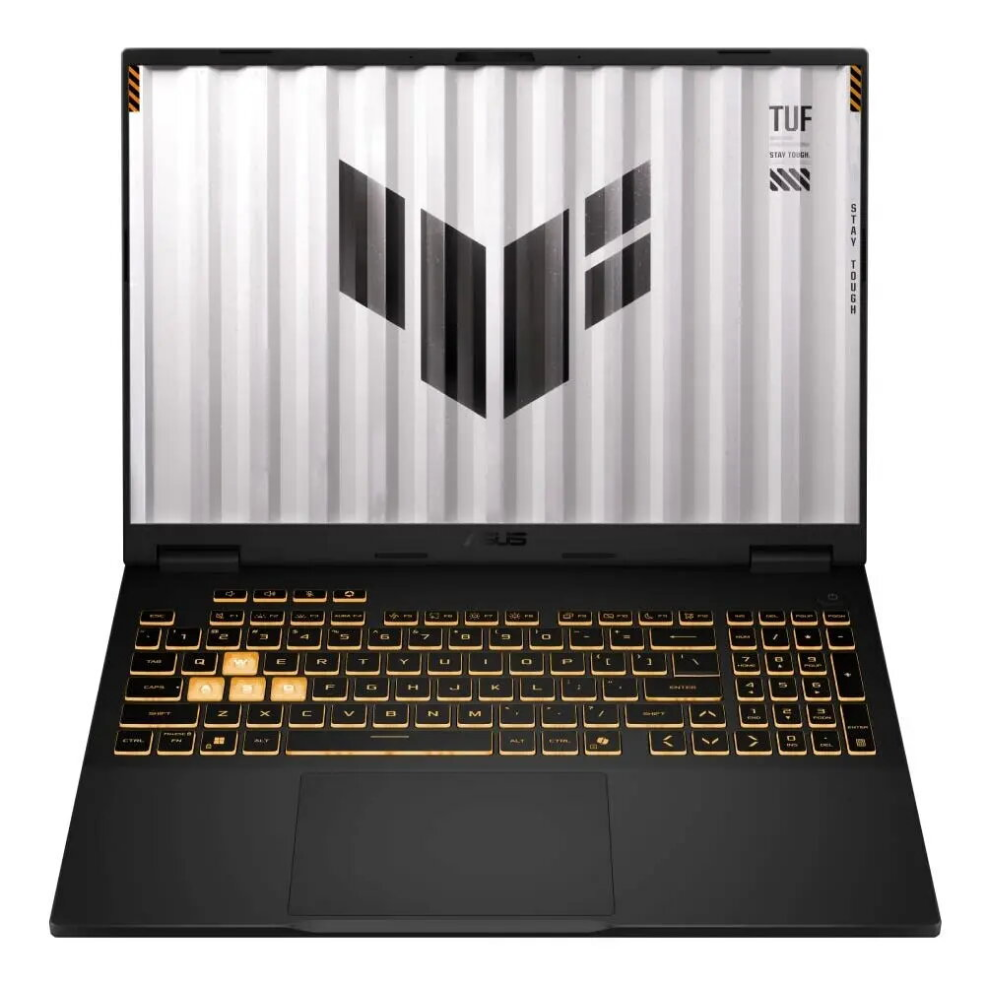
Laptop ASUS TUF Gaming F16 FX607VJ-RL001W — Core 5-210H, 16″ 144Hz, 32GB RAM, 1TB + 1TB, Windows 11 Home, RTX 3050

SKU: 11682072

Apple Shopping Event

Hurry and get discounts on all Apple devices up to 20%

Sale_coupon_20

1.295,99 

  • Free shipping €100
  • 30 day return
  • Warranty 1 year

Description

ASUS TUF Gaming F16 FX607VJ-RL001W is a 16-inch gaming laptop equipped with an Intel Core 5-210H processor and an NVIDIA GeForce RTX 3050 graphics card with 6 GB of dedicated memory. The model features a 144 Hz display for smoother motion, 32 GB of RAM for multitasking and demanding applications, and two 1 TB SSDs for fast storage and reduced load times. Windows 11 Home is preinstalled, providing current system features and compatibility with modern software and games.

Advantages

The combination of an Intel Core 5-210H CPU and NVIDIA GeForce RTX 3050 GPU delivers balanced performance for gaming and content creation. A 144 Hz panel reduces motion blur and improves responsiveness during fast-paced scenes. Large 32 GB memory capacity supports simultaneous running of multiple applications, while dual 1 TB SSDs provide ample, high-speed storage and allow separate drives for system and user files. Built-in Windows 11 Home ensures out-of-the-box access to the latest system optimizations and security features.

Suitable for

  • Playing modern and eSports titles at medium to high settings
  • Photo and video editing, basic 3D work and rendering tasks
  • Multitasking: streaming, browser tabs, office work and background processes
  • Students and professionals who need a portable performance laptop

Key specifications

  • Display: 16-inch IPS, 144 Hz refresh rate
  • Processor: Intel Core 5-210H
  • Graphics: NVIDIA GeForce RTX 3050 with 6 GB VRAM
  • Memory: 32 GB RAM
  • Storage: two 1 TB SSDs (NVMe performance depending on configuration)
  • Operating system: Windows 11 Home preinstalled
  • Connectivity: Wi-Fi and Bluetooth (standard supported wireless features)

How to use

Unpack the laptop and connect the power adapter for initial setup. Follow the Windows 11 Home on-screen prompts to complete account setup and system updates. Install required game clients, creative software or productivity applications. Use the high-refresh-rate display settings in the graphics control panel or in-game menus to enable 144 Hz; adjust power profiles when switching between performance and battery-saving modes. Store large projects or games across the dual SSDs as preferred to balance speed and organization.

Usage recommendations

For consistent gaming performance, ensure the system firmware and graphics drivers are kept up to date. Use a balanced cooling surface and avoid blocking ventilation during extended sessions. When performing heavy content-creation tasks, select the performance power profile and consider using external storage or backup solutions for critical data.

Overview