



-
 Free shipping €100
-
 30 day return
-
 Warranty 1 year
 Free shipping €100
30 day return
Warranty 1 year
Free shipping €100
30 day return
Warranty 1 year
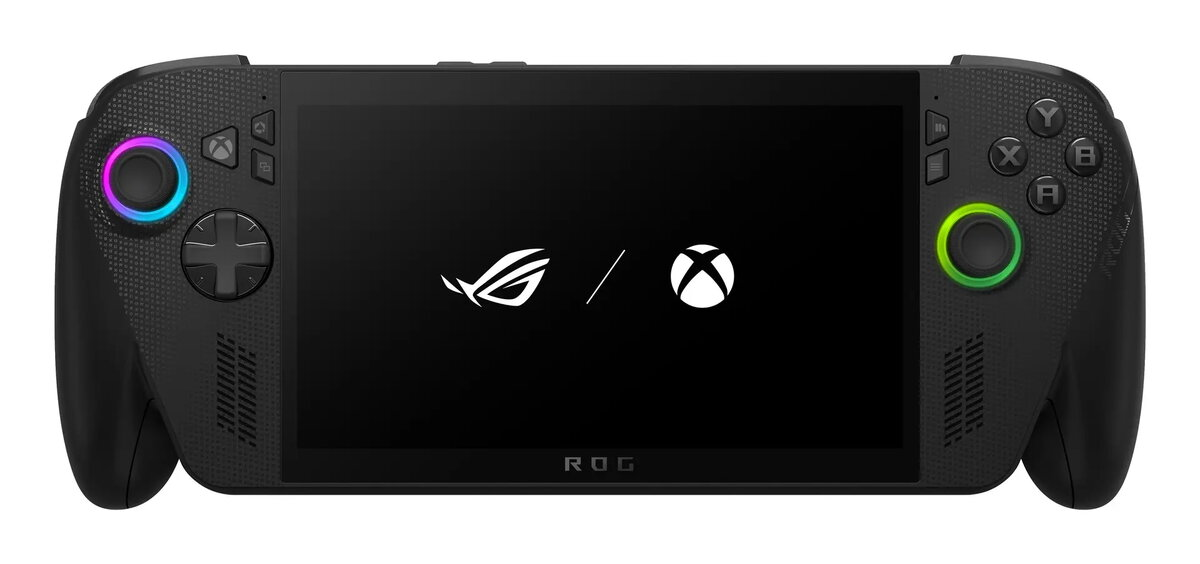
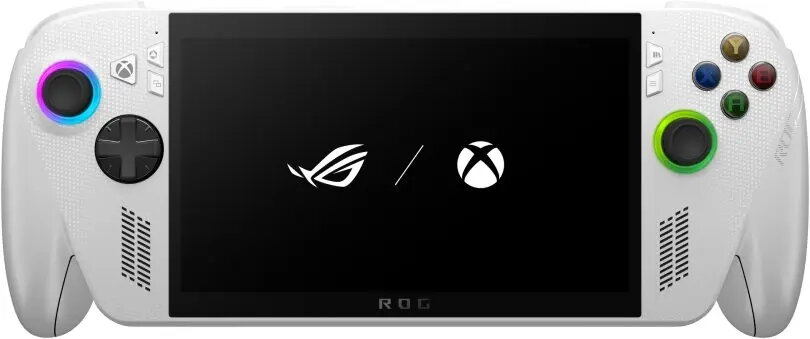
The ASUS ROG Ally RC73YA-NH002W is a handheld Windows-based gaming console featuring a 7″ IPS-level 1920×1080 multi-touch display with a 120 Hz refresh rate and up to 500 cd/m² peak brightness. It is powered by an AMD Ryzen Z2 A processor (4 cores / 8 threads, boost to 3.8 GHz) with integrated AMD Radeon Graphics, 16 GB LPDDR5 memory and a 512 GB PCIe 4.0 M.2 SSD. The unit includes a built-in 60 Wh Li‑Ion battery with 65 W USB-C Power Delivery charging, Wi‑Fi 6E and Bluetooth 5.2, stereo speakers, gyroscope and a fingerprint reader. The console is presented in white, integrates analogue control sticks, a D‑pad and shoulder buttons, and supports expandable storage via microSD.
The ROG Ally combines a high-refresh IPS-level touchscreen and a capable AMD Ryzen Z2 A platform to deliver native PC gaming performance in a portable form factor. Fast LPDDR5 memory and a PCIe 4.0 SSD reduce loading times and support smoother multitasking. Long battery capacity with USB-C PD charging ensures extended play sessions and convenient recharging. Built-in Wi‑Fi 6E and Bluetooth 5.2 provide low-latency wireless connectivity for online gaming and accessories. The compact control layout, including analogue thumbsticks, D‑pad and shoulder buttons, supports precise input for a wide range of games.
Charge the device using a compatible USB-C Power Delivery charger rated for 60–65 W before first use. Power on the console and follow the Windows 11 setup prompts to configure language, network and user accounts. Install games via your preferred PC storefronts or add titles from a library; for cloud gaming, sign in to the streaming service and connect to a stable Wi‑Fi 6E network. Use the analogue sticks, D‑pad and shoulder buttons for gameplay control and adjust display refresh rate and performance settings in the system or ROG control utilities to balance battery life and frame rates. Expand storage with a microSD card or swap the M.2 SSD where supported by service technicians or authorized providers.
For optimal performance and battery life, enable Wi‑Fi 6E where available, keep drivers and Windows updates current, and select game-specific performance modes. Use a USB‑C charger that meets the specified 60–65 W PD requirement to ensure correct charging speed. Dispose of the device and its battery following local electronic waste regulations.

 Overview
No account yet?
Create an Account