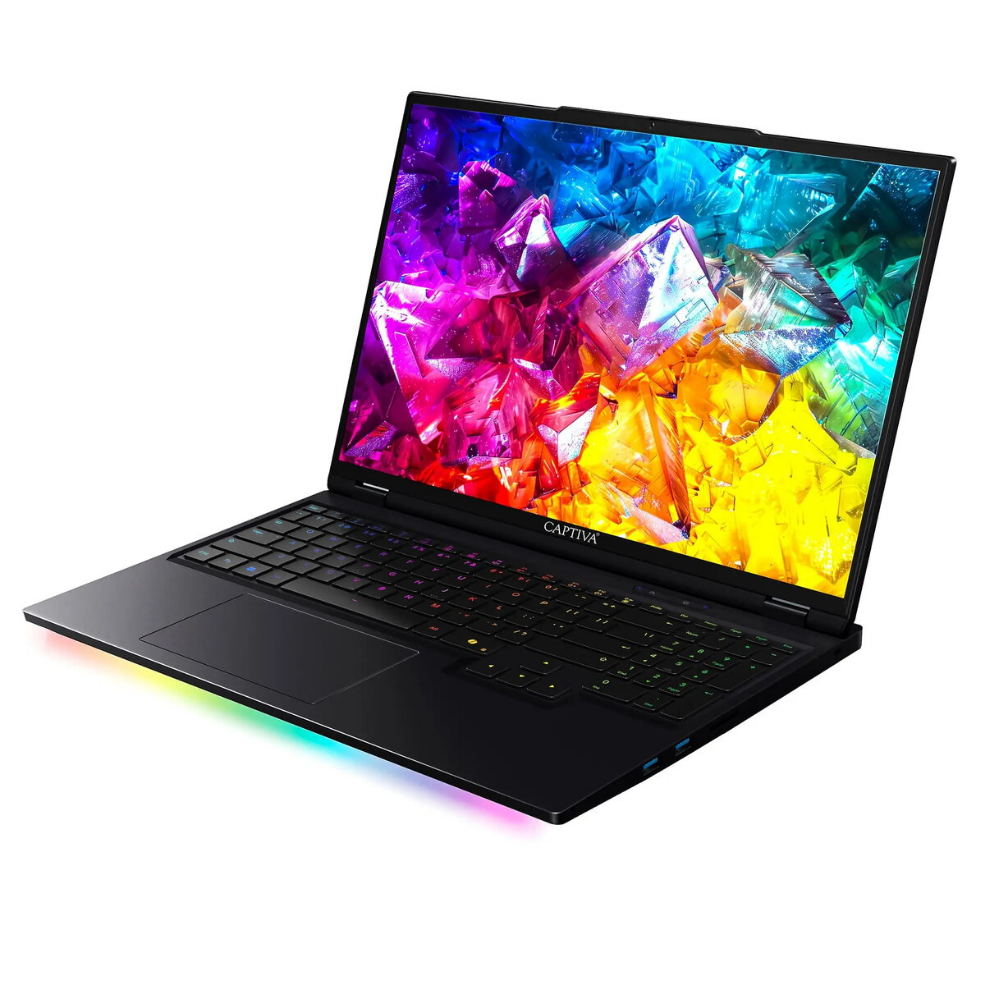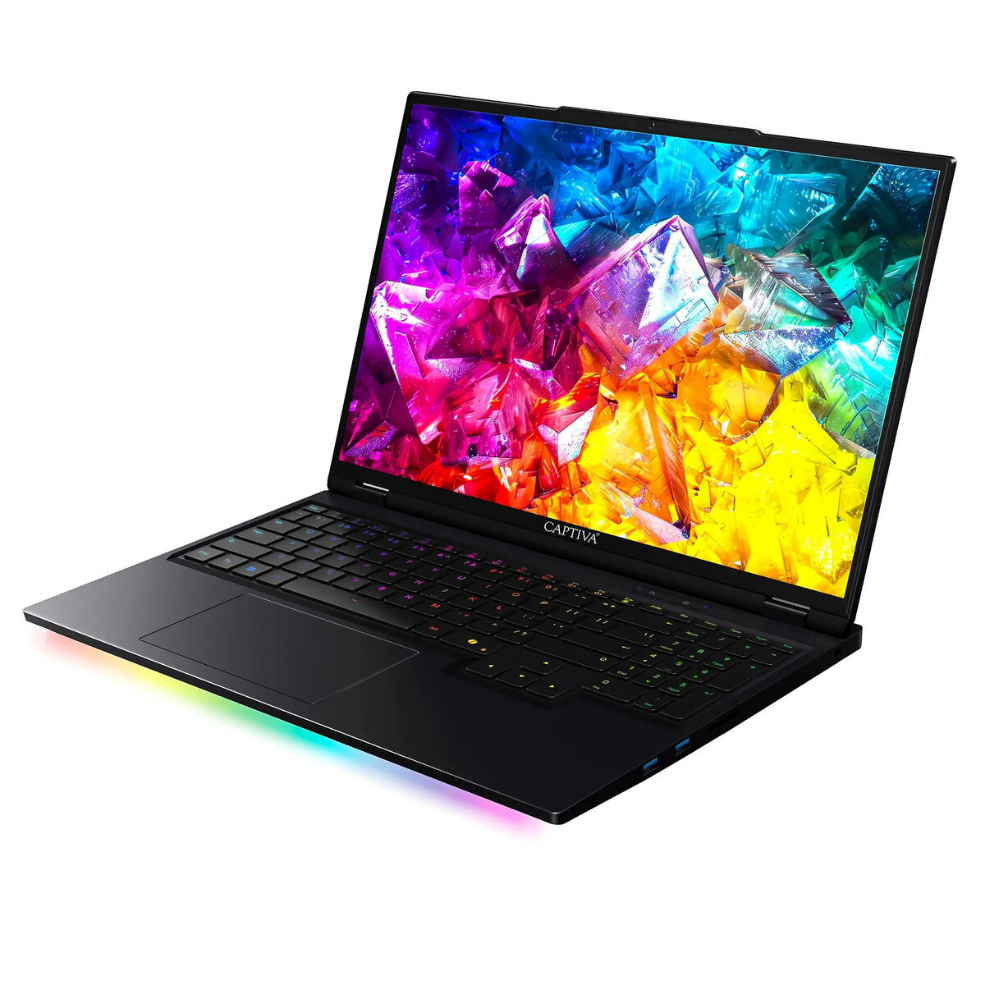
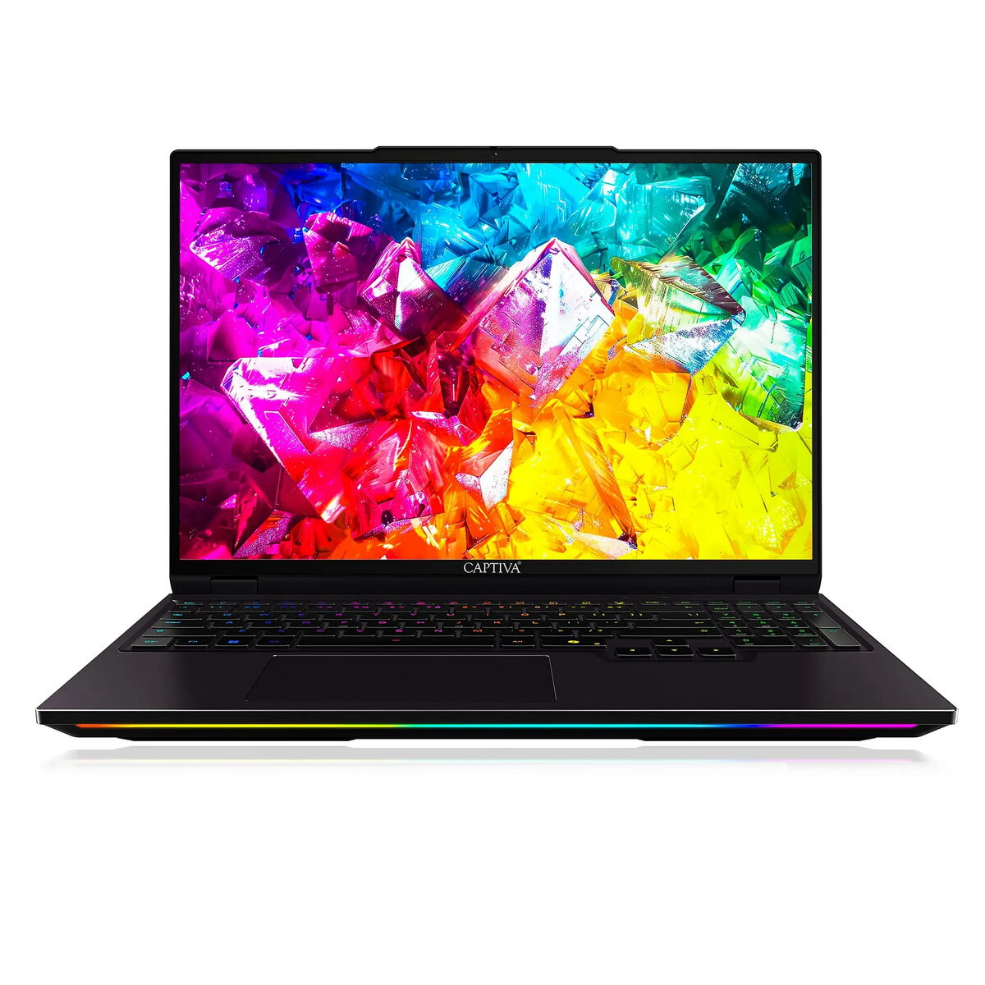
Laptop Captiva Captiva Notebook Ultimate Gaming I92-049 16.0 8GB 2TB SSD GeForce RTX5090 24GB Win 11 Home

SKU: 11548120

Apple Shopping Event

Hurry and get discounts on all Apple devices up to 20%

Sale_coupon_20

4.106,99 

  • Free shipping €100
  • 30 day return
  • Warranty 1 year

Description

The Captiva Notebook Ultimate Gaming I92-049 is a high-performance gaming laptop with a 16.0-inch display, 8 GB of system memory and a 2 TB solid-state drive. It is equipped with an advanced GeForce RTX5090 graphics solution with 24 GB of dedicated video memory and ships with Windows 11 Home. The combination of a large NVMe SSD and a powerful GPU is designed to deliver fast load times, smooth frame rates and ample storage for large game libraries, multimedia projects and demanding applications.

Advantages

This laptop combines a large-capacity 2 TB SSD and a high-end 24 GB GeForce RTX5090 graphics processor to provide both storage space and raw graphical power. The 16.0-inch screen balances desktop-like visibility with portable dimensions, and Windows 11 Home ensures compatibility with the latest software and gaming platforms. The configuration supports high-resolution gaming, real-time ray tracing workloads and multitasking across multiple applications.

Suitable for

  • High-performance gaming at high settings and high resolutions
  • Content creation workflows such as video editing and 3D rendering
  • Multitasking with many open applications and large data sets
  • Running modern simulation and AI-assisted workloads
  • Storing large game libraries, media collections and project files

Key specifications

  • Display size: 16.0 inches
  • System memory (RAM): 8 GB
  • Primary storage: 2 TB solid-state drive (SSD)
  • Graphics: GeForce RTX5090 with 24 GB dedicated video memory
  • Operating system: Windows 11 Home

How to use

Set up the Captiva Notebook by following the on-screen Windows 11 Home setup prompts to create a user account, configure network settings and apply recommended updates. Install your preferred game clients, drivers and productivity applications; ensure the latest GPU drivers are installed from the graphics vendor to get optimal performance. Use the system settings to adjust display resolution, power profiles and thermal or performance modes according to the workload. Regularly back up important files from the 2 TB SSD to external storage or cloud services to protect data.

Usage recommendations

For sustained gaming sessions and heavy workloads, use balanced or performance power profiles and ensure good ventilation around the laptop. Keep GPU and system drivers up to date, maintain sufficient free space on the SSD for swap and cache files, and monitor temperatures during demanding tasks. When transporting the laptop, use a padded case to protect the 16.0-inch chassis and SSD storage.

Overview