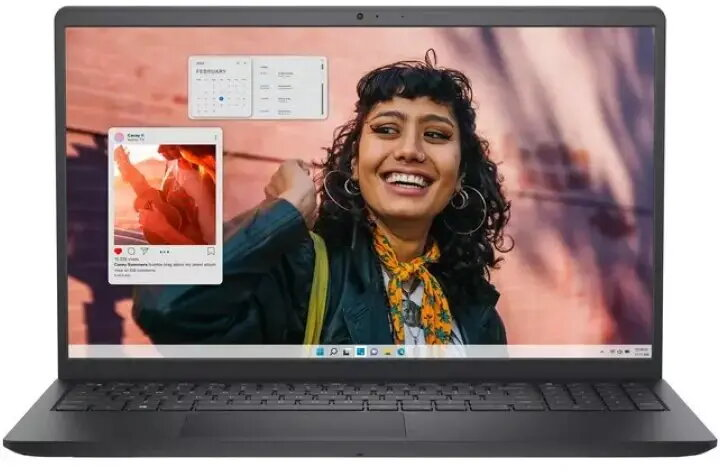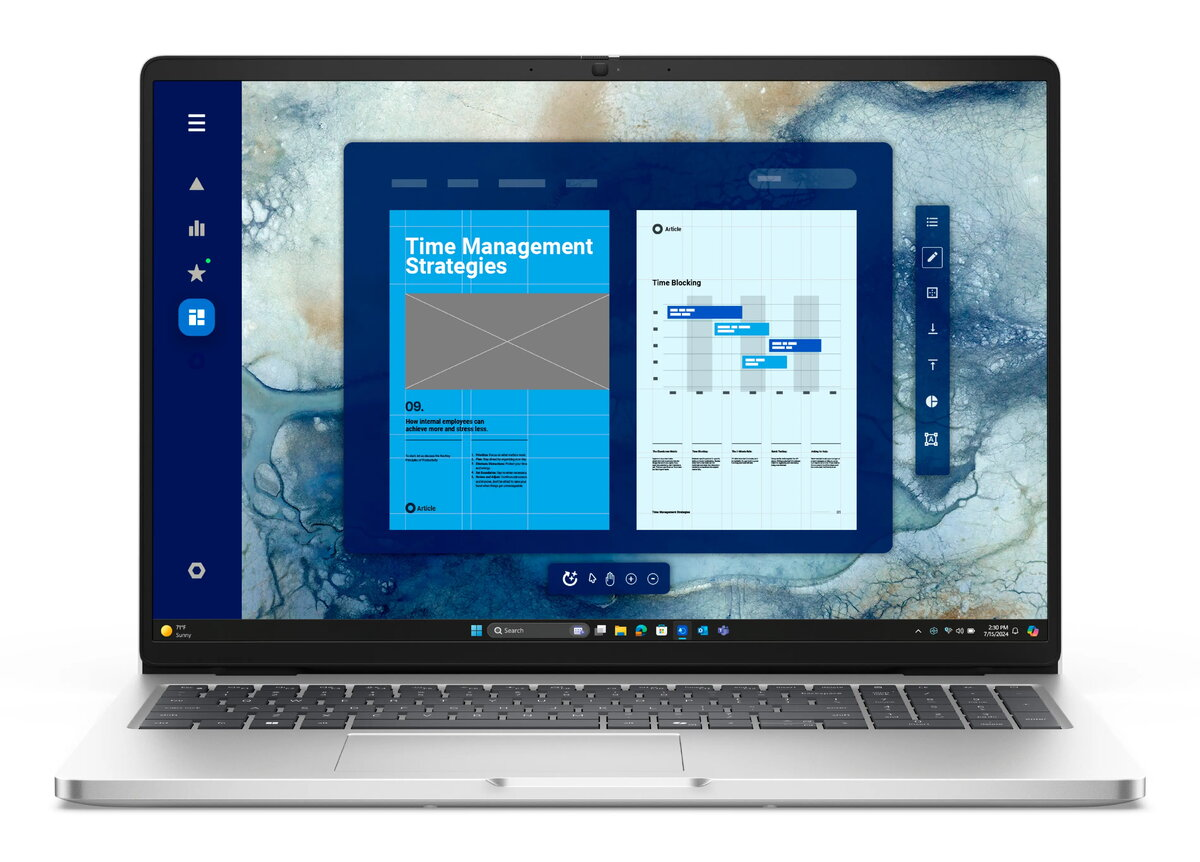
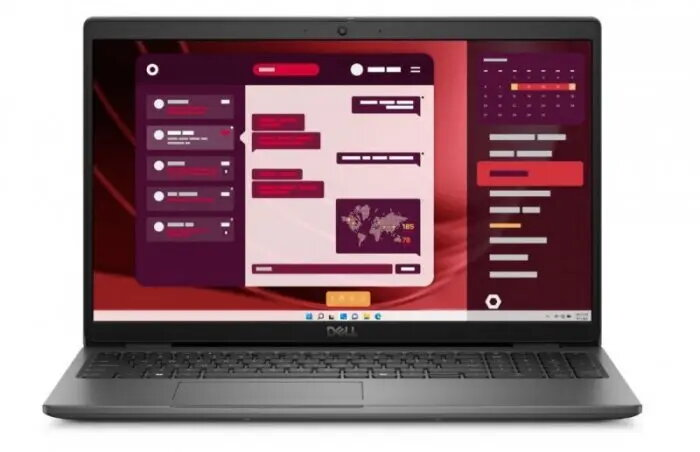
Laptop Dell Inspiron 5440-5463BLK I5440-5463BLKDX — Intel i5-1334U, 14″ WUXGA (1920×1200), 16GB RAM, 512GB SSD, Win 11, Carbon Black

SKU: 11974418

Apple Shopping Event

Hurry and get discounts on all Apple devices up to 20%

Sale_coupon_20

556,99 

  • Free shipping €100
  • 30 day return
  • Warranty 1 year

Description

Dell Inspiron 5440-5463BLK is a 14-inch laptop designed for everyday productivity, multitasking and light content creation. It pairs an Intel Core i5-1334U processor with 16GB of RAM and a 512GB SSD, and runs Windows 11. The 14″ WUXGA (1920×1200) display provides increased vertical workspace in a compact carbon black chassis with Bluetooth connectivity and common ports for office and remote use.

Advantages

The combination of a modern Intel i5-1334U processor and 16GB RAM ensures responsive performance for typical office applications, web browsing and media playback. The 512GB solid-state drive delivers fast boot times and application loading, while the 14″ WUXGA screen offers sharper text and more vertical content compared with standard 16:9 panels. The laptop’s compact size and carbon black finish make it suitable for transport, and preinstalled Windows 11 provides a familiar interface with productivity features and security updates.

Suitable for

  • Office productivity: word processing, spreadsheets, email and video conferencing
  • Study and research: document editing, online classes and note-taking
  • Remote work and travel: lightweight device for carrying between locations
  • Light content creation: photo editing, basic multimedia tasks and presentations
  • Everyday multimedia: streaming, web browsing and casual multitasking

Key specifications

  • Processor: Intel Core i5-1334U
  • Display: 14″ WUXGA (1920 x 1200)
  • Memory: 16GB RAM
  • Storage: 512GB SSD
  • Operating system: Windows 11
  • Color and finish: carbon black chassis
  • Connectivity: Bluetooth and standard laptop ports

How to use

Set up the laptop by connecting the power adapter and completing the Windows 11 initial configuration. Install any required productivity applications and restore files from backups or cloud storage as needed. Use the 14″ WUXGA display for document work and reference material; adjust display scaling and brightness in Windows settings to match personal preference. For best performance, keep the system updated through Windows Update and install antivirus software if required by your organization.

Usage recommendations

For sustained performance during multitasking, avoid filling the SSD completely and close unused applications. Use a protective sleeve or padded bag for transport to protect the carbon black chassis. Regularly create backups of important data to cloud storage or external drives and apply Windows updates to maintain security and compatibility.

Overview