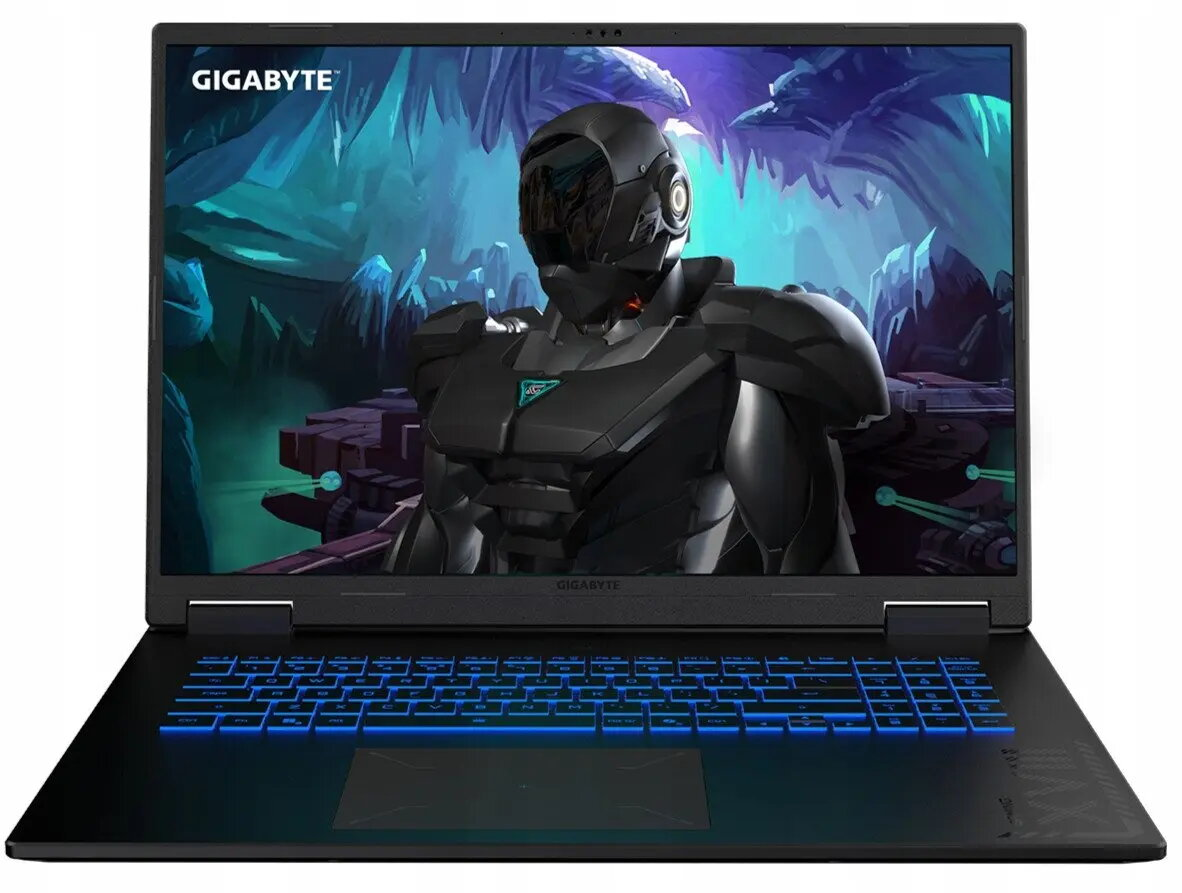
The Gigabyte Gaming A18 3VH is a 15.6-inch gaming laptop designed to deliver high performance for modern games and demanding applications. It combines an AMD Ryzen 7 260 processor with 16 GB of RAM and a 1 TB solid-state drive to provide responsive system performance and fast load times. The GeForce RTX 5060 graphics card supports real-time ray tracing and advanced rendering, while the 165 Hz display offers smoother motion for competitive and immersive gameplay.
Advantages
The laptop offers a balanced combination of processing power, graphics performance and storage capacity suitable for long gaming sessions and content creation. The high-refresh-rate 15.6-inch screen reduces motion blur and improves visual clarity in fast-paced scenes. A 1 TB SSD ensures ample space for games and media while maintaining fast data access. The system configuration supports multitasking and resource-heavy software without significant slowdowns.
Suitable for
AAA and esports gaming at high settings
Video editing and 3D rendering workflows
Software development and virtualization
Everyday multitasking and media consumption
Key specifications
Processor: AMD Ryzen 7 260
Memory: 16 GB RAM
Storage: 1 TB solid-state drive (SSD)
Graphics: NVIDIA GeForce RTX 5060
Display: 15.6-inch panel with 165 Hz refresh rate
Operating system: Preinstalled OS (as configured)
How to use
Power on the laptop using the dedicated power button and complete the initial operating system setup if required. Install necessary drivers and game platforms to ensure the RTX 5060 functions correctly. For best gaming performance, keep the graphics drivers up to date and configure in-game settings according to desired balance between frame rate and visual quality. Use the SSD for installing the operating system and frequently used applications to benefit from faster boot and load times.
Usage recommendations
Operate the laptop on a stable, flat surface to ensure proper cooling; consider using a cooling pad during extended gaming sessions. Regularly update system firmware and drivers, monitor temperatures under load, and maintain adequate free storage space on the SSD to preserve performance and longevity.
Set by payment provider stripe.com to process payments
10 years
Statistics cookies collect information anonymously. This information helps us understand how visitors use our website.
SourceBuster is used by WooCommerce for order attribution based on user source.
Name
Description
Duration
sbjs_session
The number of page views in this session and the current page path
30 minutes
sbjs_udata
Information about the visitor’s user agent, such as IP, the browser, and the device type
session
sbjs_first
Traffic origin information for the visitor’s first visit to your store (only applicable if the visitor returns before the session expires)
session
sbjs_current
Traffic origin information for the visitor’s current visit to your store
session
sbjs_first_add
Timestamp, referring URL, and entry page for your visitor’s first visit to your store (only applicable if the visitor returns before the session expires)
session
sbjs_current_add
Timestamp, referring URL, and entry page for your visitor’s current visit to your store
session
sbjs_migrations
Technical data to help with migrations between different versions of the tracking feature







 Free shipping €100
 30 day return
 Warranty 1 year
